
Texture Projection 툴
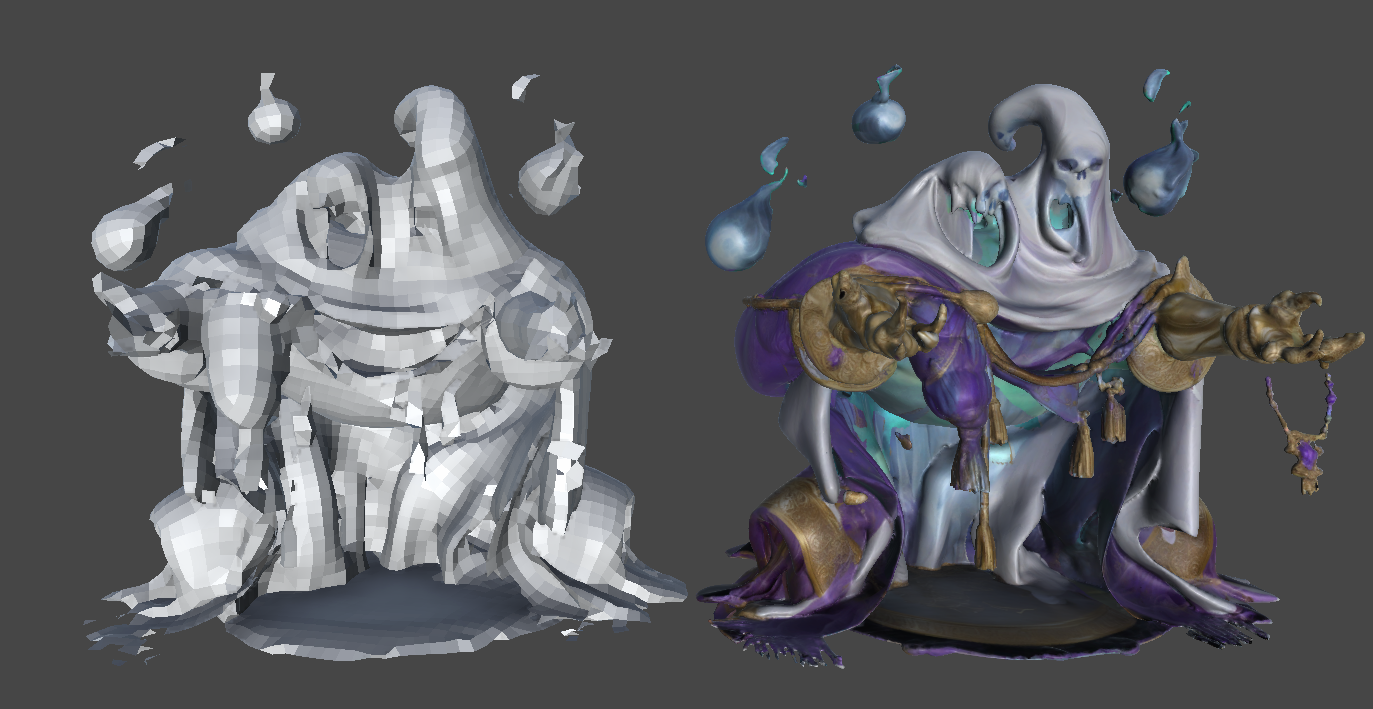
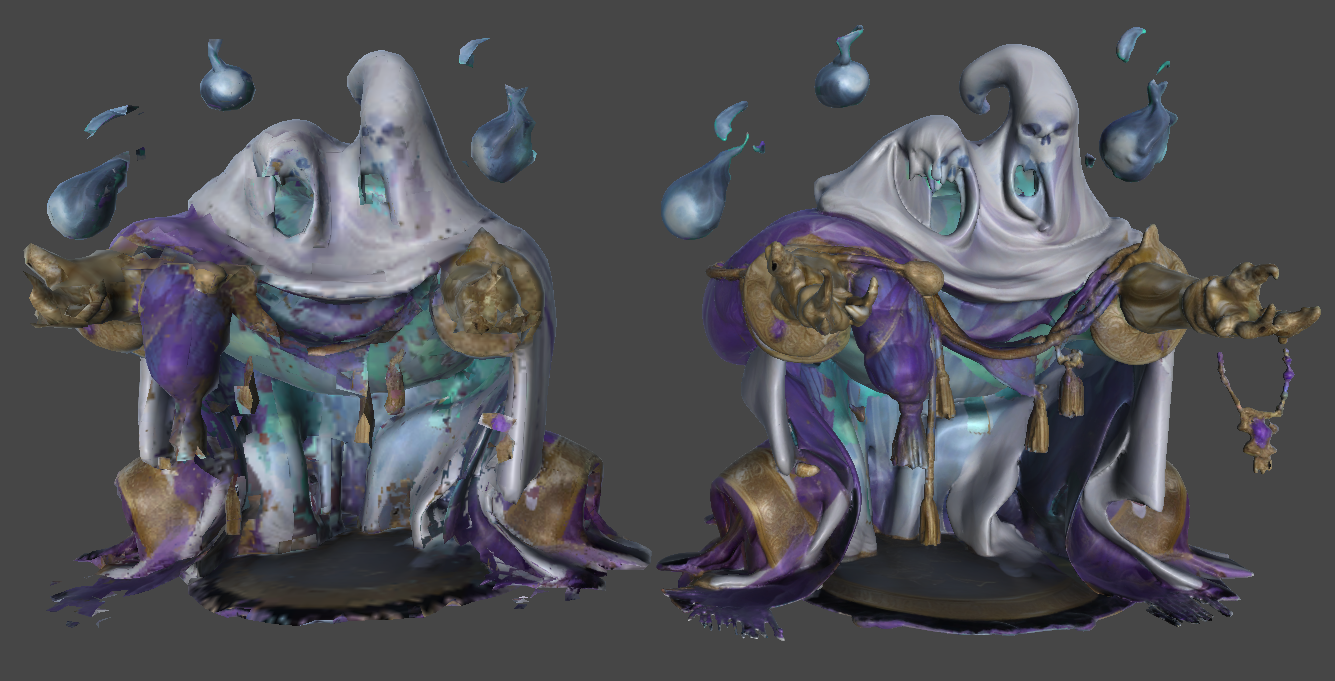
Texture Projection 툴은 소스 트랜스폼의 텍스처를 기반으로 새 텍스처를 생성합니다. 알베도 텍스처에서만 동작하며, 선택된 모델은 반드시 UV가 언랩되어 있어야 합니다.
사용 방법
- 메시의 UV를 언랩해 준비합니다.
- 소스로 사용할 umodelerized 메시를 선택합니다. 가능한 한 같은 위치에 머물도록 위치를 맞춥니다.
- 툴을 실행합니다.
- Assets/UModelerX 디렉터리에 새 텍스처가 생성됩니다.