
Edge Flip Tool
Edge Flip Tool switches and locks the triangulation of the selected faces.
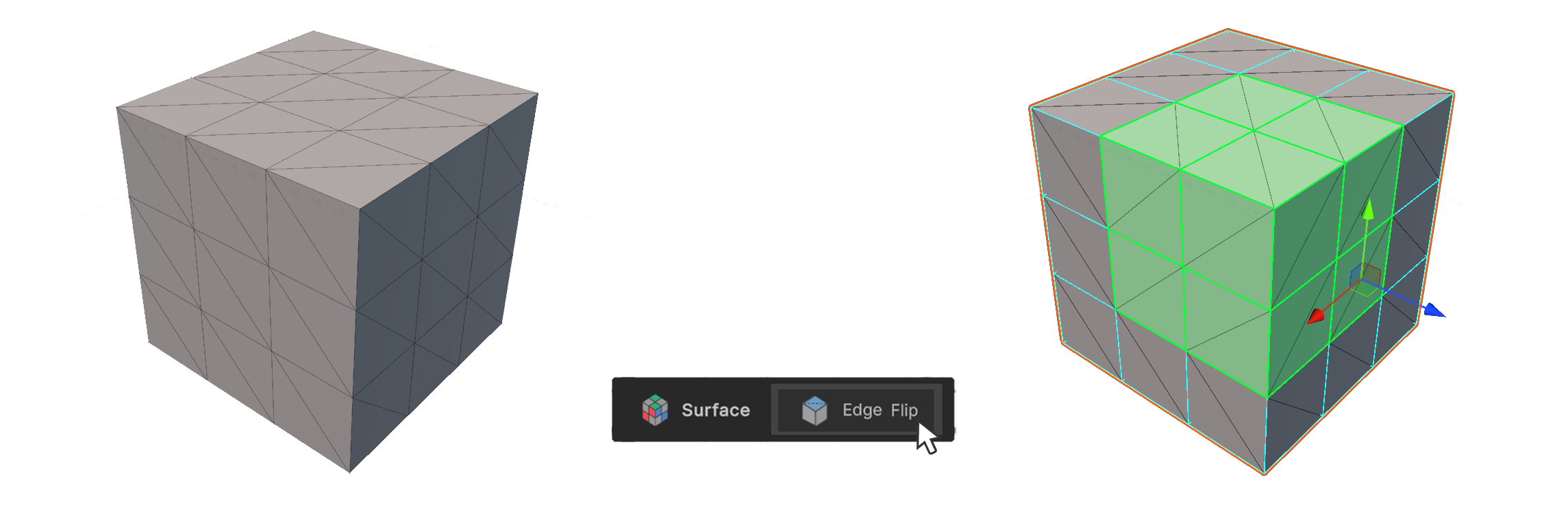
Edge Flip Tool switches and locks the triangulation of the selected faces.
How to use it
- Select the face whose triangulation you want to modify.
- Run the Edge Flip Tool
- The Triangulation of the selected face will be modified.
Properties
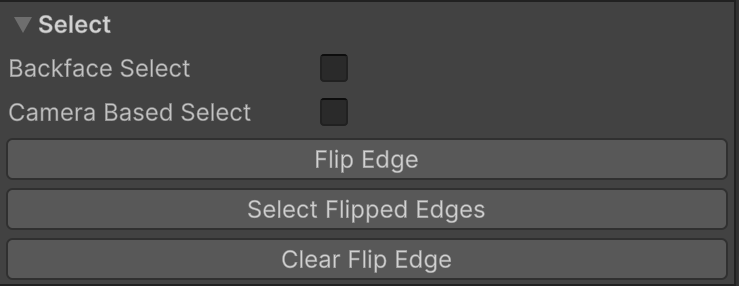
Select
Properties that allow you to set how vertices are selected.
Backface Select
Camera Based Select
Flip Edge
Switches the triangulation of the selected face.
Select Flipped Edges
Selects the faces whose triangulation has been changed.
Clear Flip Edge
Removes the custom triangulation from the selected face.