
Mark UV Seam 툴
Mark UV Seam 툴은 선택된 엣지를 UV 에디터의 LSCM 툴에서 사용할 절단선으로 설정하는 툴입니다.
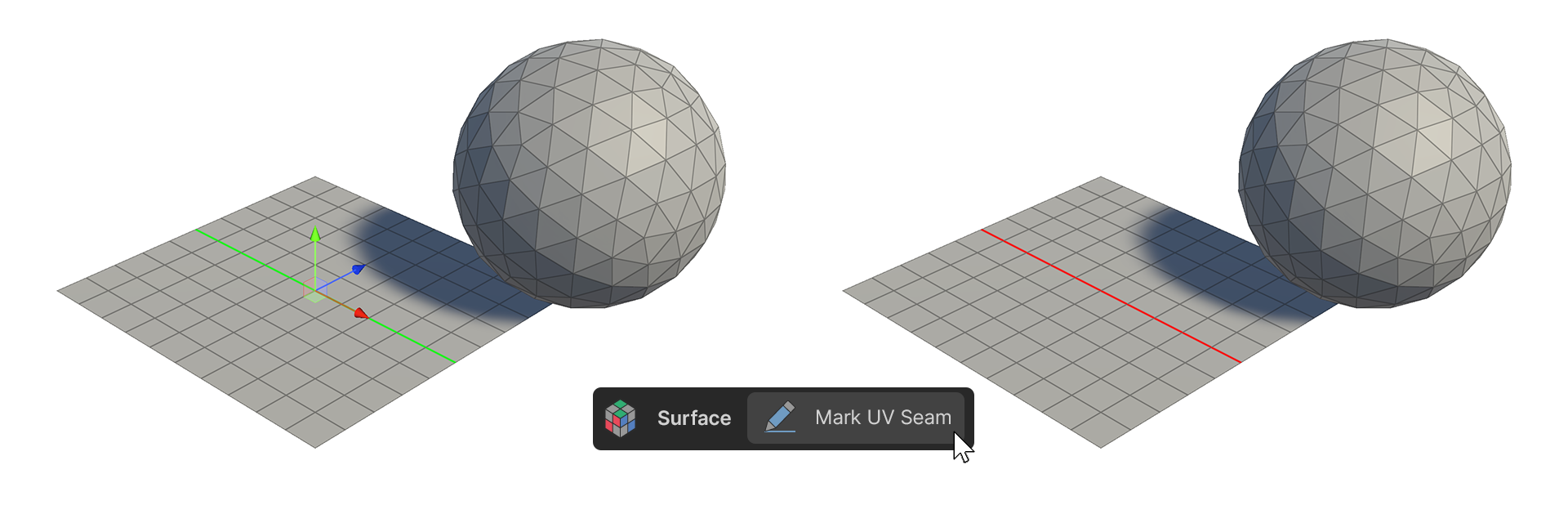
Mark UV Seam 툴은 선택된 엣지를 UV 에디터의 LSCM 툴에서 사용할 절단선으로 설정하는 툴입니다.
사용 방법
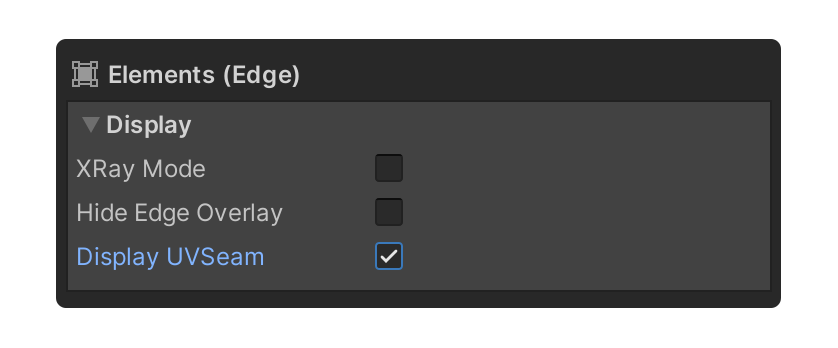
- 엣지를 선택한 상태에서 Element 그룹의 Display UVSeam 속성을 활성화합니다.
-
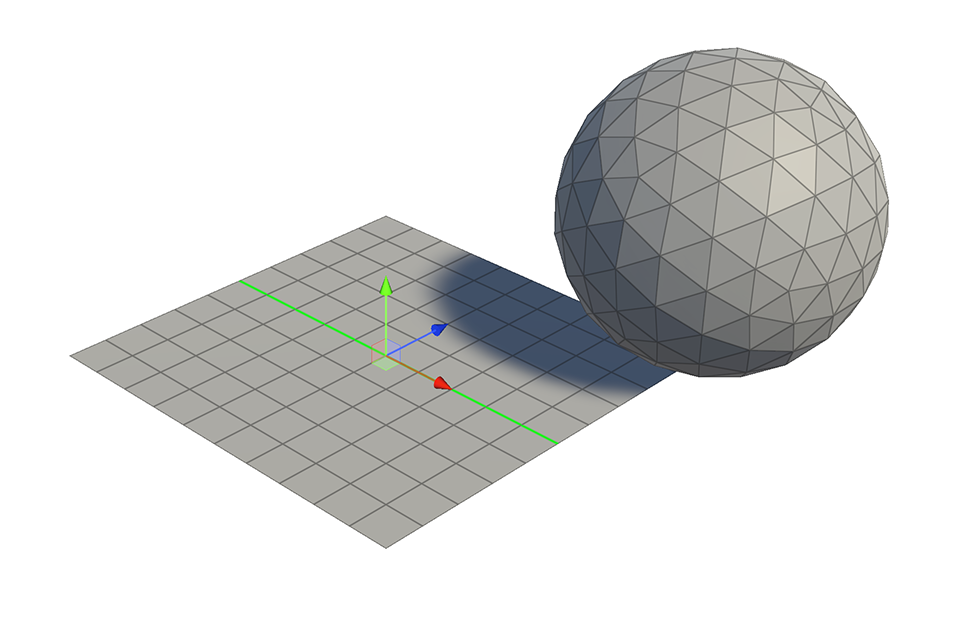
절단선으로 설정할 엣지를 선택합니다.
-
Mark UV Seam 툴을 실행합니다.
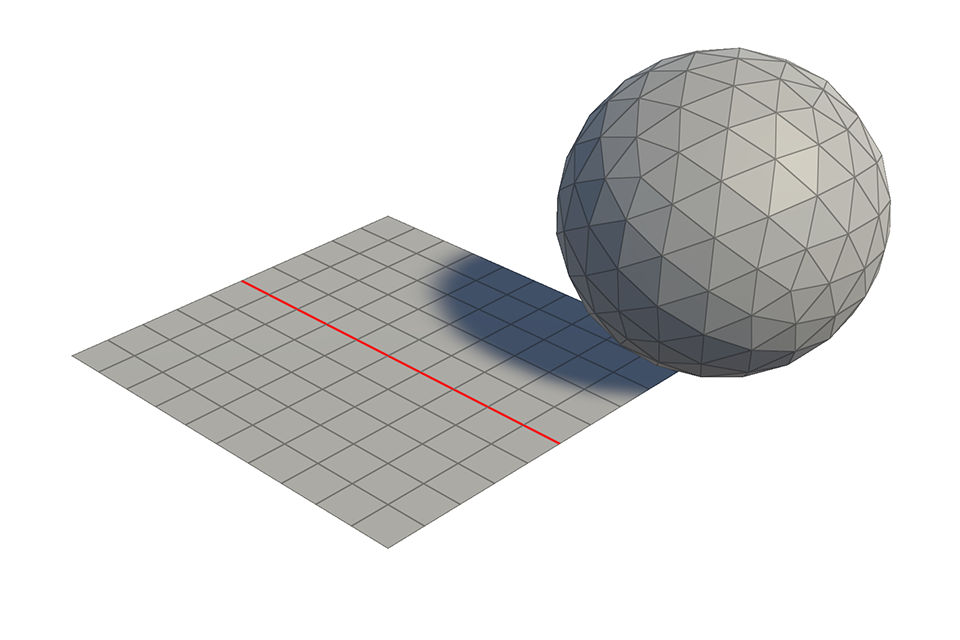
- 선택된 엣지가 절단선으로 설정됩니다.