
Face Color Tool
The Face Color tool is a tool that applies a face color to selected faces.
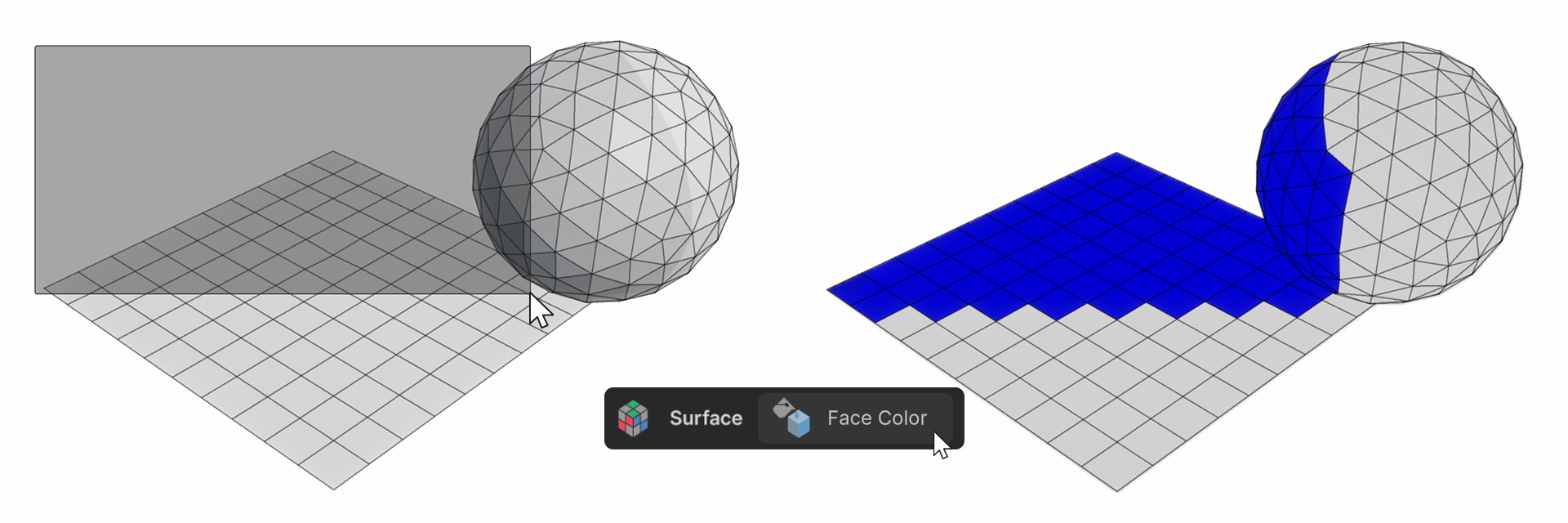
The Face Color tool is a tool that applies a face color to selected faces.
How to use it
1.Run the Face Color tool.
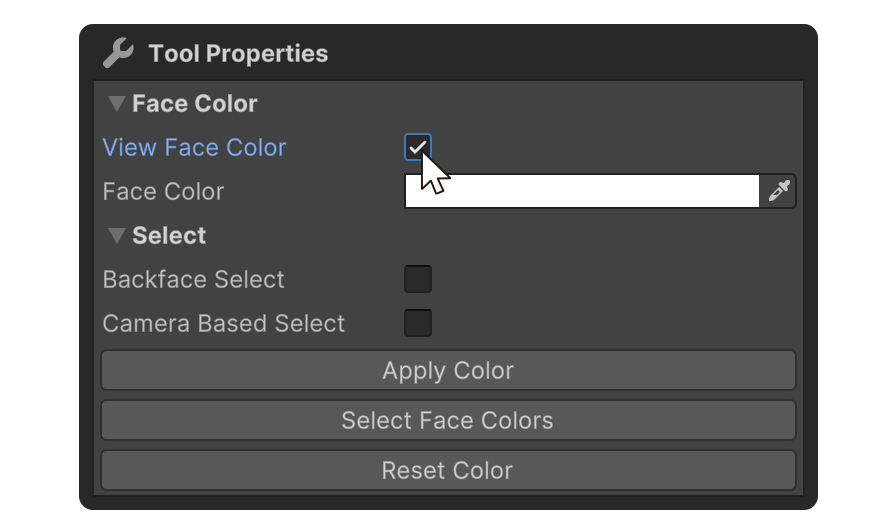
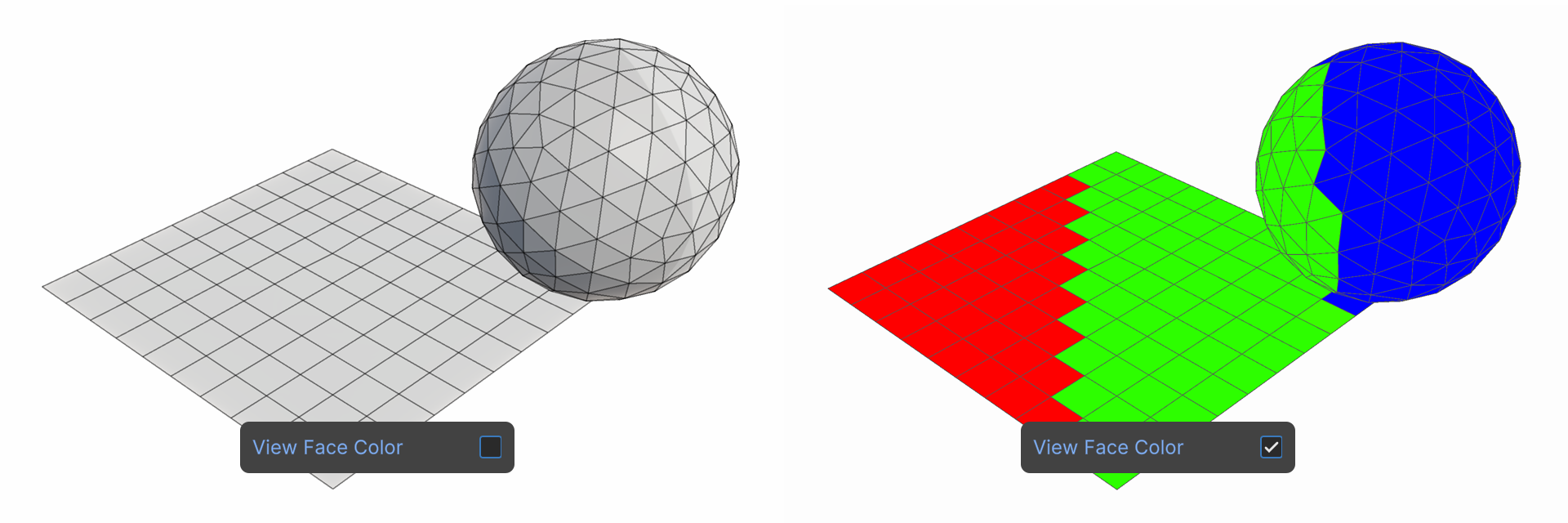
2.Enable the View Face Color property, which will display the object's face colors.
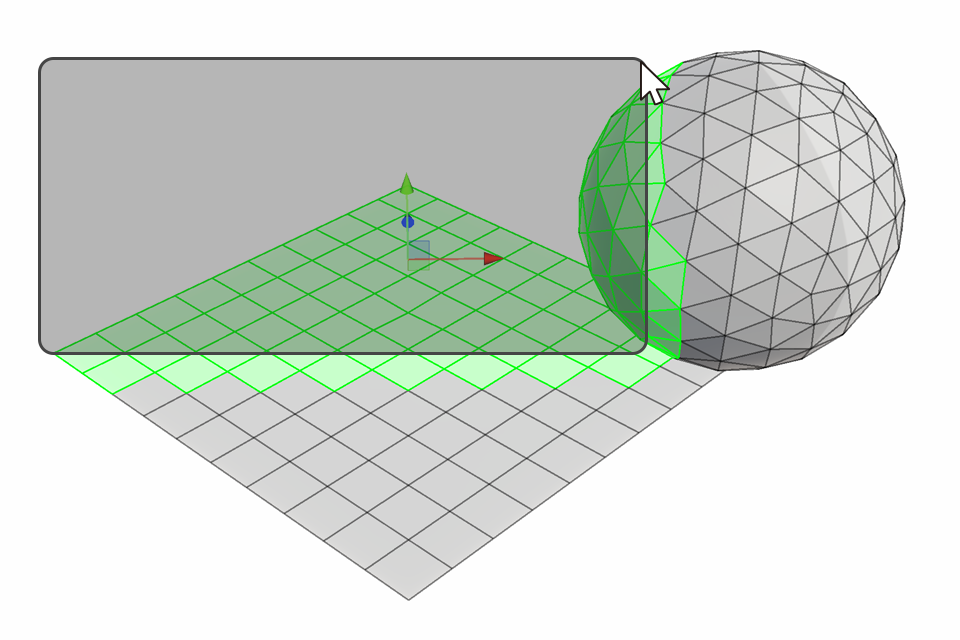
3.Select the faces you want to apply the face color to.
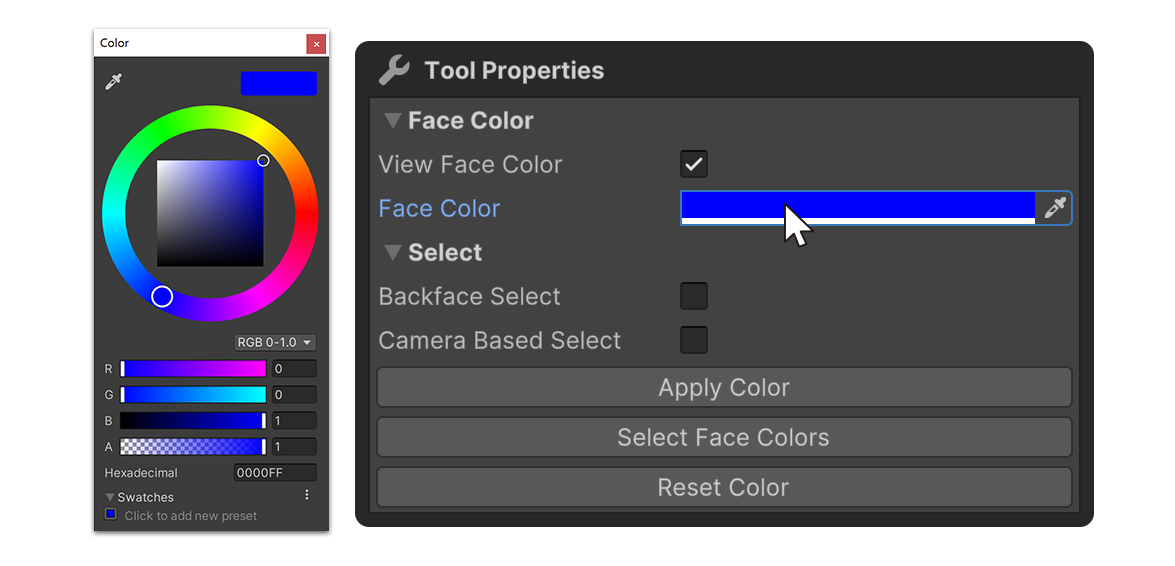
4.Clickon the Face Color property to change it to the desired color.
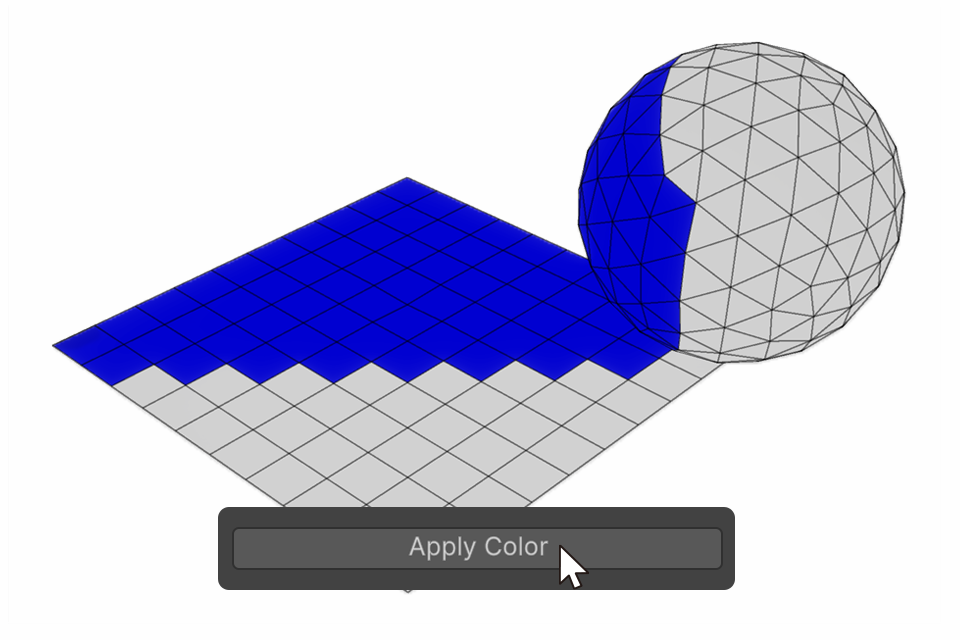
5.Clickthe Apply Color button to apply the face color.
Properties
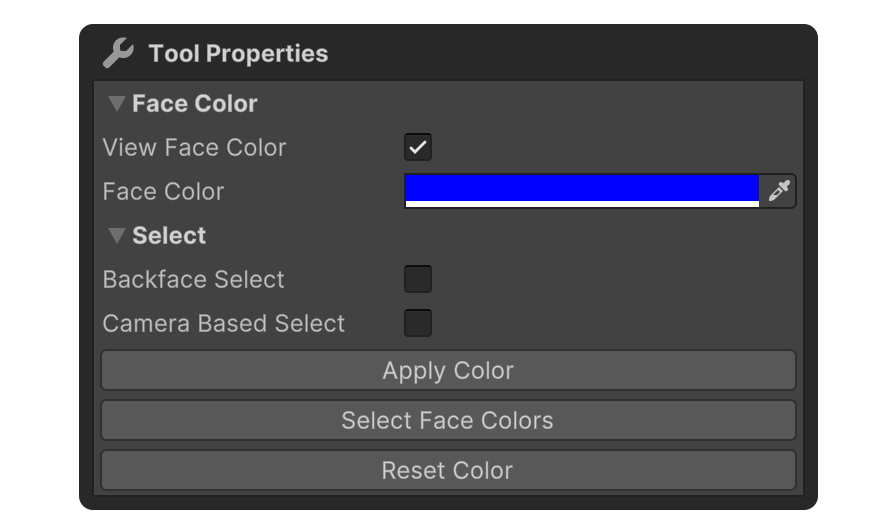
FaceColor
View Face Color
Property that displays the object's face color.
Face Color
Property that allows you to specify the face color.
Select
Properties that allow you to set how faces are selected.
Backface Select
Camera Based Select