Material Tool
The Material tool is used to edit materials for an object.
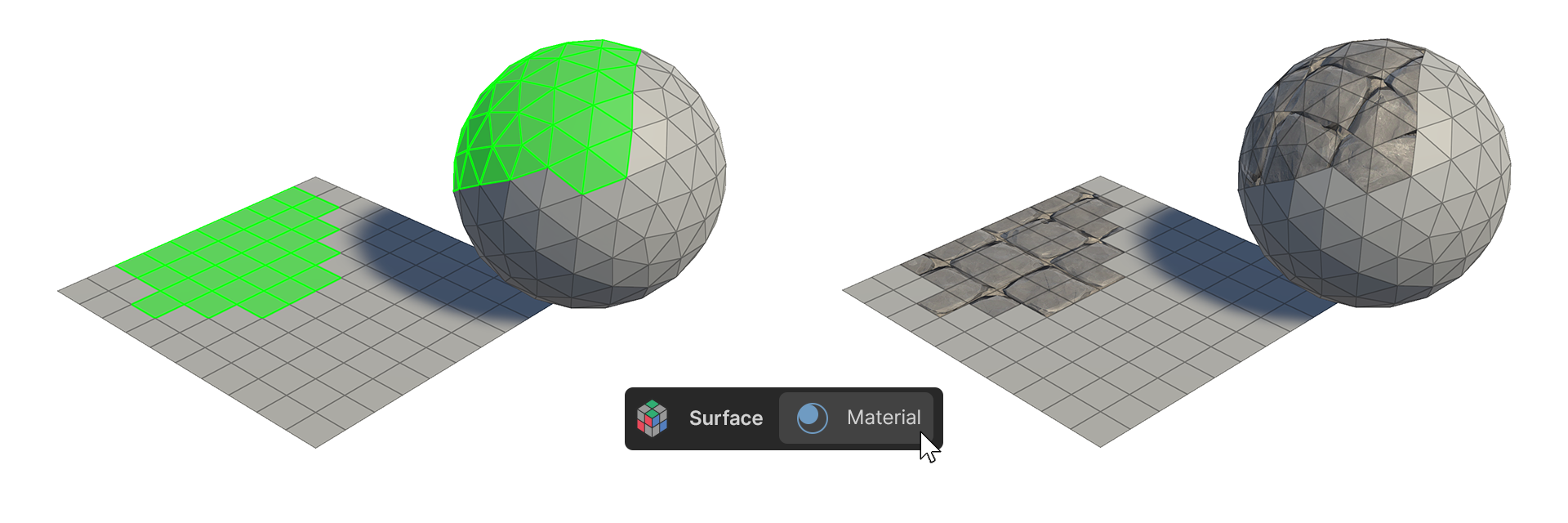
The Material tool is used to edit materials for an object.
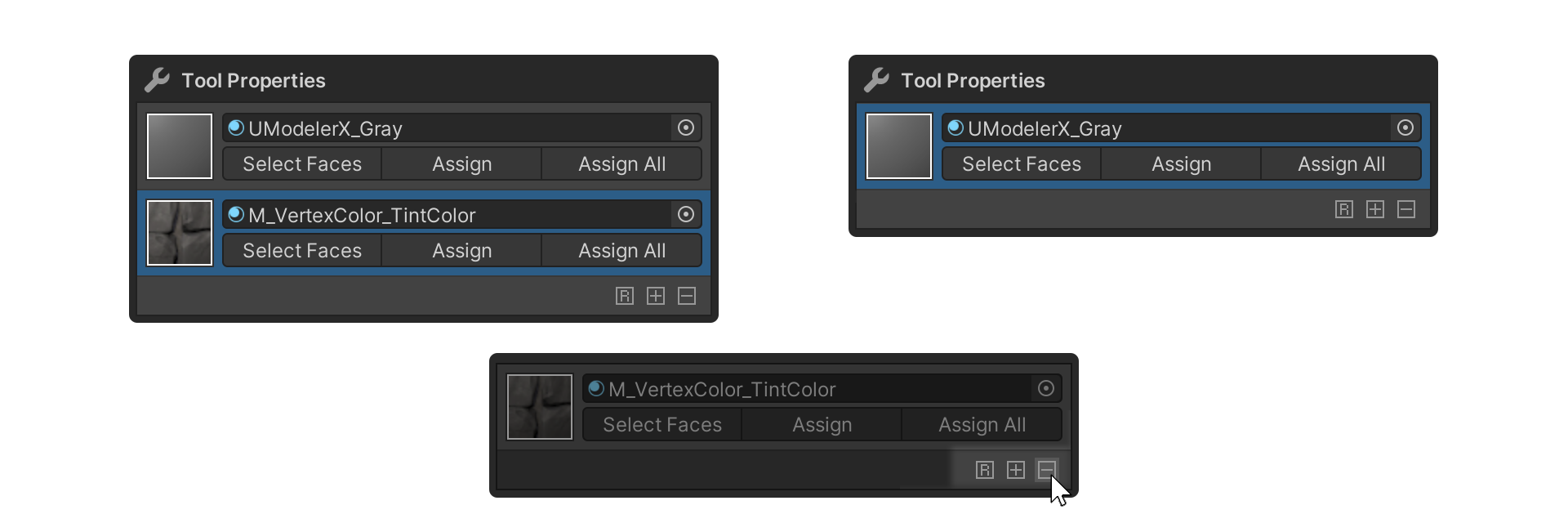
They are primarily tools that allow you to apply materials to selected faces, or to add and delete materials.
How to Use
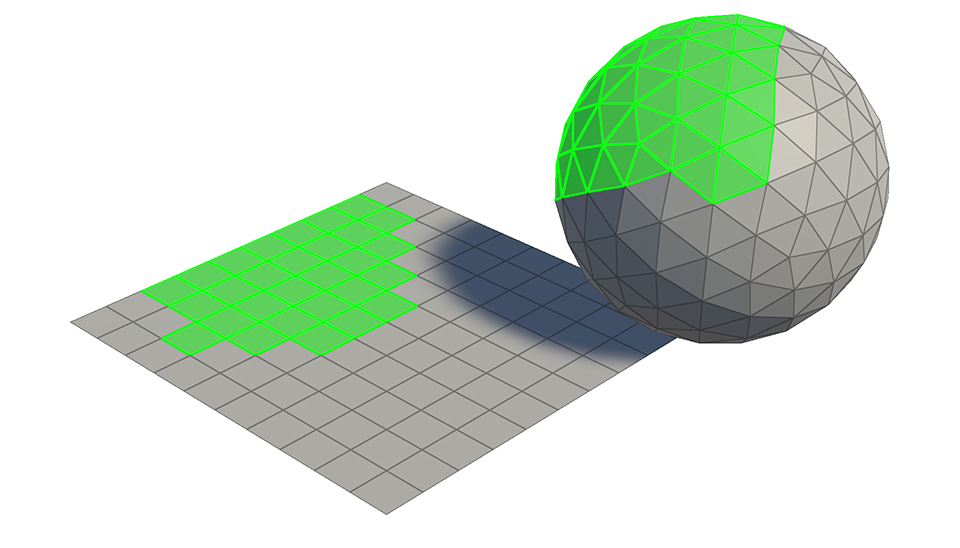
1.Select the face you want to give a material to.
2.Launch the Material tool.
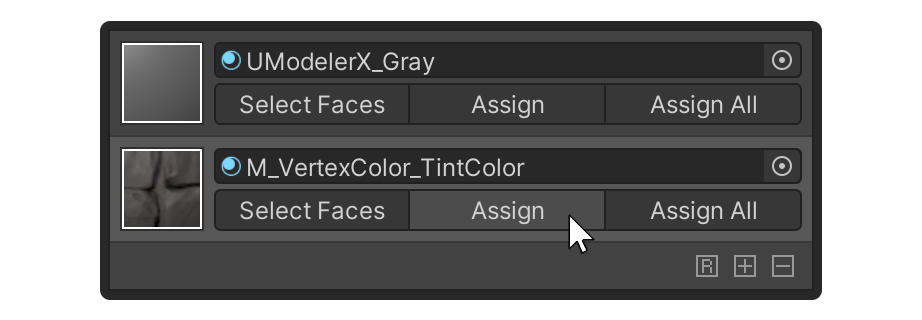
3.Open the Assign Property of the Material to be assigned.
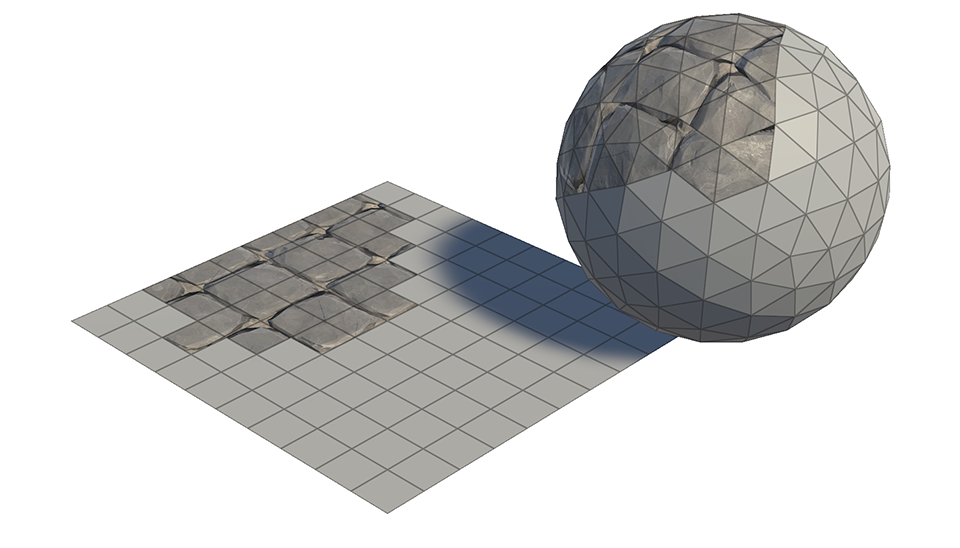
4.The Material is applied to the selected face.
Properties
Display
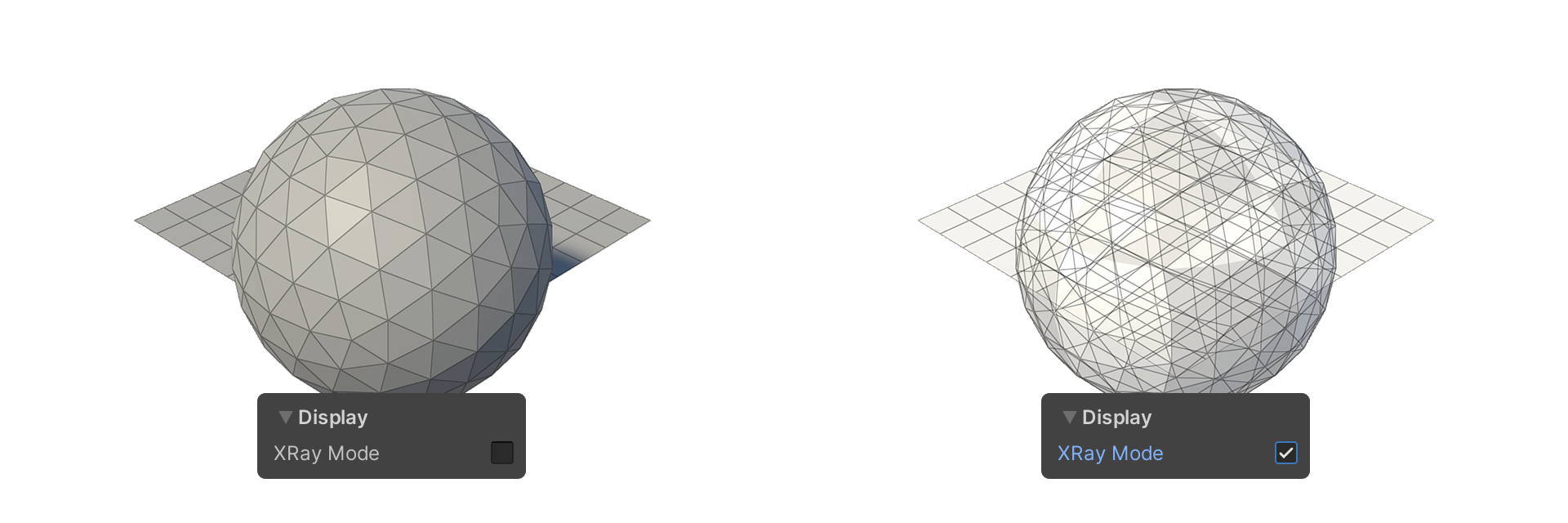
This property allows you to choose how the mesh is displayed.
XRay Mode
Shows faces as translucent.
Select
Properties that allow you to set how vertices are selected.
Backface Select
Camera Based Select
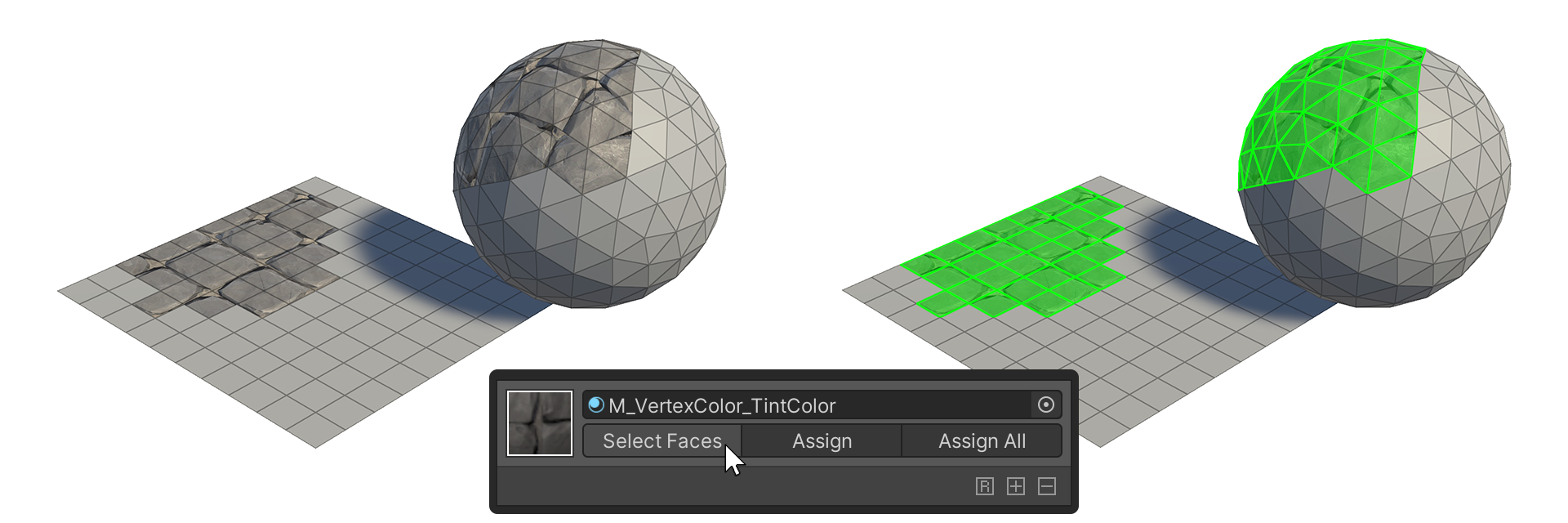
Select Faces
This property selects the faces that this Material is applied to.
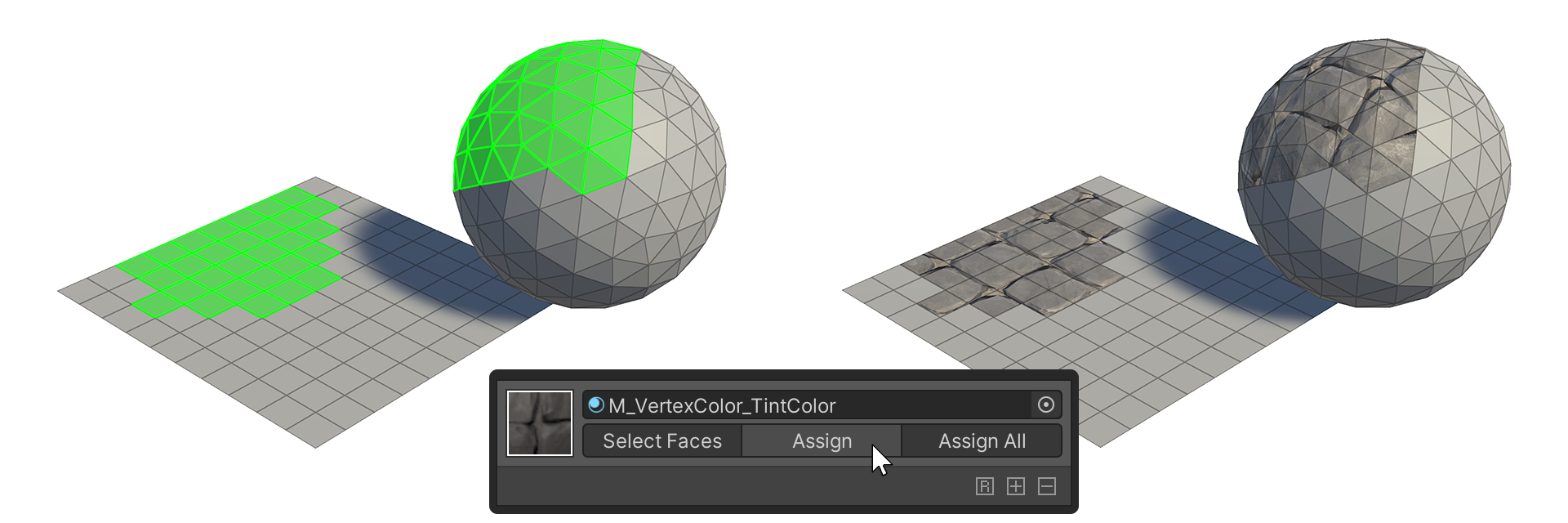
Assign
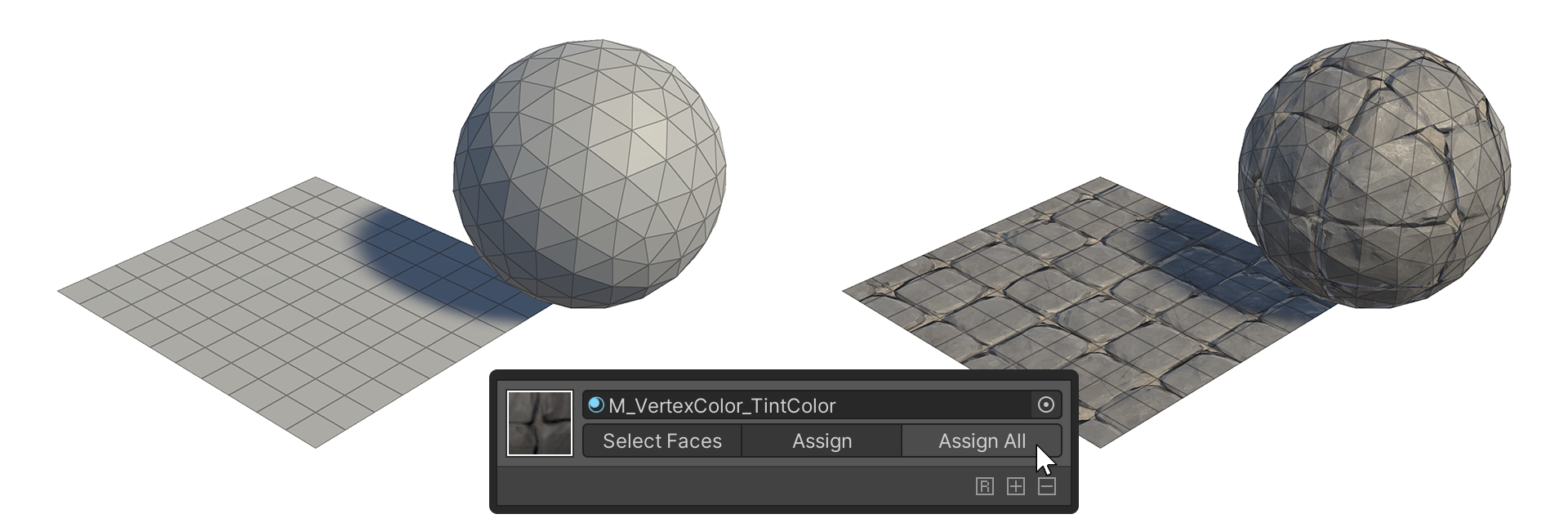
This property applies this Material to the selected faces.
Assign All
This property applies the material to all faces.
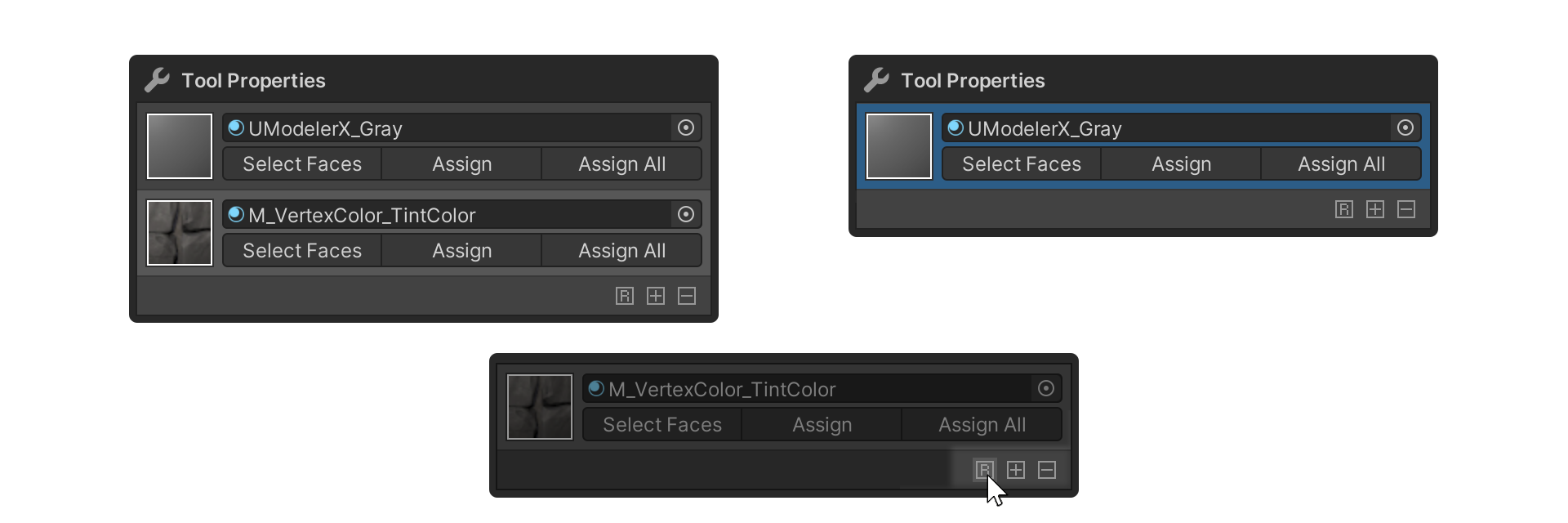
Reset
This property resets all currently added Materials.
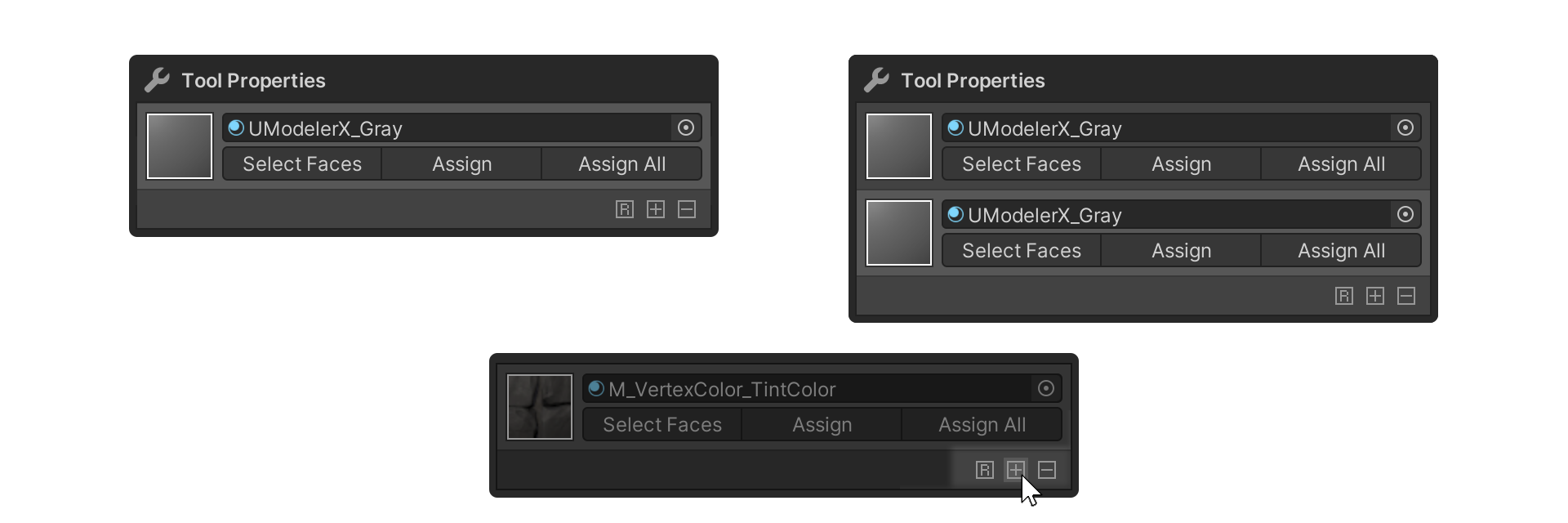
Add Material
This property adds a Material.
Remove Material
This property deletes the selected Material.