
모델링 모드
모델링 모드는 에디터블 메시의 기본 모드로, 주요 기능은 메시 편집입니다.
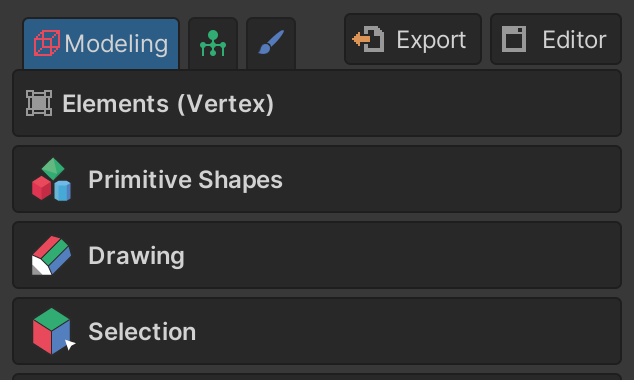
모델링 모드(Modeling Mode)는 에디터블 메시의 기본 모드로, 주요 기능은 메시 편집입니다. 이 모드는 여러 기능을 수행하는 툴, 툴의 세부 설정인 속성, 그리고 툴들을 모아둔 그룹으로 구성됩니다.
모델링 모드의 그룹
Element 그룹
Element 그룹은 모델링 모드 최상단에 위치하며 각 엘리먼트(Vertex, Edge, Face, Object)에 대한 속성들의 모음입니다.
각 엘리먼트마다 보이는 속성이 다릅니다.
Primitive Shapes 그룹
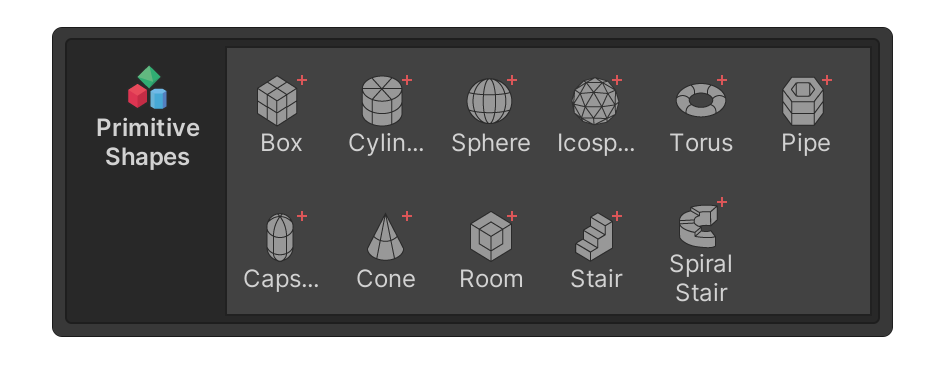
Primitive Shapes 그룹은 기본 형태의 메시를 생성할 수 있는 툴들을 모아둔 그룹입니다.
자세한 내용은 Primitive Shapes 그룹 페이지를 참고하세요.
Drawing 그룹
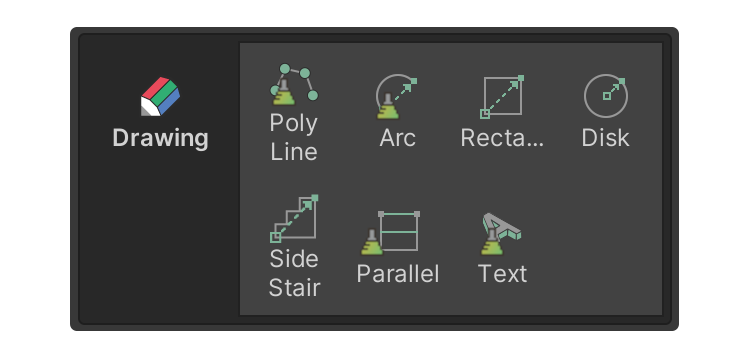
Drawing 그룹은 평면 형태를 생성하기 위한 툴들의 모음입니다.
자세한 내용은 Drawing 그룹 페이지를 참고하세요.
Selection 그룹
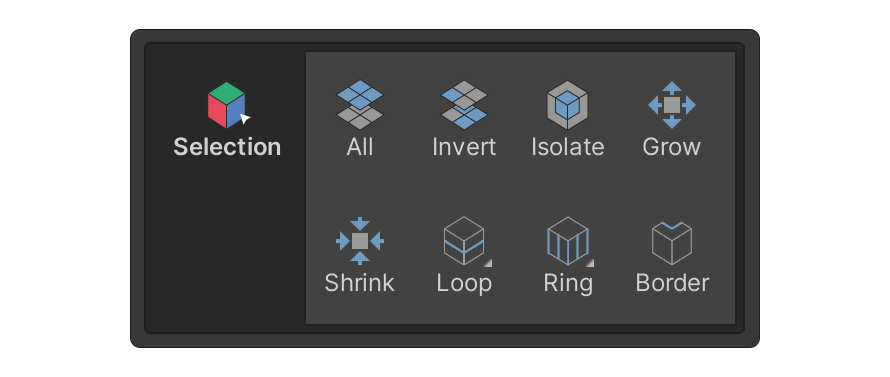
Selection 그룹은 엘리먼트(Vertex, Edge, Face, Object) 선택과 관련된 툴들의 모음입니다.
자세한 내용은 Selection 그룹 페이지를 참고하세요.
Add 그룹
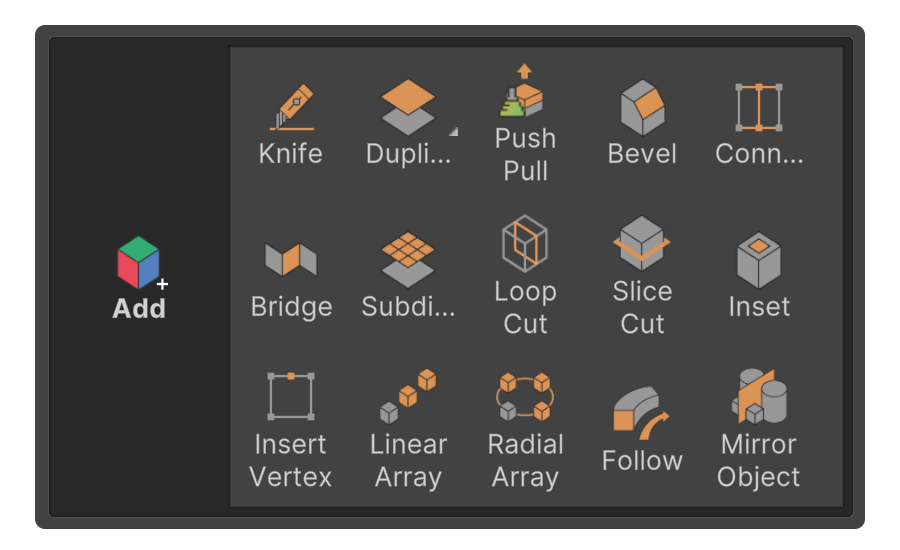
Add 그룹은 실행 시 각 엘리먼트(버텍스, 엣지, 페이스)를 추가하는 툴들의 모음입니다.
주로 선택된 엘리먼트를 추가하거나 툴 내에서 정의된 엘리먼트를 추가하는 툴이 포함됩니다.
자세한 내용은 Add 그룹 페이지를 참고하세요.
Remove 그룹
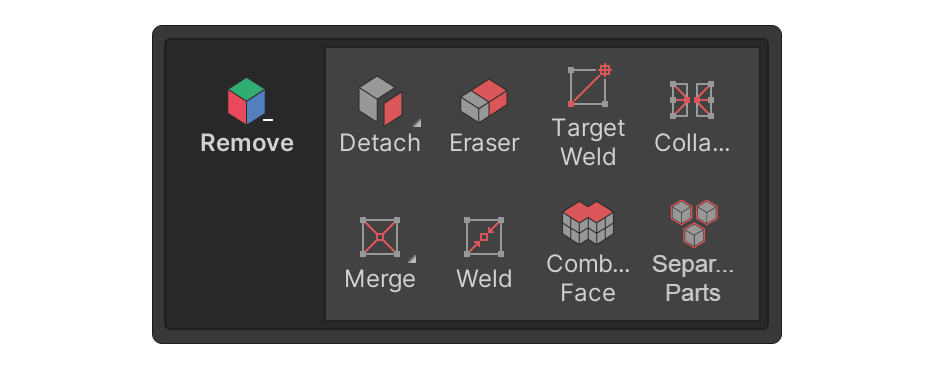
Remove 그룹은 실행 시 각 엘리먼트(버텍스, 엣지, 페이스)를 제거하는 툴들의 모음입니다.
일반적으로 선택된 엘리먼트를 삭제하거나 툴로 엘리먼트를 결합하는 툴이 포함됩니다.
자세한 내용은 Remove 그룹 페이지를 참고하세요.
Deform 그룹
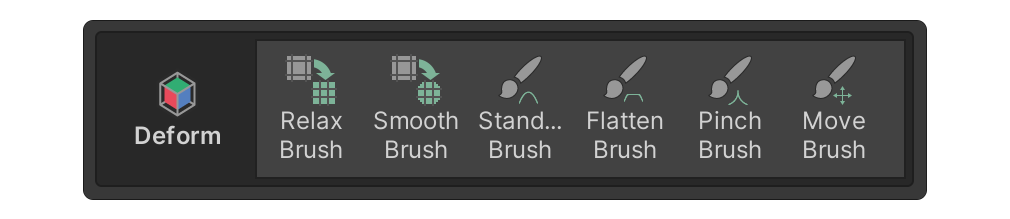
Deform 그룹은 표면에 변형을 적용하는 브러시 형태의 툴들의 모음입니다.
자세한 내용은 Deform 그룹 페이지를 참고하세요.
Surface 그룹
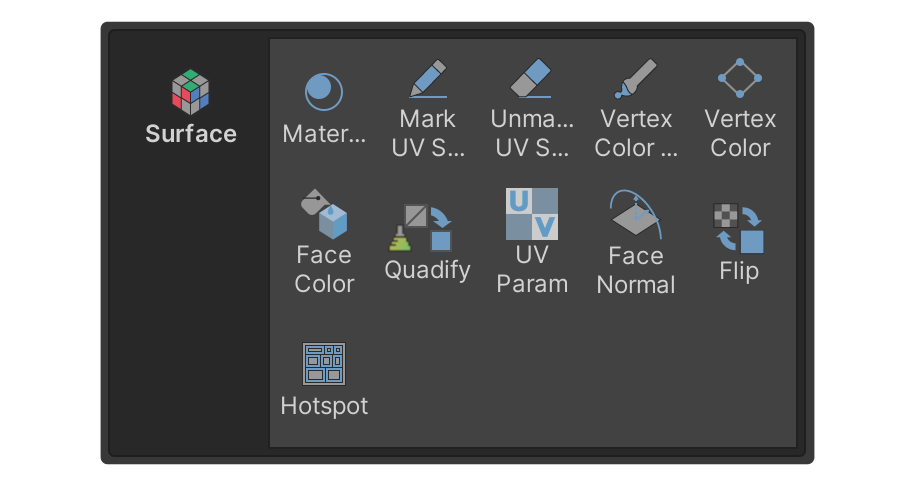
Surface 그룹은 표면 관련 툴들의 모음입니다.
주로 버텍스 컬러, 머티리얼 설정, UV 에디터에서 사용할 수 있는 툴이 포함됩니다.
자세한 내용은 Surface 그룹 페이지를 참고하세요.
Misc 그룹
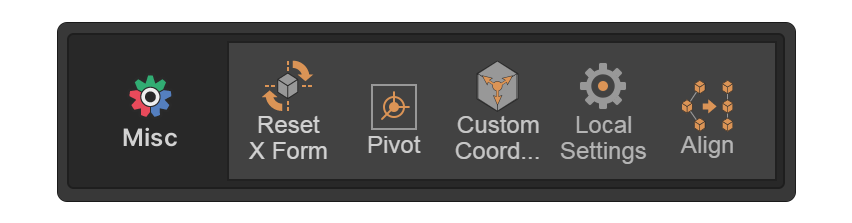
Misc 그룹은 다른 그룹에 속하지 않는 기능 툴들의 모음입니다.
자세한 내용은 Misc 그룹 페이지를 참고하세요.
Multiple Object 그룹
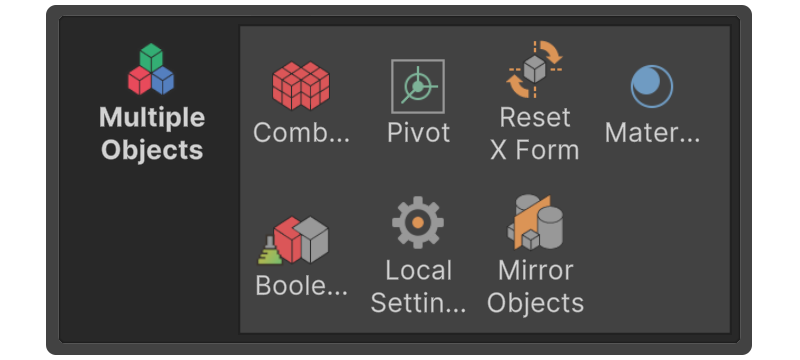
Multiple Object 그룹은 여러 UModeler X 오브젝트를 선택한 상태에서 사용할 수 있는 툴들의 모음입니다.
자세한 내용은 Multiple Object 그룹 페이지를 참고하세요.