
Vertex Color Tool
The Vertex Color tool is a tool that applies a vertex color to selected vertices.

The Vertex Color tool is a tool that applies a vertex color to selected vertices.
How to use it
1.Run the Vertex Color tool.
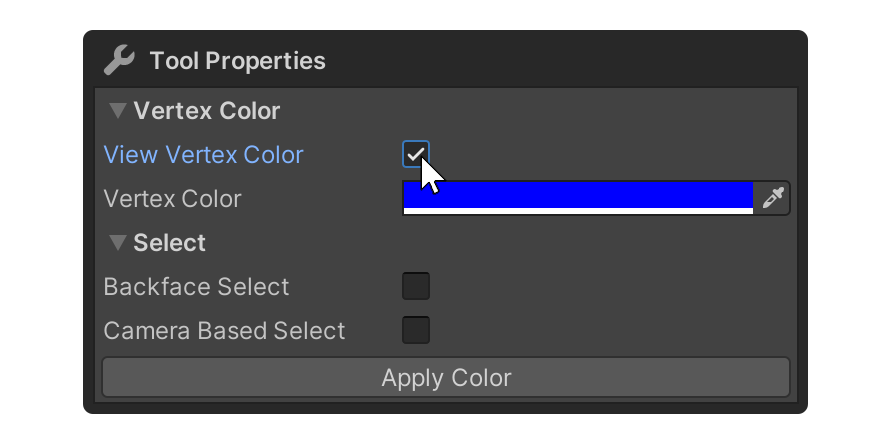
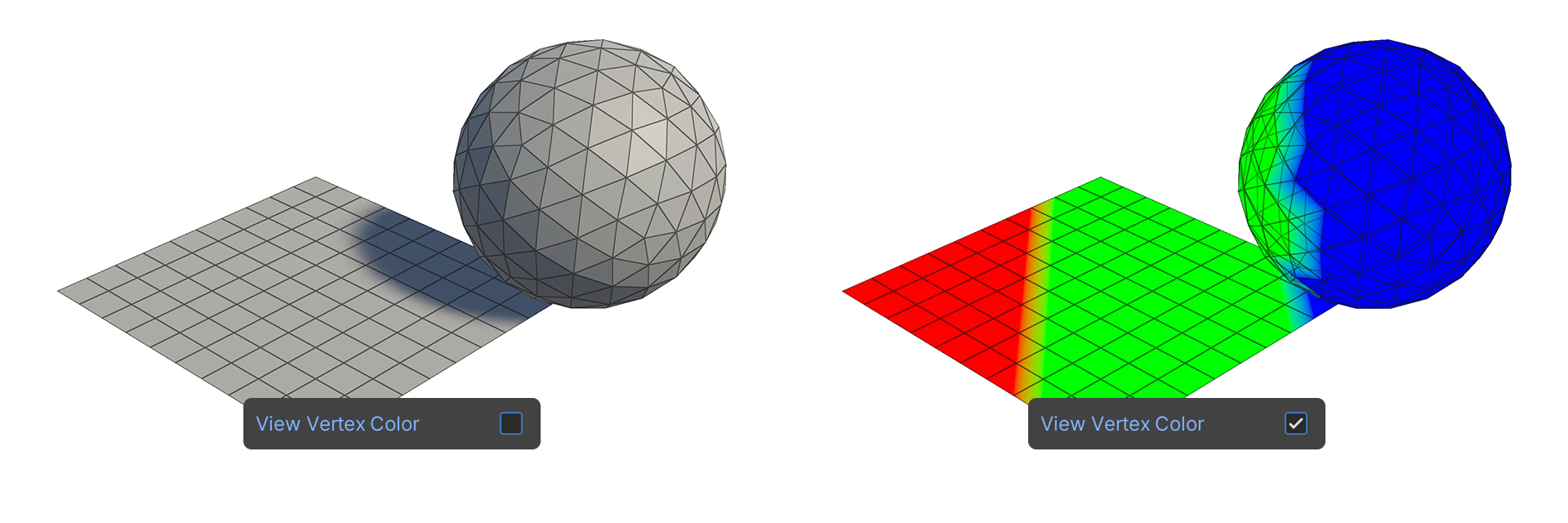
2.Enable the View Vertex Color property, which will display the object's vertex colors.

3.Select the vertices you want to apply the vertex color to.
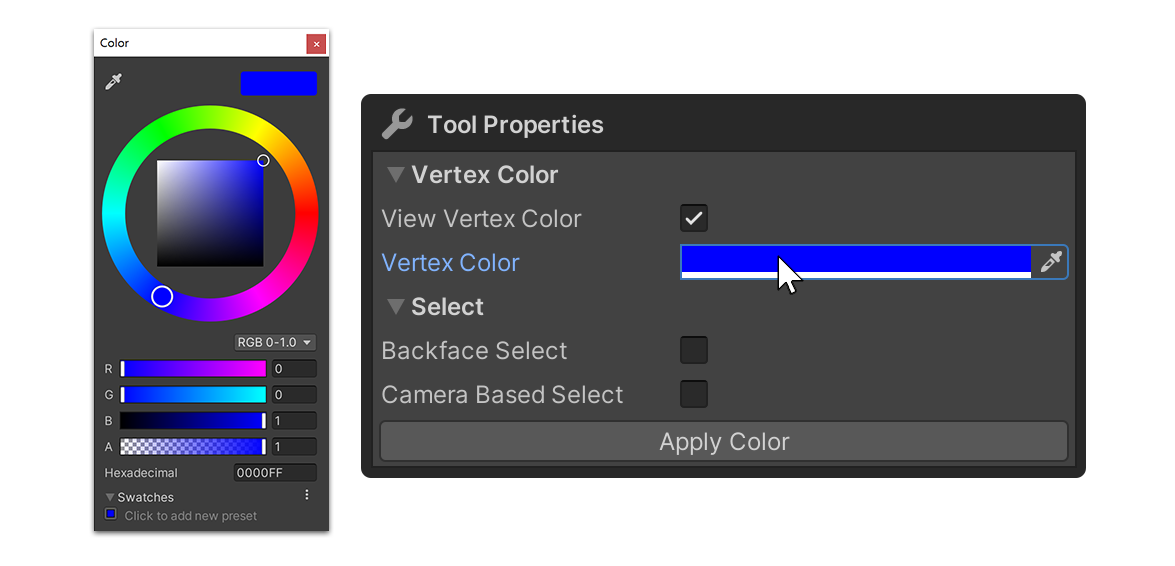
4.Click on the Vertex Color property to change it to the desired color.
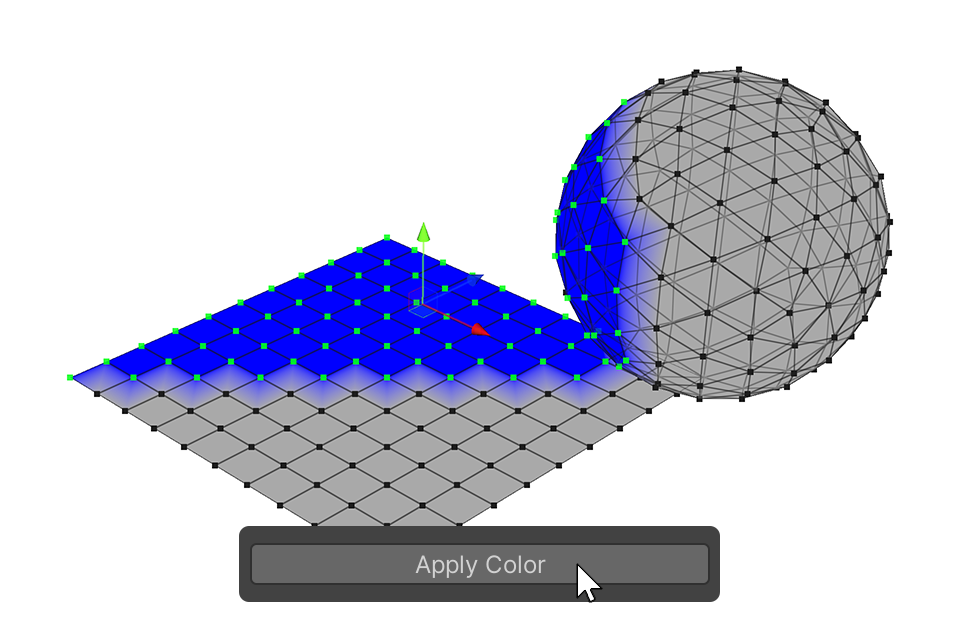
5.Click the Apply Color button to apply the vertex color.
Properties
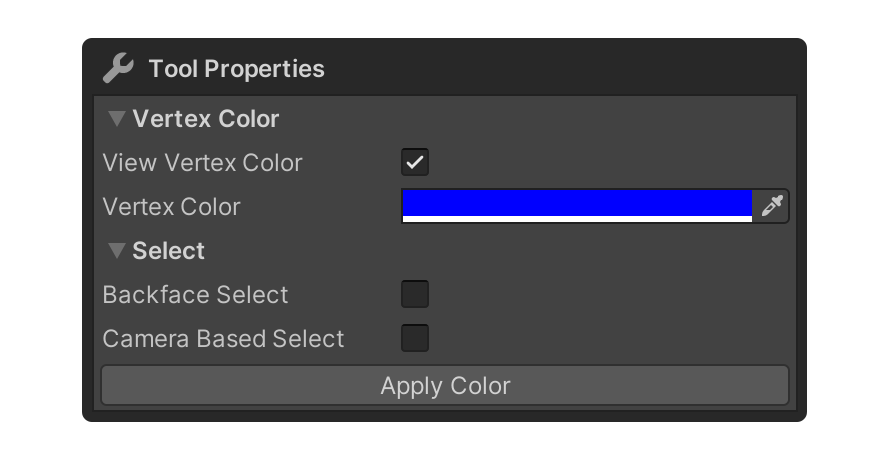
VertexColor
View Vertex Color
Property that displays the object's vertex color.
Vertex Color
Property that allows you to specify the vertex color.
Select
Properties that allow you to set how vertices are selected.
Backface Select
Camera Based Select