
PushPull Tool
The PushPull tool allows you to extrude a selected face outward or push it inward along its normal direction.
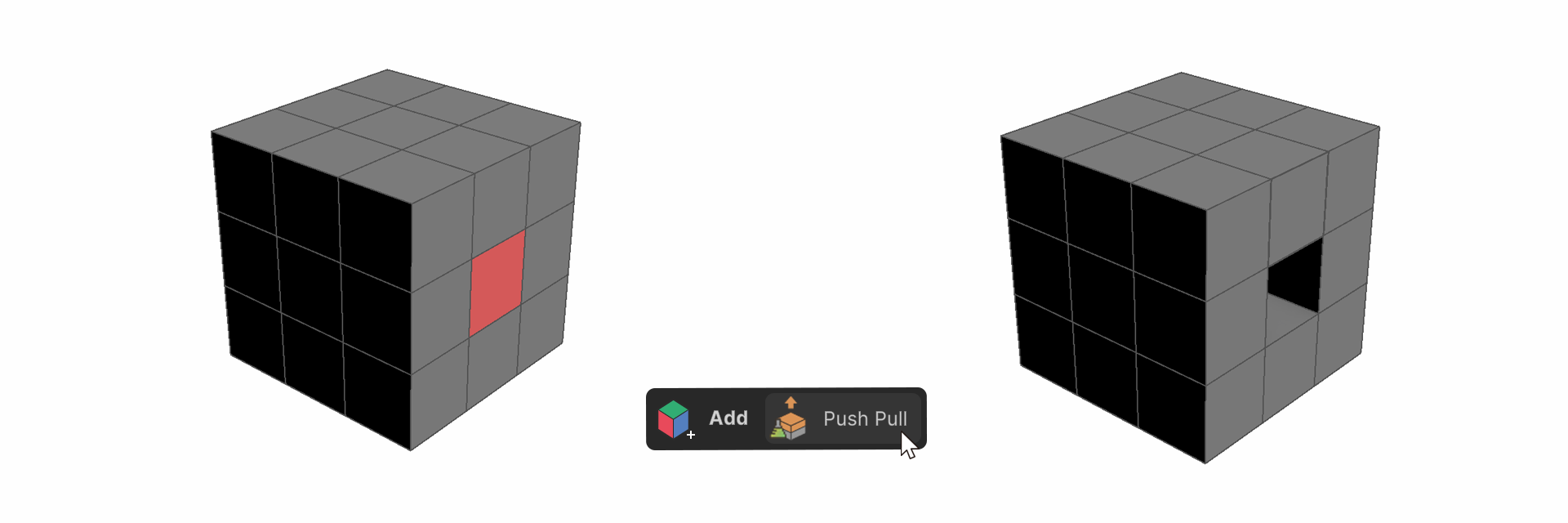
The PushPull tool allows you to extrude a selected face outward or push it inward along its normal direction. With this tool, you can push or pull faces of various shapes, including circles, rectangles, and abstract polygons.
How to use it
1.Run the PushPull tool.
2.Select the face you want to PushPull.
3.Drag the selected face along its normal direction.
4.Release the left mouse button (LMB) when the extrusion is complete.
Properties

Height
This property adjusts the height of the push/pull action.