
Loop Cut Tool
The Loop Cut tool is a tool that creates a connected edge that divides a face, based on the edge closest to the mouse cursor.
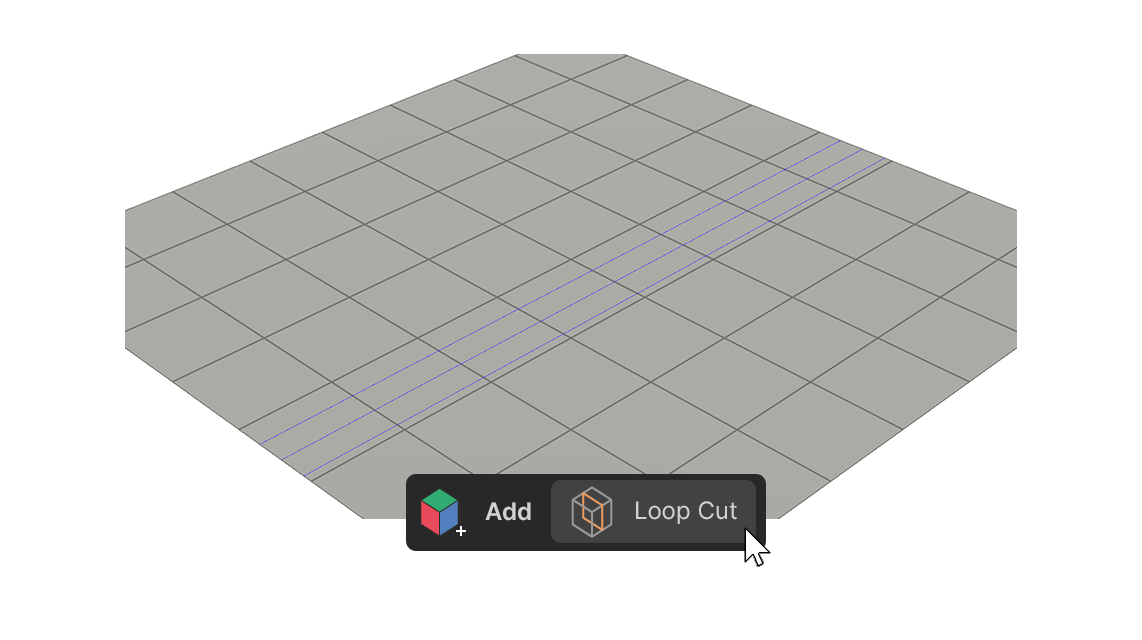
The Loop Cut tool is a tool that creates a connected edge that divides a face, based on the edge closest to the mouse cursor.
How to use
1.Run the Loop Cut tool.
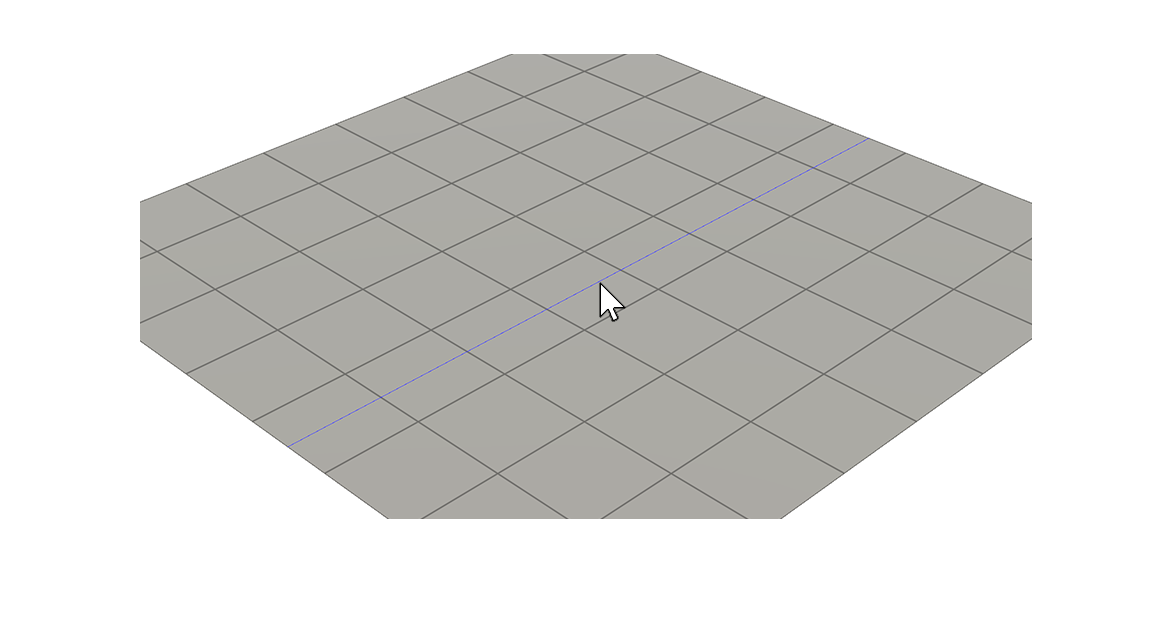
2.Hover the mouse cursor over the desired location and Click.
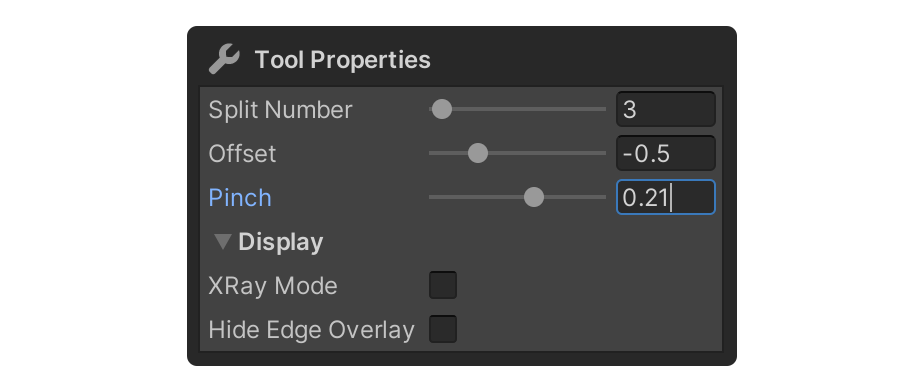
3.Adjust the properties to the appropriate values.
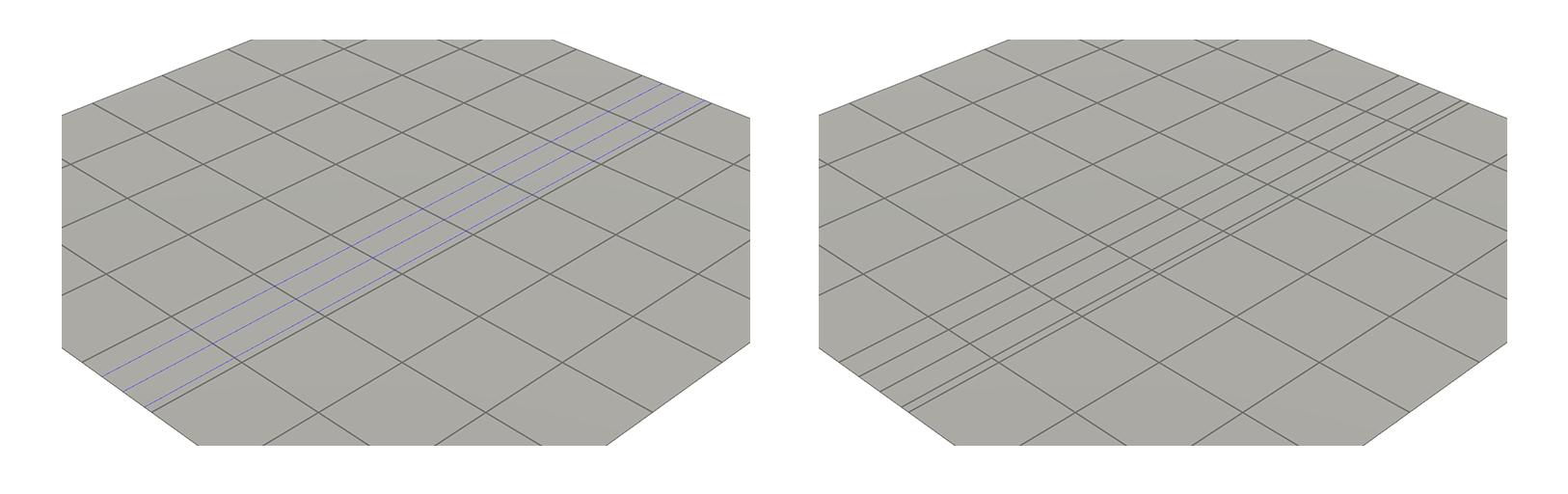
4.After adjusting the properties, select the element, or use another tool to finalize.
Properties
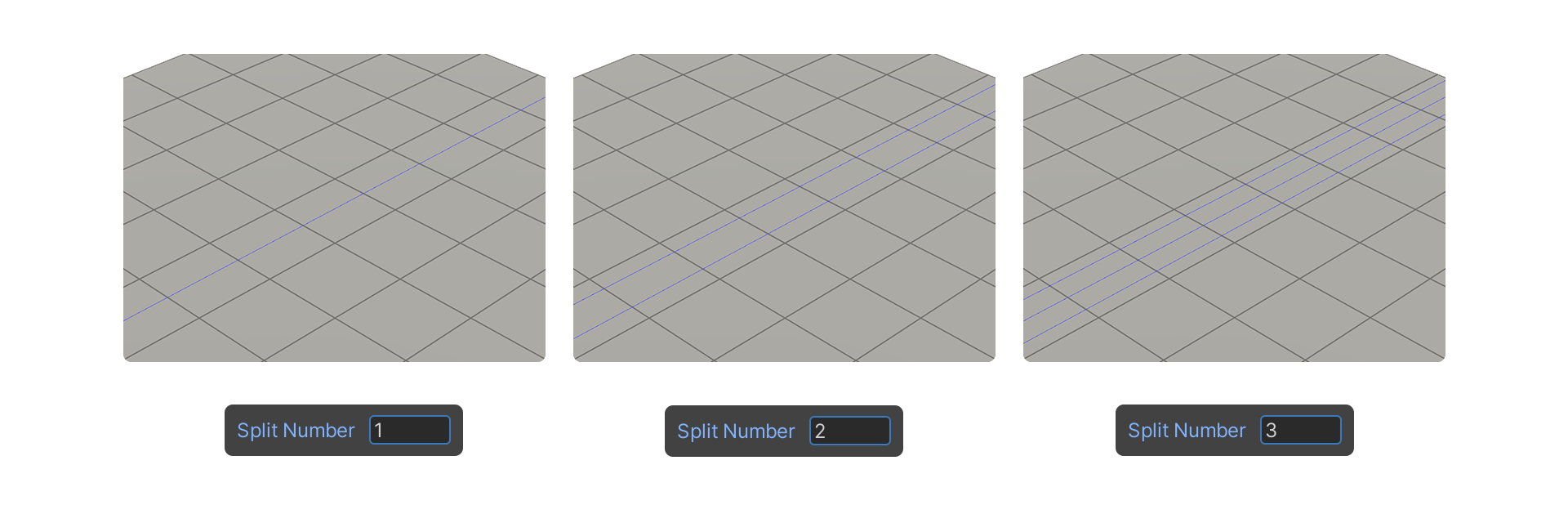
Split Number
Set the number of edges created by the Loop Cut tool.
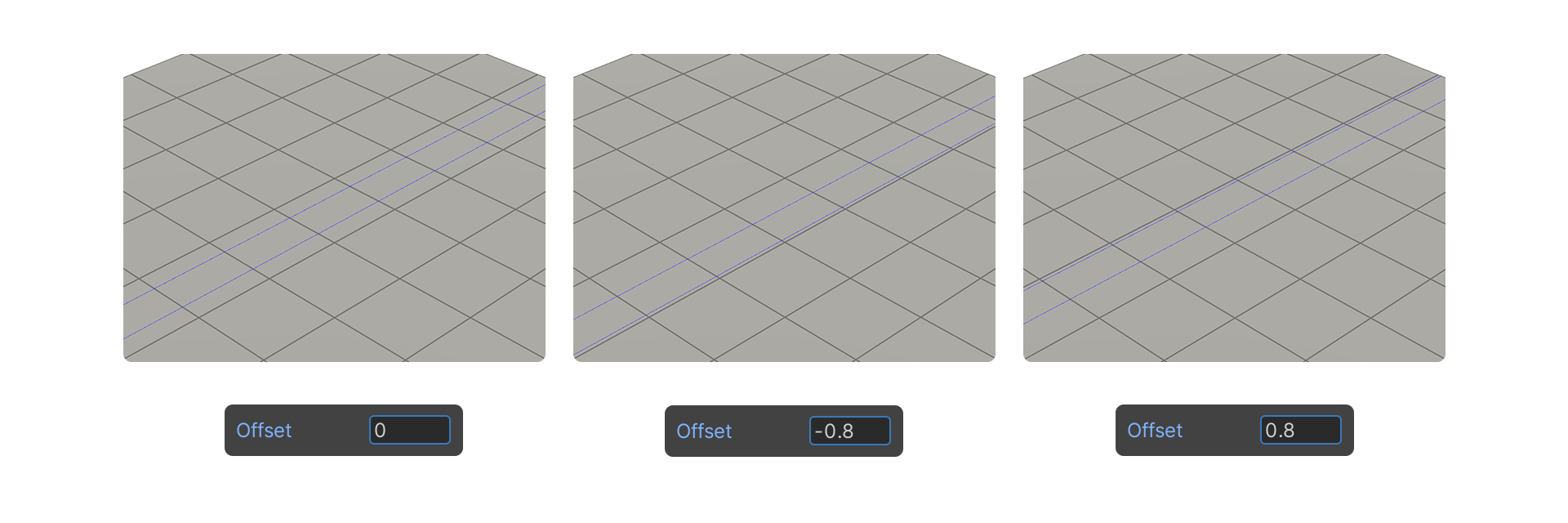
Offset
Allows you to set the position of edges created with the Loop Cut tool.
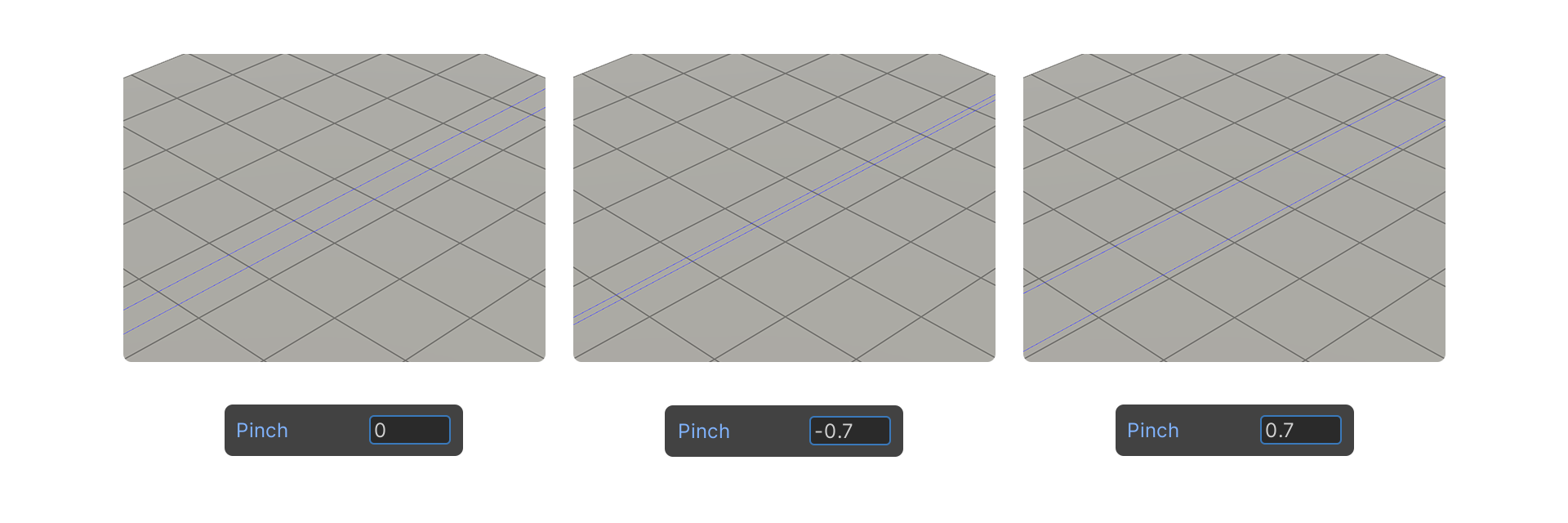
Pinch
Allows you to set the spacing of edges created with the Loop Cut tool.
Display.
Properties that allow you to choose how the mesh is displayed.
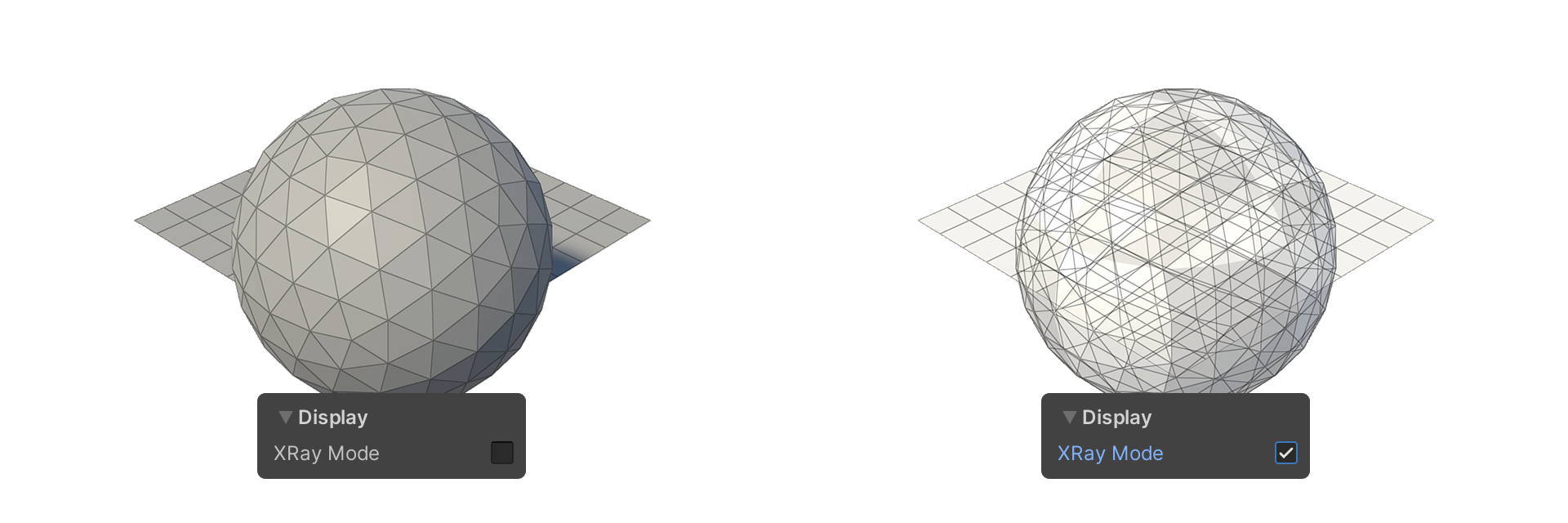
XRay Mode
Shows faces as translucent.
Hide Edge Overlay
Allows you to show or hide edges.
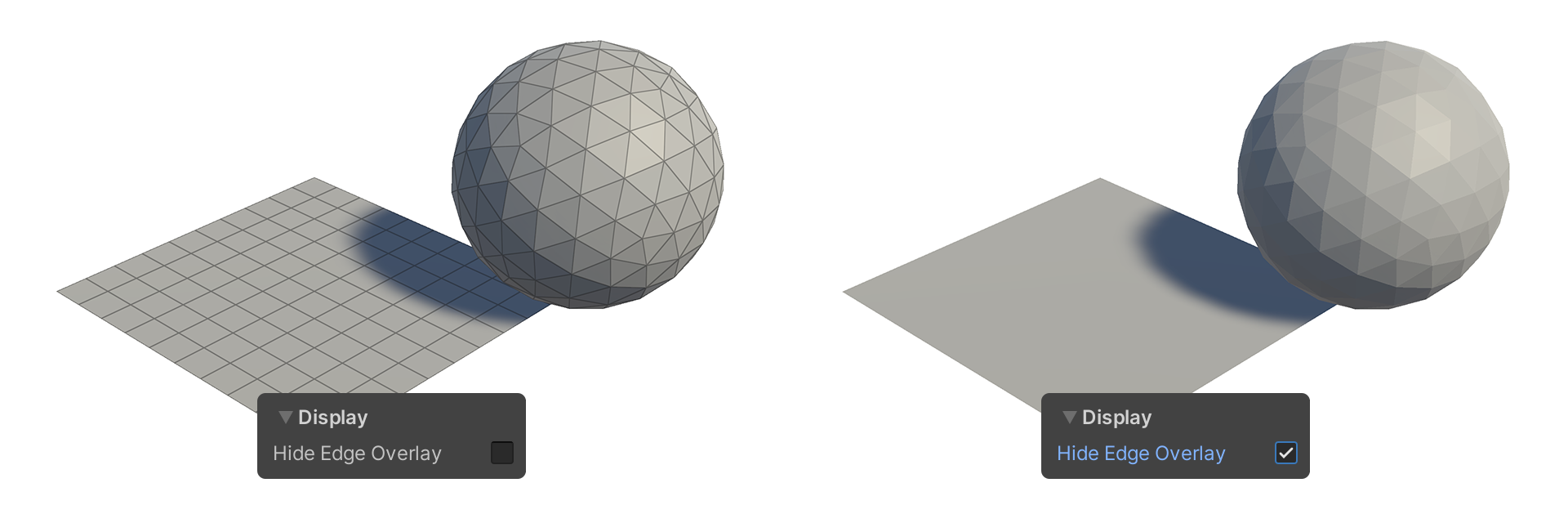
Example Usage
Split Number
shortcut Shift+Rotate
Offset
Keyboard shortcut Left-click+Drag
Pinch
Keyboard shortcut Ctrl+Rotate