
Duplicate Tool
The Duplicate tool duplicates the selected element (Vertex, Edge, Face).
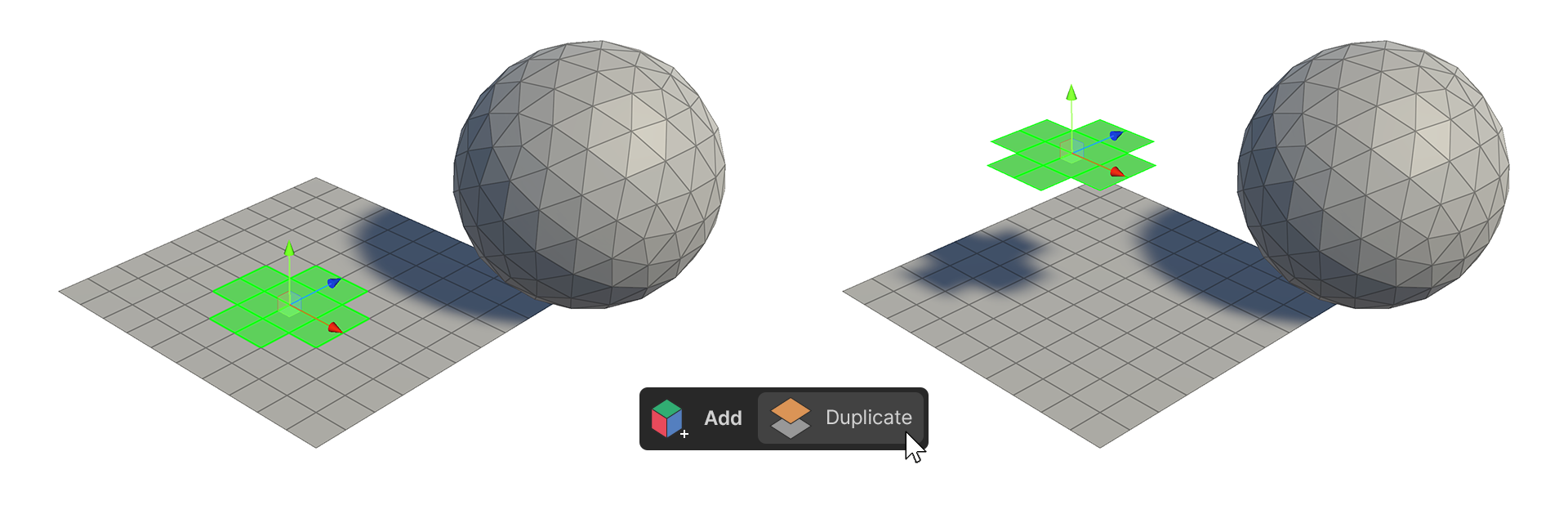
The Duplicate tool duplicates the selected element (Vertex, Edge, Face). When executed, it will duplicate the selected element exactly in the same location.
How to use it
Vertices
1.Select the vertex you want to duplicate.
2.Run the Duplicate Tool.
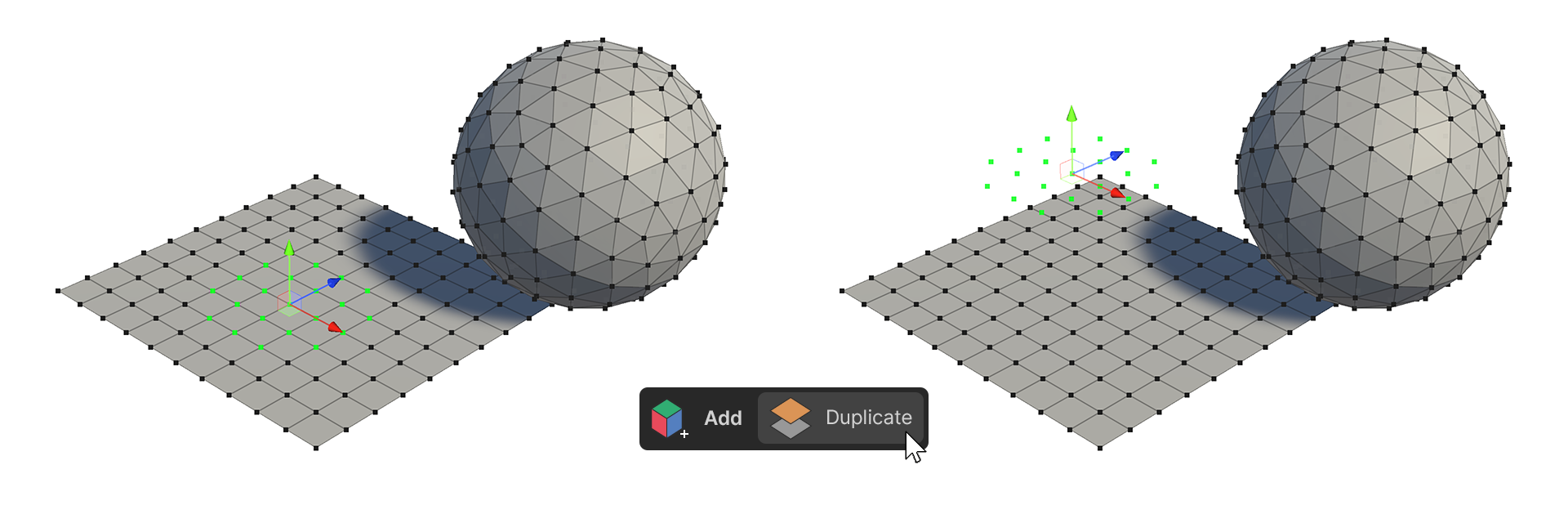
3.The selected vertex has been duplicated to the same location.
Edge
1.Select the edge you want to duplicate.
2.Run the Duplicate Tool.
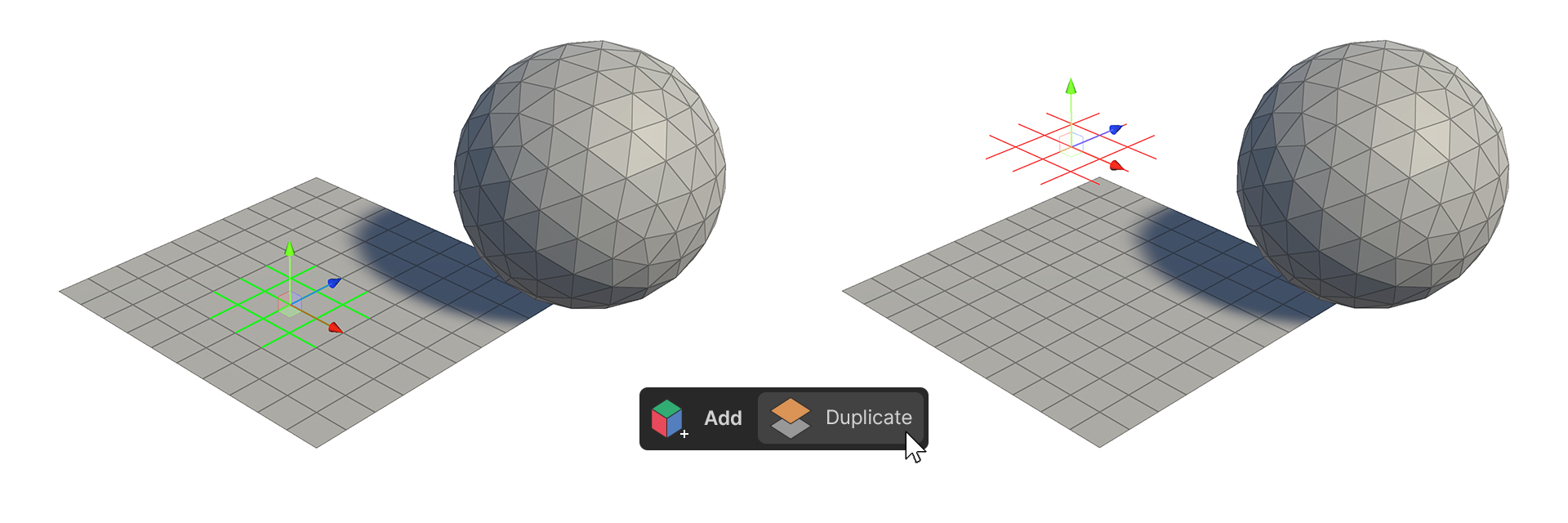
3.The selected edge has been duplicated to the same location.
Face
1.Select the face you want to duplicate.
2.Run the Duplicate Tool.
3.The selected faces have been duplicated to the same location.