
올가미 툴 (Lasso Tool)
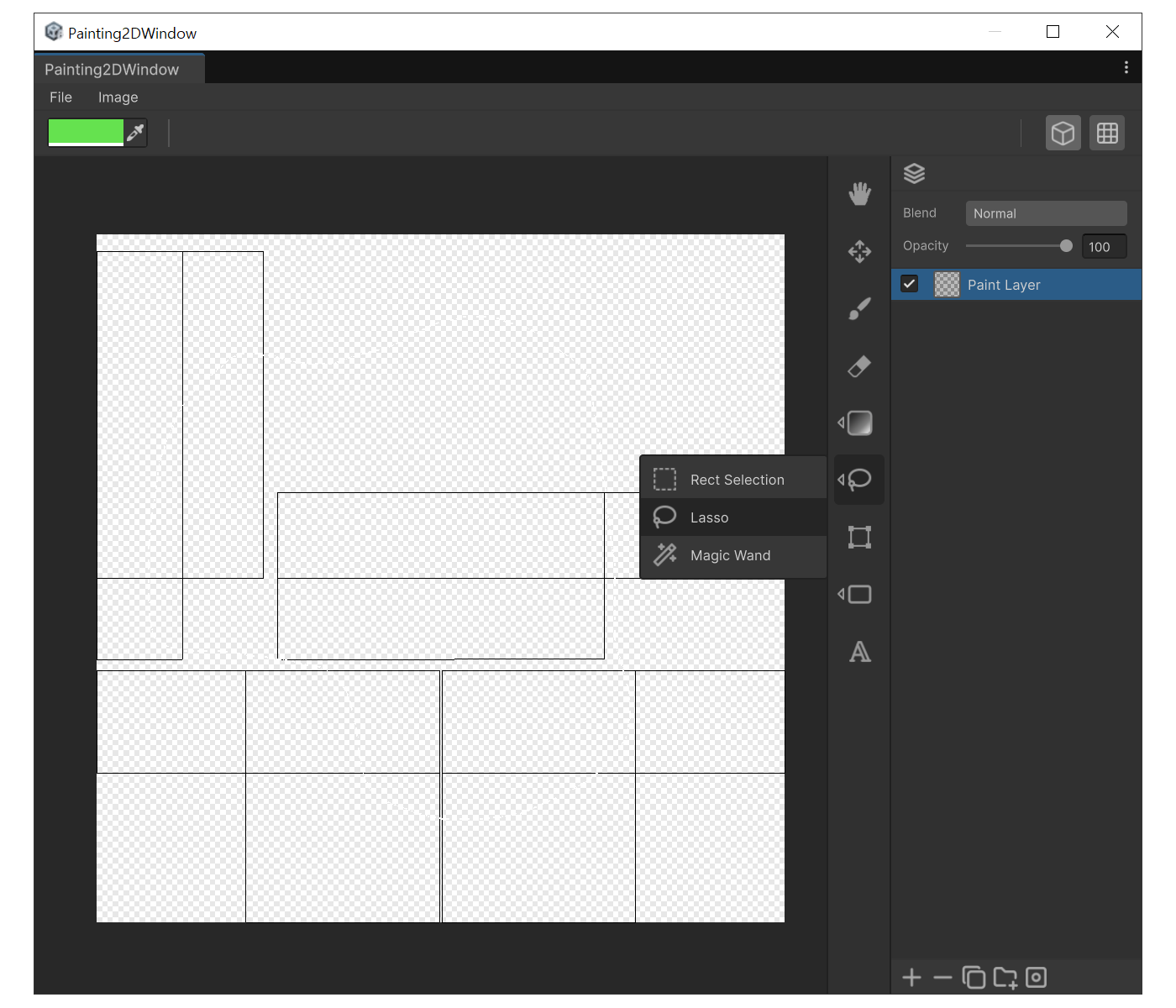
용도
- 사각형이 아닌 불규칙한 모양을 선택할 때
사용법
- `L`로 Lasso를 선택합니다.
- 캔버스를 드래그하여 원하는 모양을 그립니다. 마우스를 놓으면 시작점으로 자동으로 닫히며 선택이 완성됩니다.
- 이어서 `Shift`/`Ctrl`로 영역을 추가, 제거할 수 있습니다.
예시
방향키로 선택 영역 이동
선택 영역을 만든 뒤 방향키로 영역을 이동할 수 있습니다.
| 단축키 | 동작 |
|---|---|
| 방향키 | 1px 이동 |
Shift + 방향키 | 10px 이동 |
| (Grid Snap ON 시) 방향키 | 그리드 간격 단위 이동 |