
Magic Wand Tool
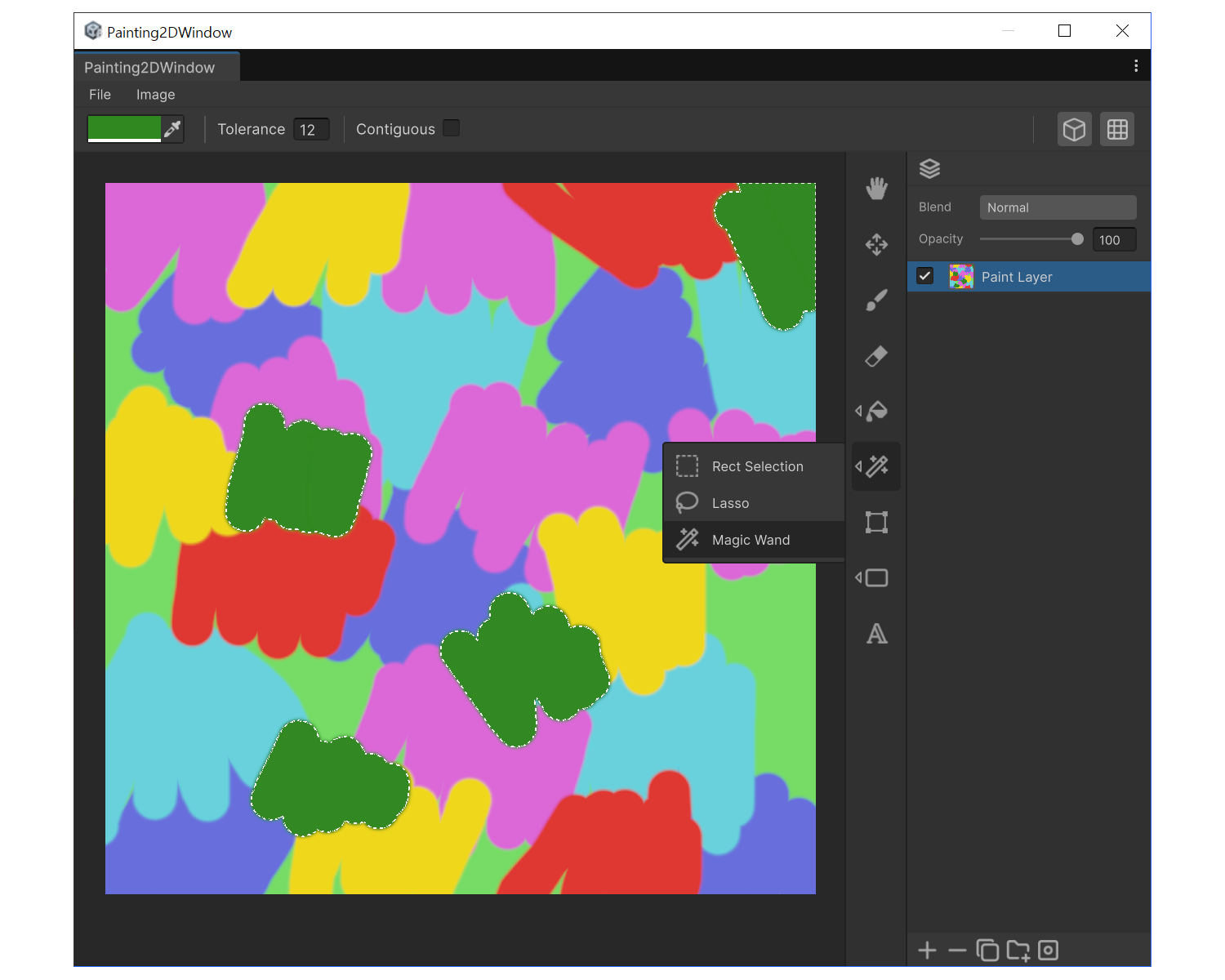
When to use
- To select all pixels of the same color at once.
- To isolate a color area for recoloring.
Properties
- Tolerance : Allowed color difference. Higher values include more similar shades.
- Contiguous : When on, selects only pixels connected to the click point. When off, selects all similar pixels across the texture.
How to use
- Press 'W' and tune Tolerance.
- Click once on the target color. The matching region becomes selected.
- If too few pixels are selected, raise Tolerance. If it bleed to far, lower it.
Example
Move Selection with Arrow Keys
You can move the selected region with the arrow keys.
| Shortcut | Behavior |
|---|---|
| Arrow keys | Move 1px |
Shift + arrow keys | Move 10px |
| (Grid Snap ON) arrow keys | Move by grid spacing |