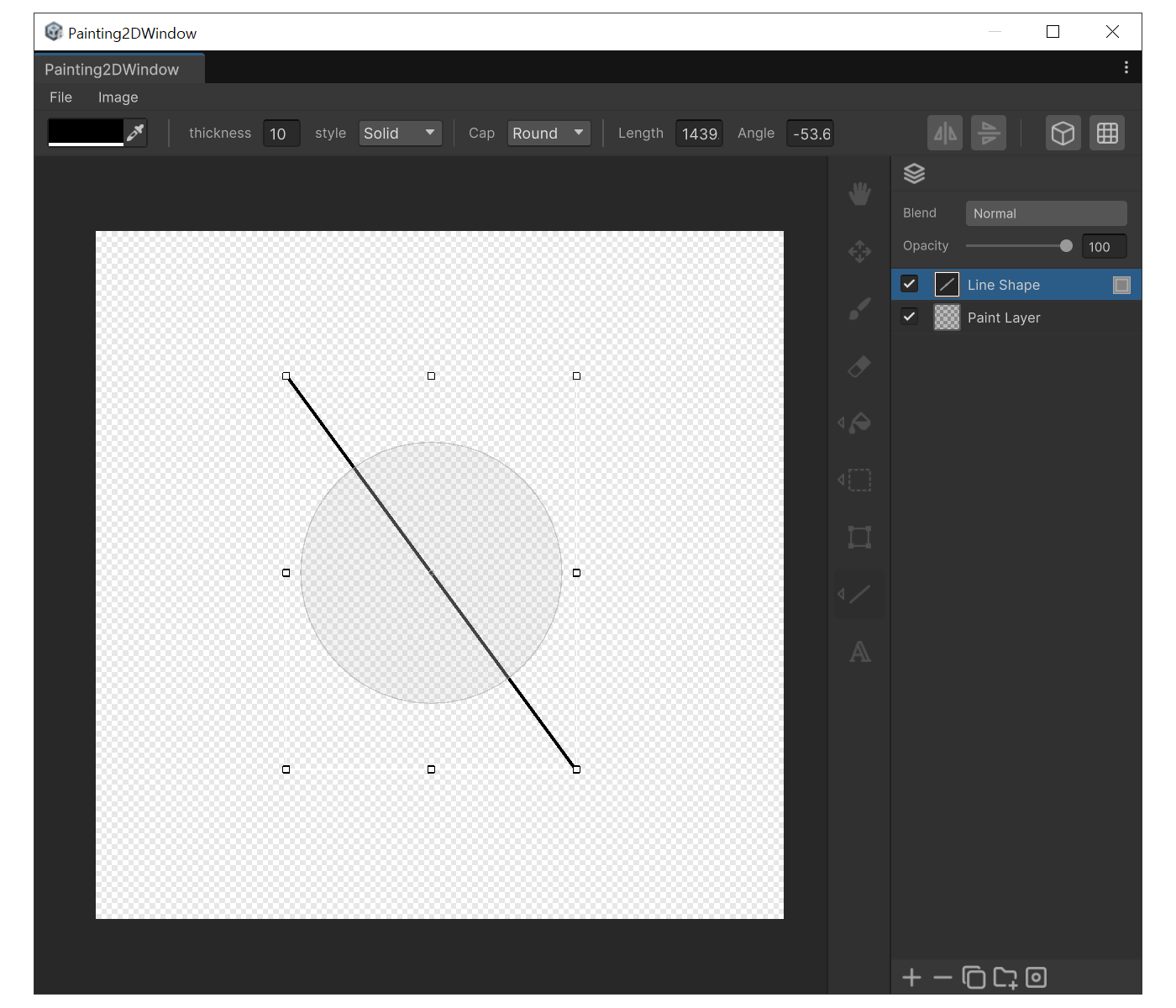
Cap : End-cap style. Round gives semicircular ends. Square Extend gives square ends extended by half the thickness.
Length : Line length in pixels. In edit state you can change only the length while keeping the angle.
Angle : Line angle in degrees. In edit state you can change only the angle while keeping the length.
How to use
Press 'Y'.
Drag from the start point to the end point. A Shape layer containing the line is created. Hold 'Shift' while dragging to snap the angle to 45º increments.
After creation you can type exact Length / Angle values in the settings panel.
You can also drag the bounding-box handles or the rotation disc to transform the shape non-destructively.