UModeler X MCP
출시 — AI 에이전트로 모델링하세요
사용법 보기
×
검색
⌘K
UModeler X 매뉴얼
시작하기
에디터블 메시 (Editable Mesh)
모델링 모드
UV 에디터
Painting 3D 에디터
패인팅 2D 에디터 (Painting 2D Editor)
공용 기능
레이어
색상 범위 선택 (Color Range)
툴
색상 툴
핸드 툴 (Hand Tool)
이동 툴 (Move Tool)
브러시 툴 (Brush Tool)
지우개 툴 (Eraser Tool)
버켓 툴 (Bucket Tool)
그라디언트 툴 (Gradient Tool)
사각형 선택 툴 (Rect Selection Tool)
올가미 툴 (Lasso Tool)
마법봉 툴 (Magic Wand Tool)
자유 변형 툴 (Free Transfrom Tool)
사각형 툴 (Rectangle Tool)
원형 툴 (Ellipse Tool)
선 툴 (Line Tool)
텍스트 툴 (Text Tool)
리깅 모드 (Rigging Mode)
핫스팟 텍스쳐링 (Hotspot Texturing)
커브 메시 (Curve Mesh)
파라메트릭 쉐이프 (Parametric Shape)
메시 옵스 (Mesh Ops)
PicoBerry AI
자주 묻는 질문 (FAQ)
문제 해결 (Troubleshooting)
UModeler X Manual
/
에디터블 메시 (Editable Mesh)
/
패인팅 2D 에디터 (Painting 2D Editor)
/
툴
/
핸드 툴 (Hand Tool)
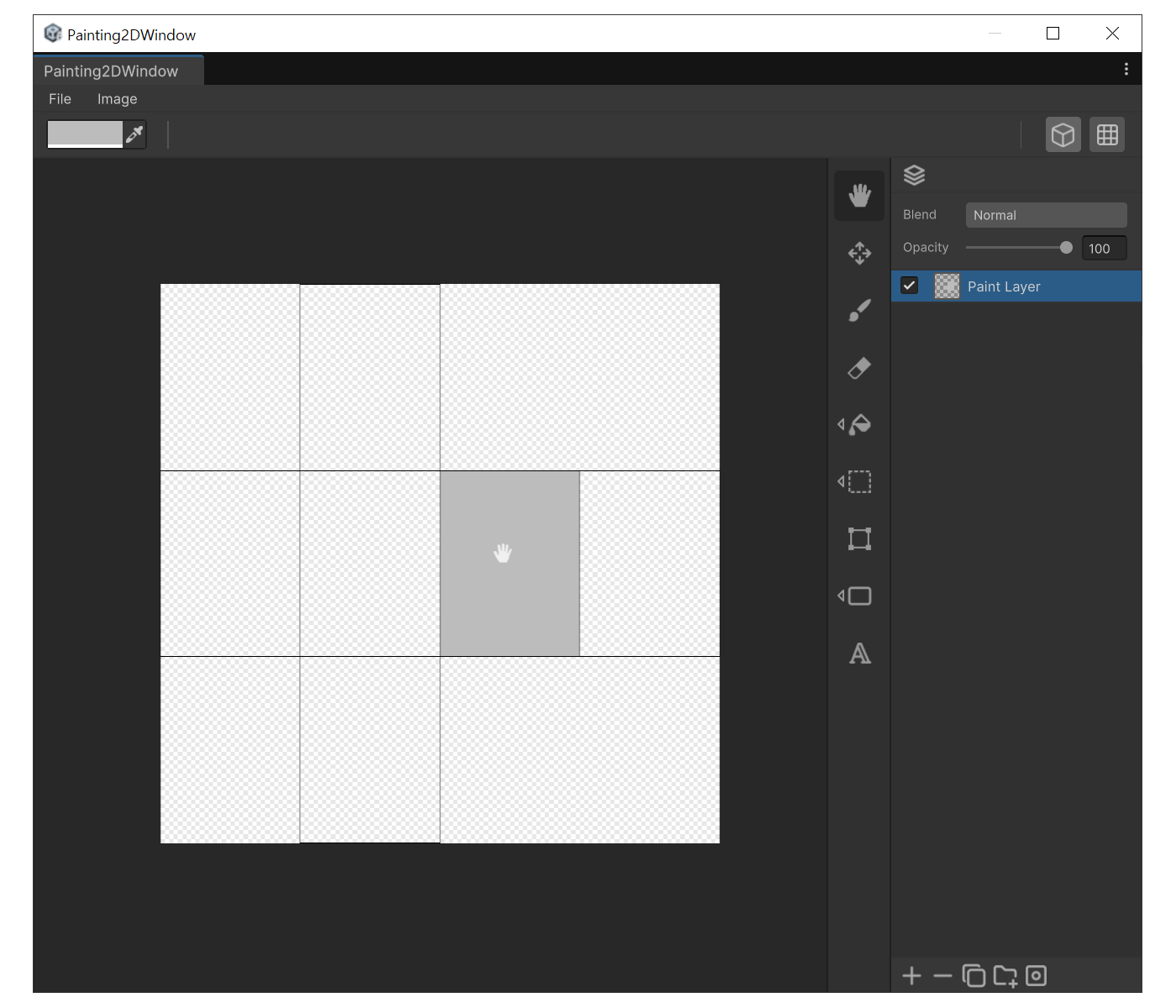
핸드 툴 (Hand Tool)
용도
캔버스를 화면 안에서 옮기거나 회전시켜 그릴 위치를 잡고 싶을 때
확대해서 그리다가 다른 영역으로 빠르게 이동할 때
사용법
도구 툴바에서 손 모양 아이콘을 클릭하거나 `
H
`를 누릅니다.
캔버스를
드래그
하면 이동,
우클릭 드래그
하면 회전합니다.
회전을 초기화하려면 `
Q
`, 전체 뷰를 리셋하려면 `
A
`를 누릅니다.
예시
← 이전
색상 툴
다음 →
이동 툴 (Move Tool)
핸드 툴 (Hand Tool) | UModeler X Manual