
Bucket Tool
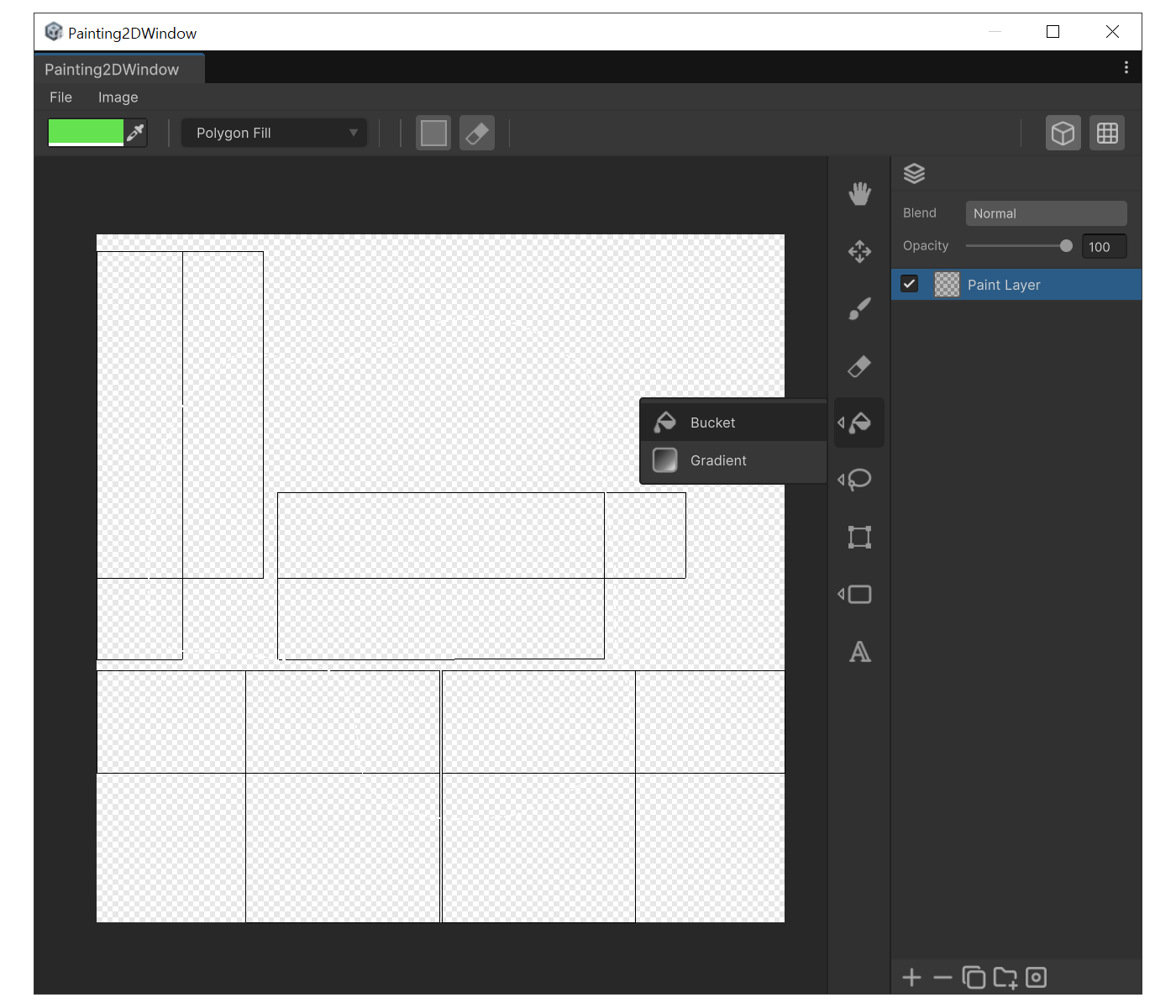
When to use
- To fill a closed region with a single color at once.
- To fill polygons or rectangles by clicking points.
Fill Mode
Pick a mode from the bucket-mode popup at the top of the window.
- Polygon Fill : Fills the polygon you click out with the mouse.
- Flood Fill : Fills pixels connected to the click point that share a similar color. Use 'Tolerance' to widen/narrow the match.
- Rect Fill : Fills the rectangle you drag out.
- Polygonal Lasso Fill : Click to build a free-form polygon, then fill.
- Island Fill : Fills the entire UV island that contains the clicked face.
- Isolation Fill : Fills every face connected to the clicked face through the 3D mesh by walking edge-adjacent neighbors. Multiple UV islands separated by UV seams are all filled together as long as they belong to the same connected mesh piece.
Options
- Triangle Mode : Fill evaluation handles boundaries per triangle.
- Erase Mode : Instead of filling, makes the region transparent.
How to use (Flood Fill example)
- Press 'F', then choose Flood Fill in the mode popup.
- Keep Tolerance near to match only exact colors. Or raise it to 50-100 to include nearby colors.
- Click once inside the target area. It fills immediately.