Cylinder 툴
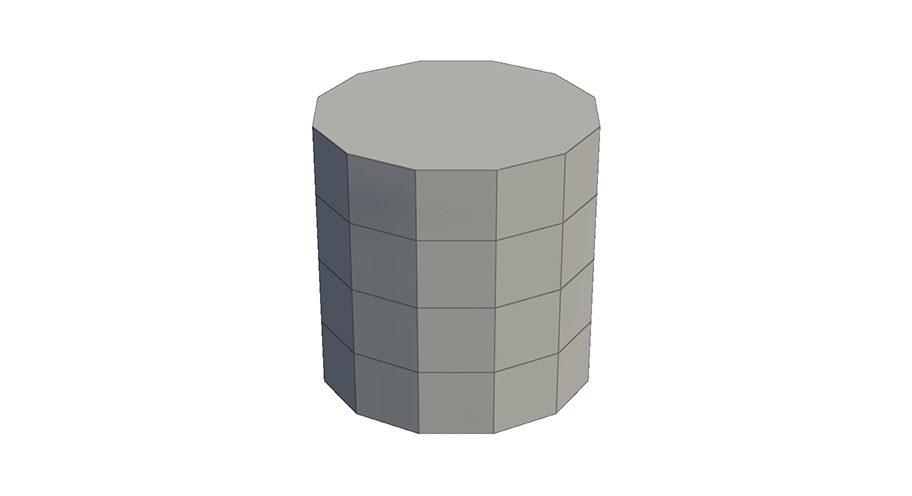
Cylinder 툴은 기본 형태의 실린더를 생성하는 툴입니다.
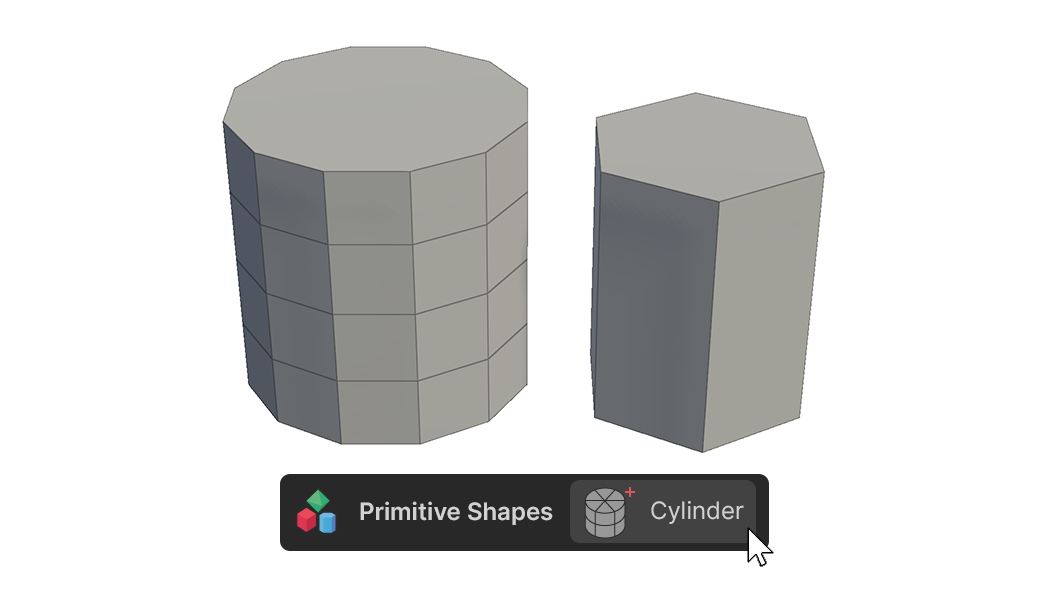
Cylinder 툴은 기본 형태의 실린더(원기둥)를 생성하는 툴입니다.
사용 방법
Primitive Shapes 그룹의 기본 형태 생성 툴은 두 가지 방식으로 형태를 만들 수 있습니다.
-
Click-Drag로 생성 및 편집 -
One Click Build로 생성 및 편집
클릭 드래그로 생성 및 편집
- Cylinder 툴을 선택합니다.
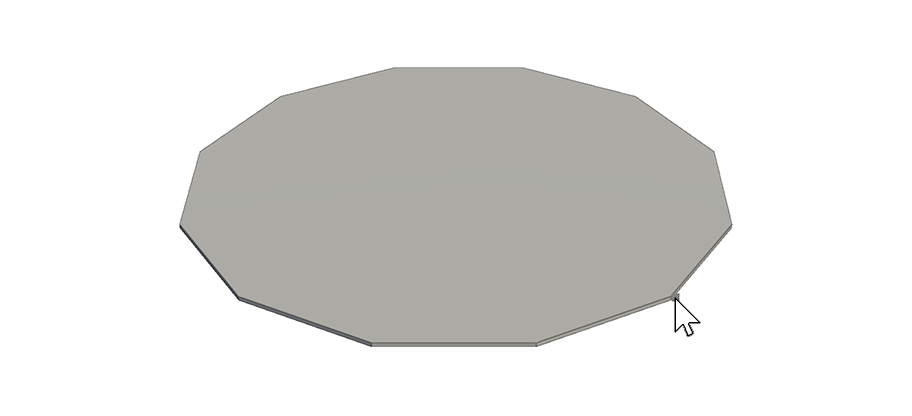
- 씬에서 마우스를 클릭하고 드래그해 원하는 크기의 베이스를 생성합니다.
-
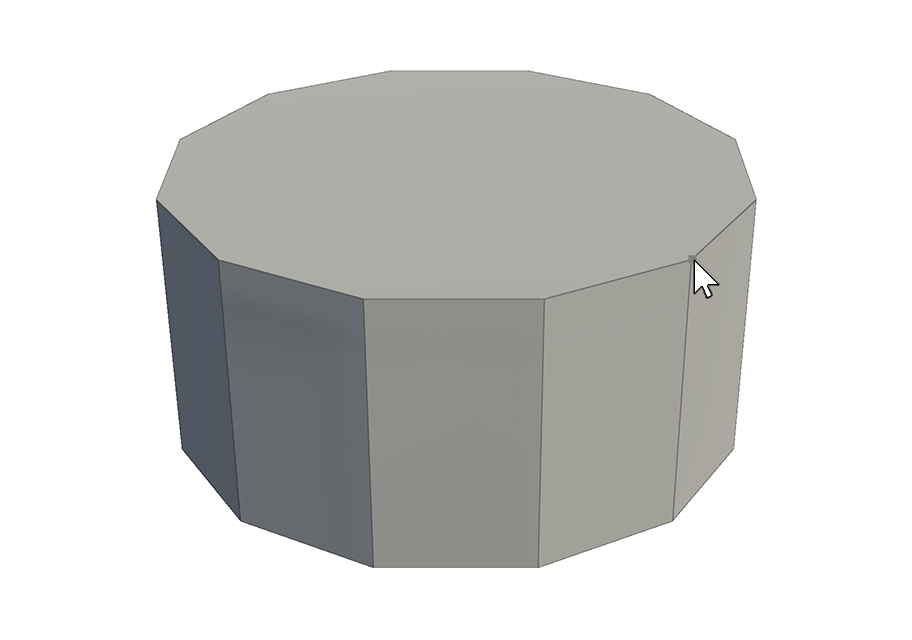
베이스가 원하는 크기로 생성되면 클릭을 떼고 마우스를 위로 움직여 원하는 높이의 메시를 생성합니다.
-
원하는 높이가 되면 다시
클릭하여 메시 생성을 마무리합니다.
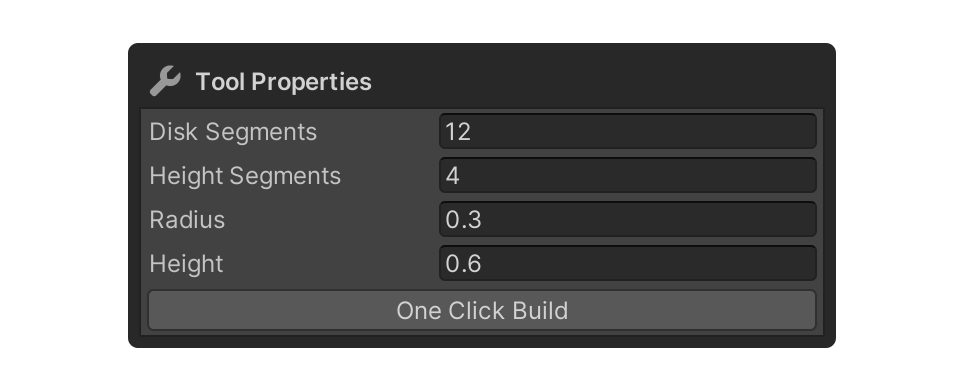
- Cylinder 툴의 속성을 조정하고 엘리먼트를 선택하거나 다른 툴을 눌러 마무리합니다.
One Click Build와 속성으로 생성 및 편집
- Cylinder 툴을 선택합니다.
- Cylinder 툴의 속성에 원하는 값을 입력합니다.

- One Click Build 버튼을 눌러 씬에 형태를 추가합니다.
- Cylinder 툴의 속성을 추가로 조정하고 엘리먼트를 선택하거나 다른 툴을 사용해 마무리합니다.
속성
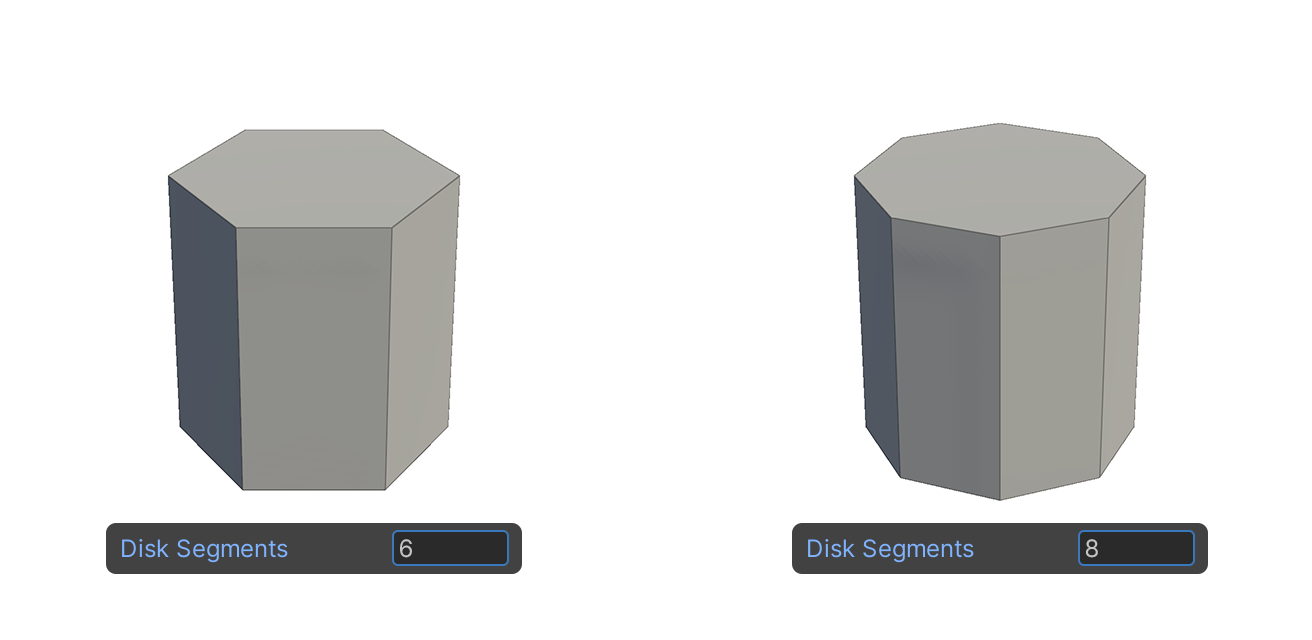
Disk Segments
생성되는 형태의 둘레 분할 수를 설정하는 속성입니다.
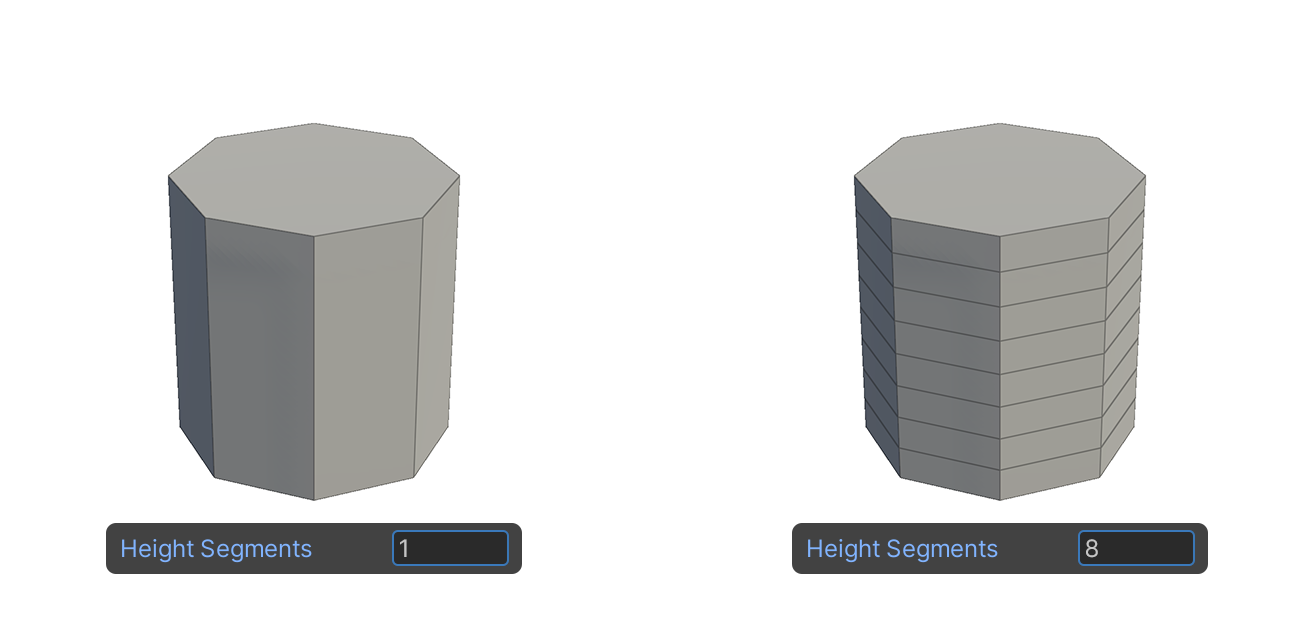
Height Segments
생성되는 형태의 높이 분할 수를 설정하는 속성입니다.
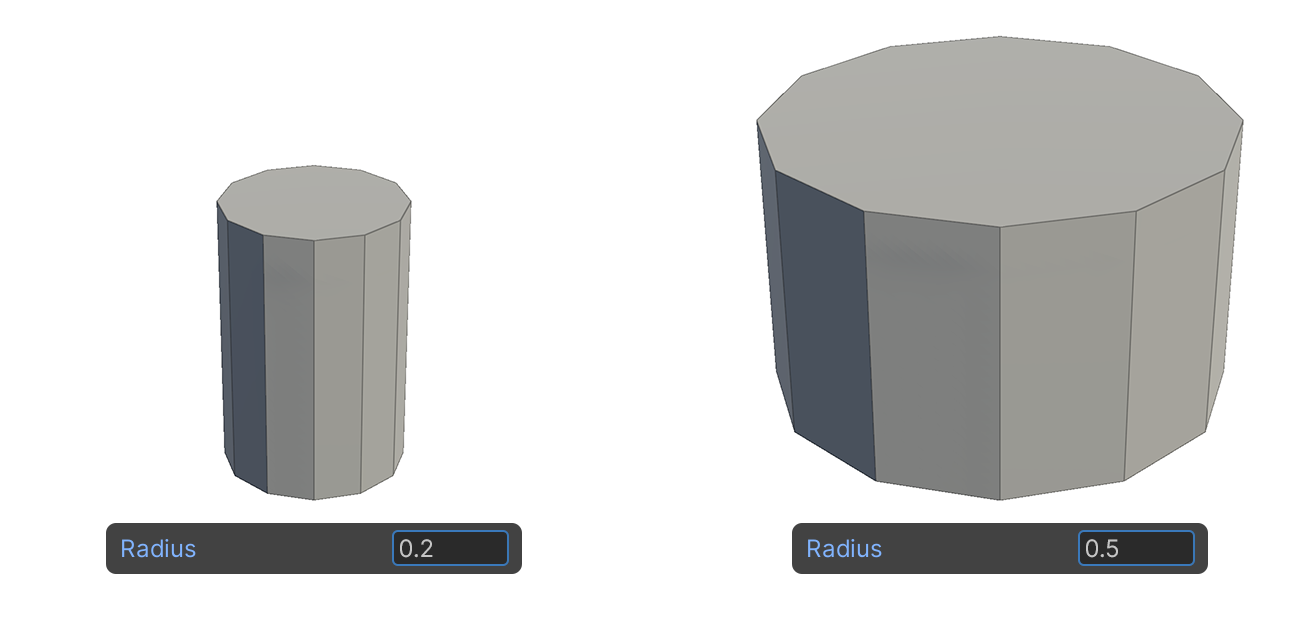
Radius
생성되는 형태의 반지름 크기를 설정하는 속성으로, 단위는 미터입니다.
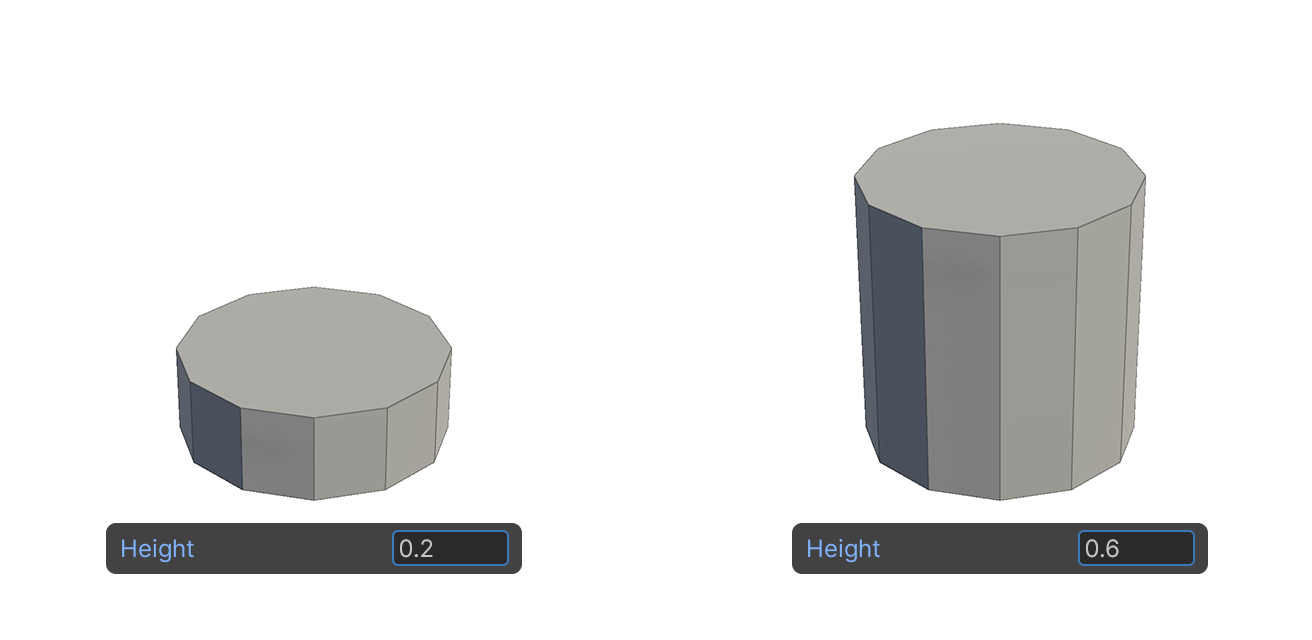
Height
생성되는 형태의 높이를 설정하는 속성입니다.
오브젝트 기준 Y축 방향이며, 단위는 미터입니다.