
Target Weld Tool
The Target Weld tool is used to drag selected vertices and weld them to a specific vertex.
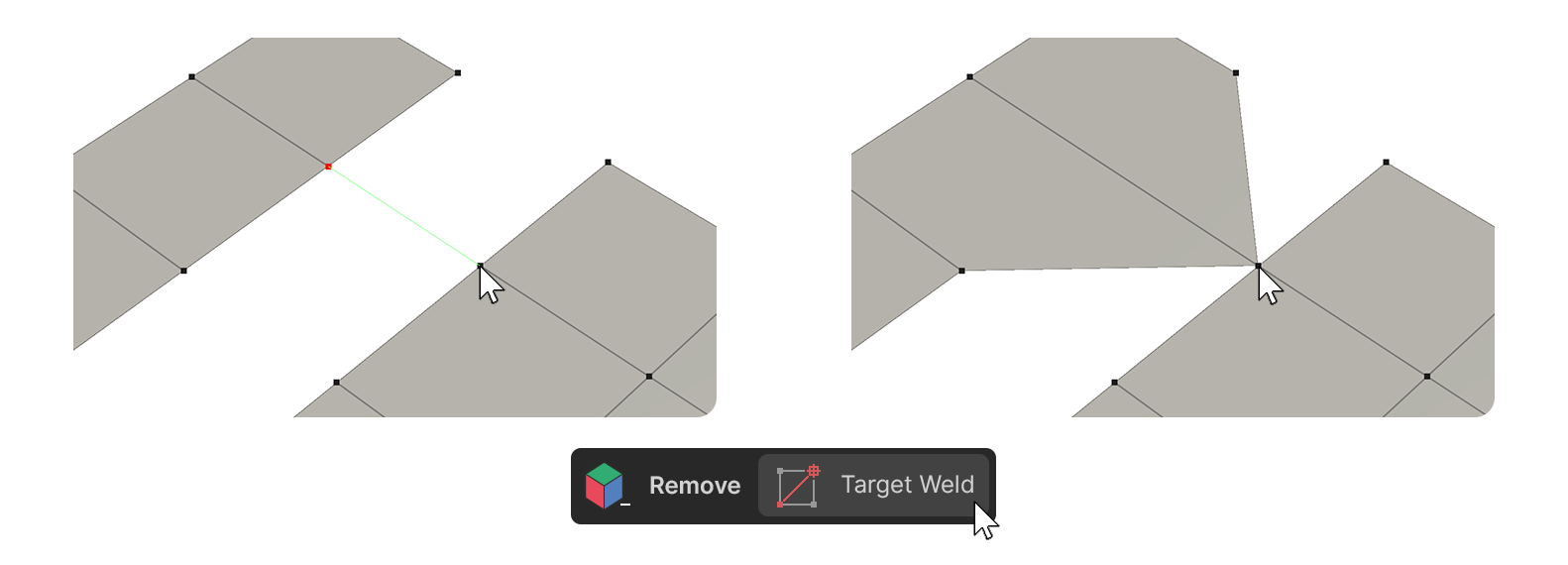
The Target Weld tool is used to drag selected vertices and weld them to a specific vertex.
How to Use
1.Select the Target Weld tool.
2.Click-Drag the vertices you want to weld.
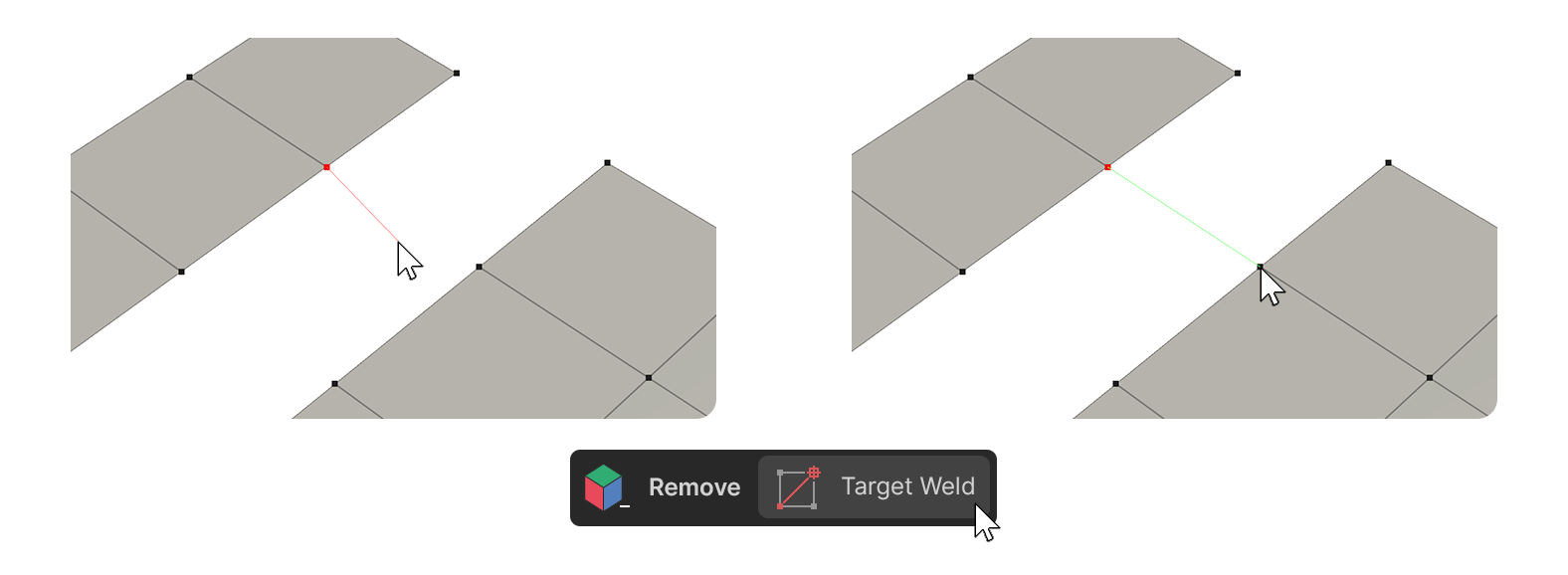
3.With the red guide attached to the mouse cursor, move the cursor to the vertex you want to weld.
4.When the guide turns green, release the Click.
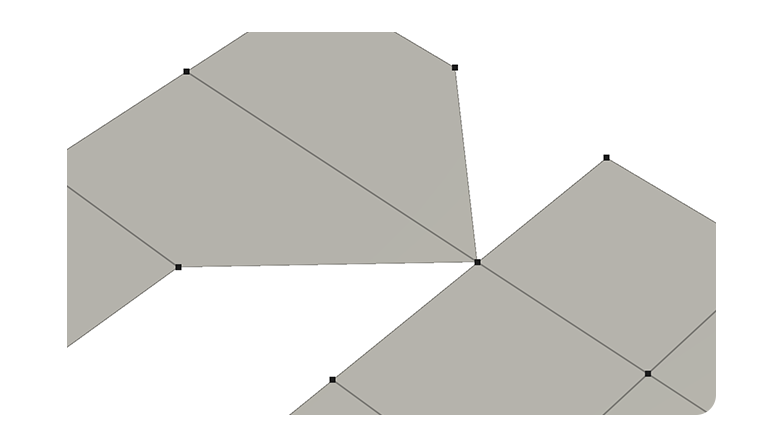
5.The selected vertices will be moved and joined together.