Ring Tool
The Ring tool is a tool that selects elements parallel to the selected element.
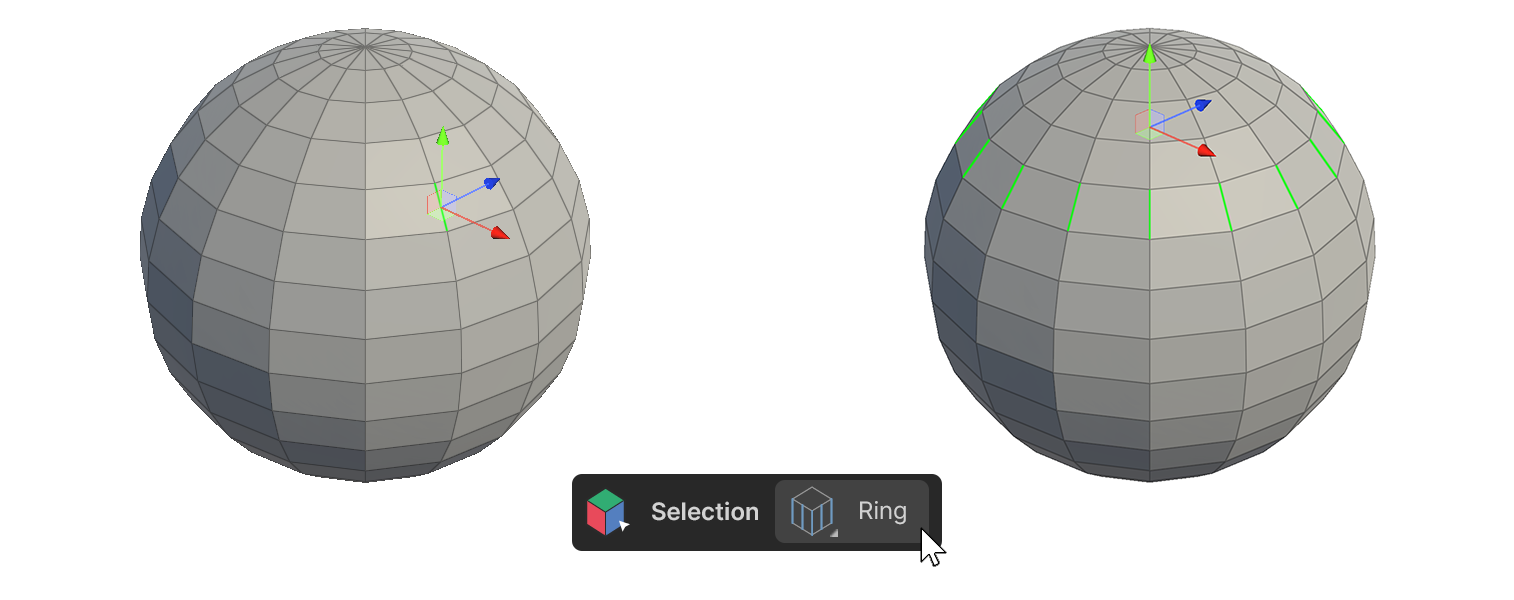
The Ring tool is a tool that selects elements parallel to the selected element.
How to use
Edge
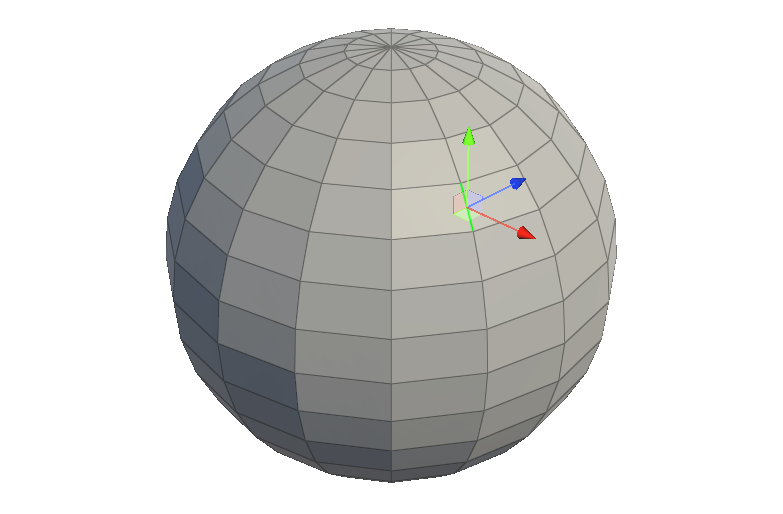
1.Select one or more edges.
2.Run the Ring Tool.
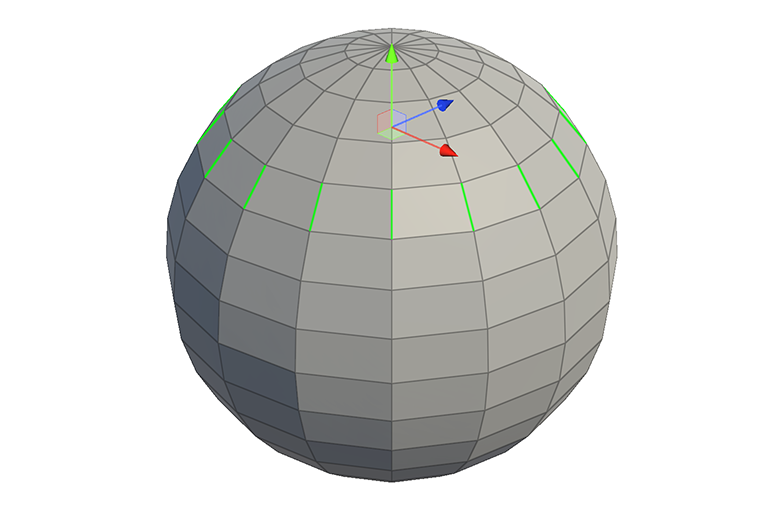
3.Edges in a direction parallel to the selected edges are selected.
Face
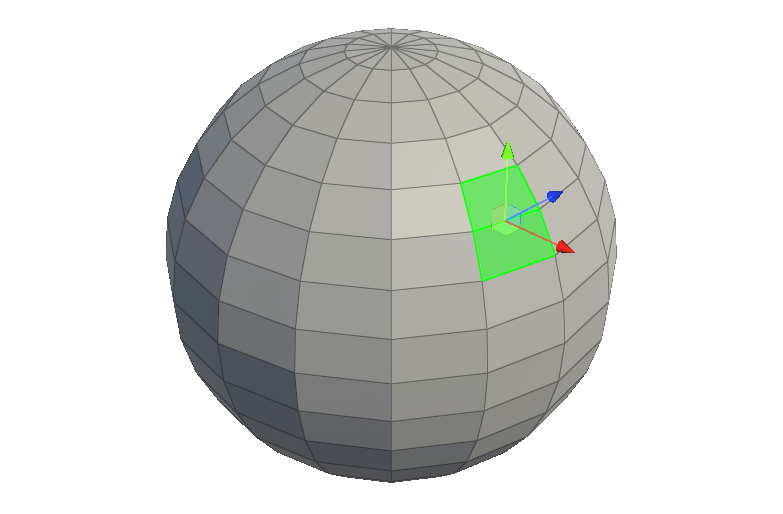
1.select 2 or more faces adjacent to each other.
2.Run the Ring tool.
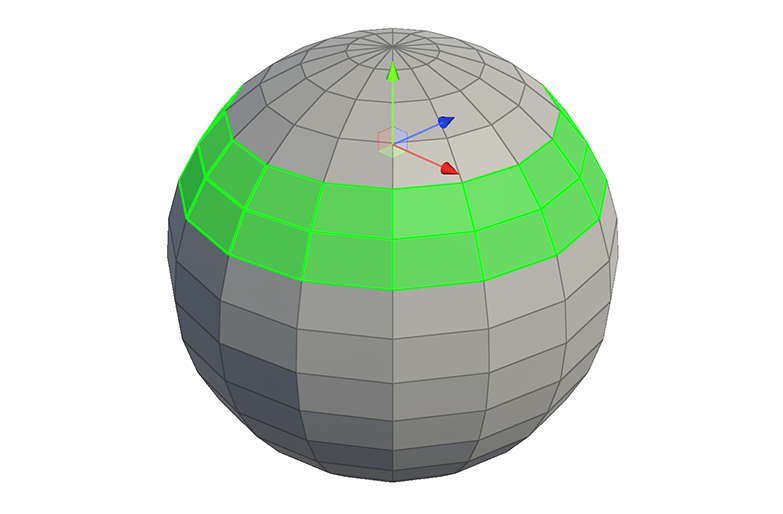
3.Faces in a direction parallel to the direction of travel of the selected faces will be selected.
Properties
Select Type
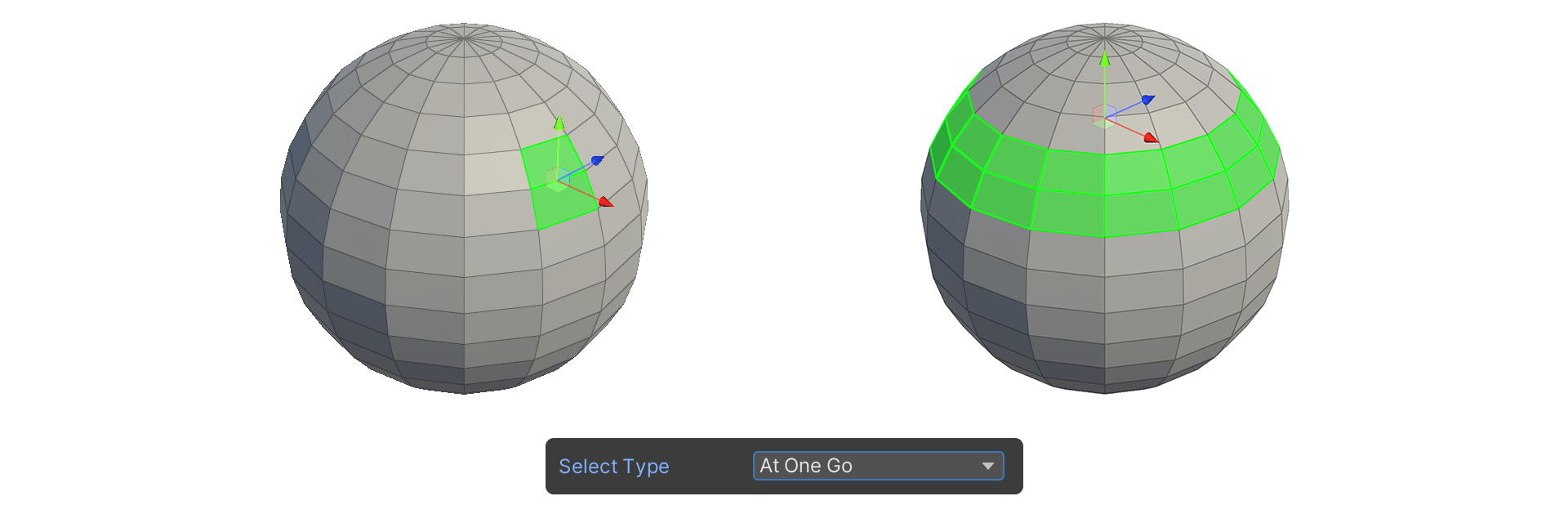
At One Go
The At One Go property is a property that allows you to select all edges and faces at once based on the Ring tool selection criteria.
Edge
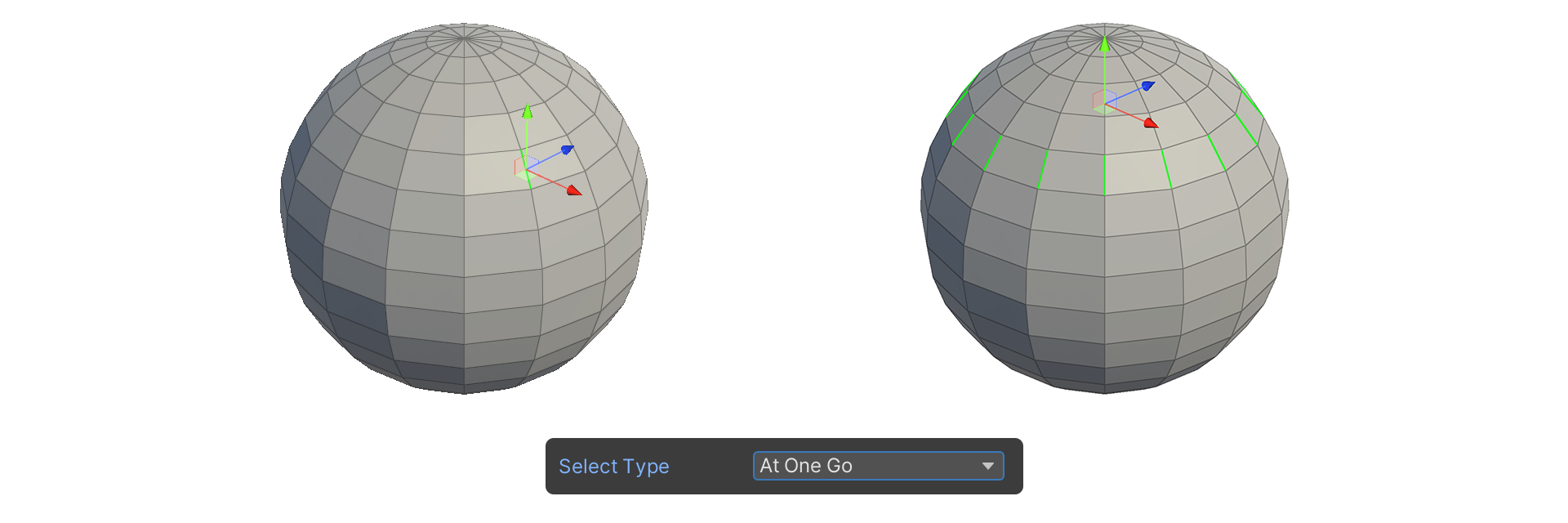
Face
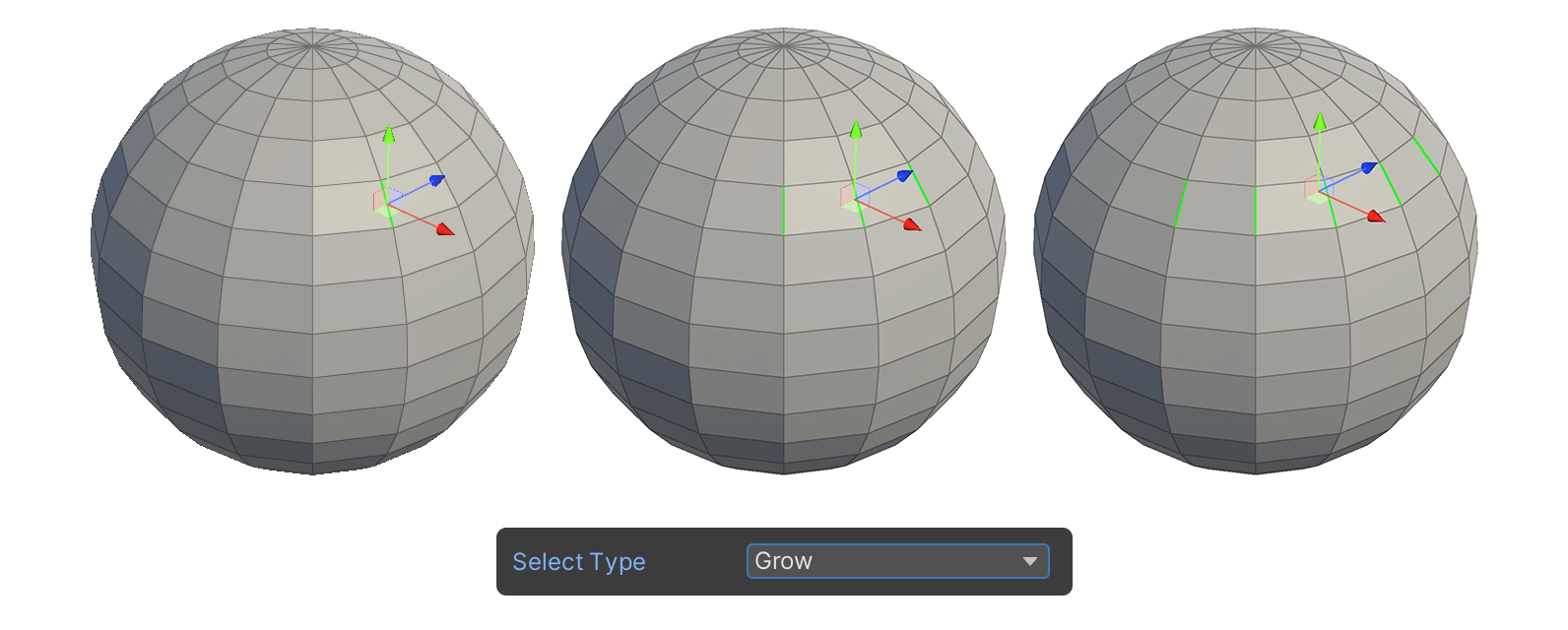
Grow
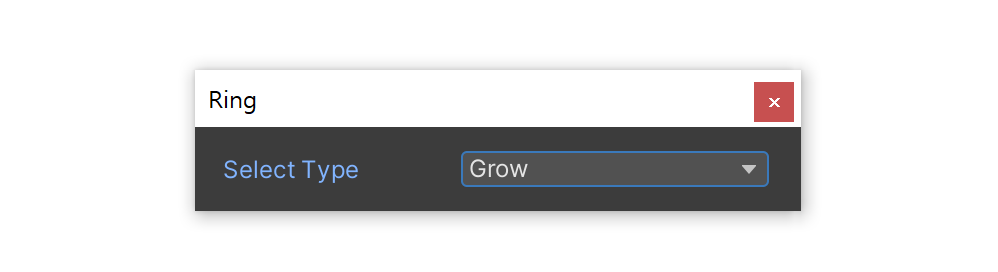
The Grow property is a property that allows selection in a way that increases the range each time the Ring tool icon is clicked.