
Invert 툴
Invert 툴은 선택된 엘리먼트의 반전된 부분을 선택합니다.
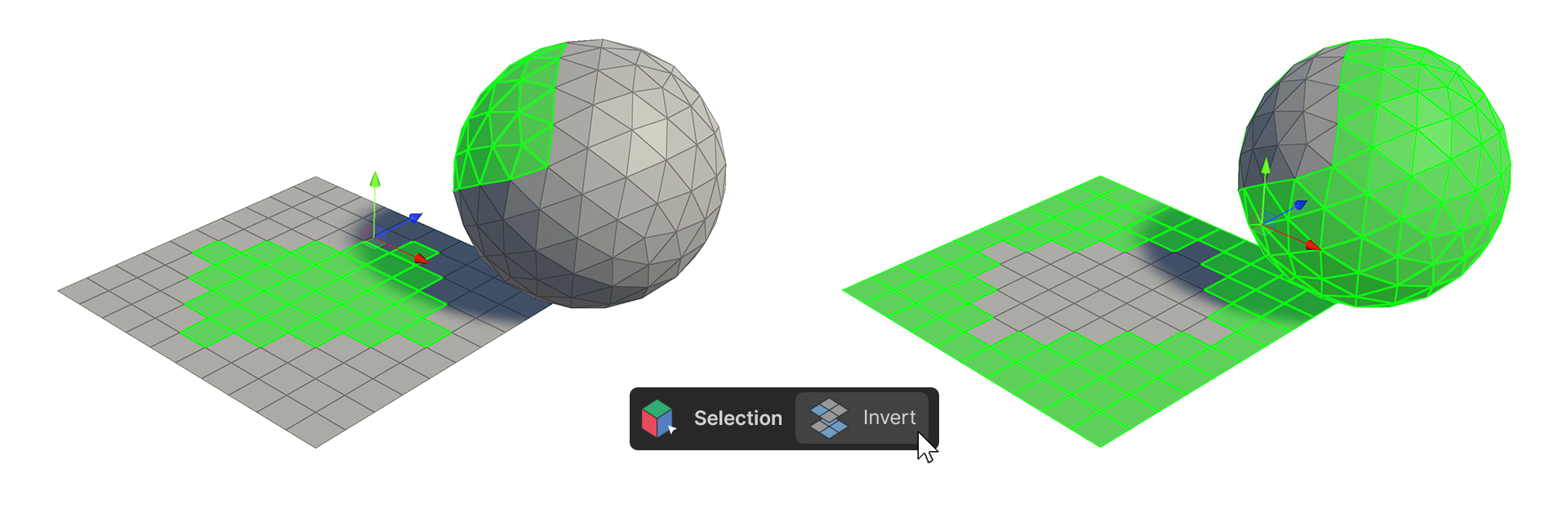
Invert 툴은 선택된 엘리먼트의 반전된 부분을 선택합니다.
사용 방법
버텍스
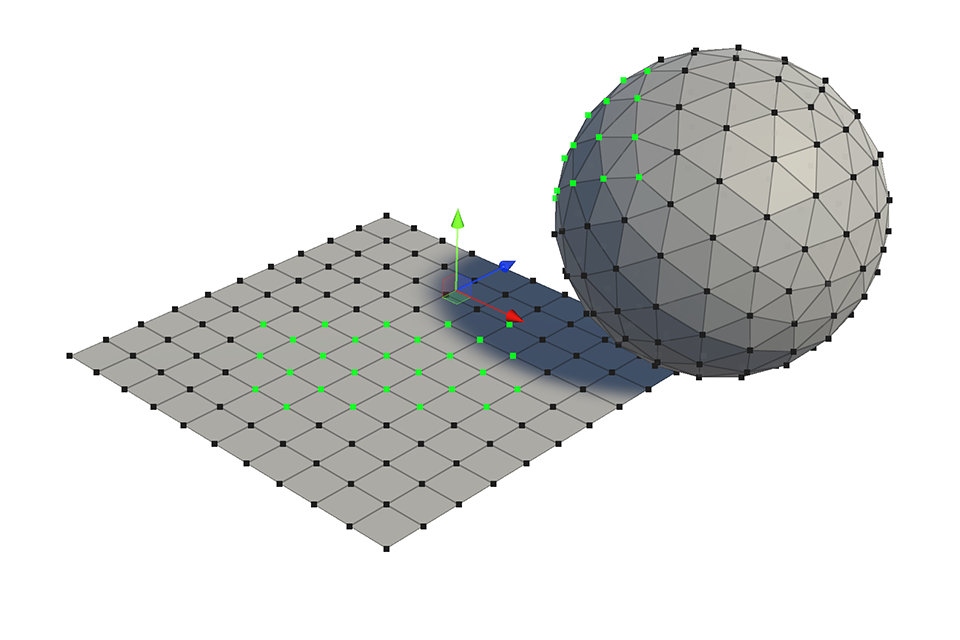

-
하나 이상의 버텍스를 선택합니다.
-
Invert 툴을 실행합니다.
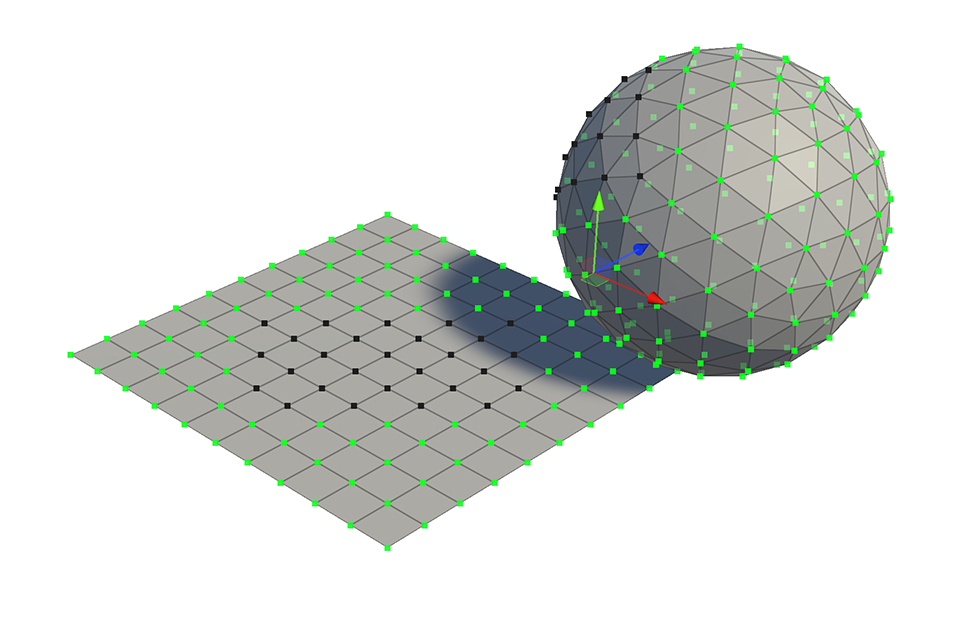
- 선택된 버텍스의 반전된 부분이 선택됩니다.
엣지
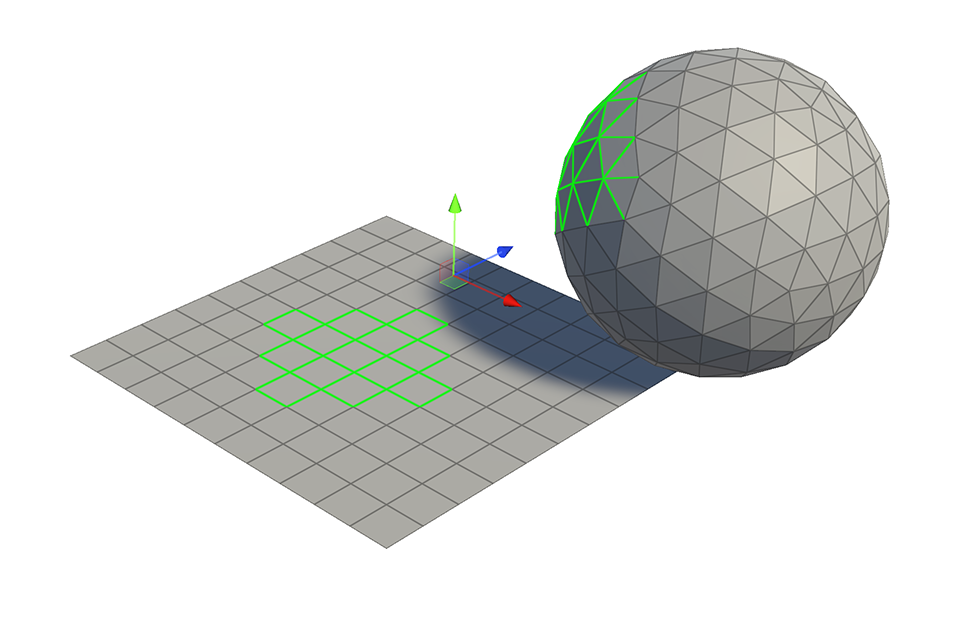

-
하나 이상의 엣지를 선택합니다.
-
Invert 툴을 실행합니다.
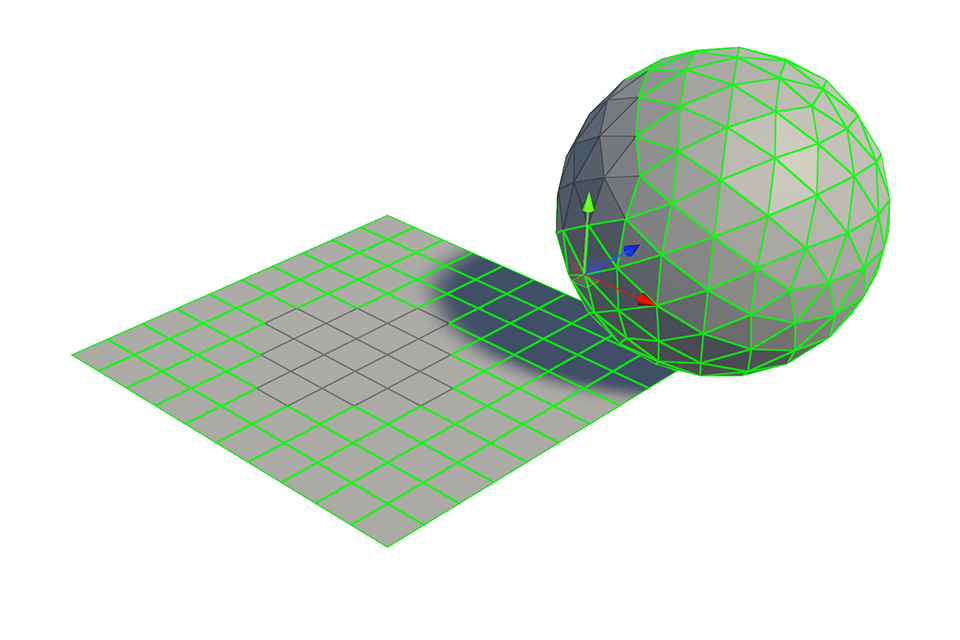
- 선택된 엣지의 반전된 부분이 선택됩니다.
페이스
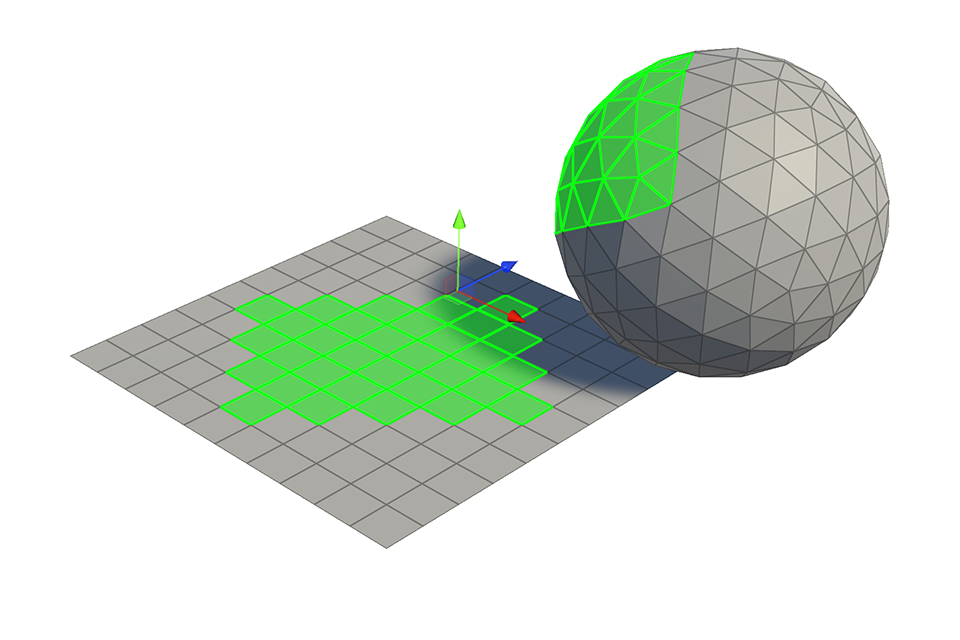

-
하나 이상의 페이스를 선택합니다.
-
Invert 툴을 실행합니다.
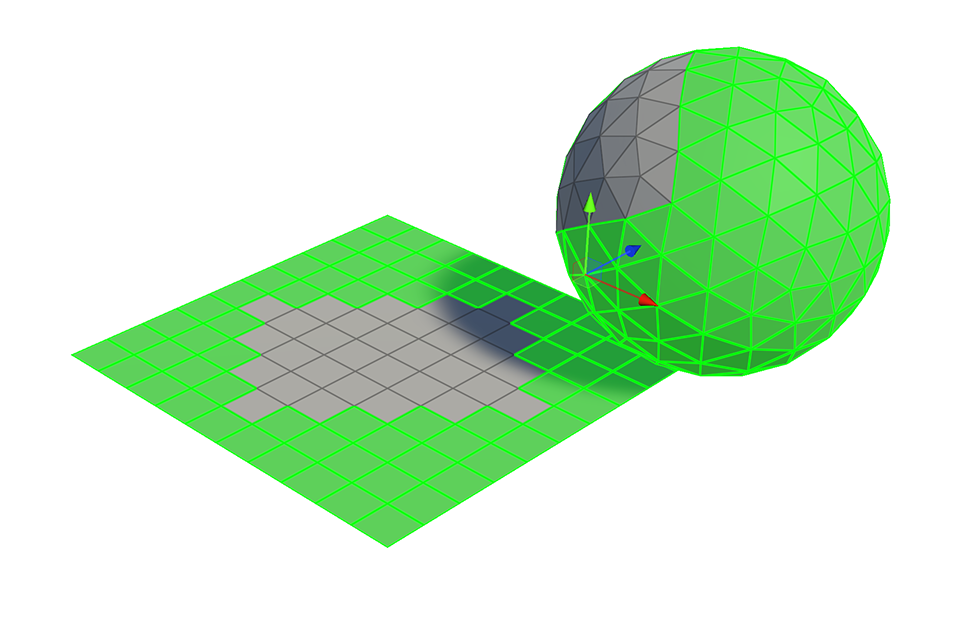
- 선택된 페이스의 반전된 부분이 선택됩니다.