
Shrink 툴
Shrink 툴은 선택된 엘리먼트의 영역을 축소하는 툴입니다. 선택된 엘리먼트가 없으면 동작하지 않습니다.
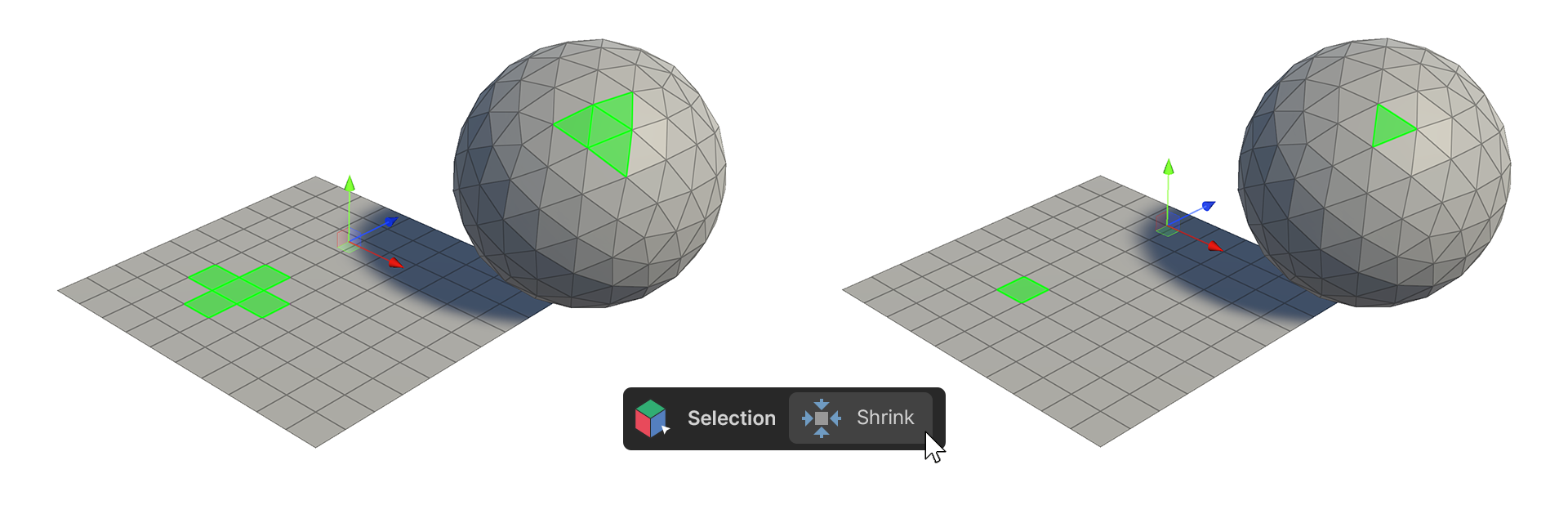
Shrink 툴은 선택된 엘리먼트의 영역을 축소하는 툴입니다. 선택된 엘리먼트가 없으면 동작하지 않습니다.
사용 방법
버텍스
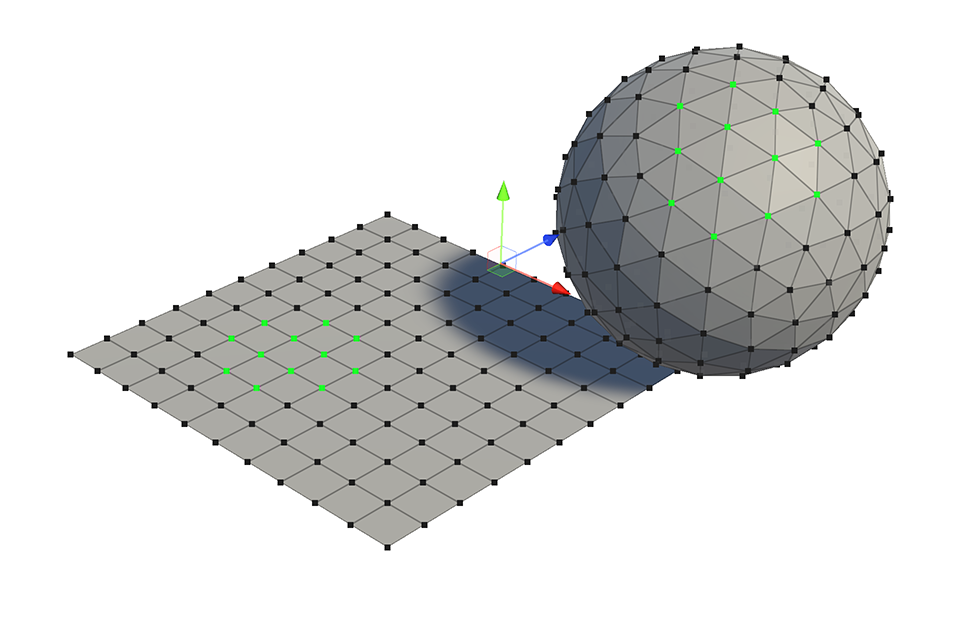
-
하나 이상의 버텍스를 선택합니다.
-
Shrink 툴을 실행합니다.
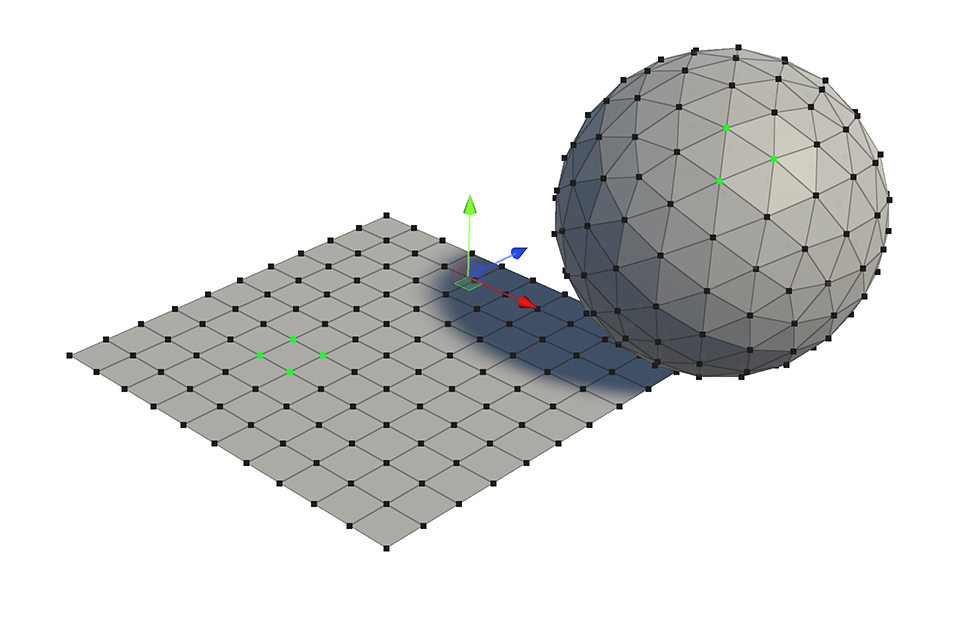
- 선택된 버텍스 영역이 축소되어 선택됩니다. 선택된 페이스의 범위가 부족하면 선택이 해제됩니다.
엣지
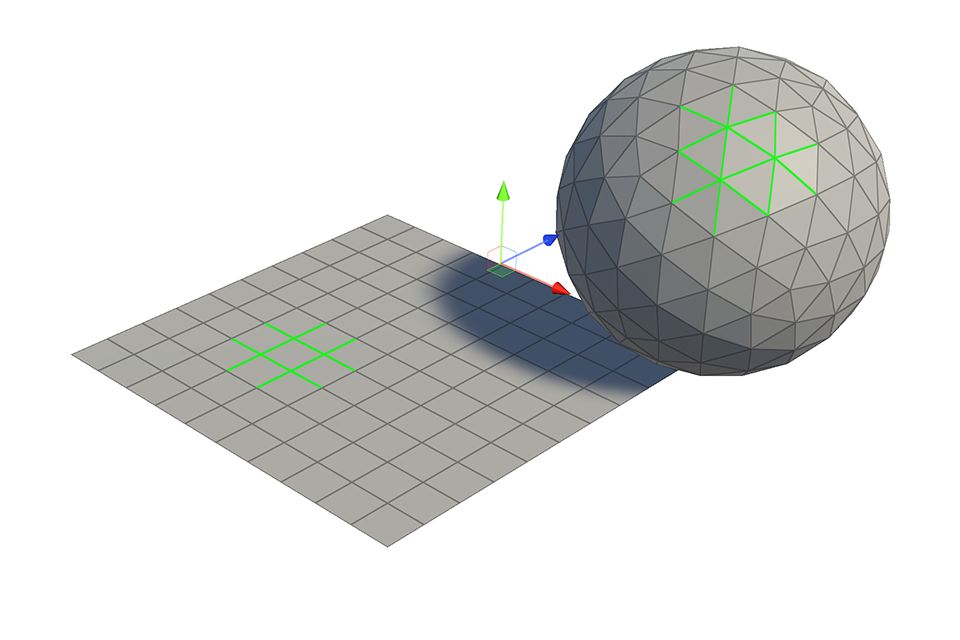
-
하나 이상의 엣지를 선택합니다.
-
Shrink 툴을 실행합니다.
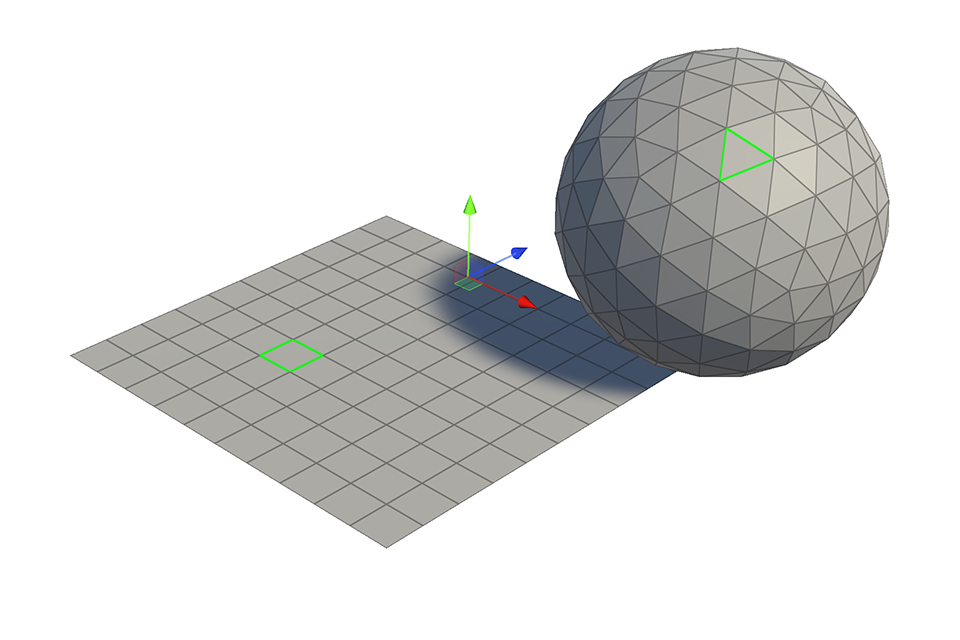
- 선택된 엣지가 축소되어 선택됩니다. 선택된 페이스의 범위가 부족하면 선택이 해제됩니다.
페이스
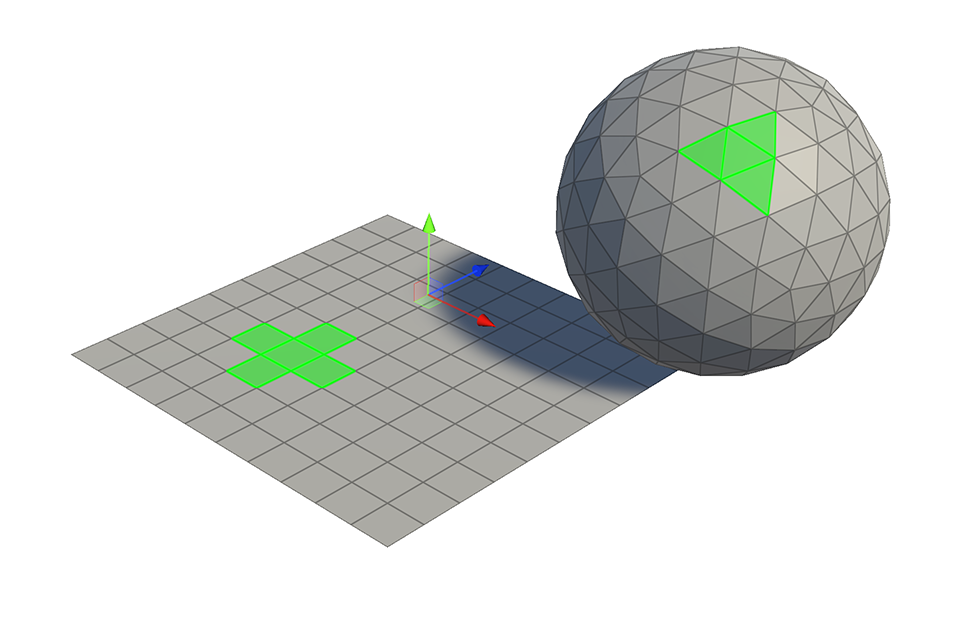
-
하나 이상의 페이스를 선택합니다.
-
Shrink 툴을 실행합니다.
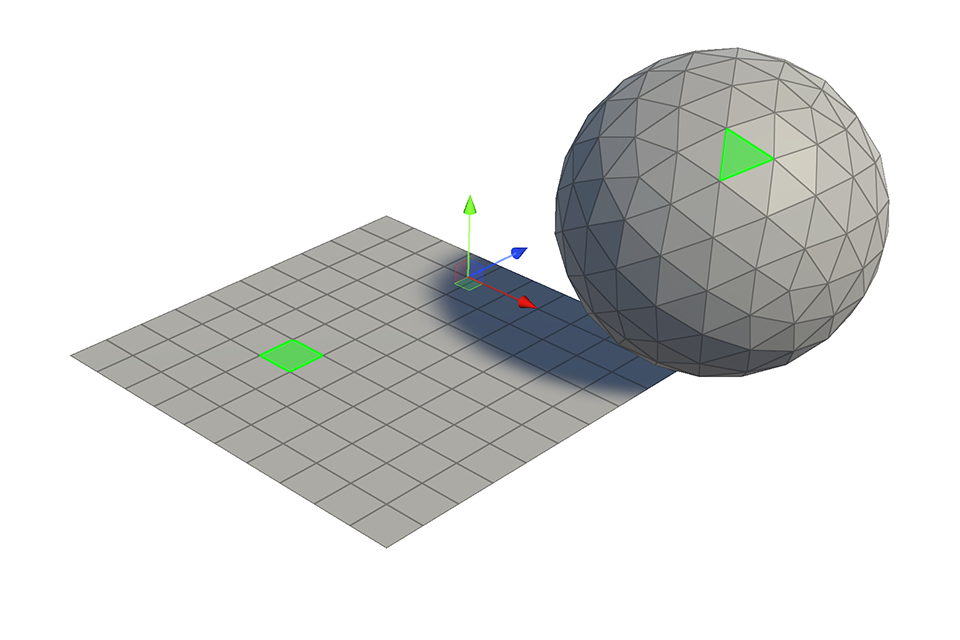
- 선택된 페이스가 축소되어 선택됩니다. 선택된 페이스의 범위가 부족하면 선택이 해제됩니다.