Side Stair Tool
The Side Stair tool is a tool for generating stair-shaped meshes in a side step format.
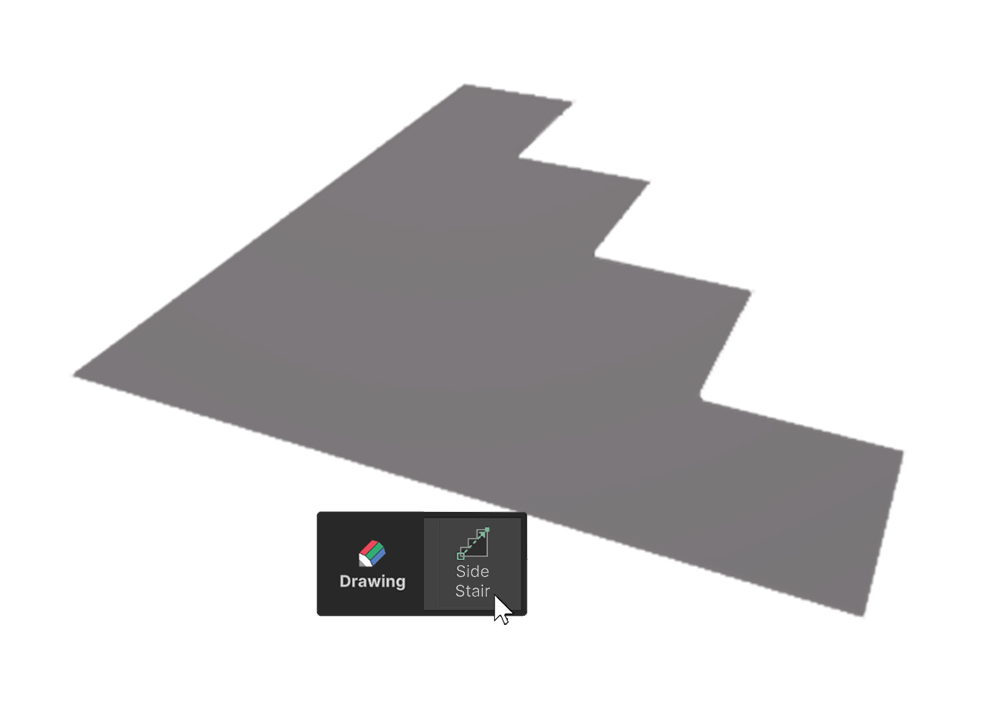
The Side Stair tool is a tool for generating stair-shaped meshes in a side step format.
How to use
The Side Stair Tool can create circular planes in two ways.
1.Click-Drag to create, edit
2.Create and edit using One Click Build
Click and drag to create, edit
1.Select the Side Stair Tool.
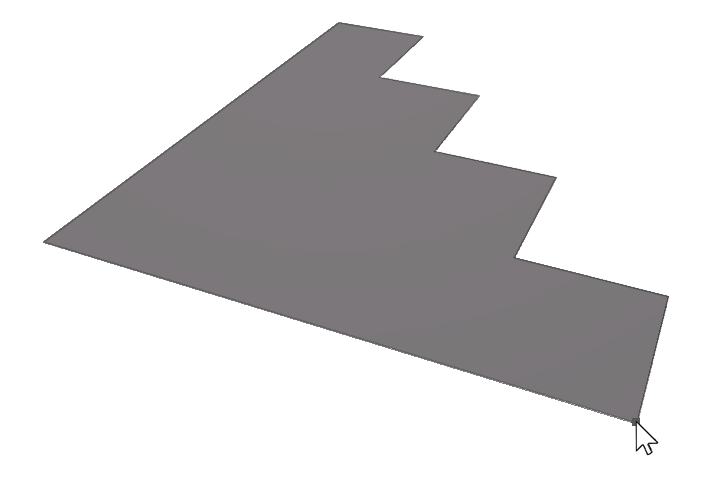
2.Click and drag the mouse on the scene to create a plane of the desired size.
3.Once the plane is the desired size, click to finish creating the mesh.
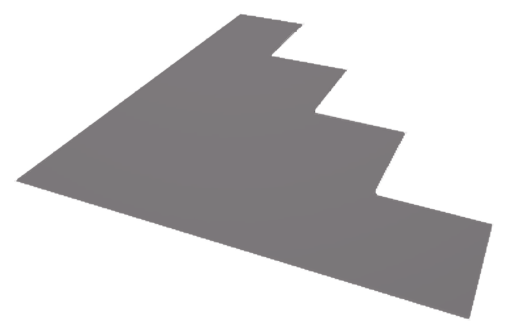
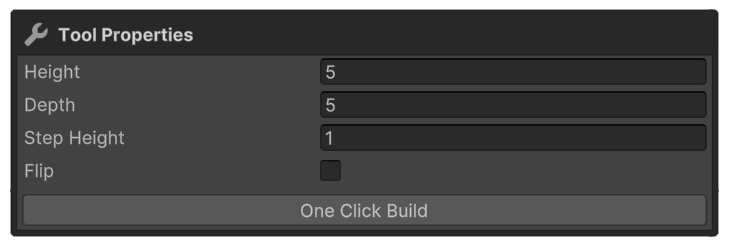
4.Adjust the properties of the Side Stair tool and select the element, or press another tool to finish.
Create, Edit via One Click Build and Properties
1.Select the Side Stair tool.
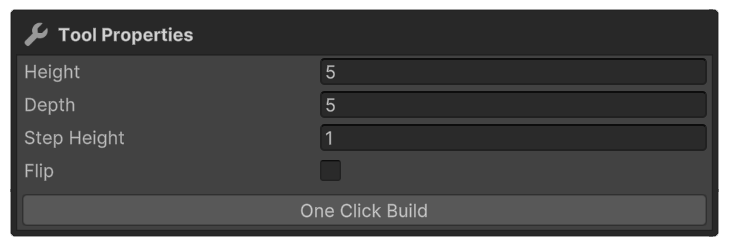
2.Enter the desired values in the Side Stair tool's properties.

3.Press the One Click Build button to add a shape to the scene.
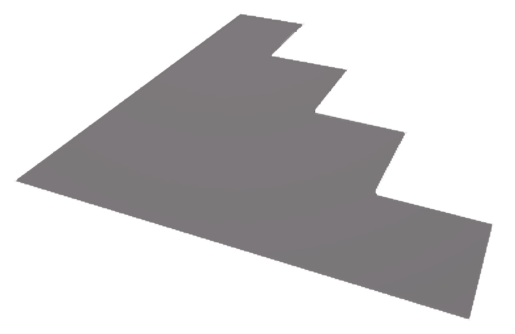
4.Make any additional adjustments to the Side Stair tool's properties and select the element, or use another tool to finish.
Properties
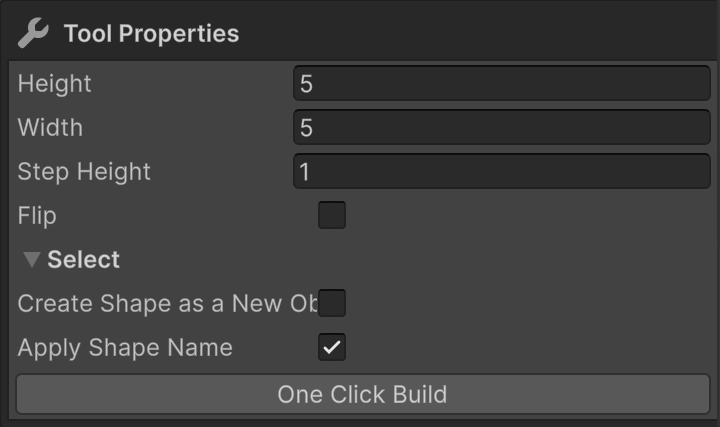
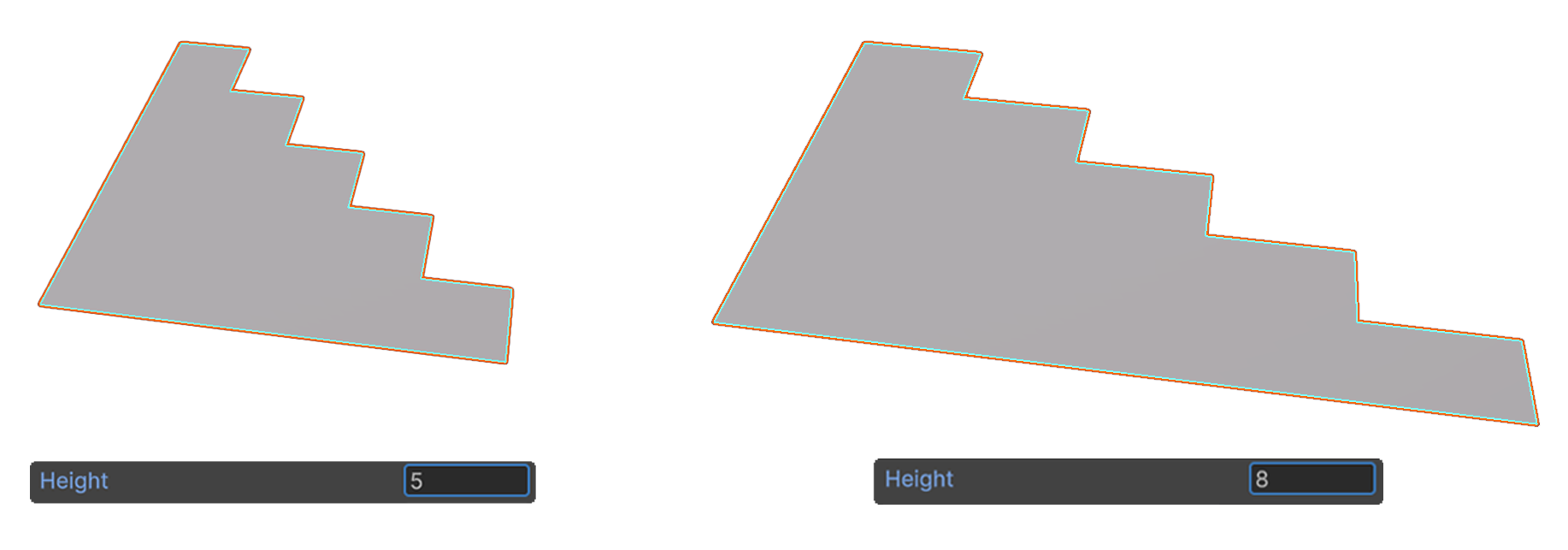
Height
This property sets the height of the generated shape.
It corresponds to the Z-axis direction relative to the object, and the unit is in meters.
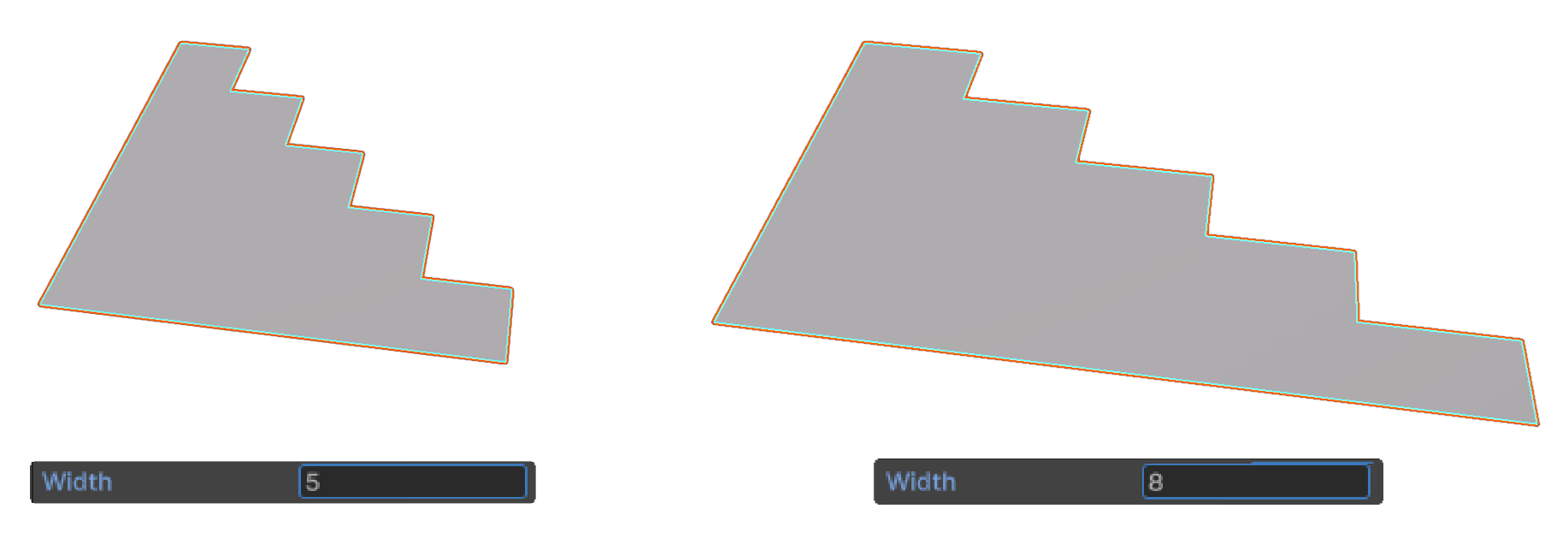
Width
This property sets the depth of the generated shape.
It corresponds to the X-axis direction relative to the object, and the unit is in meters.
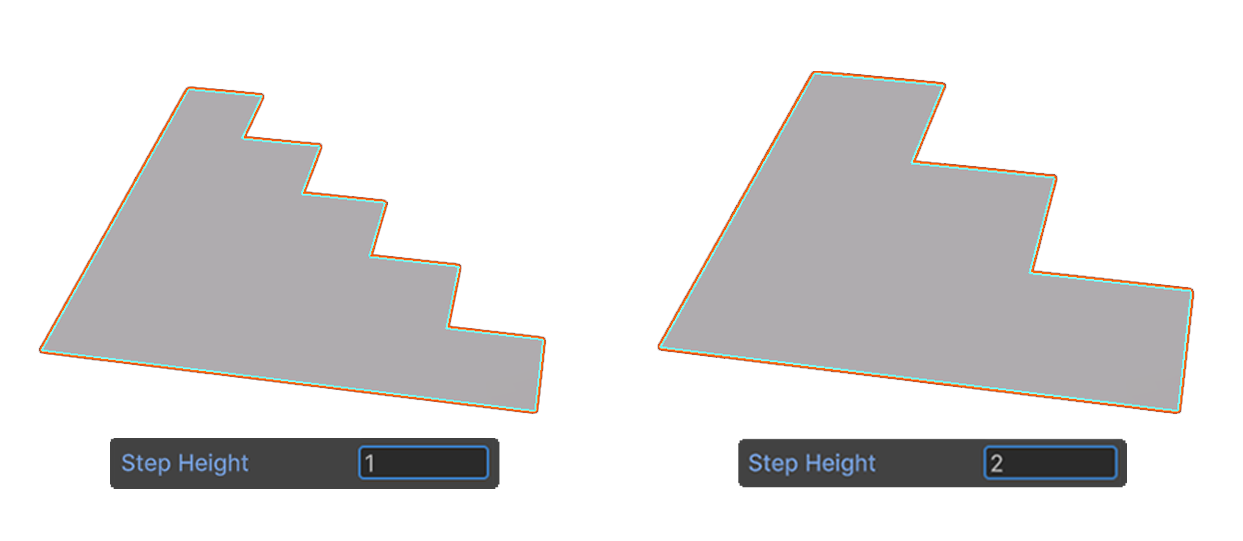
Step Height
This property sets the number of steps for the generated shape.
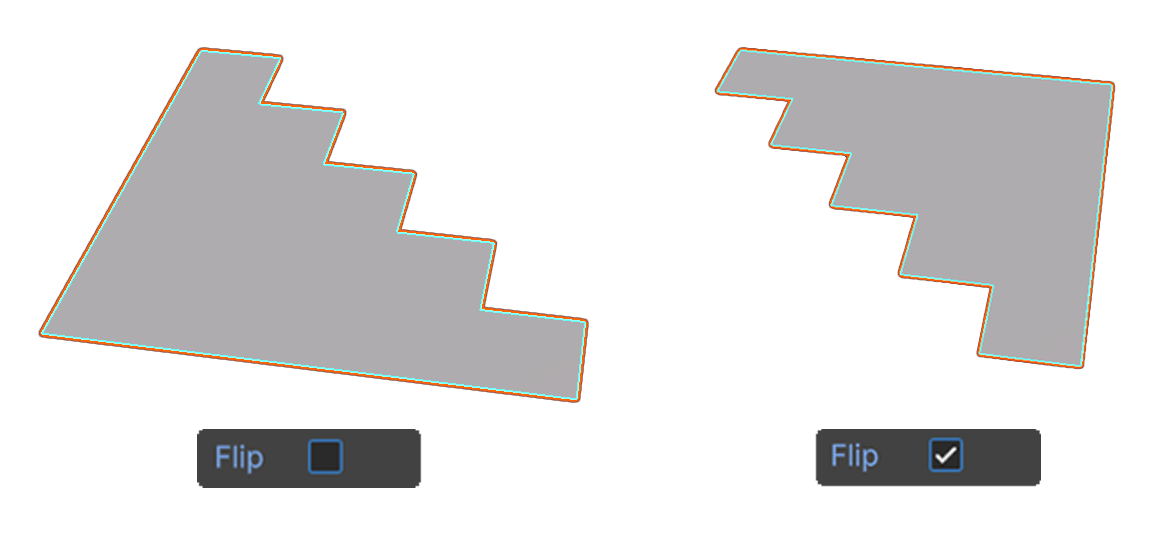
Flip
This property flips the object along the XZ plane based on its center.