
Parallel Tool
The Parallel Tool is a tool that copies the edge closest to the mouse cursor and moves it parallel to the original edge, following the mouse cursor.
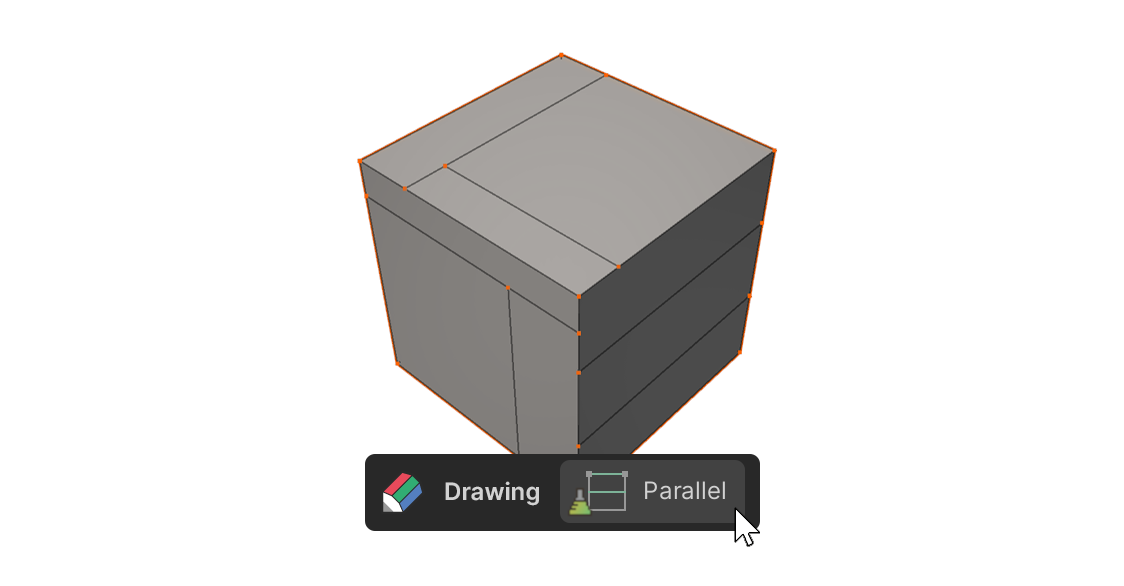
The Parallel Tool is a tool that copies the edge closest to the mouse cursor and moves it parallel to the original edge, following the mouse cursor.
How to use
1.Select the Parallel Tool.
2.Move the mouse cursor to any point near the edge you want to copy and move.
3.Drag the mouse in the normal direction of the original edge while holding the left mouse button (LMB).
4.Release LMB to place the copied edge at the desired position.
Properties
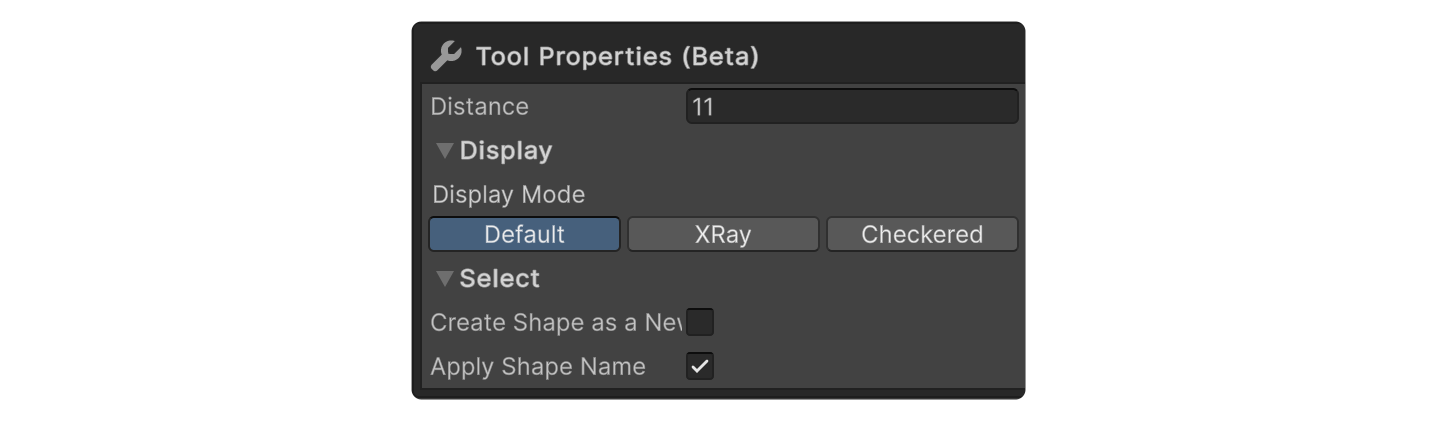
Distance
Distance from the original edge.