
PolyLine Tool
You can draw lines on a plane with The PolyLine Tool.
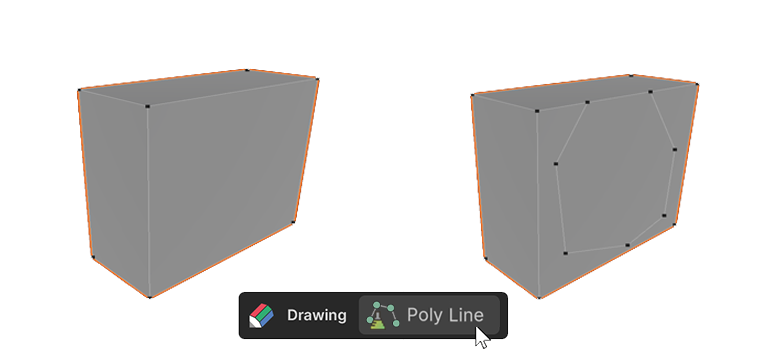
You can draw lines on a plane with The PolyLine Tool.
How to Use
1.Create or select one UModeler X object.
2.Select the PolyLine Tool and click the left mouse button with the mouse hovered over the object. A vertex will be created.
3.Create another point int the same way, a Line connecting the previous point and the new one will be showen.
4.Press the Esc key to exit the drawing process.