Arc 툴
Arc 툴은 두 점을 클릭한 후 드래그하여 호를 만들 수 있는 툴입니다.
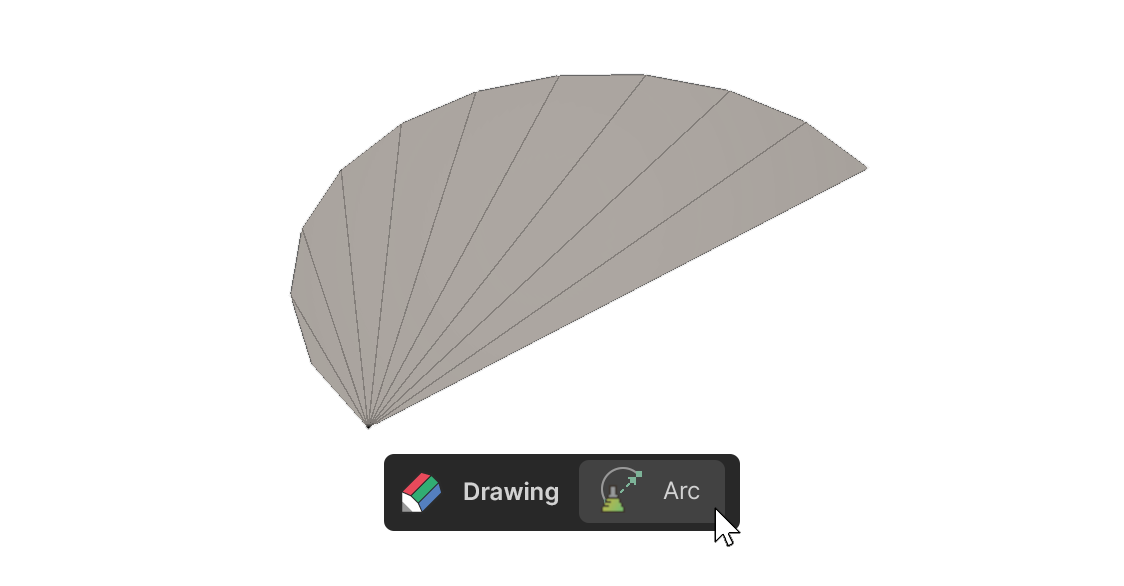
Arc 툴은 두 점을 클릭한 후 드래그하여 호를 만들 수 있는 툴입니다.
사용 방법
-
Arc 툴을 선택합니다.
-
클릭하여 호의 시작점을 설정합니다.
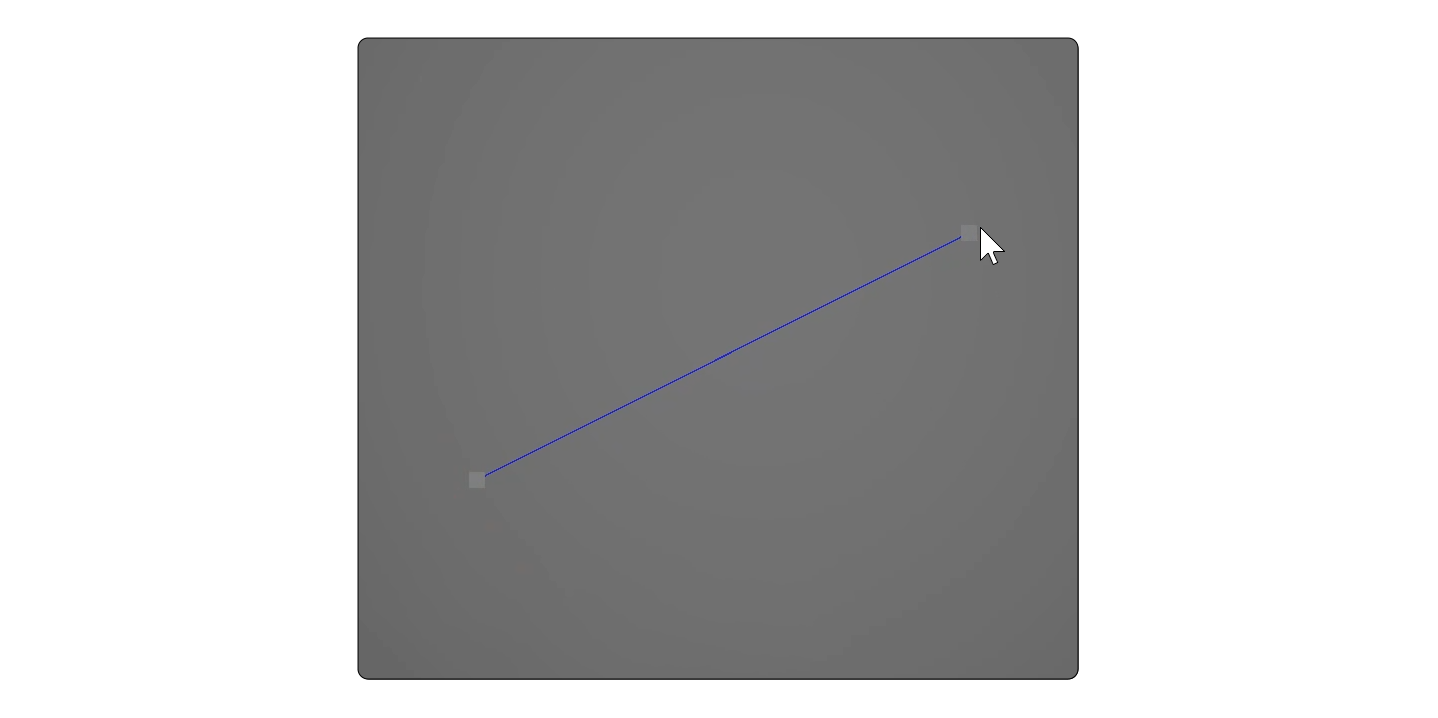
- 마우스를 드래그하여 두 번째 점을 설정합니다.
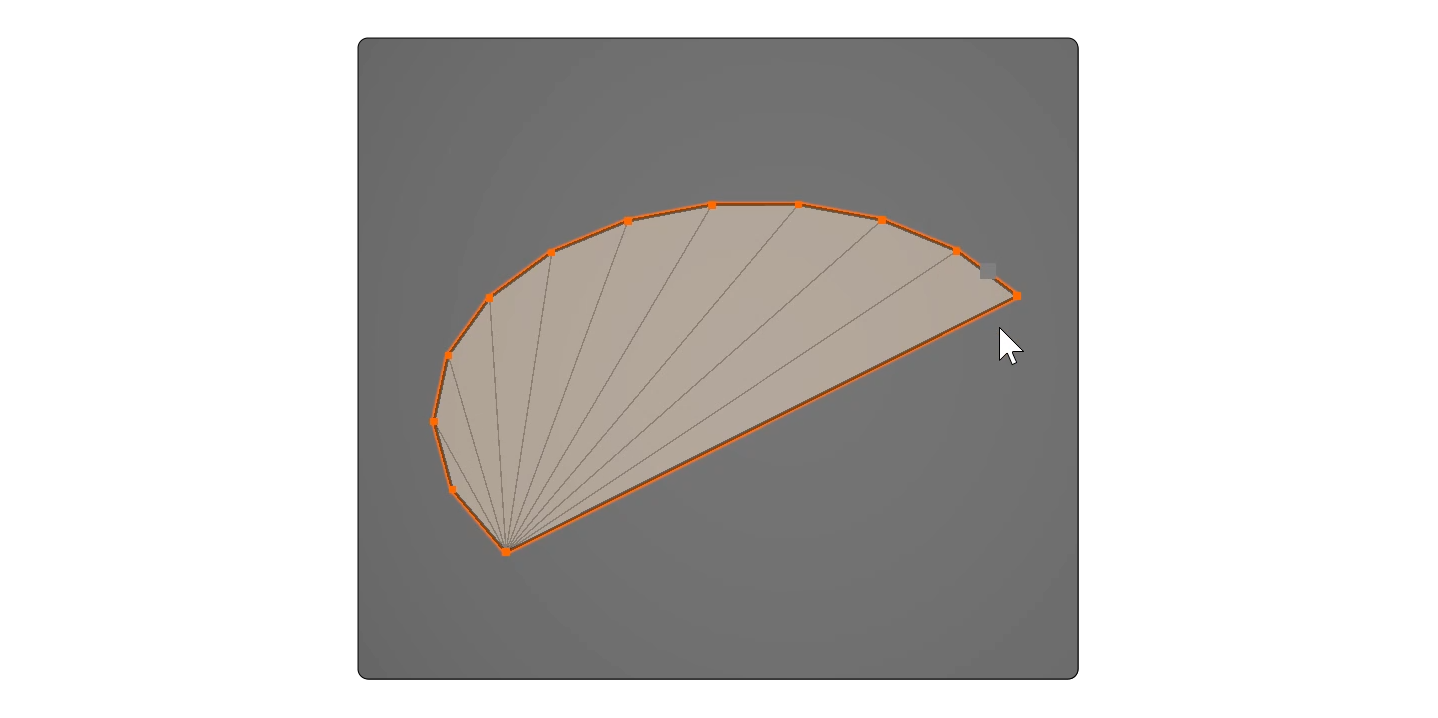
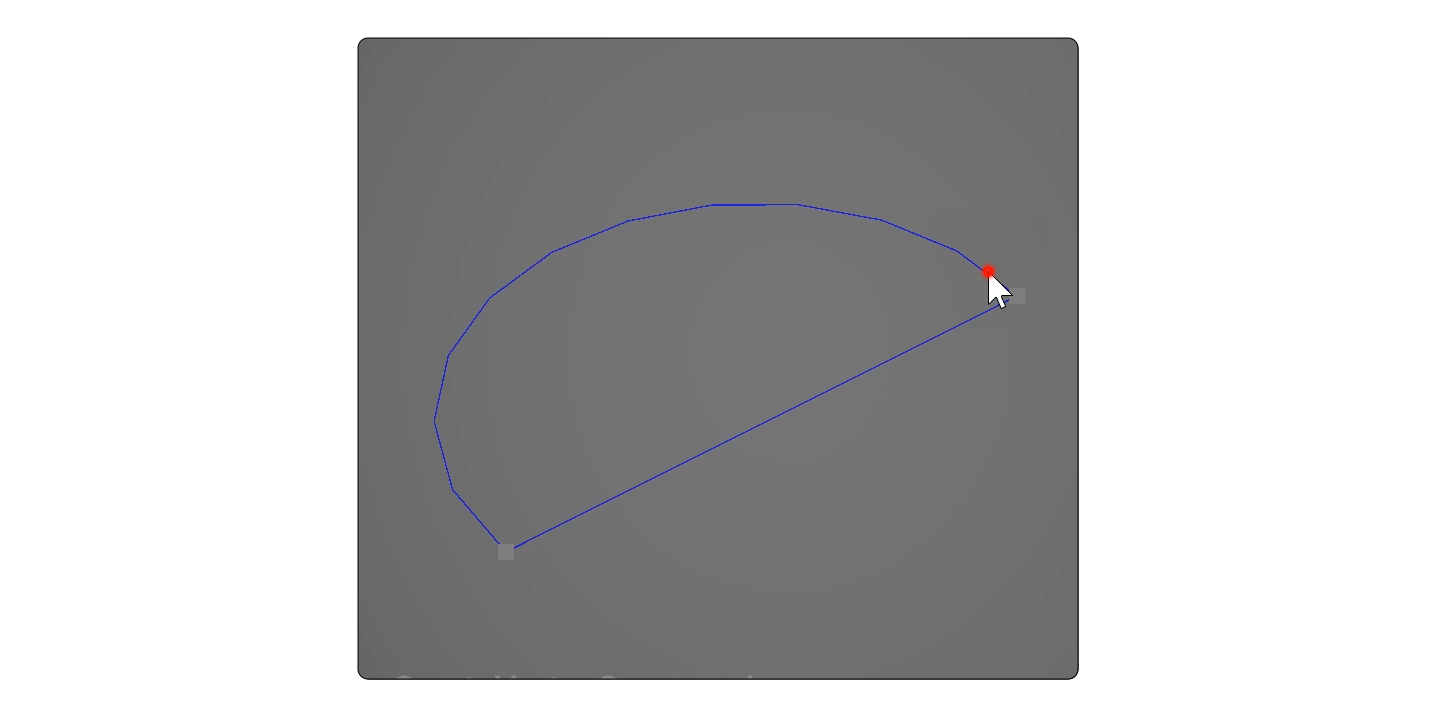
- 좌클릭을 떼고 마우스 커서를 움직여 세 번째 점을 설정합니다.
속성
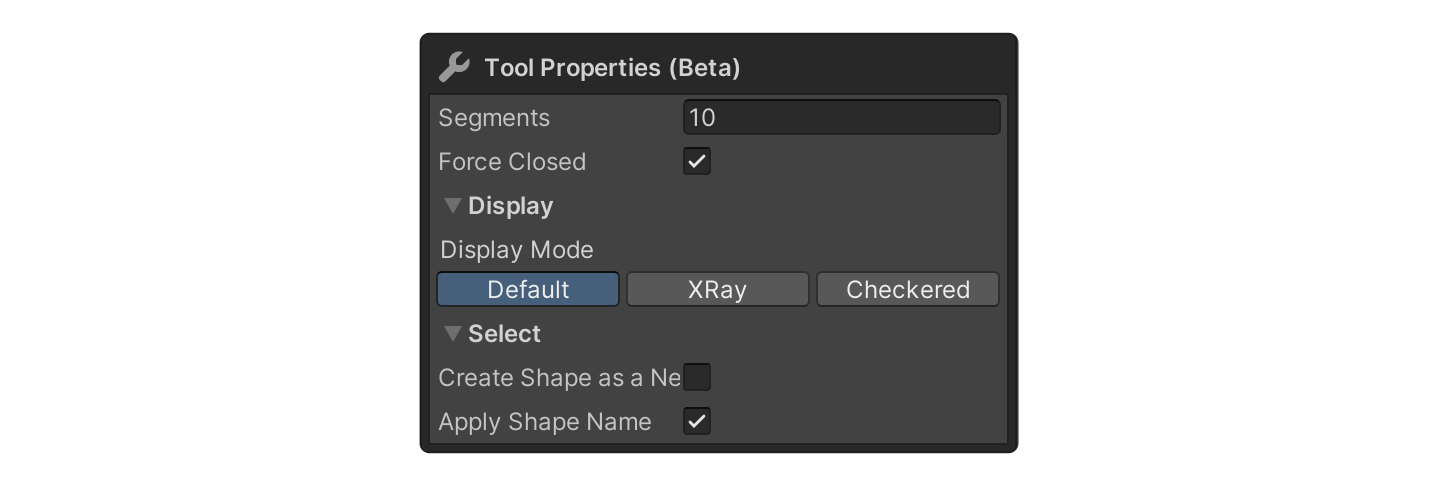
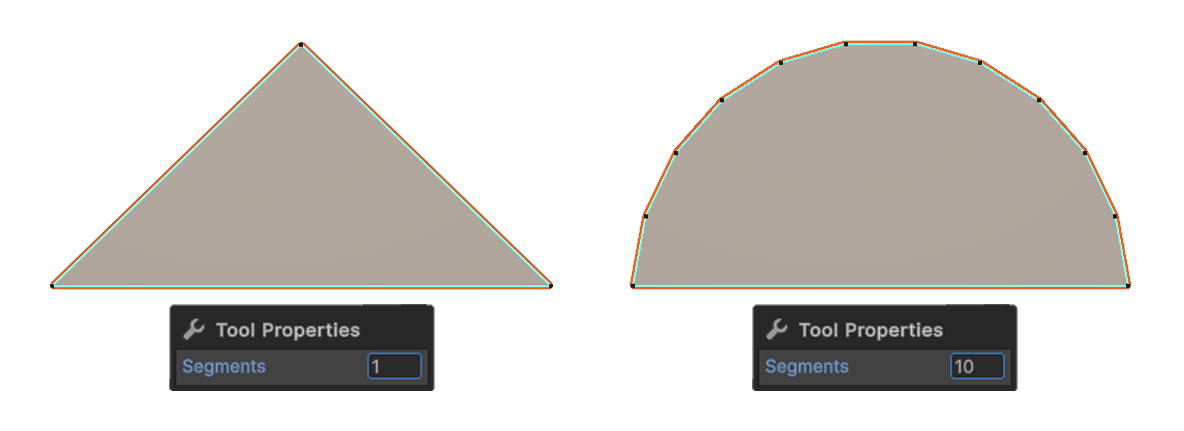
Segments
호가 가지게 될 엣지의 개수입니다.
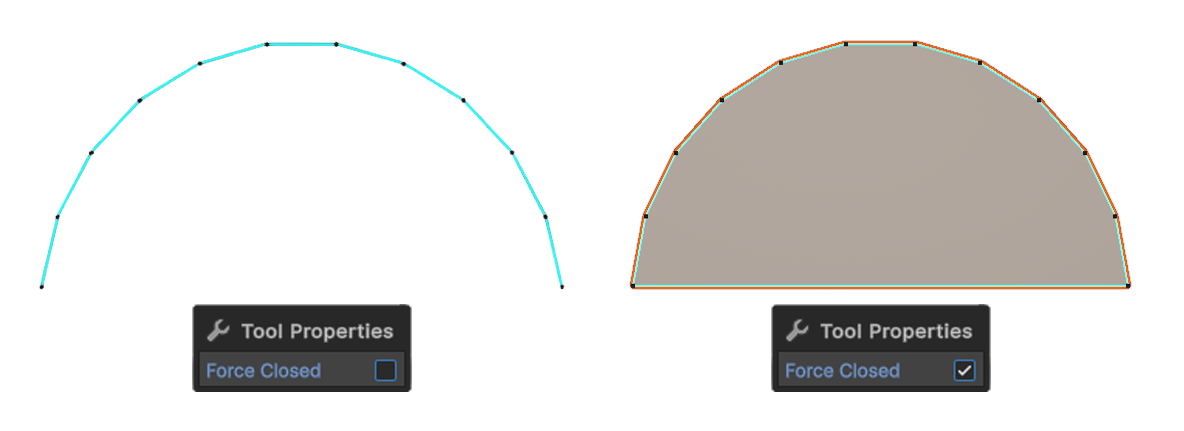
Force Closed
Close 속성을 활성화하면 첫 번째 버텍스와 마지막 버텍스가 연결되어 닫힌 형태가 생성됩니다.