
Subdivide Modifier
The Subdivide modifier is a modifier that divides the current face into quarters while simultaneously smoothing out bends.
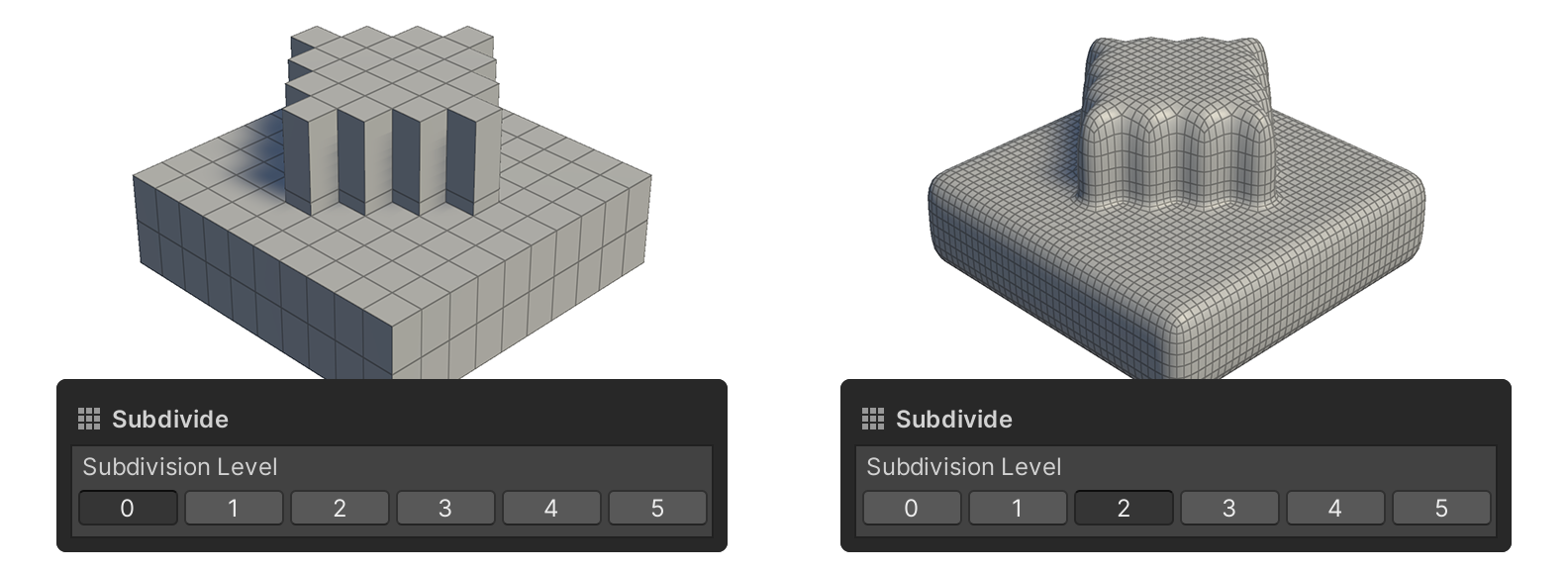
The Subdivide modifier is a modifier that divides the current face into quarters while simultaneously smoothing out bends.
How to Use

1.Press the Add Modifier button.
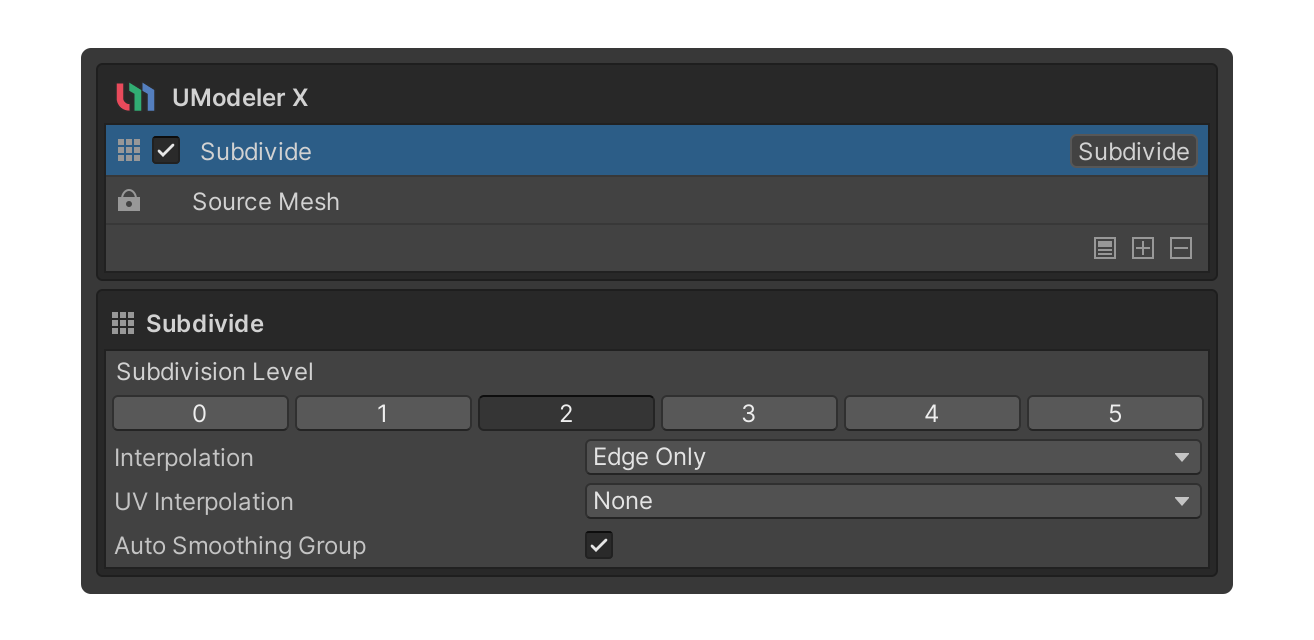
2.Select the Subdivide modifier.
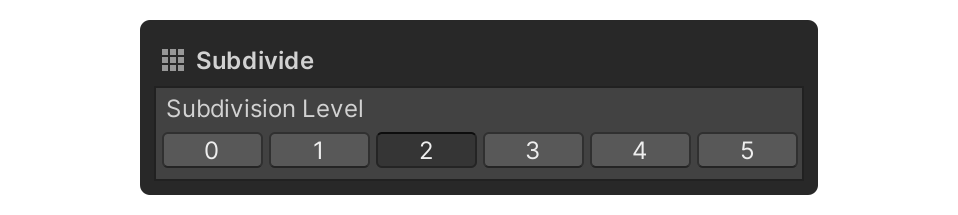
3.In the Subdivision Level properties, select the Button for the desired step.
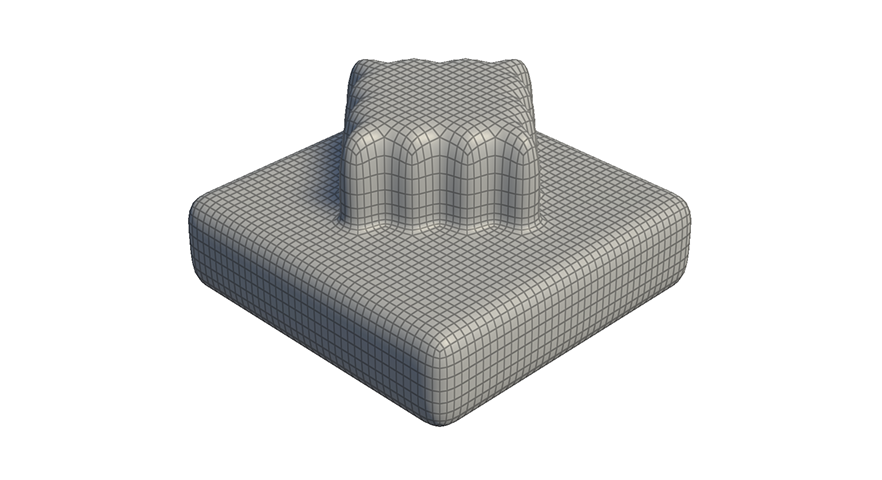
4.faces are added and bends are smoothed out.
Properties
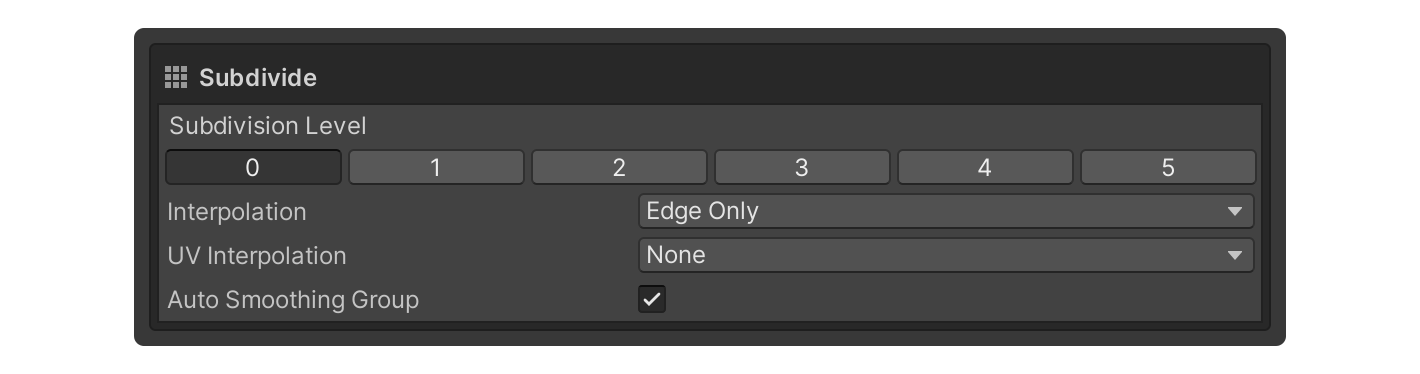
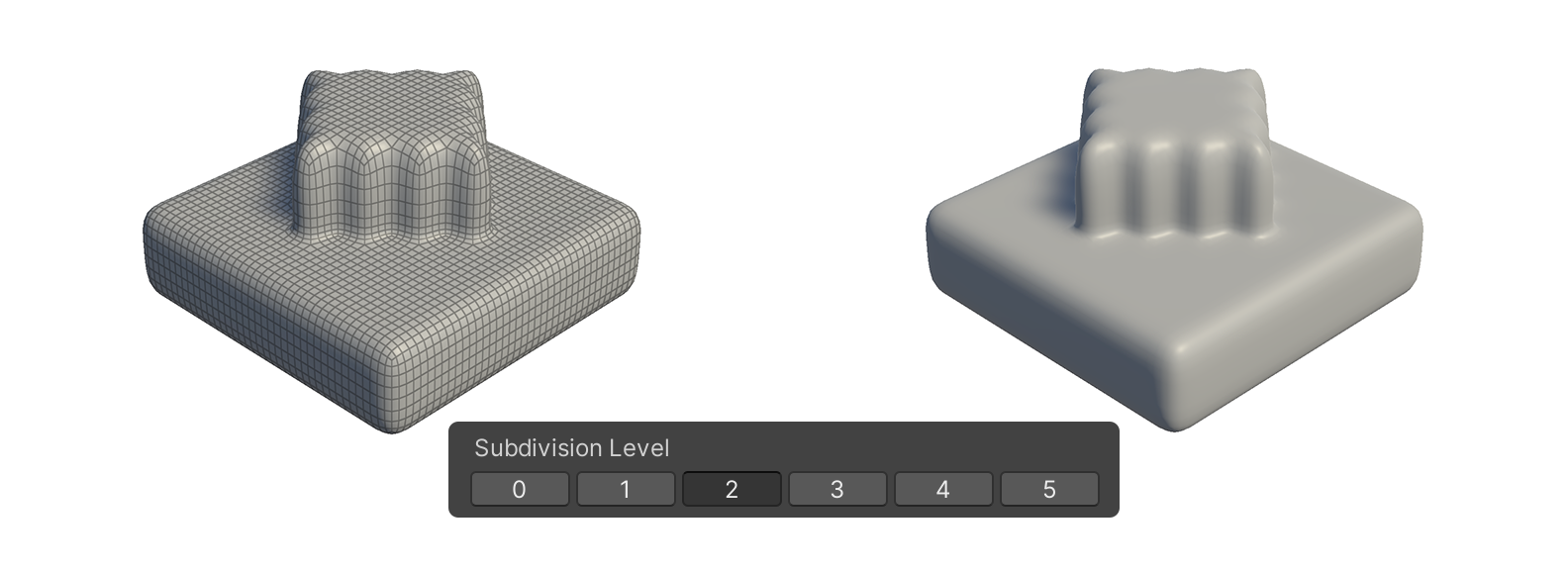
Subdivision Level
Property for the Subdivide Level.
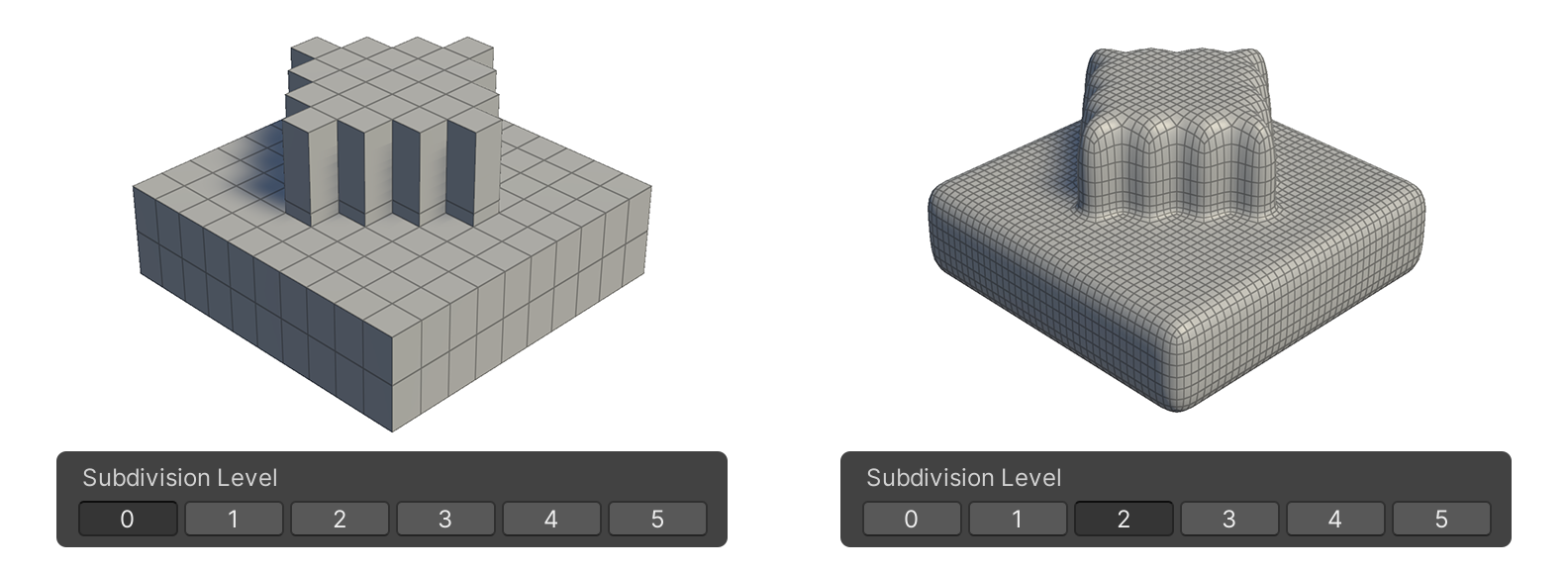
For each step, the number of faces is quadrupled and the bends are smoothed.
Subdivision Level Example
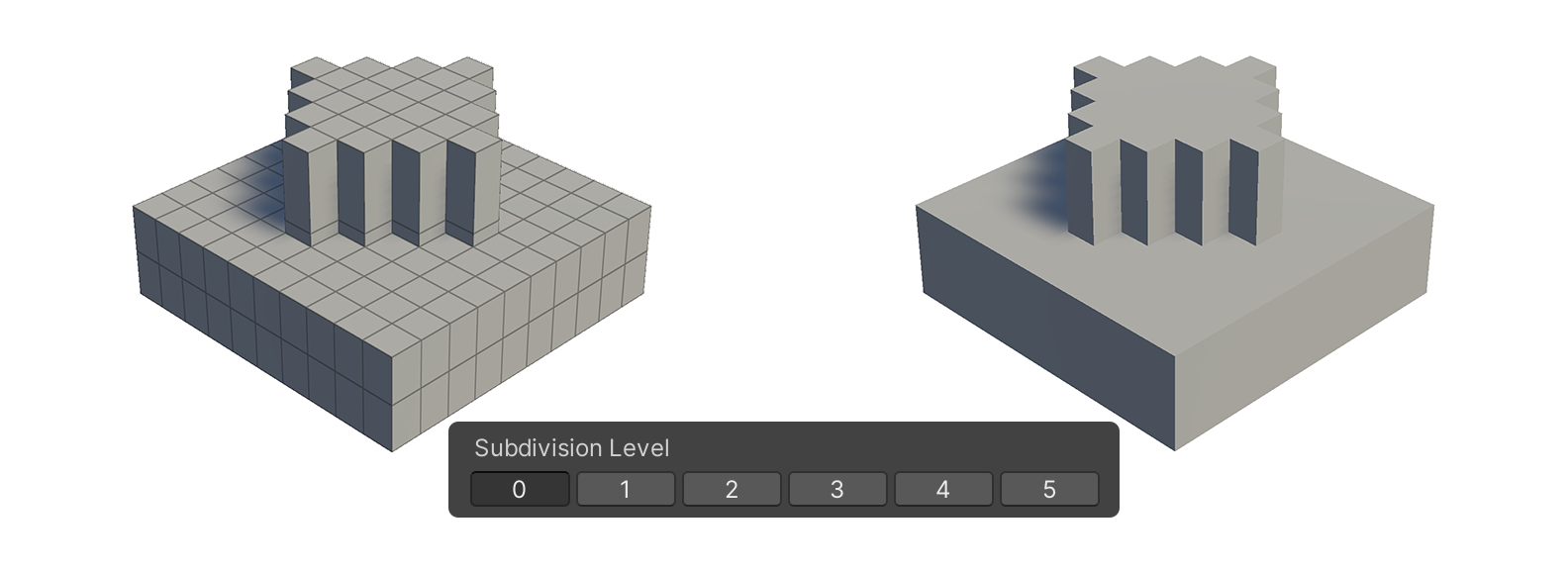
Example Subdivision Level 0
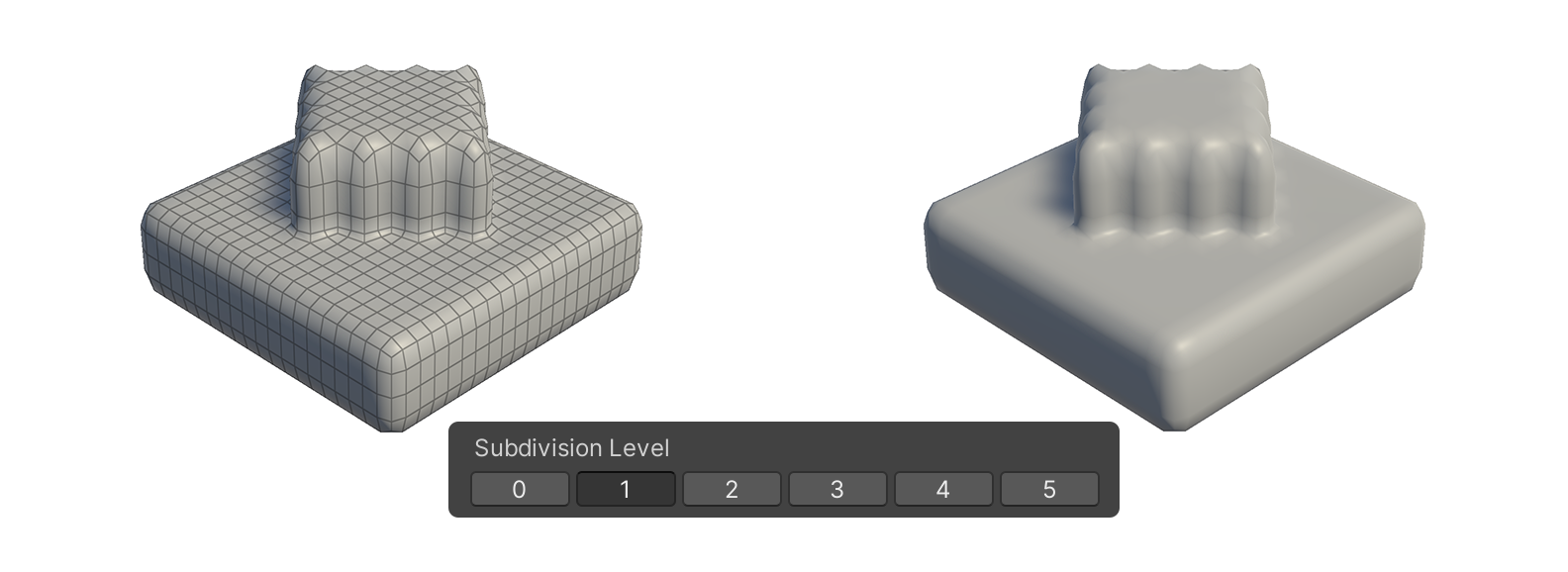
Example Subdivision Level 1
Example Subdivision Level 2
Interpolation
NoneEdge Only
This property determines the bend without distinguishing between corners and edges.
As a result, all vertices are smoothly represented.
Edge And Corner
This property determines the bend by distinguishing between vertices and edges.
UV Interpolation
This property sets the bending method for stretched UVs.
- None: Smooth interpolation across all faces.
- Corners Only: Sharpens only the corners.
- Corners Plus1: Linear interpolation for both edges and corners.
- Corners Plus2: Sharpen edges and corners, while extending sharpness to adjacent areas.
- Boundaries: Sharpens all boundaries.
- All: Applies bilinear interpolation to all surfaces.
Preview Overview
A wireframe preview of the subdivided result.