
Edit Bones Tool
The Edit Bones Tool is a tool that allows you to edit bones, including adding, deleting, separating, etc.
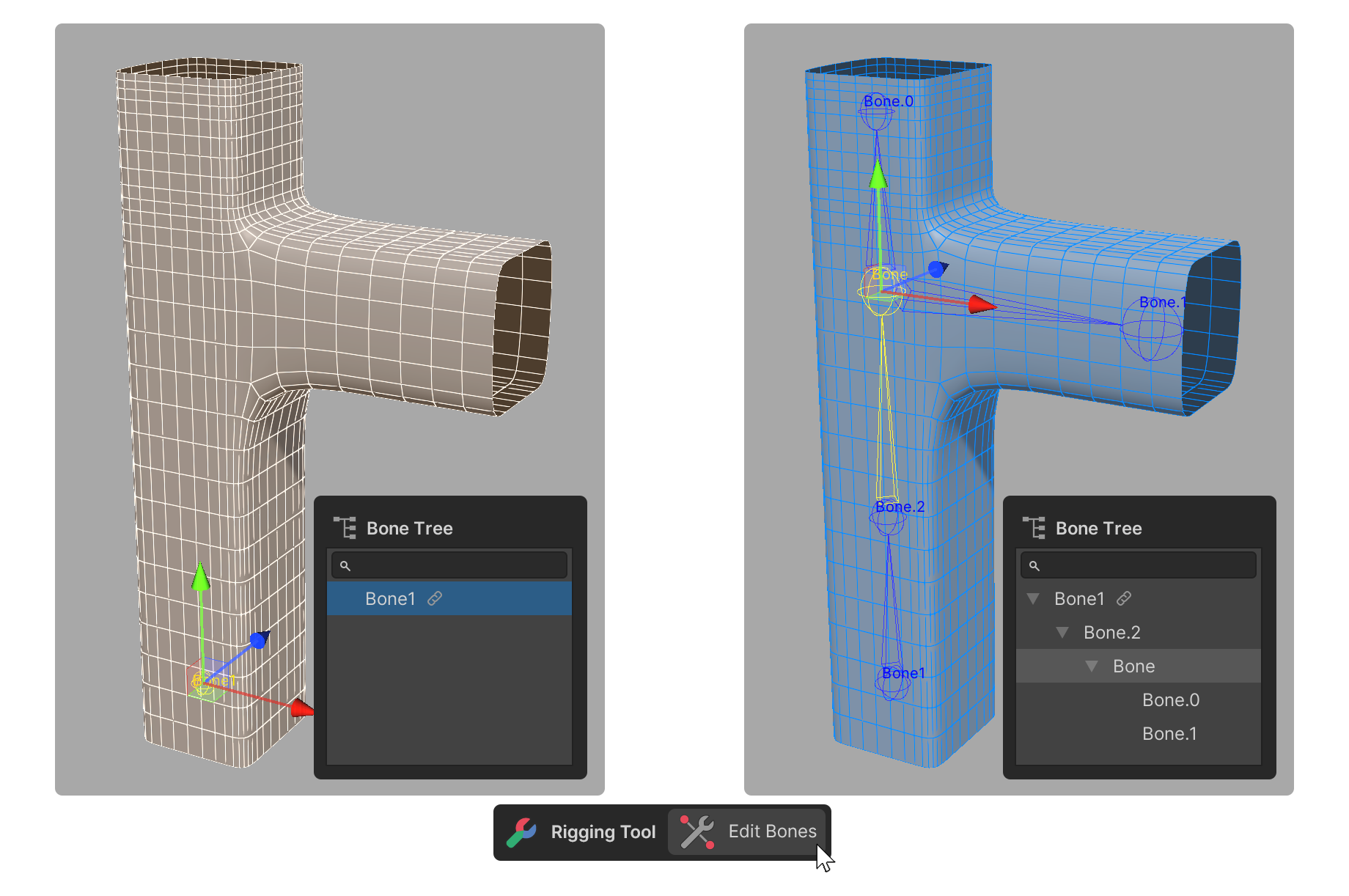
The Edit Bones Tool is a tool that allows you to edit bones, including adding, deleting, separating, etc.
How to use
1.Launch the Edit Bones tool.
2.Select the bone you want to edit in the Scene or Bone Tree area.
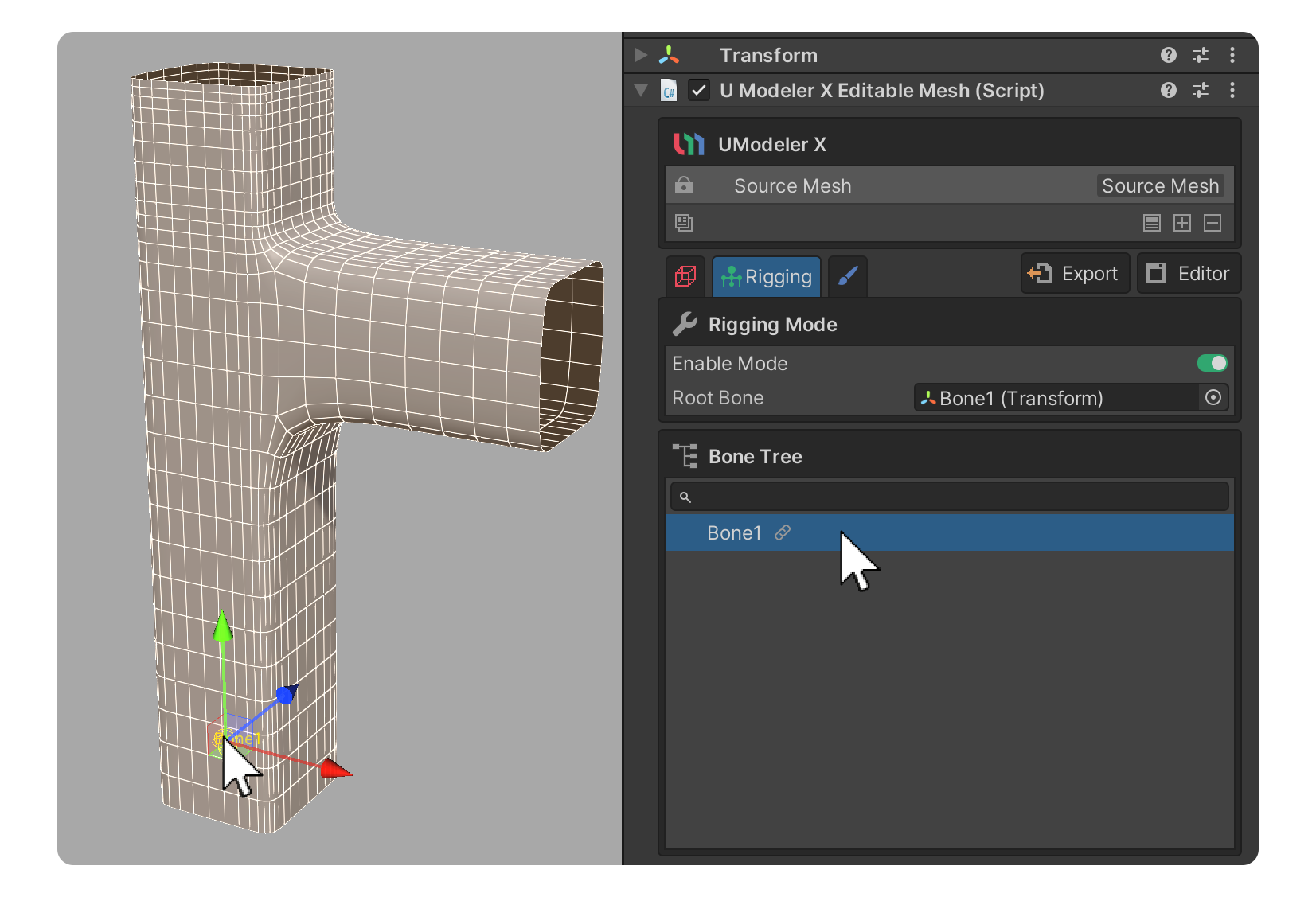
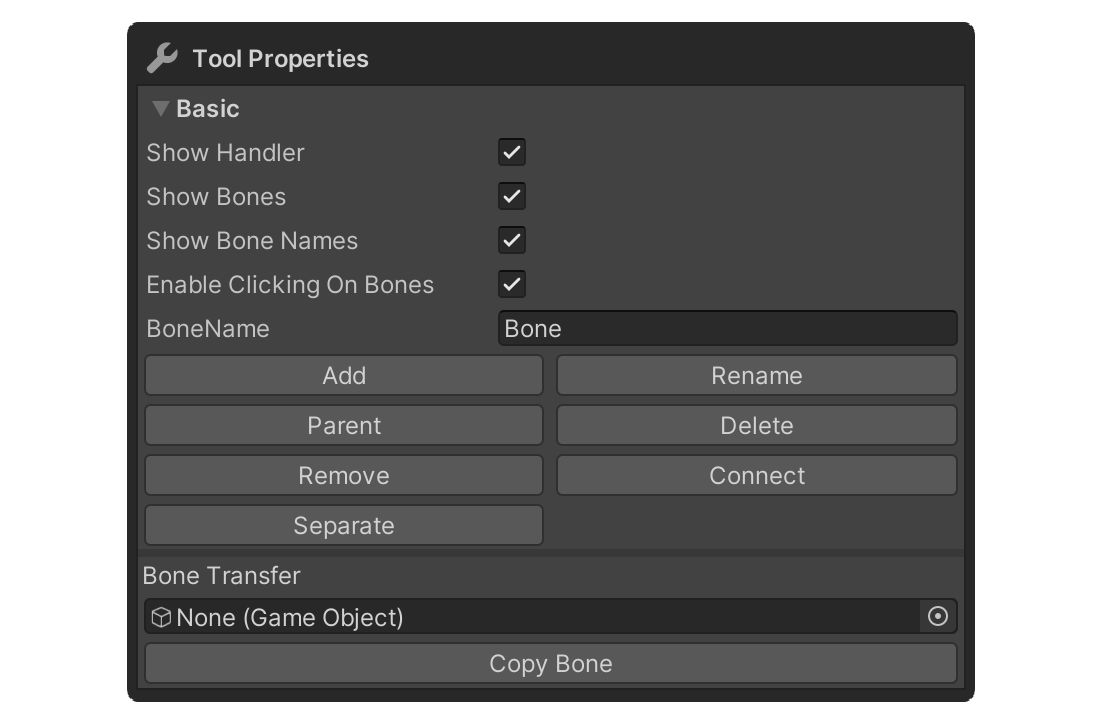
3.For the selected bone, use the buttons in the Properties area to edit the bone.
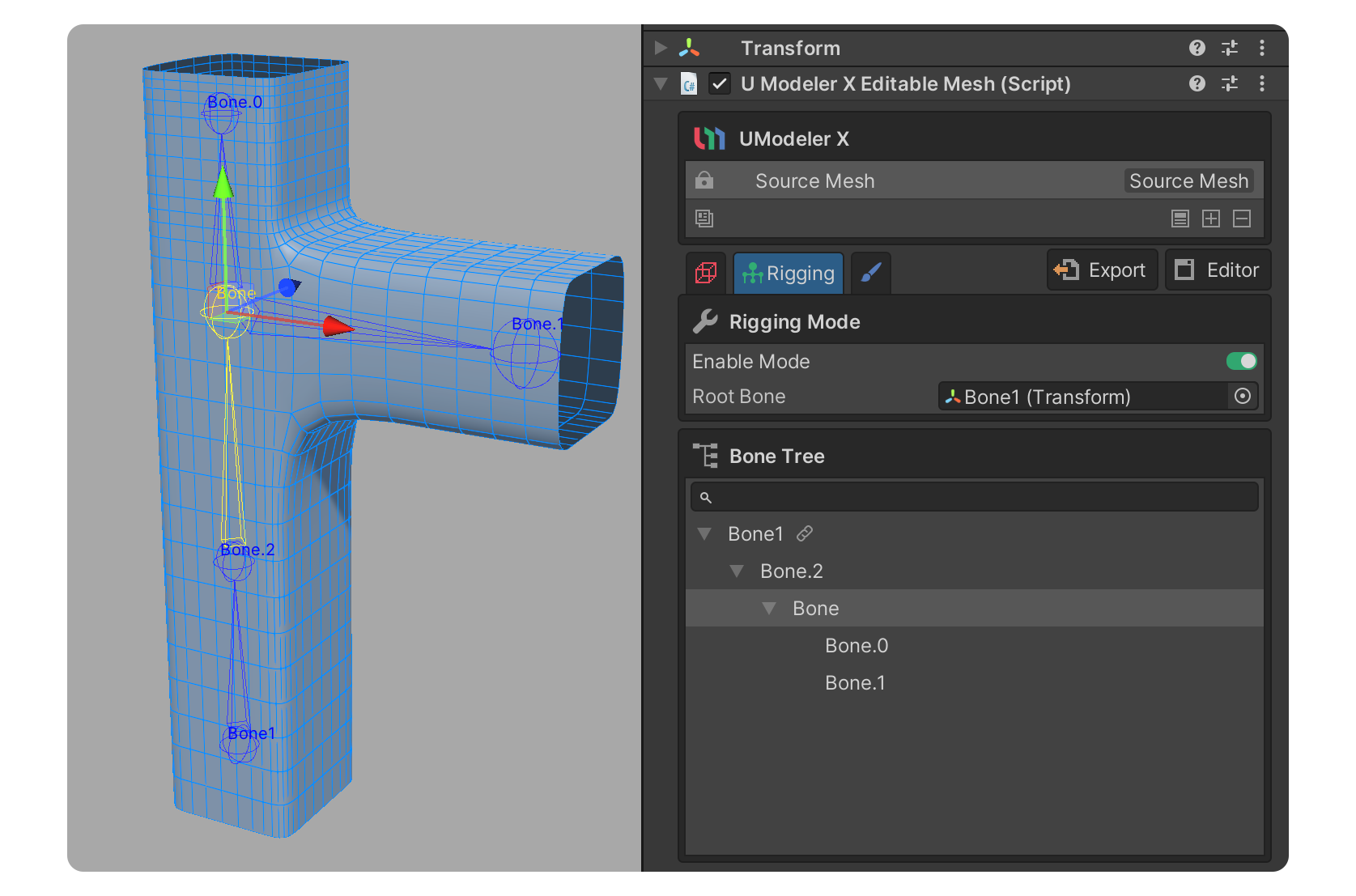
4.The bones have been edited.
Properties
Basic
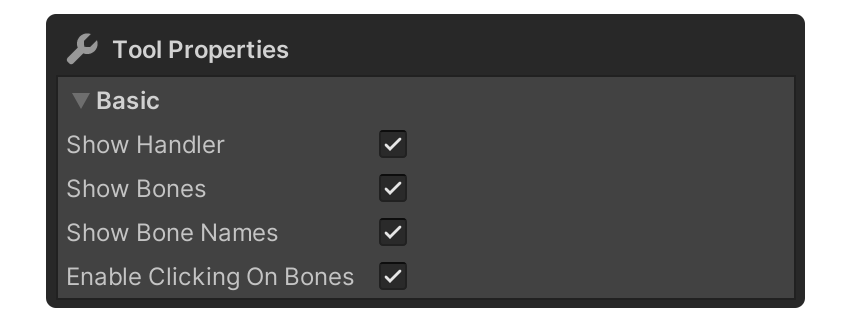
Properties for rigging convenience.
Show Handler
Show or hide handlers for moving or rotating bones.
Show Bones
This property shows the bones.
Show Bones Names
This property shows the names of the bones.
Enable Clicking On Bones
Property that allows you to set whether or not to enable selecting bones via Shift+Click.
BoneName
The BoneName property is a property that specifies the name to use when creating a bone.
Add
The Add button adds a new child bone at the location of the currently selected bone with the name specified in the BoneName property.
Parent
The Parent button sets the selected bone as a child bone of another bone. To use this, select the bone that you want to be the child bone first, then click the Parent button and select the parent bone.
Delete
The Delete button will completely delete the selected Bone.
The child bones of the deleted bone will be moved to the location of the deleted bone's parent and will be associated with the parent.
Remove
The Remove button deletes the selected Bone.
The child bones of the deleted bones will be connected to the parent bones of the deleted bones, and their positions will remain the same.
Connect
The Connect button creates a new Bone between the selected Bone and another Bone, connecting them together. To use it, first select one of the bones you want to connect and click the Connect button, then select the other bone and a new bone will be created between the two bones to connect them.
Separate
The Separate button detaches the selected Bone from its parent Bone.
The selected Bone will disconnect from its parent Bone and become independent; however, any child Bones connected to the selected Bone will still be connected to the selected Bone.