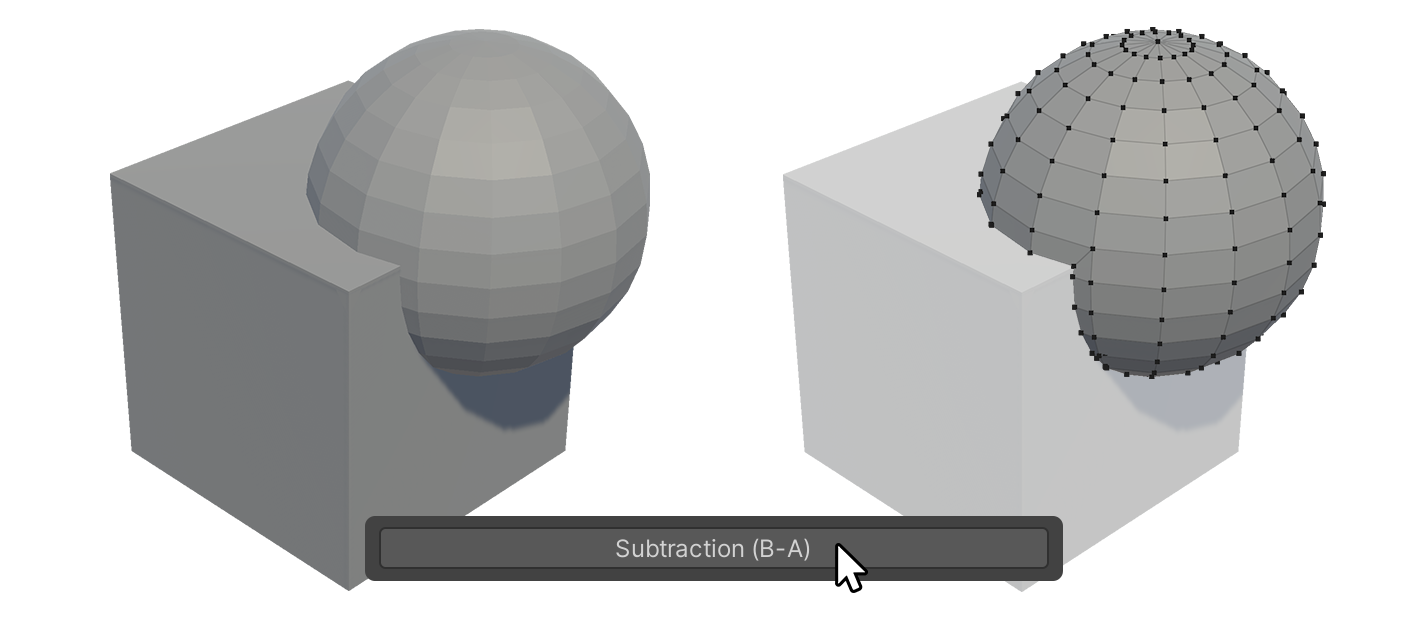
Boolean 툴
Boolean 툴은 선택된 두 오브젝트를 합치거나, 겹치는 부분만 추출하거나, 한 오브젝트에서 다른 오브젝트를 빼는 툴입니다.
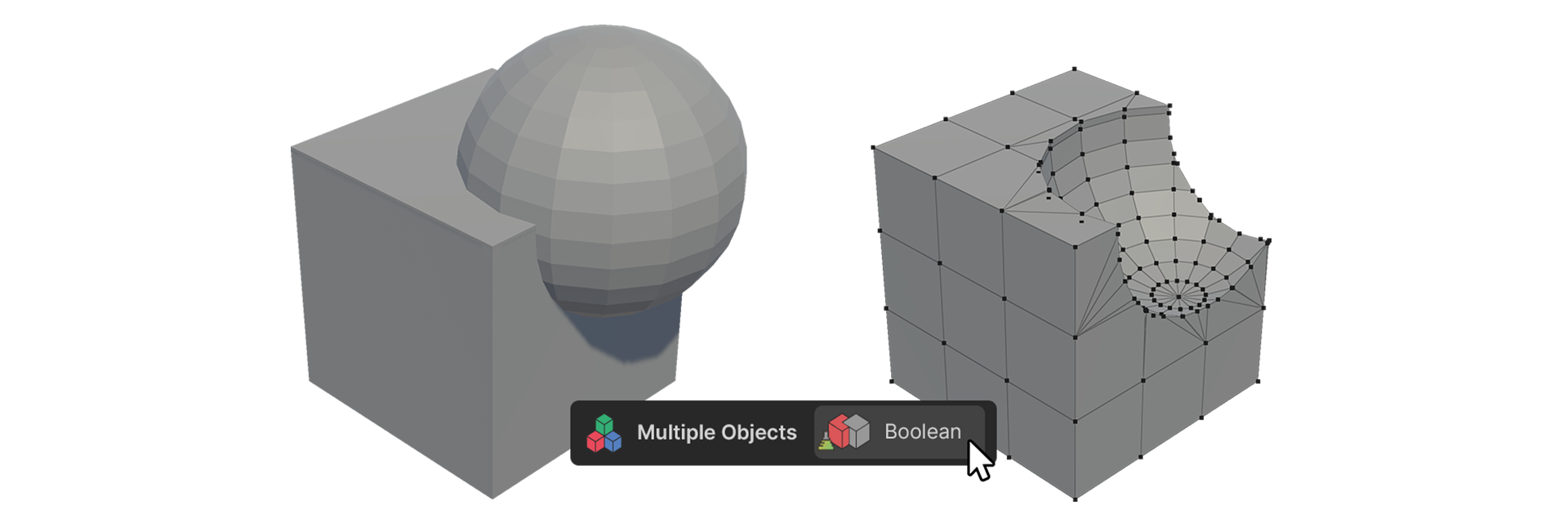
Boolean 툴은 선택된 두 오브젝트를 합치거나, 겹치는 부분만 추출하거나, 한 오브젝트에서 다른 오브젝트를 빼는 툴입니다.
사용 방법
-
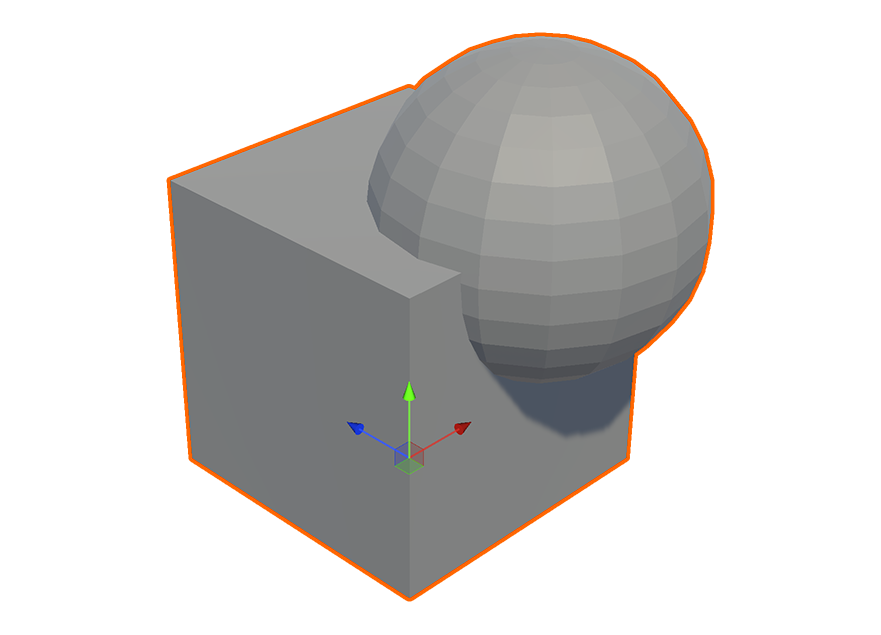
두 개의 UModeler X 오브젝트를 선택합니다.
-
Multiple Objects 그룹의 Boolean 툴을 실행합니다.
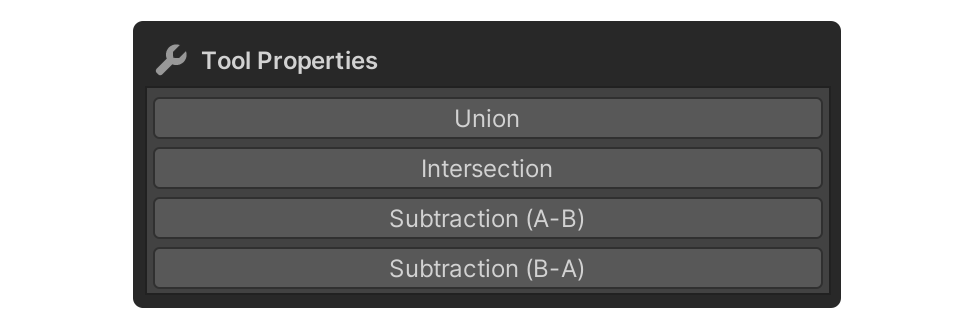
- 첫 번째로 선택한 오브젝트는 A, 그다음 선택한 오브젝트는 B로 할당됩니다. Subtraction 버튼 사용 시 A와 B의 순서가 중요합니다.
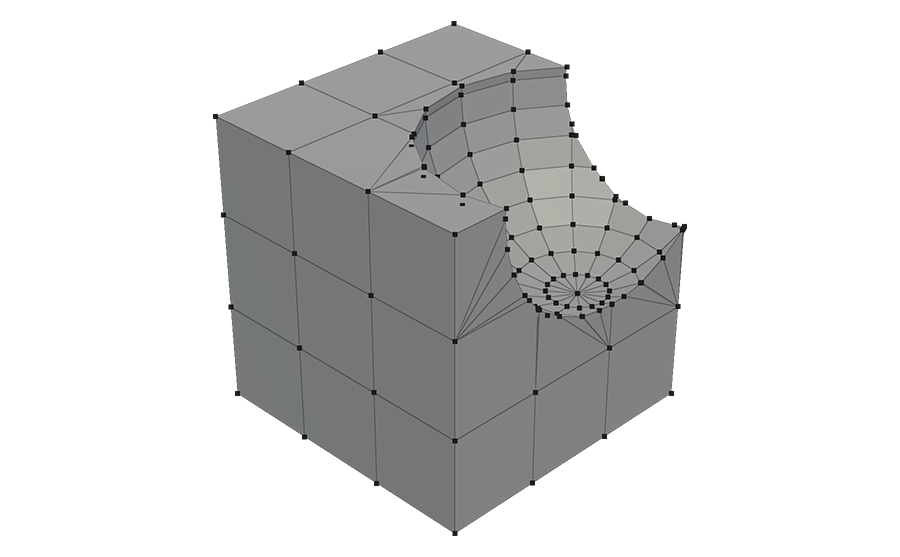
- 선택 결과가 새 오브젝트로 생성됩니다.
속성
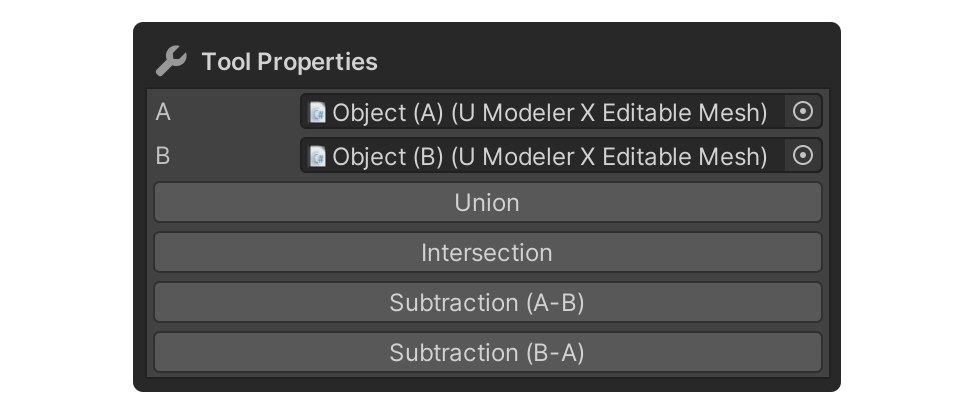
A
Object A로 등록된 오브젝트의 이름을 표시합니다.
B
Object B로 등록된 오브젝트의 이름을 표시합니다.
Union
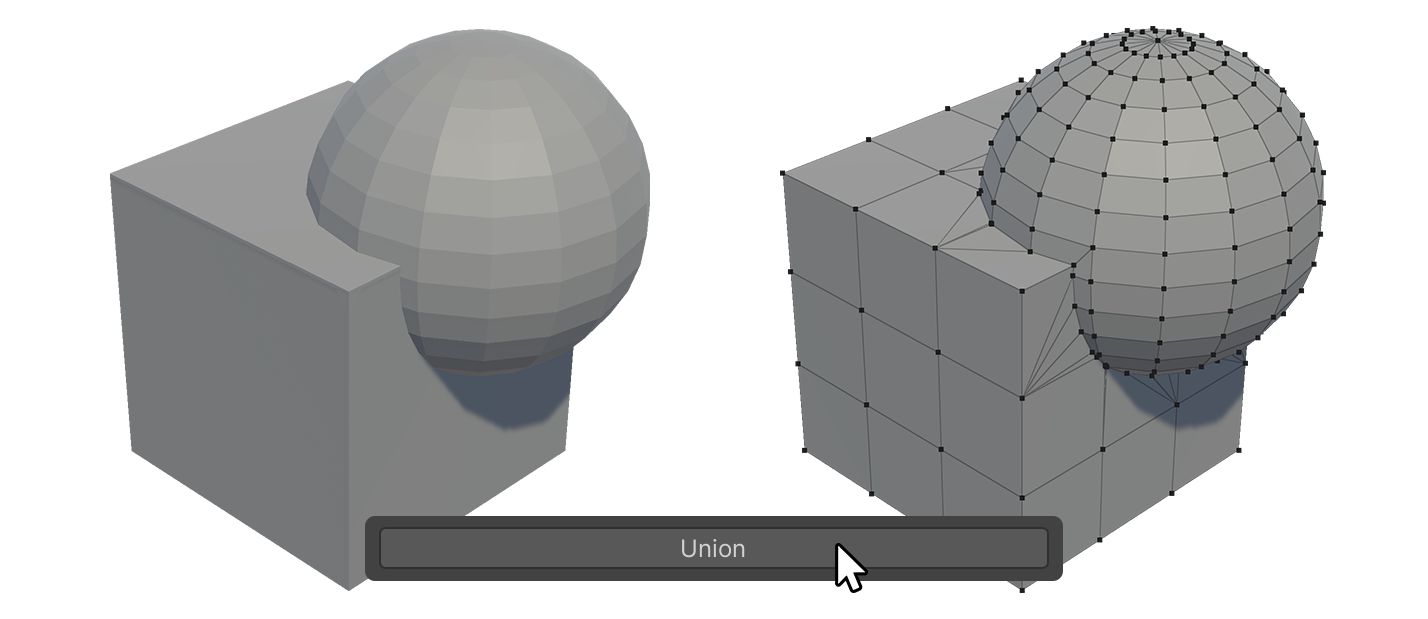
두 오브젝트를 하나의 오브젝트로 합칩니다. 겹치는 메시는 제거되고 새 오브젝트가 생성됩니다.
Intersection
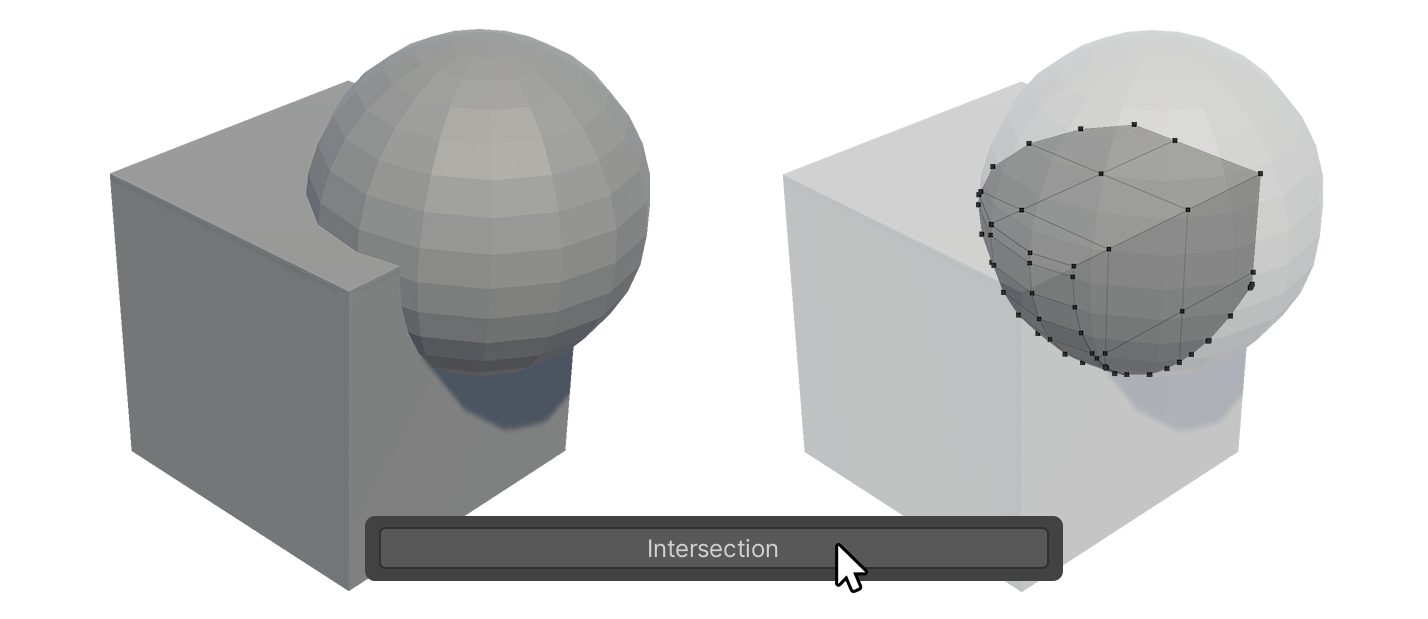
두 오브젝트의 겹치는 부분만 남겨 하나의 오브젝트로 만드는 버튼입니다.
Subtraction (A-B)
Object A에서 Object B를 빼서 새 오브젝트를 생성하는 버튼입니다.
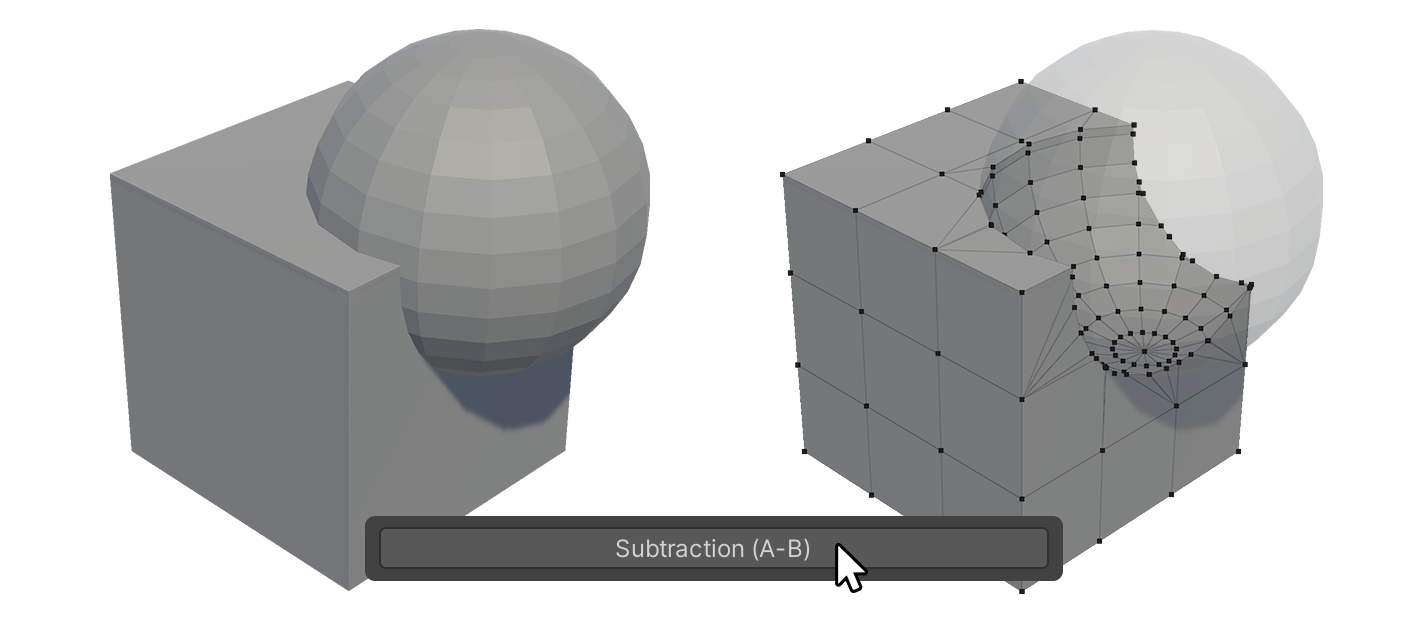
Subtraction (B-A)
Object B에서 Object A를 빼서 새 오브젝트를 생성하는 버튼입니다.