
Pinch Brush 툴
Pinch Brush 툴은 버텍스 사이의 간격을 모으는 브러시 형태의 툴입니다.
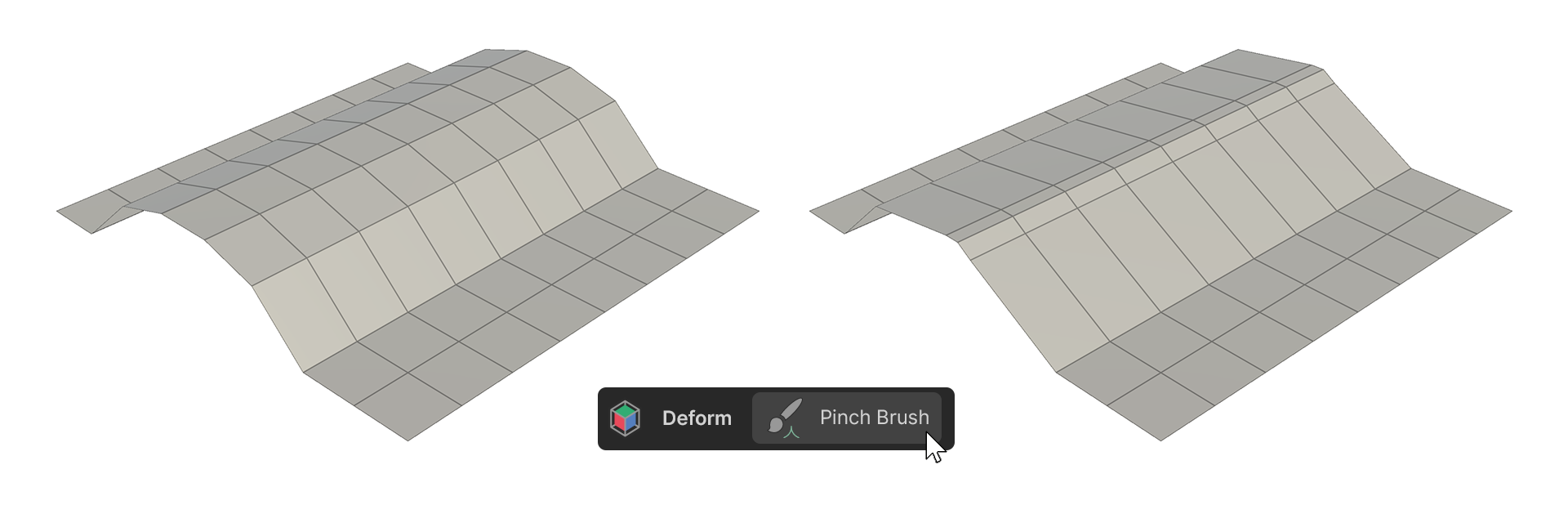
Pinch Brush 툴은 버텍스 사이의 간격을 모으는 브러시 형태의 툴입니다.
뾰족하거나 날카로운 형태의 결과를 만듭니다.
사용 방법
-
Pinch Brush 툴을 실행합니다.
-
원하는 속성을 조정합니다.
-
오브젝트의 버텍스 위로 마우스 커서를 이동한 다음, 클릭 드래그하여 버텍스를 모읍니다.
속성
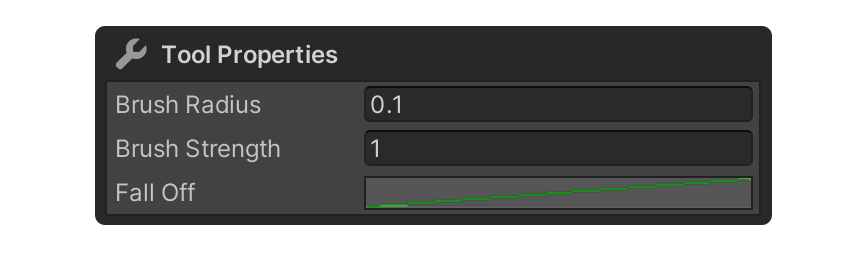
Brush Radius
브러시의 반지름 크기를 결정하는 속성입니다. 단위는 미터입니다.
Brush Strength
브러시 강도 속성입니다.
Fall Off
브러시의 형태를 결정하는 그래프 형태 속성입니다.
Fall Off 옆 그래프를 클릭하여 편집할 수 있습니다.