
Cube Tool
The Cube tool in the UV Editor stretches the selected face along the X, Y, and Z axes of the world.
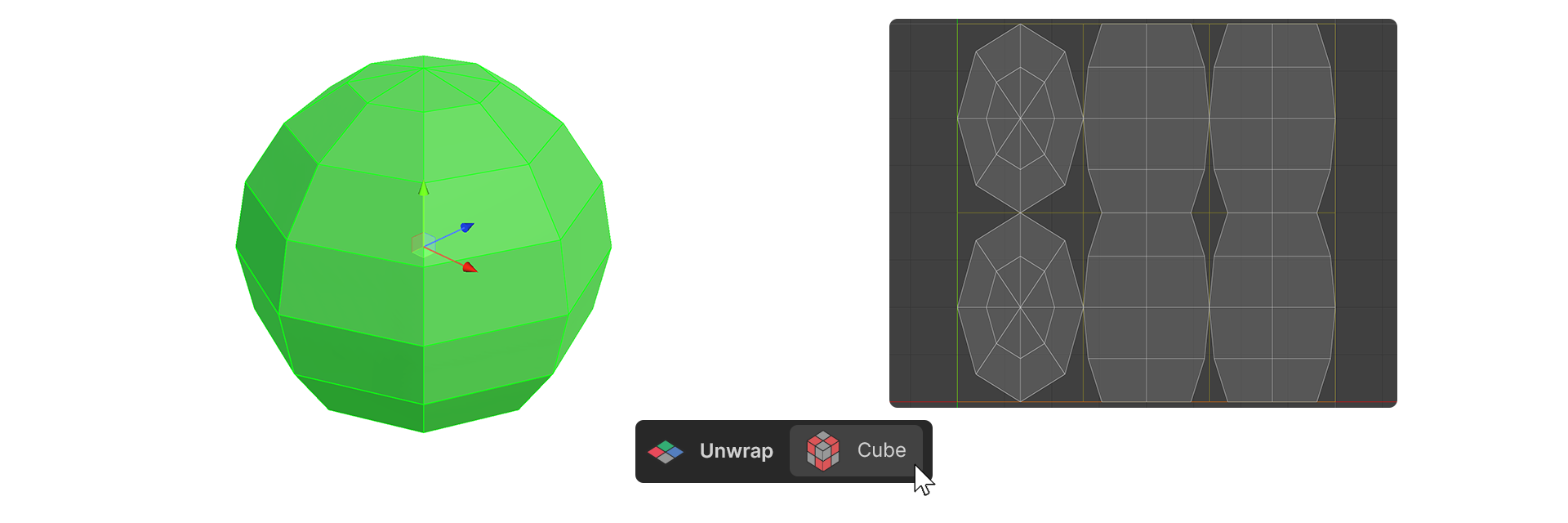
The Cube tool in the UV Editor stretches the selected face along the X, Y, and Z axes of the world.
How to Use
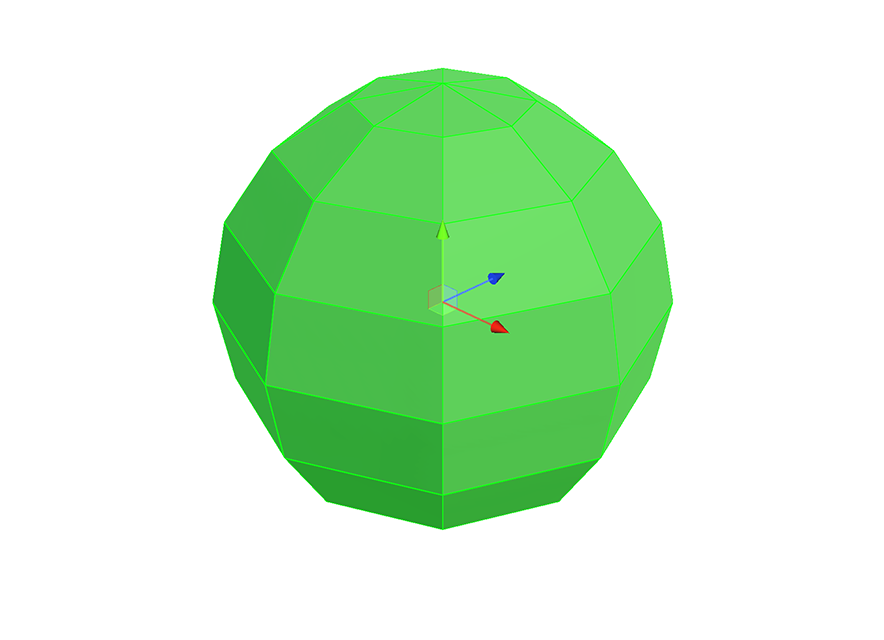
1.Select the face you want to expand.
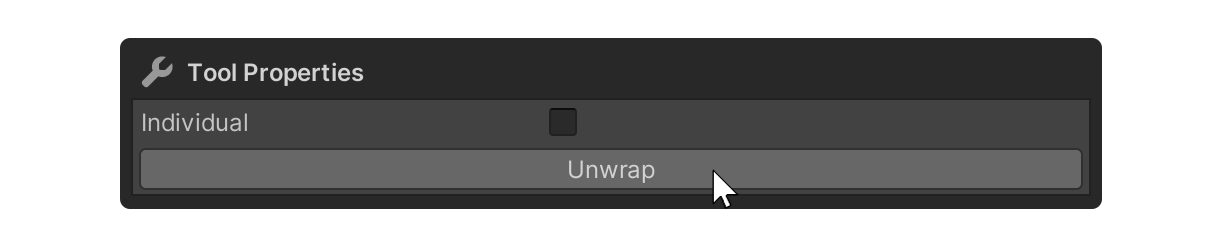
2.Launch the Cube Tool.
3.Click on the Unwrap property.
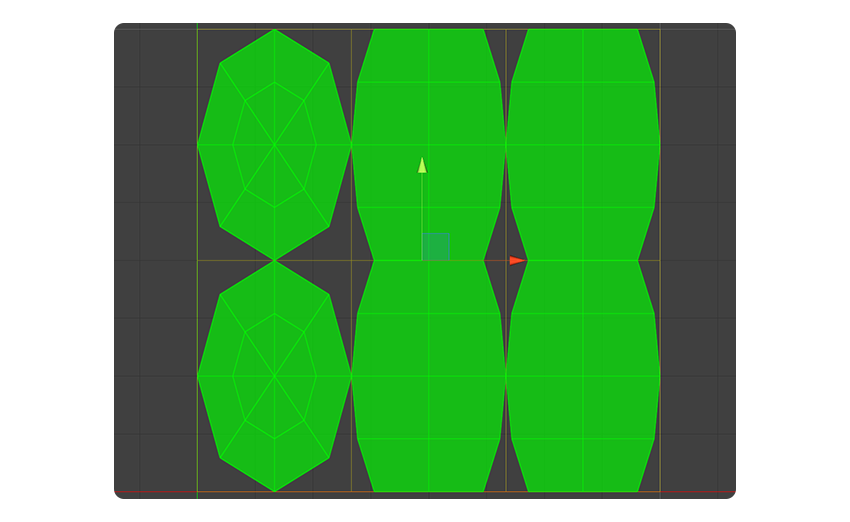
4.The UV faces have been unwrapped along an axis close to the direction the selected face is facing.
Properties
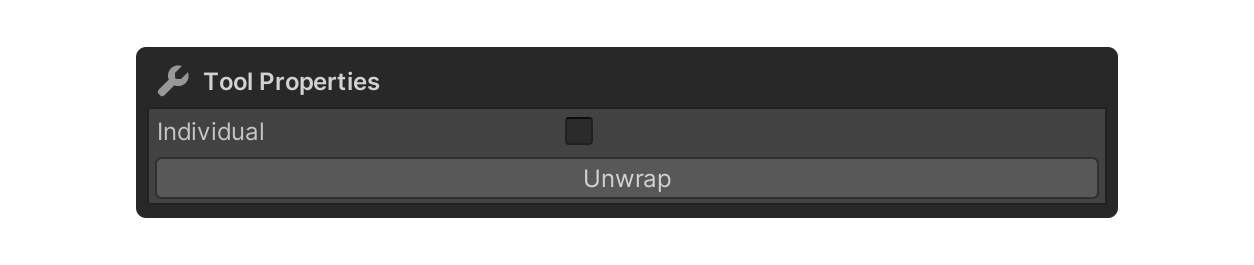
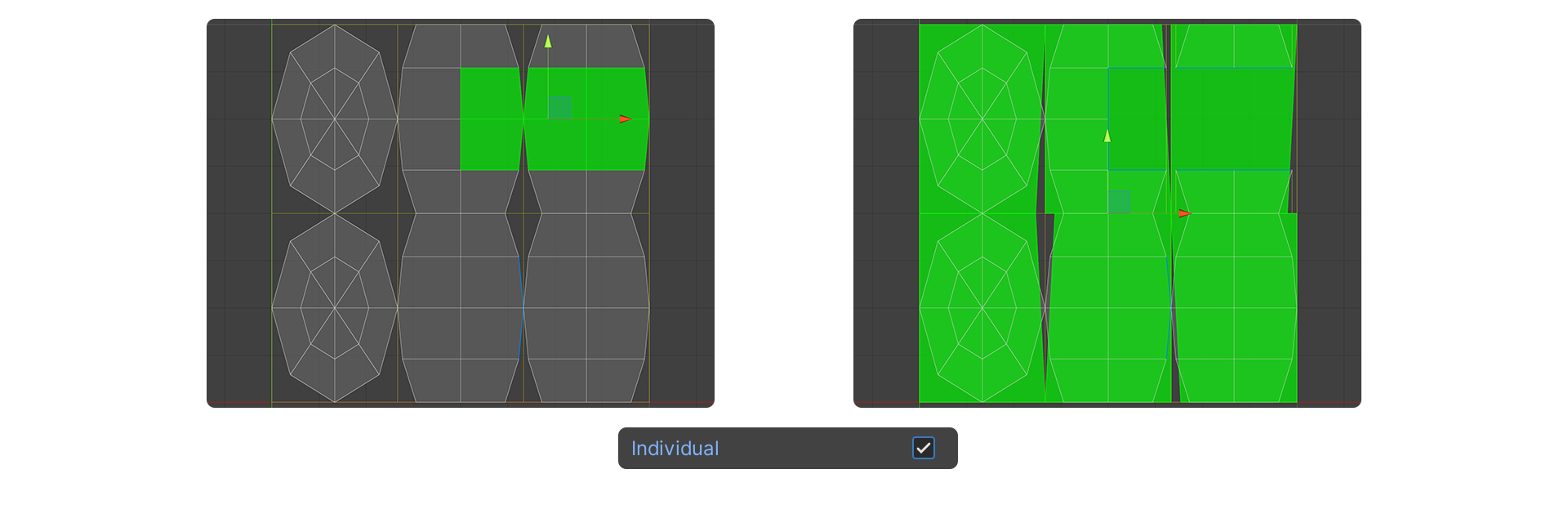
Individual
This property sets the selected faces to unfold individually.
Unwrap
The property that actually executes the Cube tool.