
Pack Tool
The Pack Tool in the UV Editor is a Tool for non-overlapping placement of UVs in texture space.
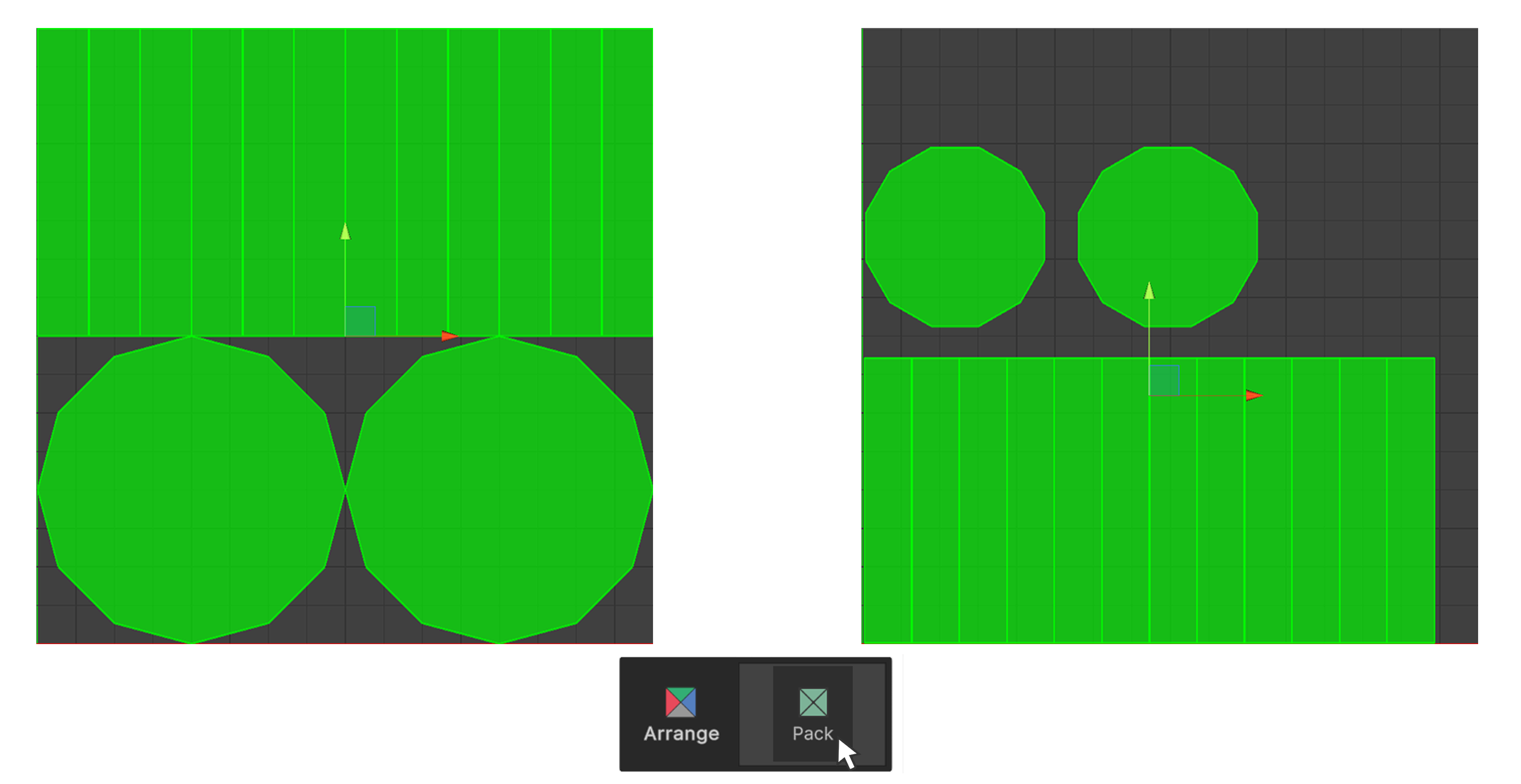
The Pack Tool in the UV Editor is a Tool for non-overlapping placement of UVs in texture space.
How to Use
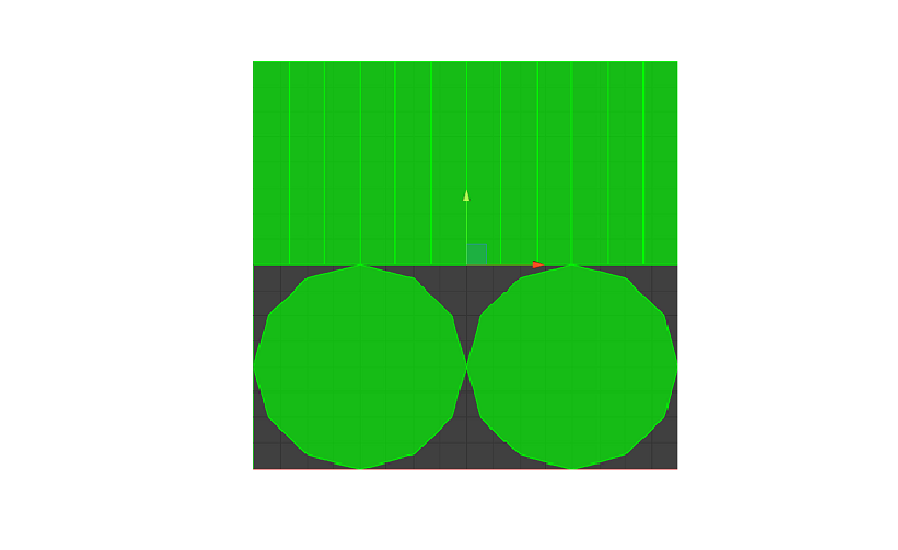
1.Select the UVs you want to put into texture space.
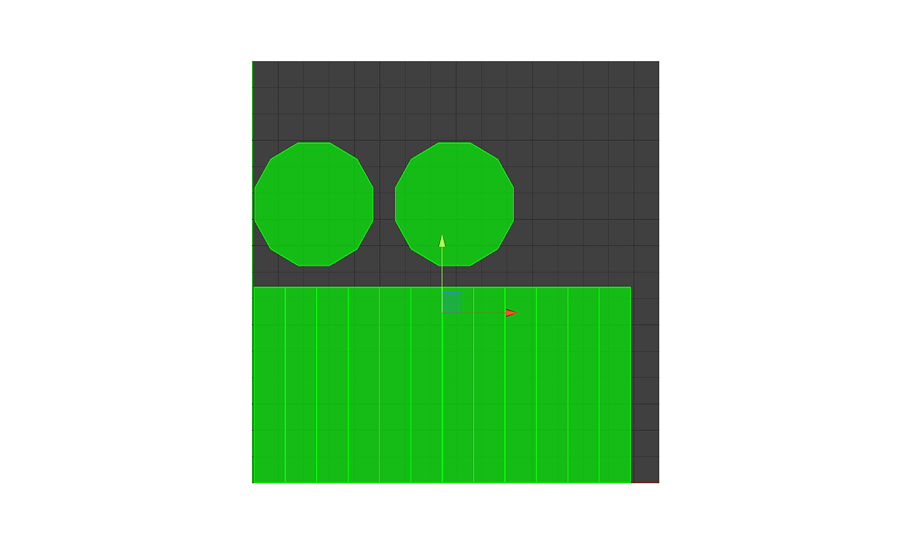
2.Run the Pack Tool.
3.The selected UVs have been placed in the texture space.
Properties
Padding
Allows you to set the spacing between individual, independent UVs.