AI Agent 3D Modeling in Unity —
A steam train from one prompt
One prompt to Claude Code. The agent modeled the hills, a 15-arch viaduct, a closed-loop track and a 4-4-0 steam train from UModeler X Parametric Shapes.
How does an AI agent model a steam train scene in Unity from one prompt?
We gave Claude Code one prompt in a Unity project with UModeler X. The agent built the scene from Parametric Shapes: Highland hills, a 15-arch sandstone viaduct, a closed-loop track, a river, and a 4-4-0 locomotive with a tender and three carriages. It also wrote the scripts that make the train run the loop. The first save held 1,344 objects, and the shapes can still be edited in the Inspector.
What did the agent build?
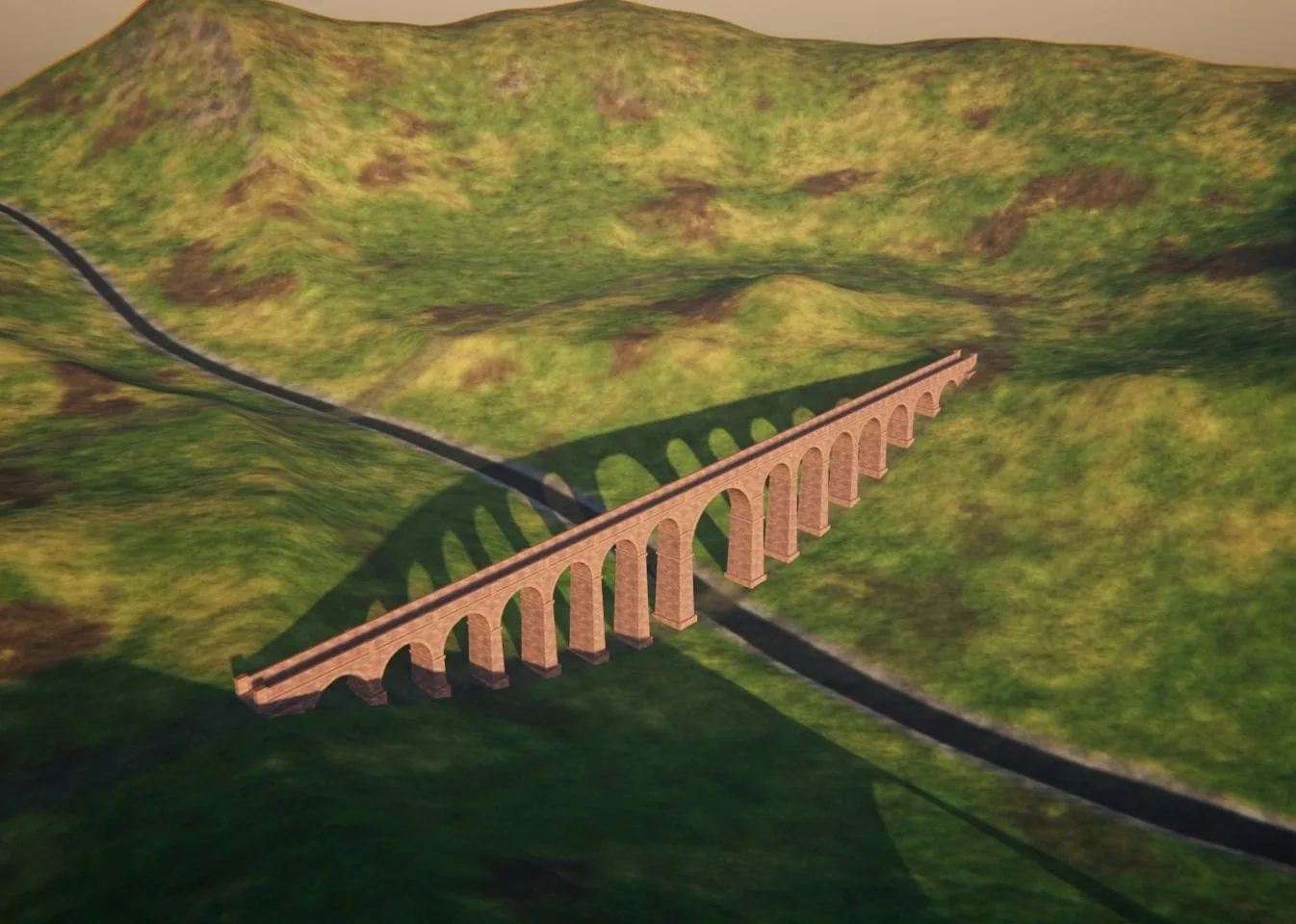
A 15-arch viaduct
Red sandstone, set in Highland hills.
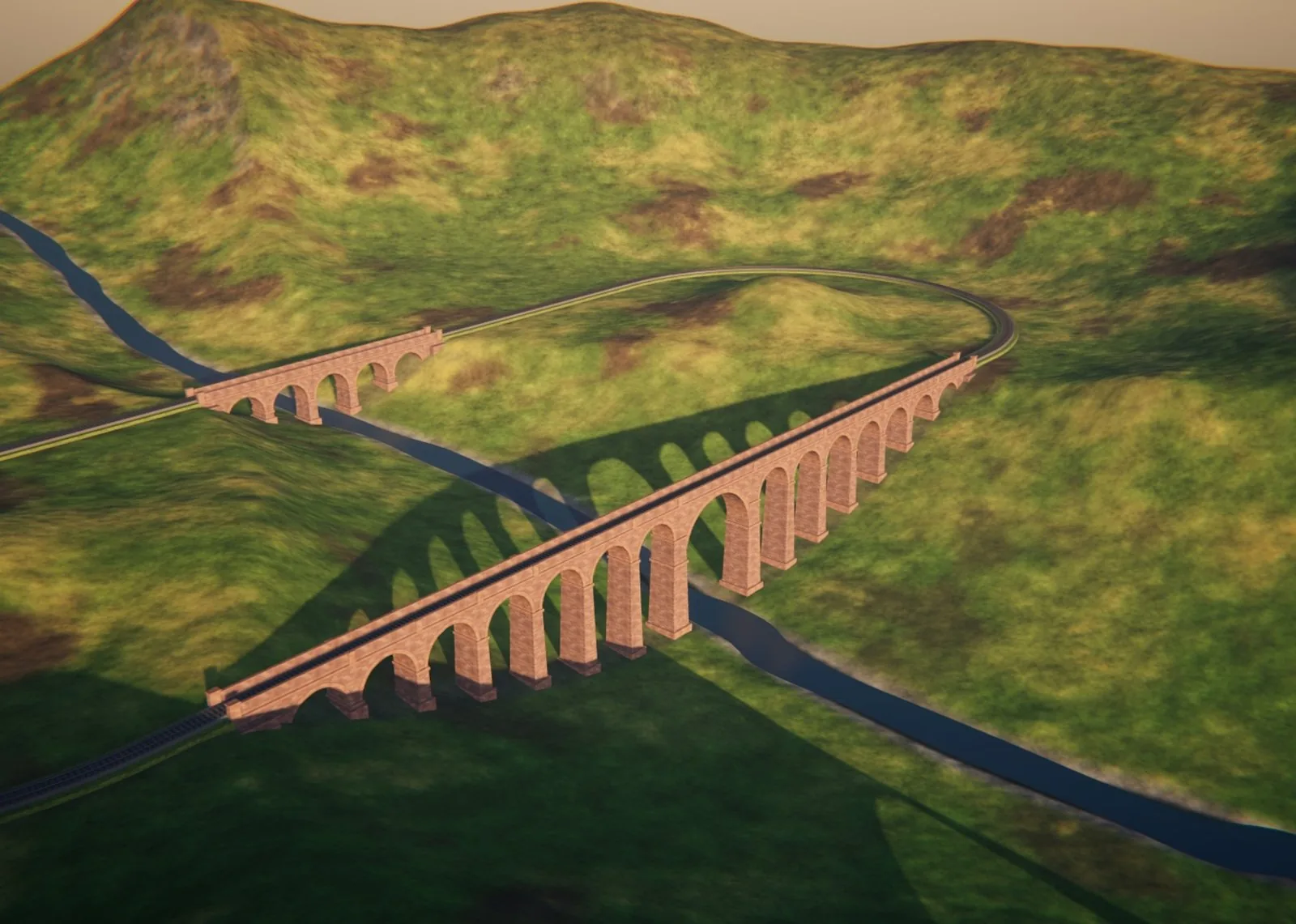
A closed-loop track and a river
The track closes into a loop over two bridges.
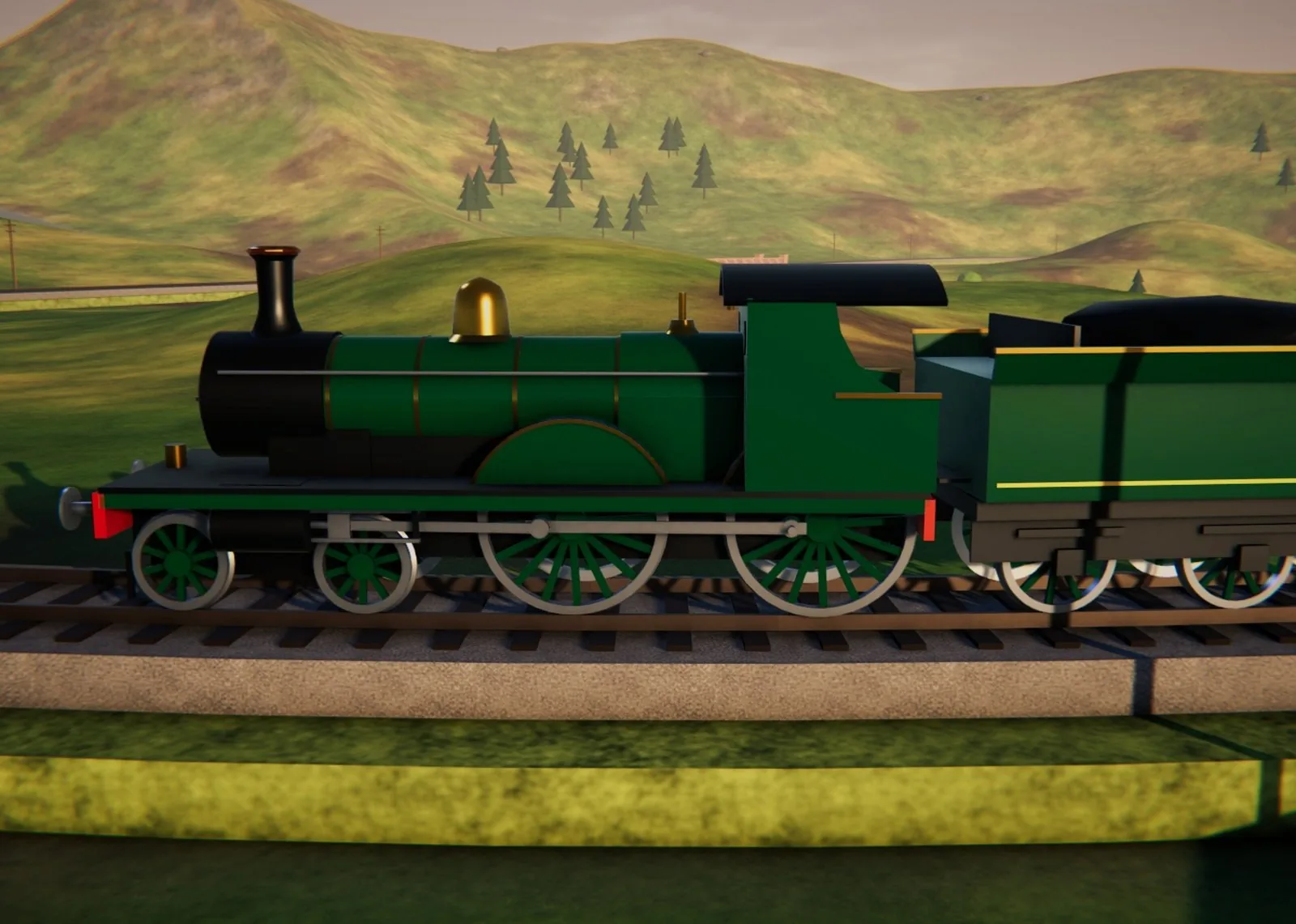
A 4-4-0 train that runs
Locomotive, tender and three carriages, with turning wheels and chimney smoke.
How was it built, step by step?
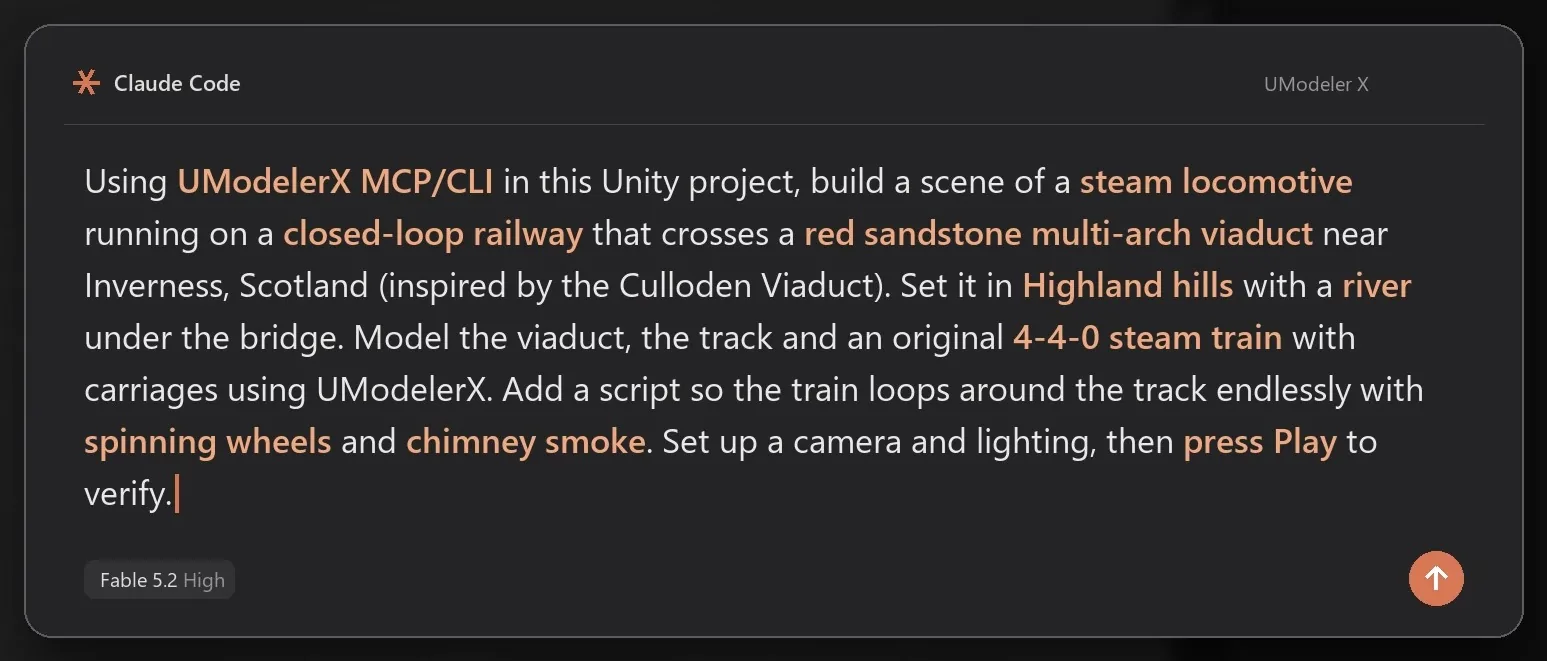
One prompt
A single request in Claude Code: the subject, the place, what to model with UModeler X, how the train should move, and to press Play to check.
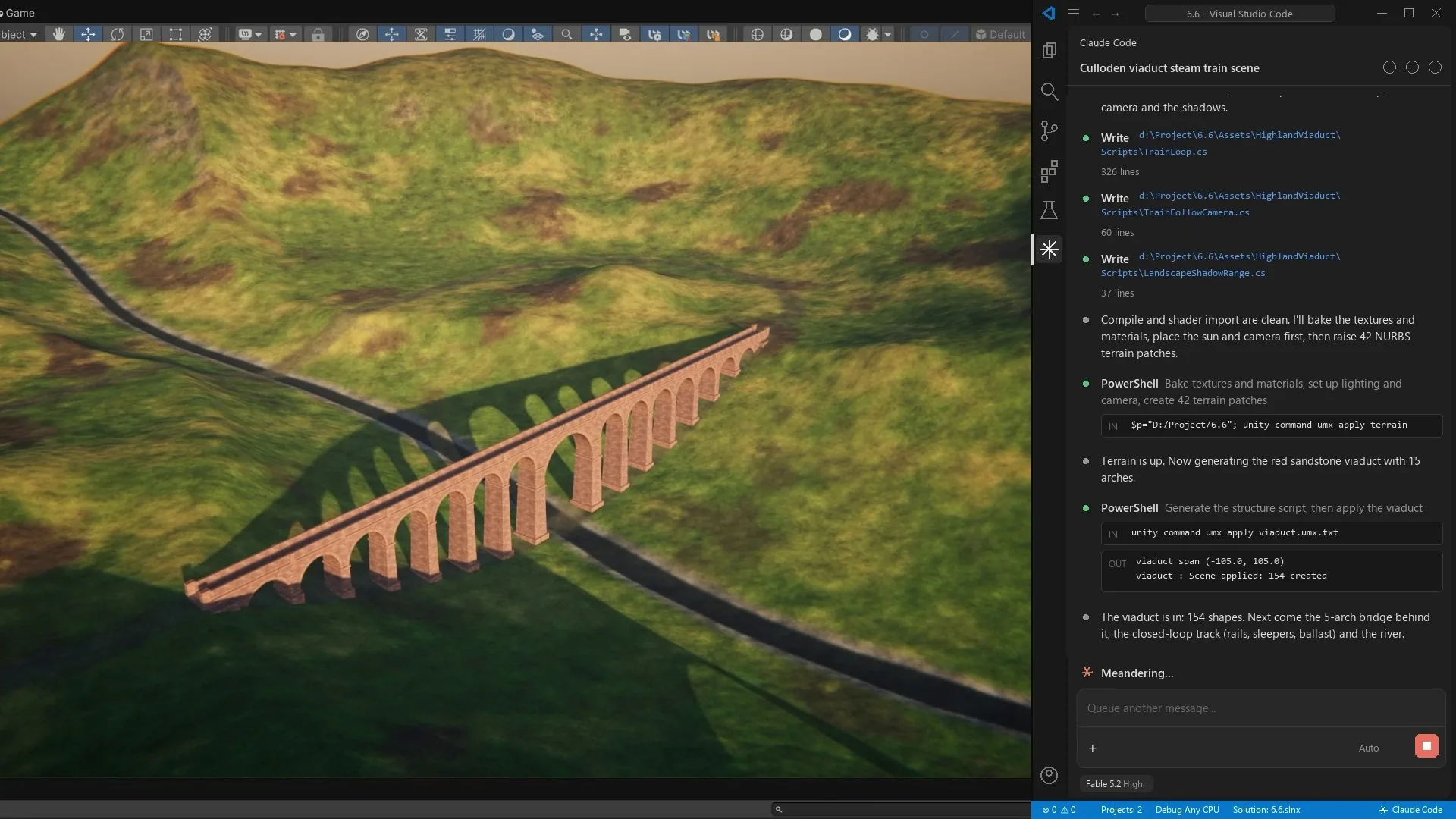
Terrain and viaduct
The agent set up the sun and a camera, raised the hills as NURBS patches, then added the 15-arch viaduct.
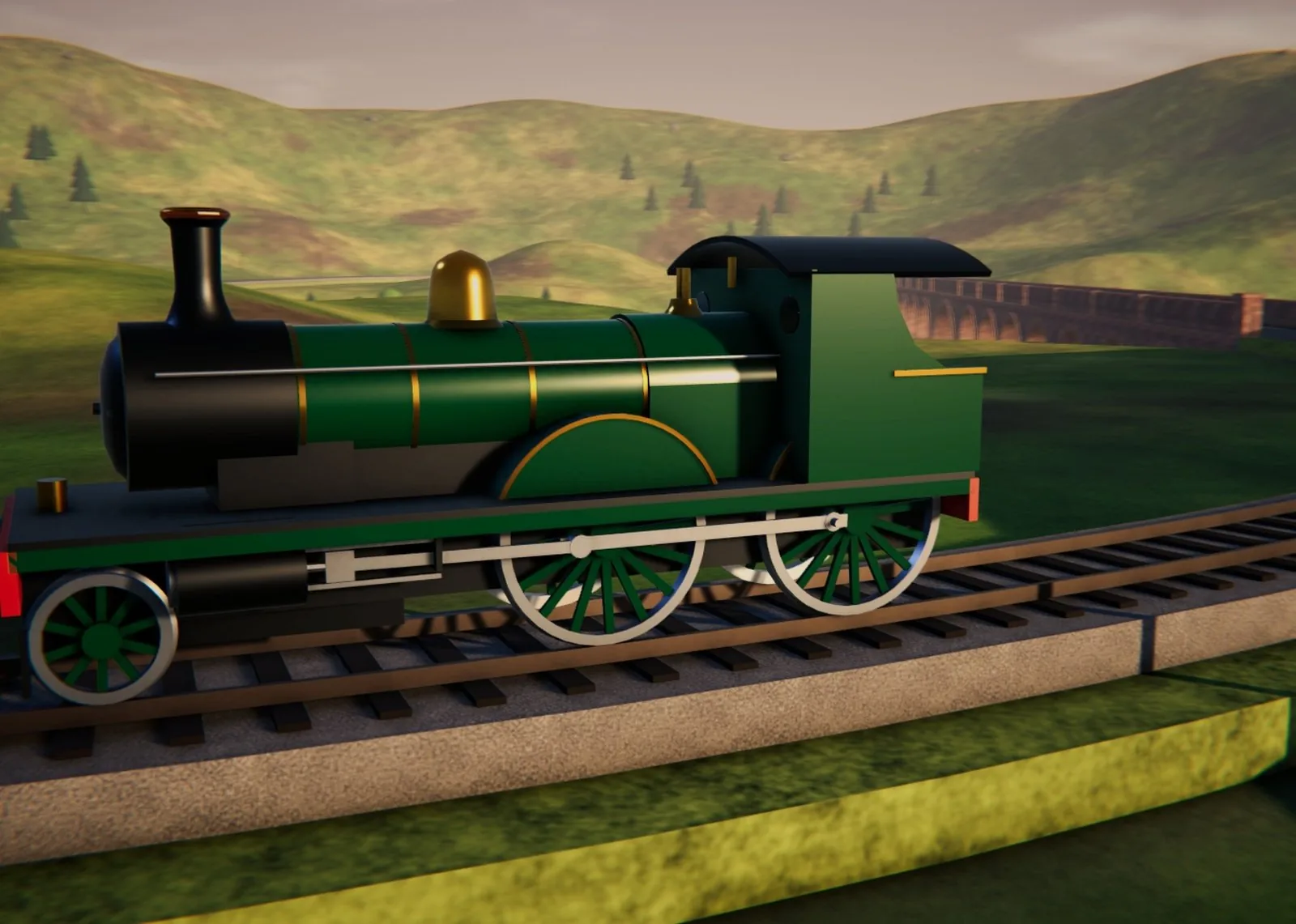
Track and train
Next came the second bridge, the closed-loop track, the river and the train, each assembled from many small shapes.
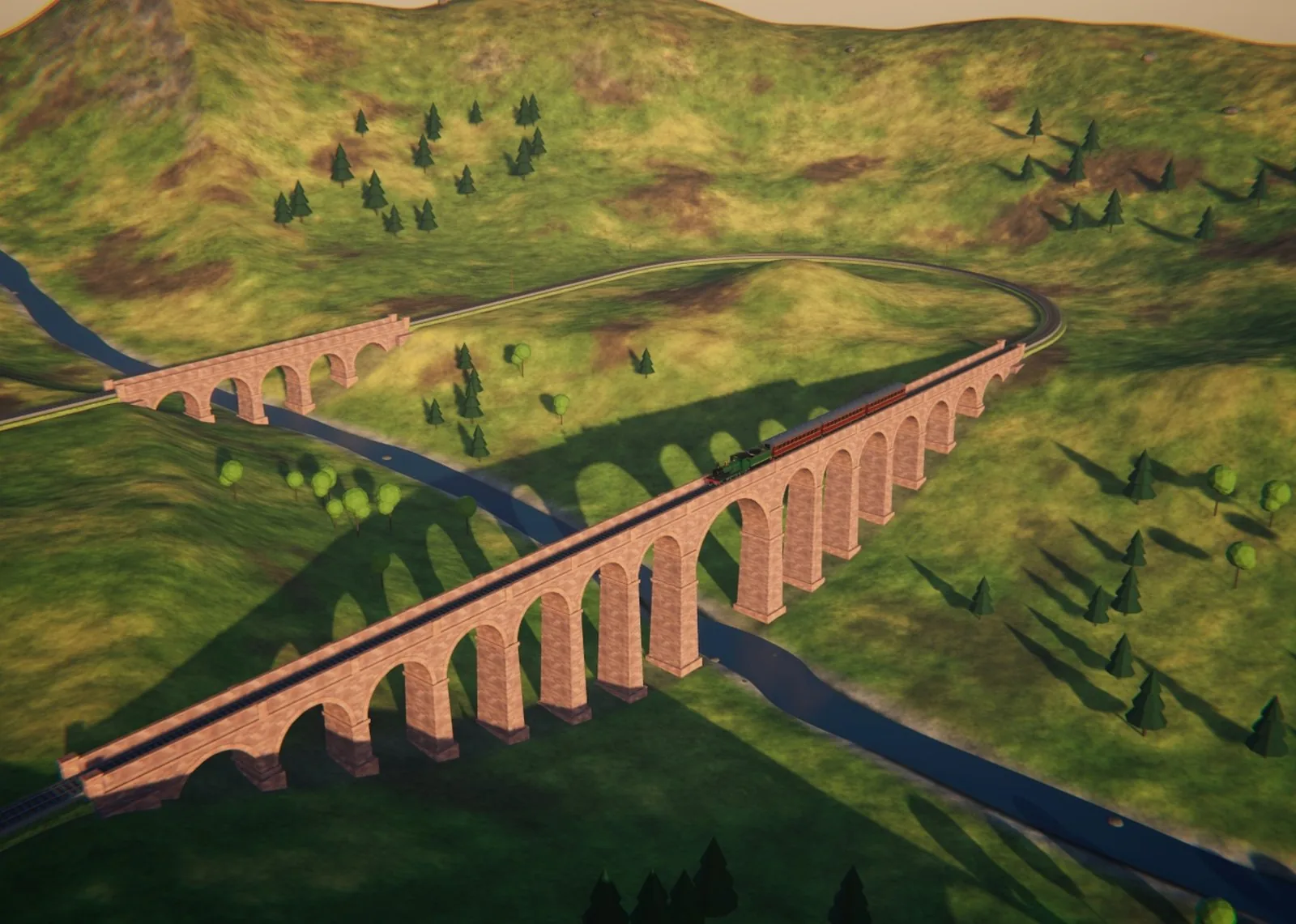
Scenery, then Play
Trees, rocks and telegraph poles went in last. Then the agent pressed Play to check the train. The first save held 1,344 objects.
Step images are re-captures of the finished scene. The Claude Code panel is redrawn in English from the Korean session.
What does the whole build look like?
One prompt and four follow-up prompts, in 50 seconds with sound.
Why build it from Parametric Shapes?
A Parametric Shape keeps the values it was created with.
Parameters stay live
Change a width or a segment count in the Inspector and the mesh rebuilds in place.
A whole assembly per script
The agent sends one scene script per assembly, not one call per object.
Detail by asking again
Follow-up prompts add to the same scene instead of starting over.
Yours to finish by hand
Adjust shapes in the Inspector, or use Convert to Editable Mesh for vertex-level edits.
What happens when you ask for more detail?
Three short follow-up prompts on the same scene, translated here from Korean. The fourth, which brought in PicoBerry, follows below.
Follow-up 1
"Add more detail to the train, and apply smoothing across the scene."
Curved shapes were smoothed, and the train gained pipework, a front lamp and a lined cab panel.
Before
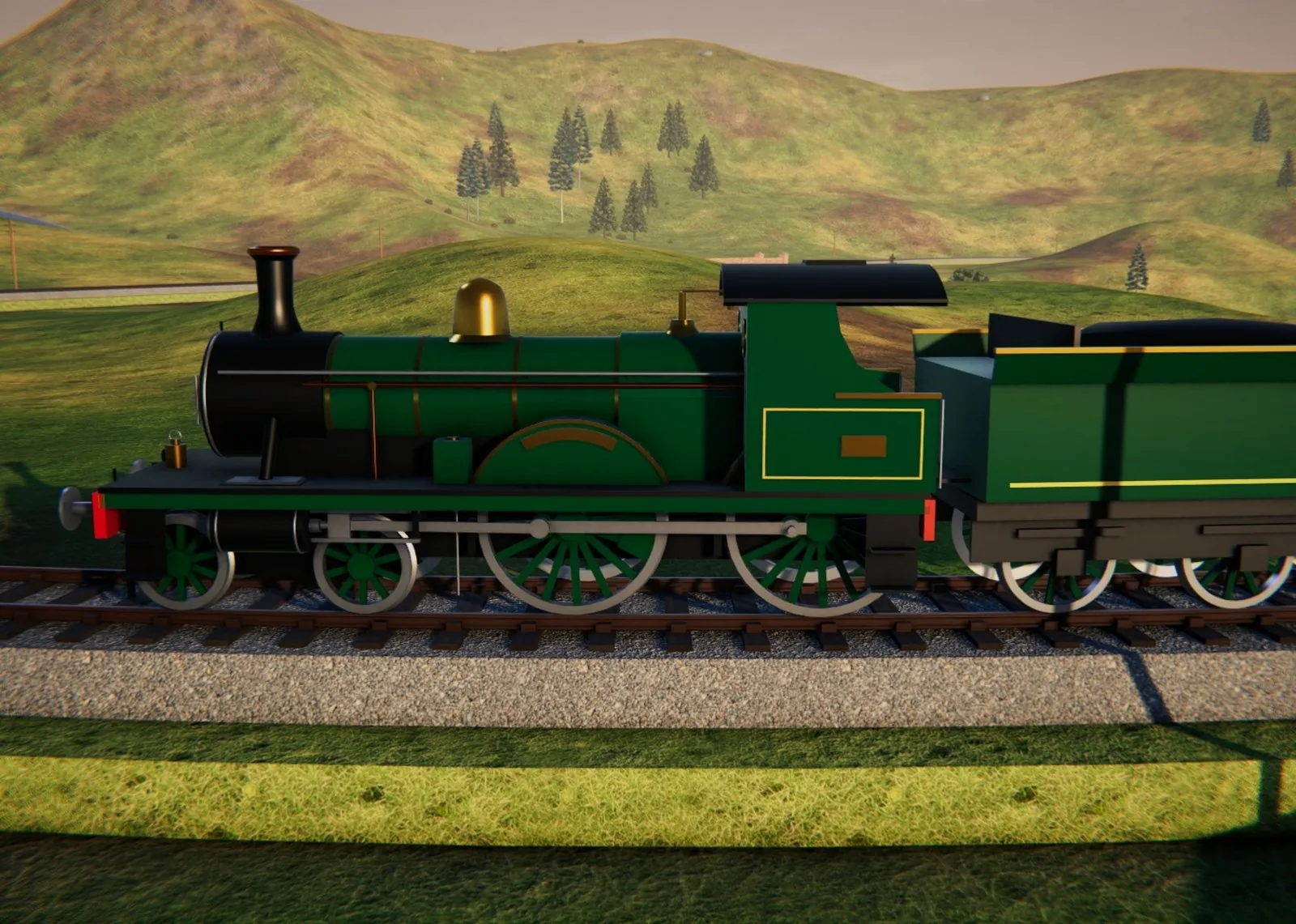
After
Follow-up 2
"Add more detail to the viaduct and the track too."
Arch stonework, a rail profile and timber sleepers.
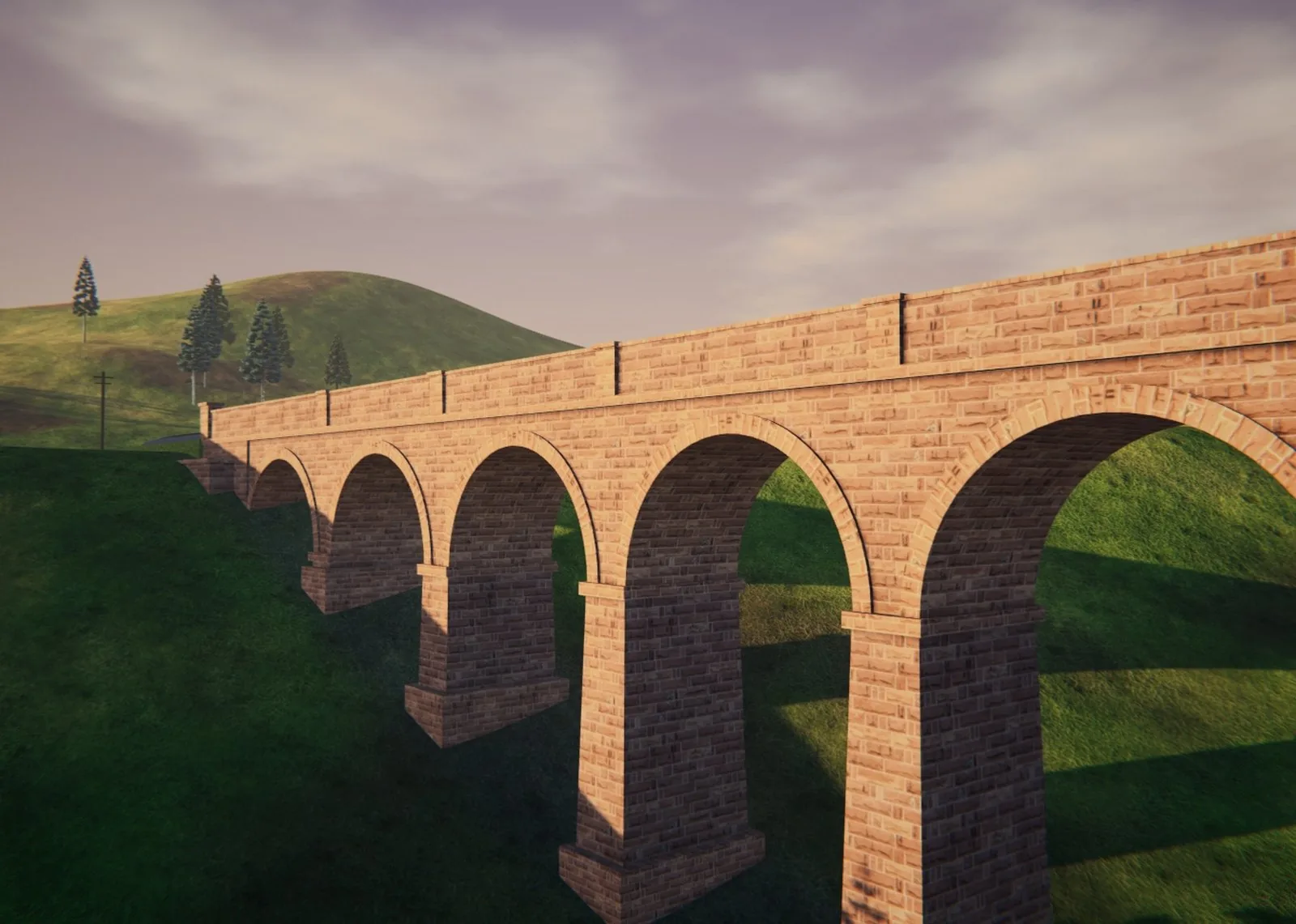
Before
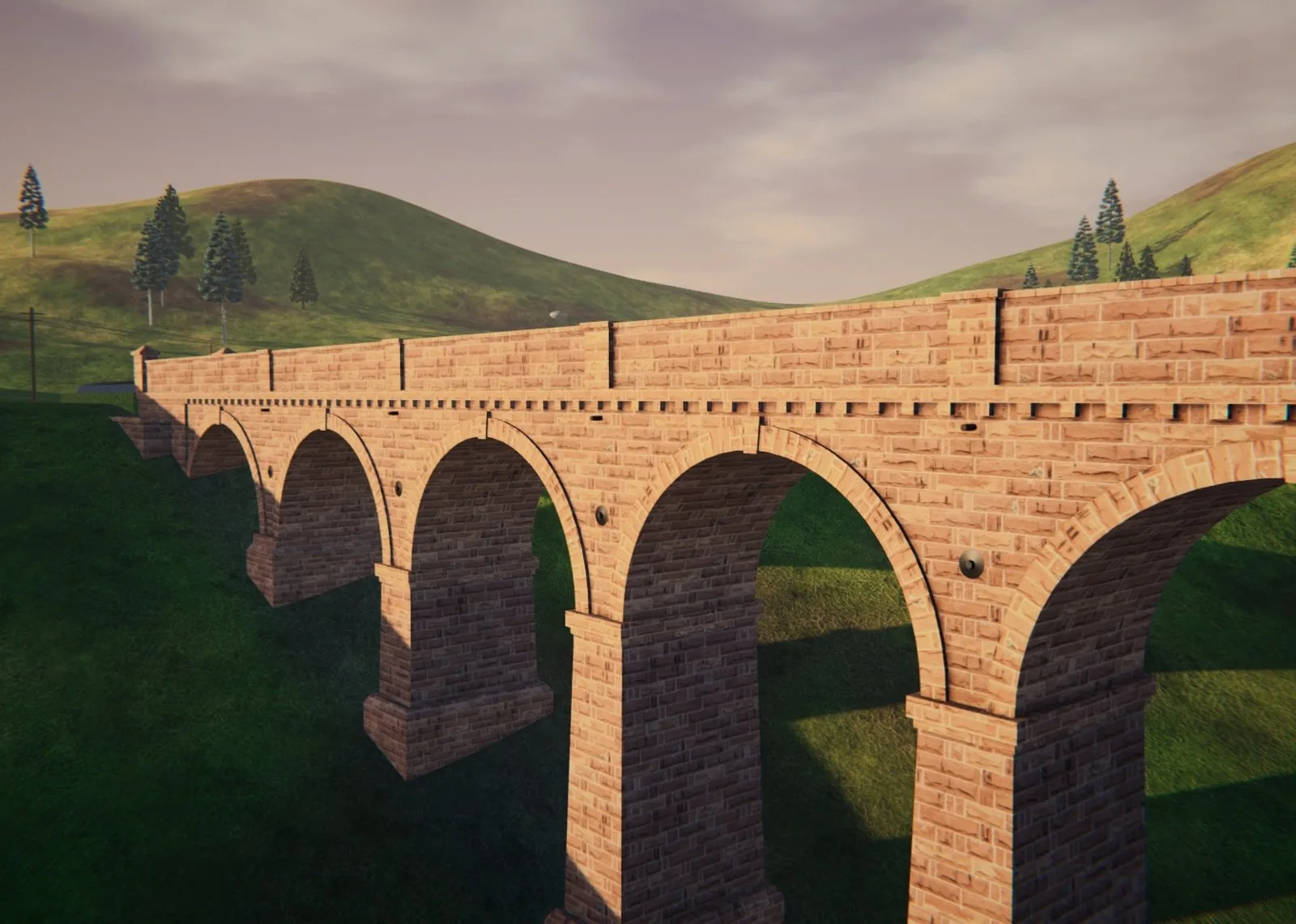
After
Follow-up 3
"Add more detail to the tender as well."
144 parts added, including a coal heap, handrails and brake gear.
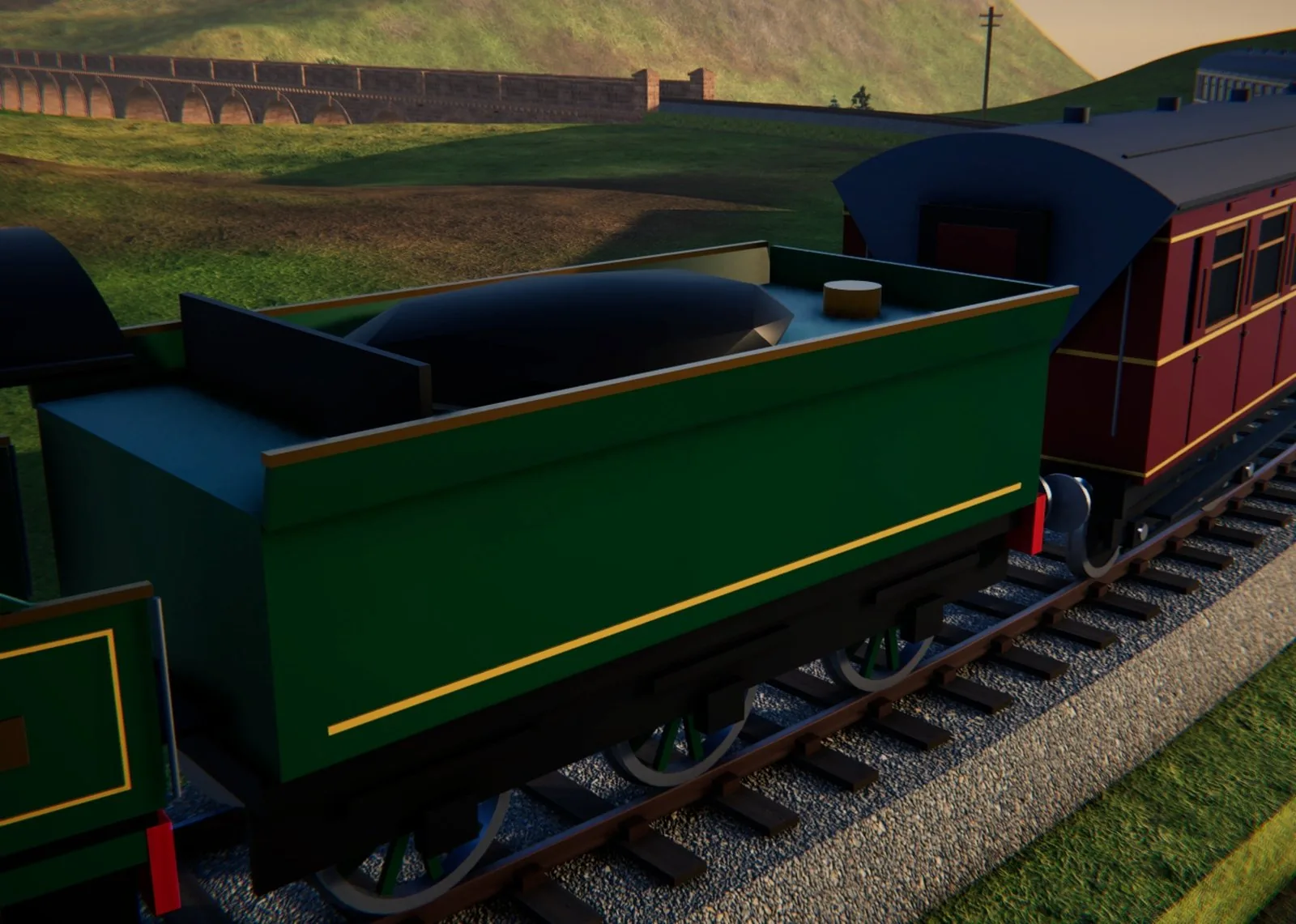
Before
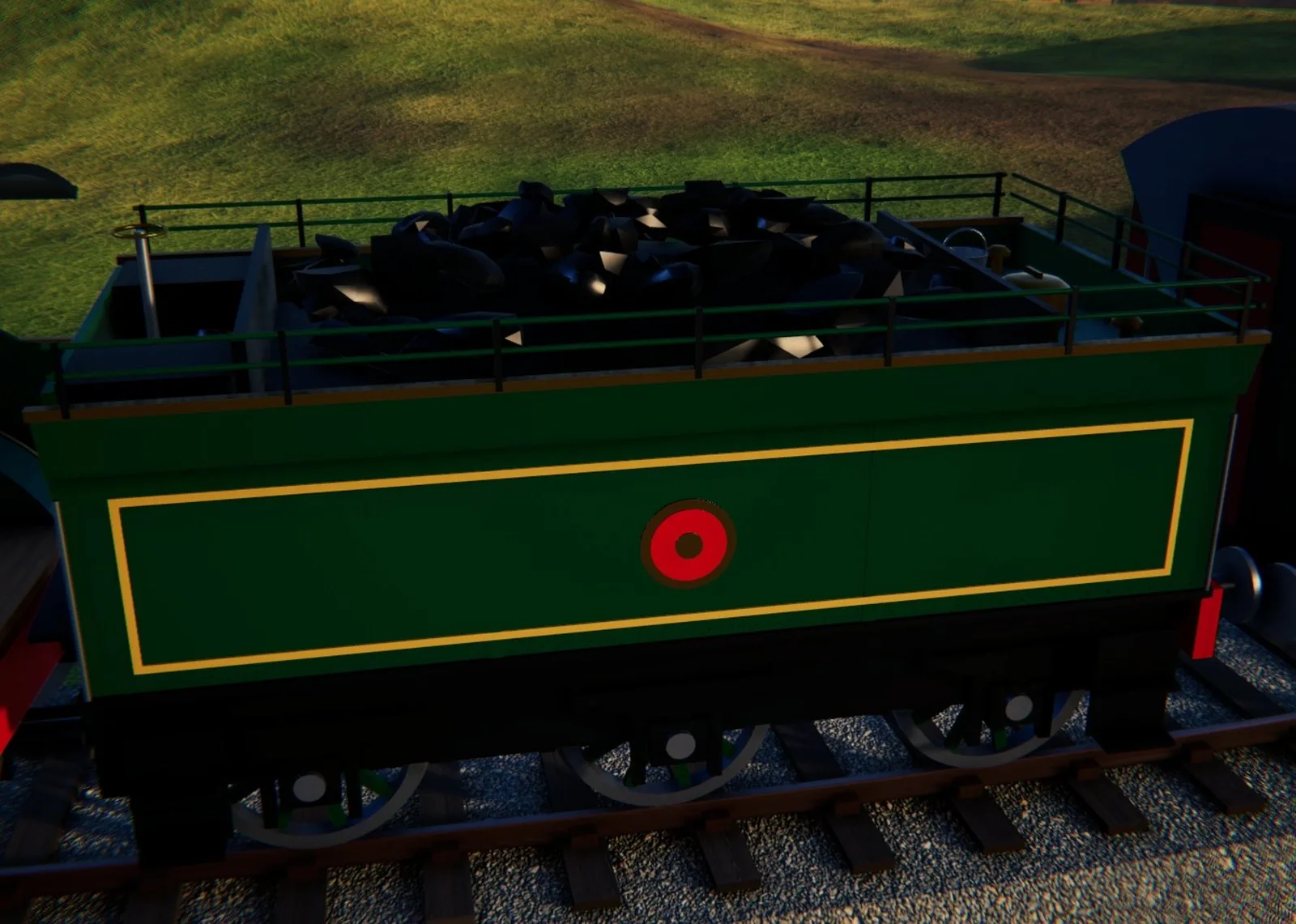
After
Before and after stills were re-captured from the final scene, so some backgrounds include later changes and some camera angles differ.
What did we stage, and what is left to you?
The cinematic look
Sunset lighting, lens flare, fog, motion blur and the film’s sound were added by us. The agent’s own camera and lighting look plainer.
The build images
We re-shot the finished scene and revealed its parts in the order the agent made them.
You still finish it
Proportions, materials and the final look may need your own pass. It starts from editable shapes.
Where does PicoBerry come in?
PicoBerry is UModeler’s AI 3D asset generation platform. The fourth follow-up prompt asked the agent to bring PicoBerry models and images into the same scene. The viaduct, the track and the train stayed UModeler X Parametric Shapes, and the trees became PicoBerry models.
Follow-up 4
"Improve the overall quality. Use PicoBerry models for trees and other organic objects, and PicoBerry images where the textures are low quality."
112 trees replaced with four PicoBerry models (two pines, a birch and a leafy tree), 90 PicoBerry shrubs placed and new surface textures applied. These models are meshes, not Parametric Shapes.
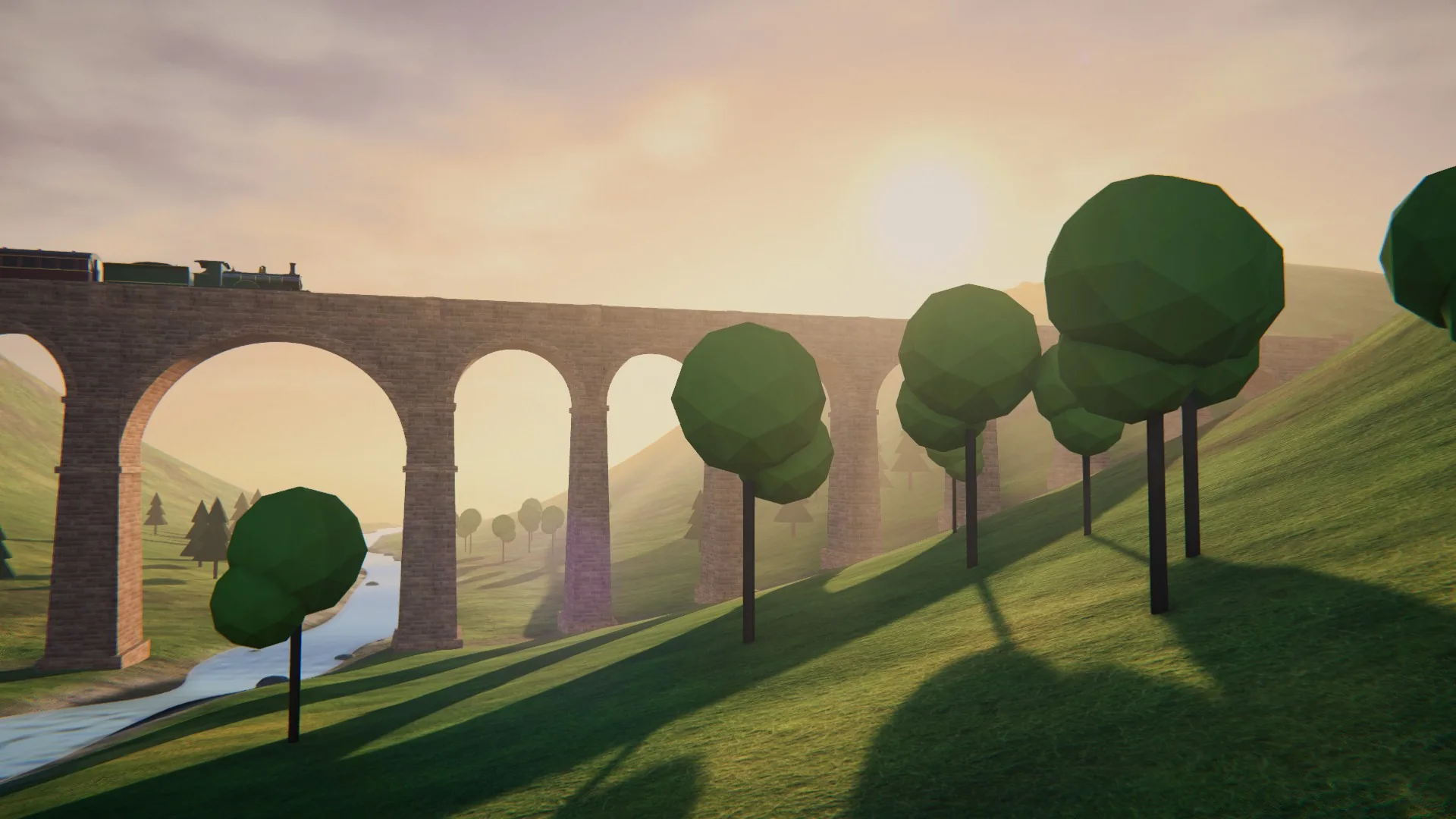
Before
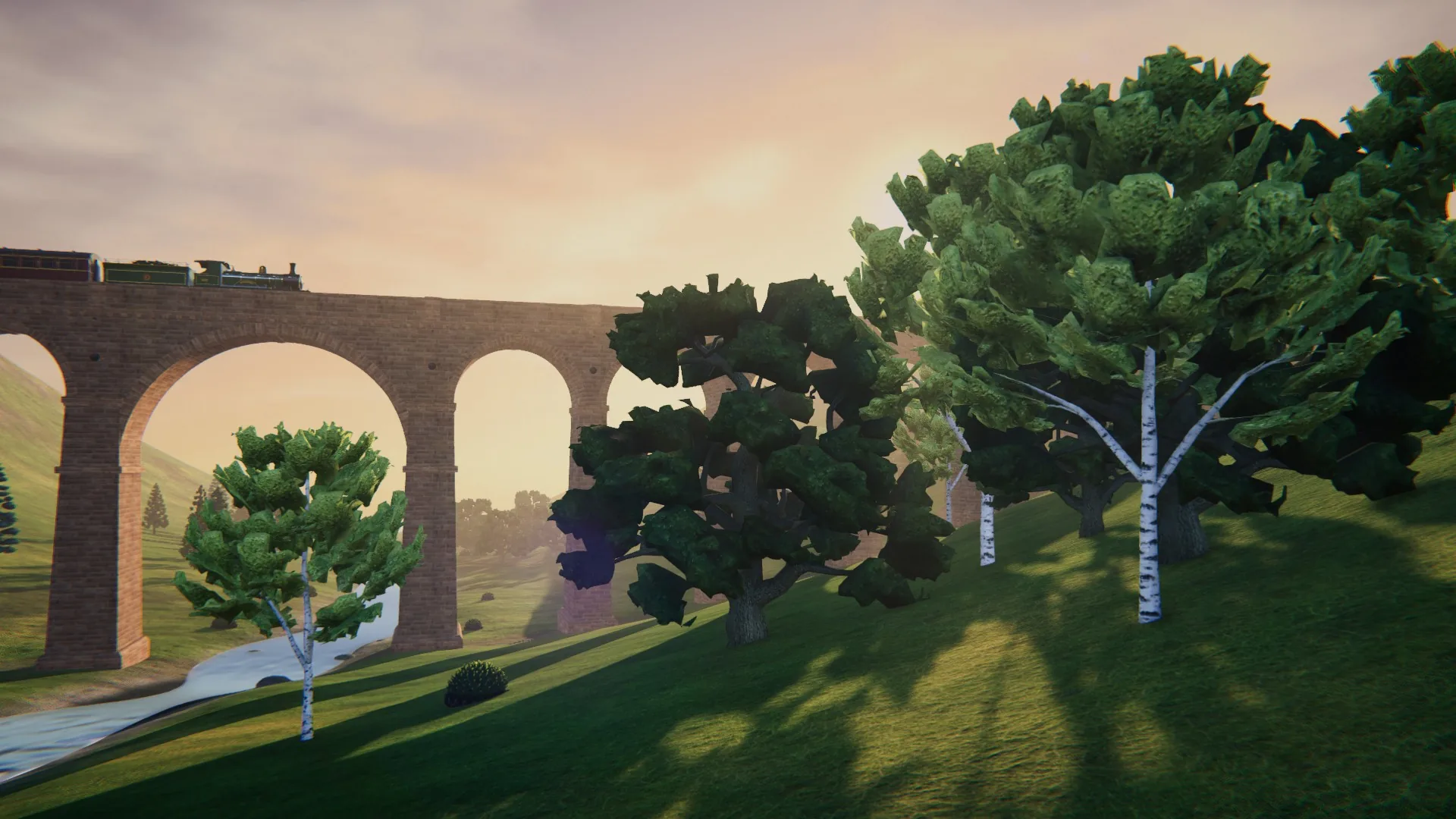
After
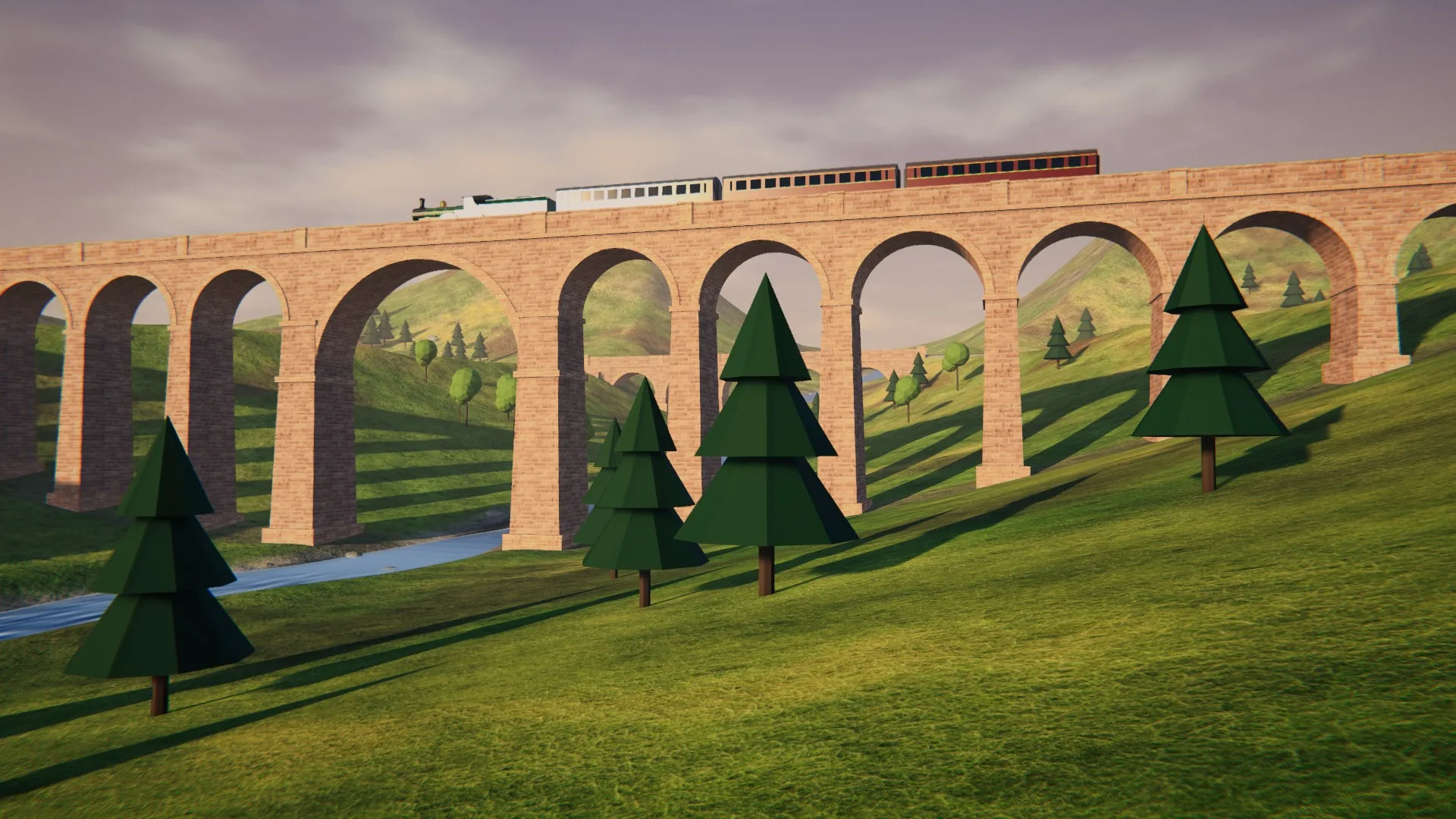
Before
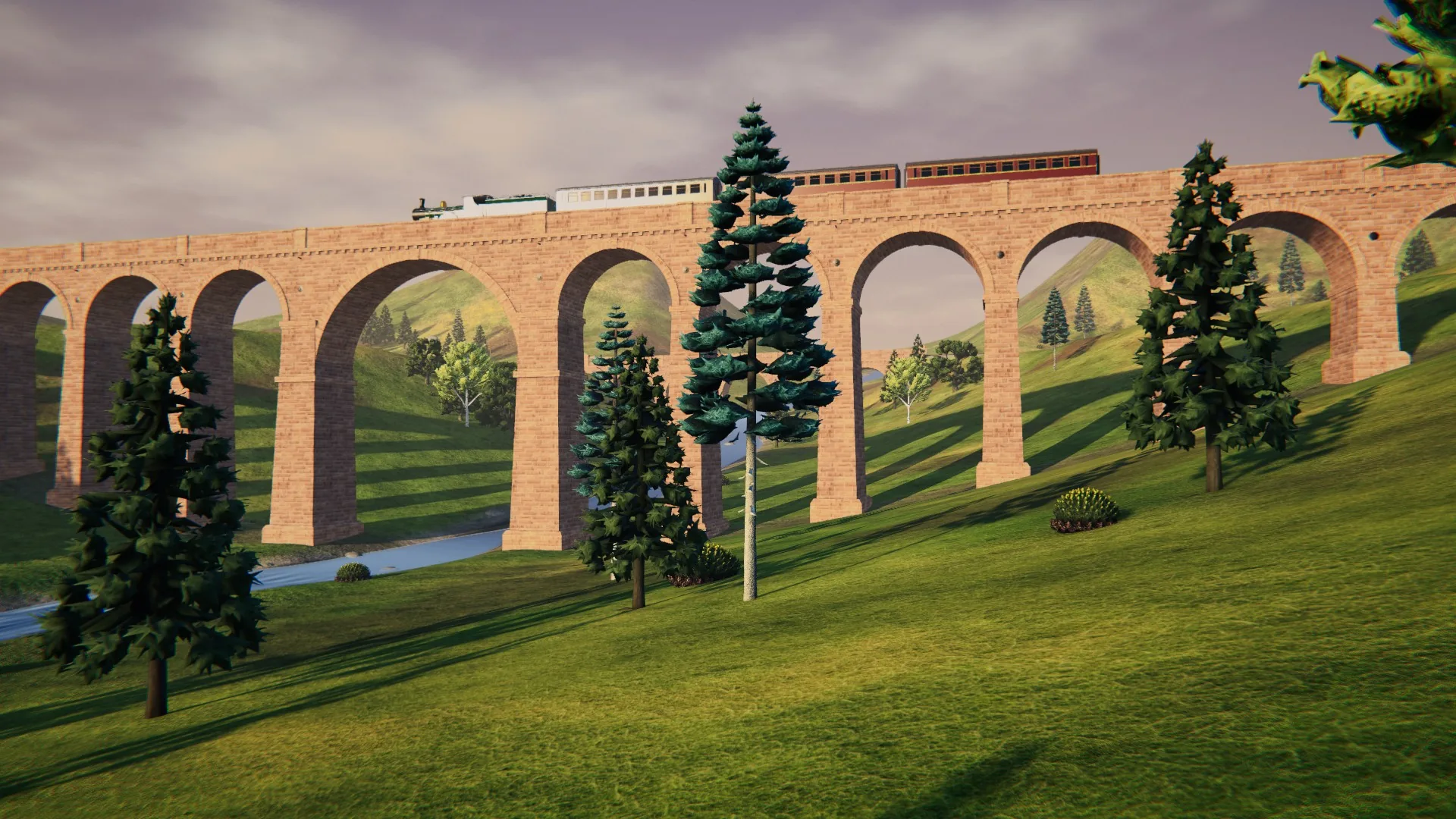
After
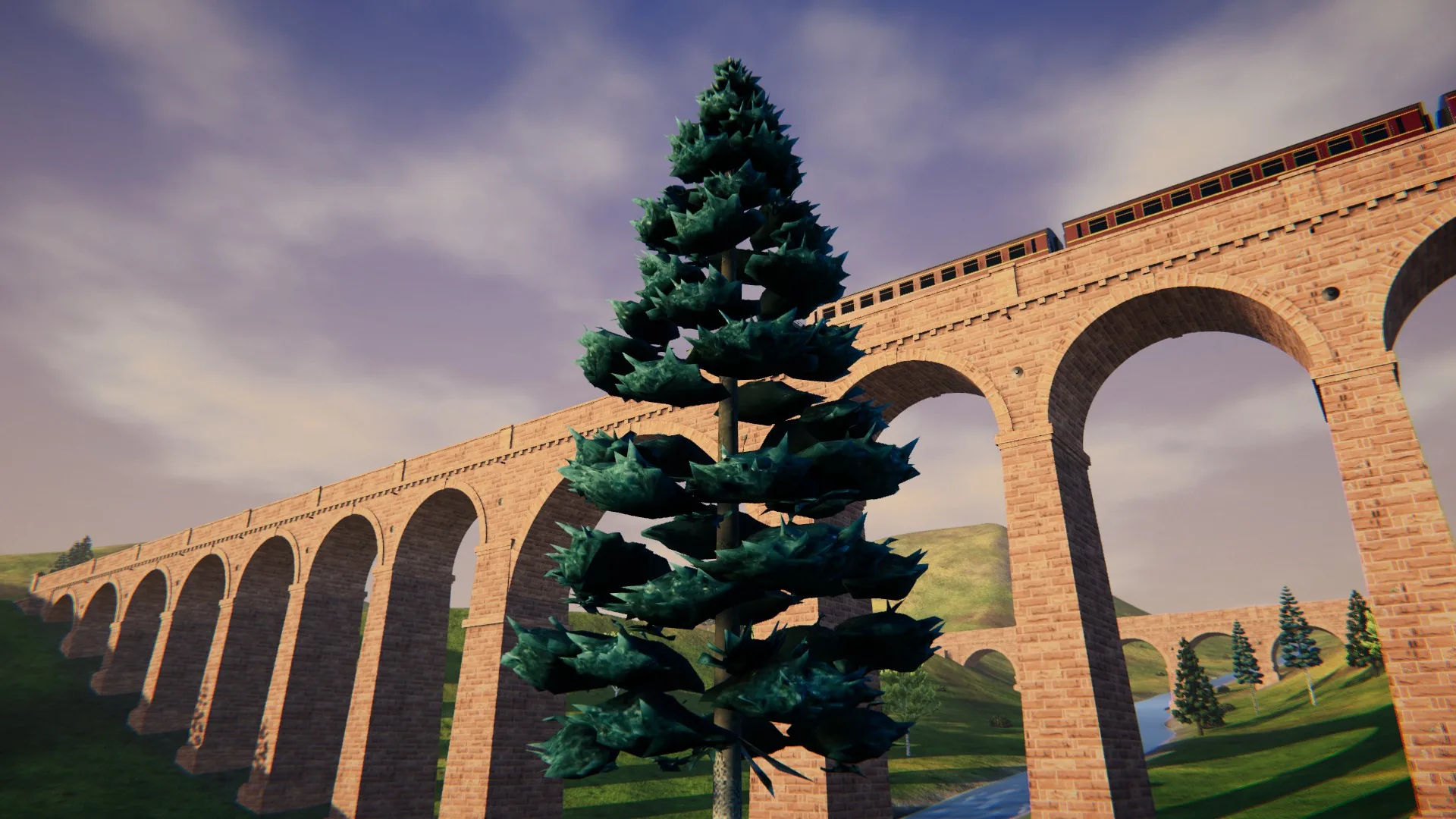
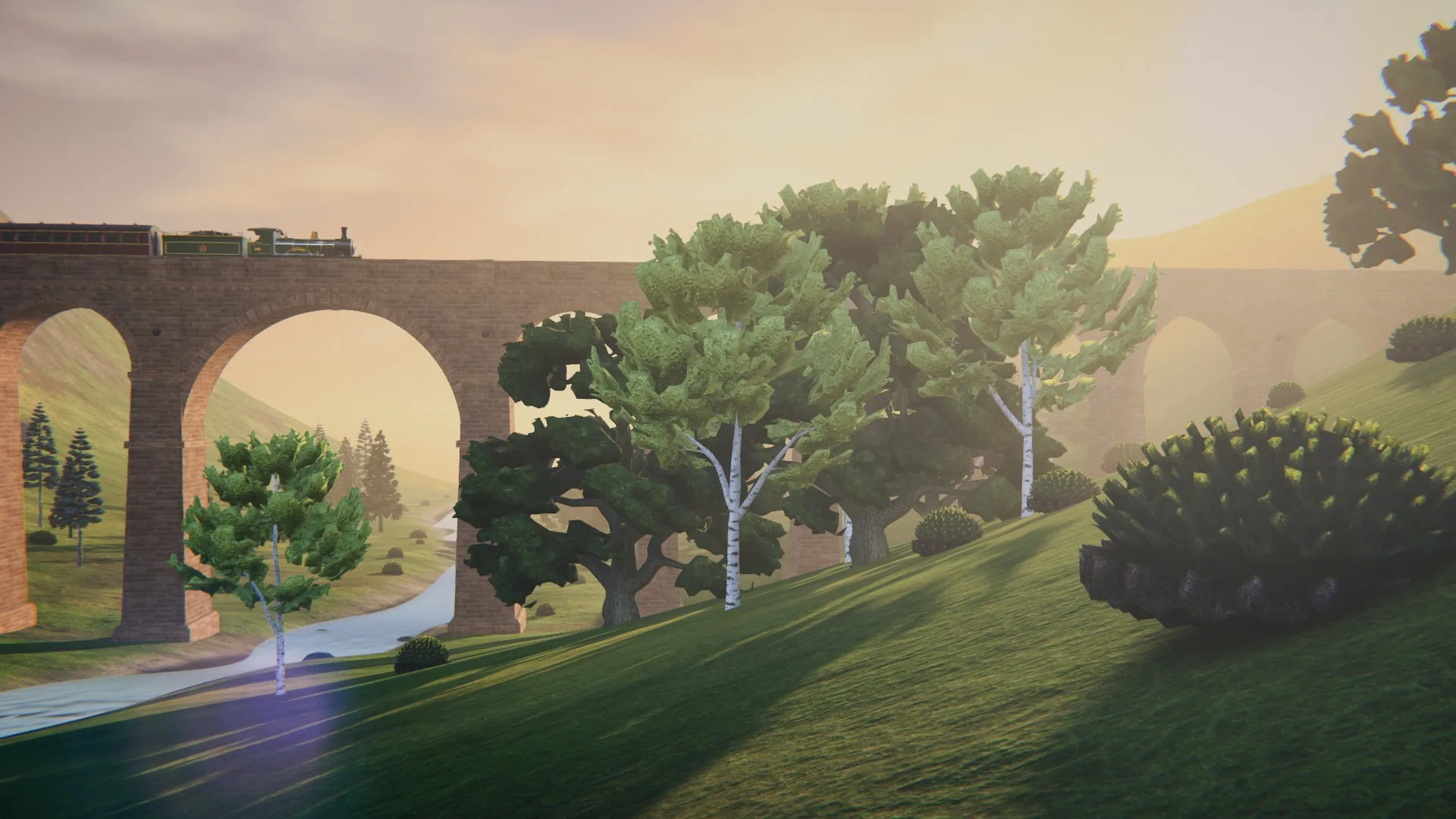
The “before” views come from the first-pass scene, so the viaduct there does not have its added stonework yet.
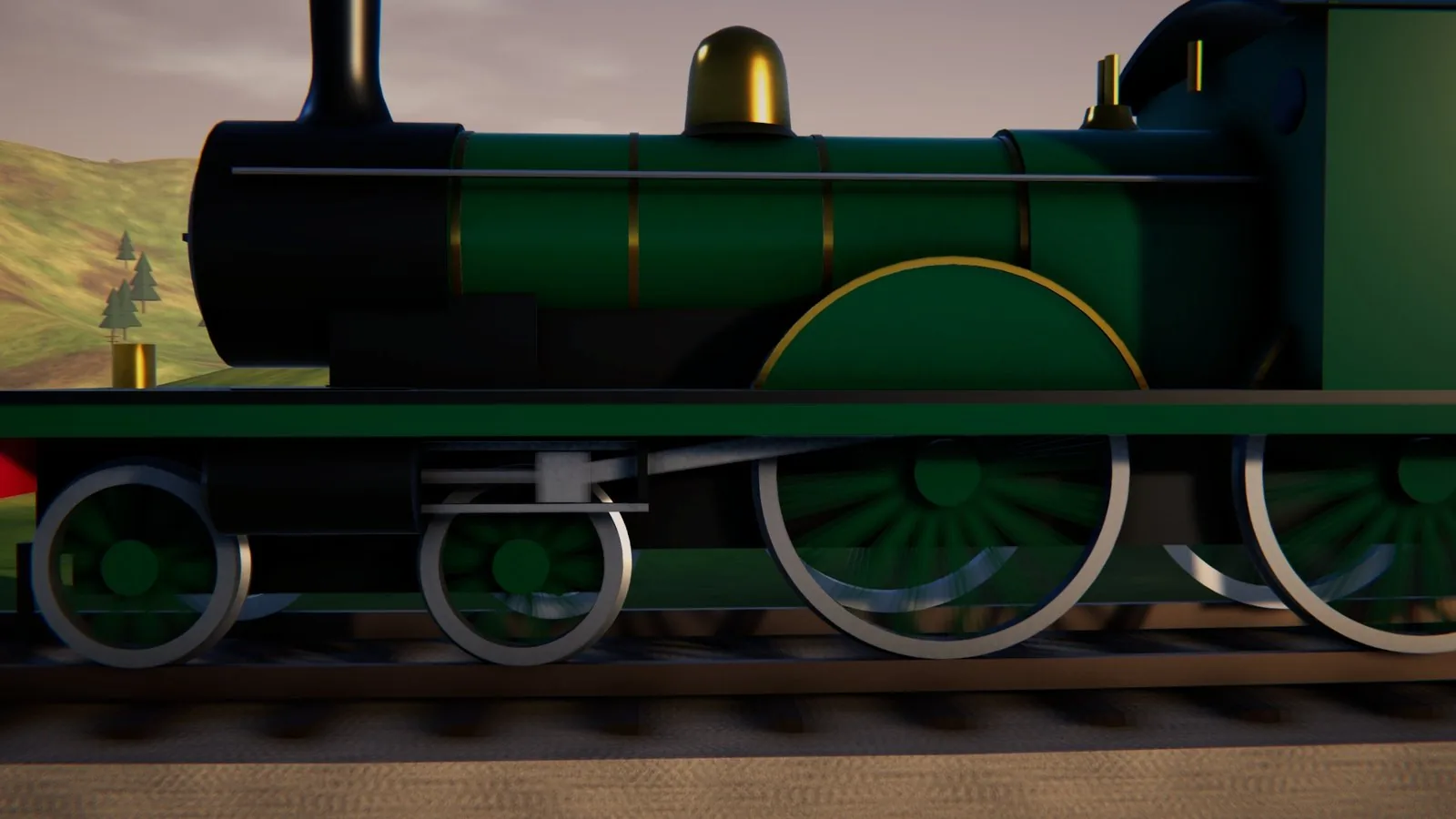
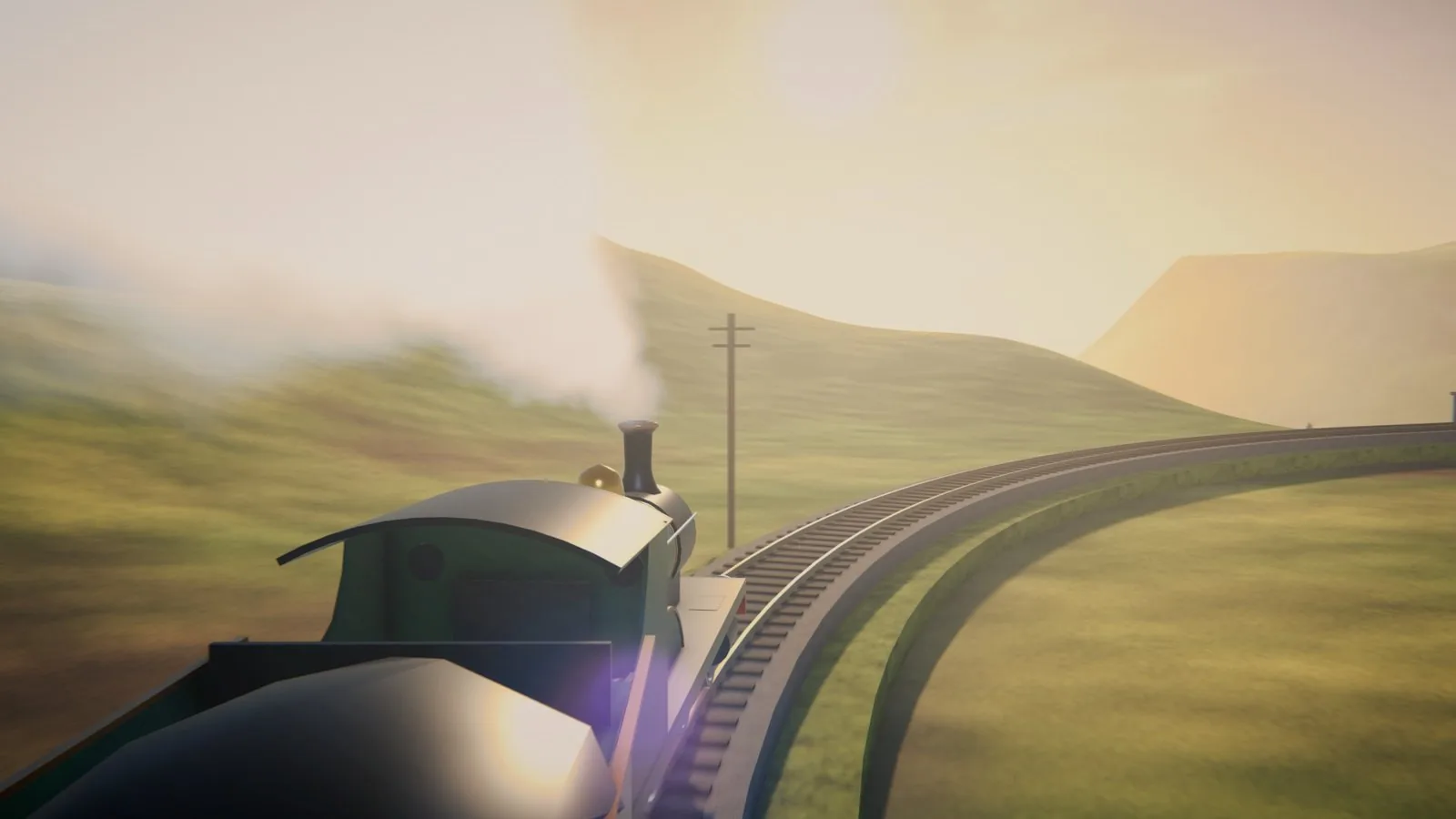
What does the first-pass scene look like on camera?
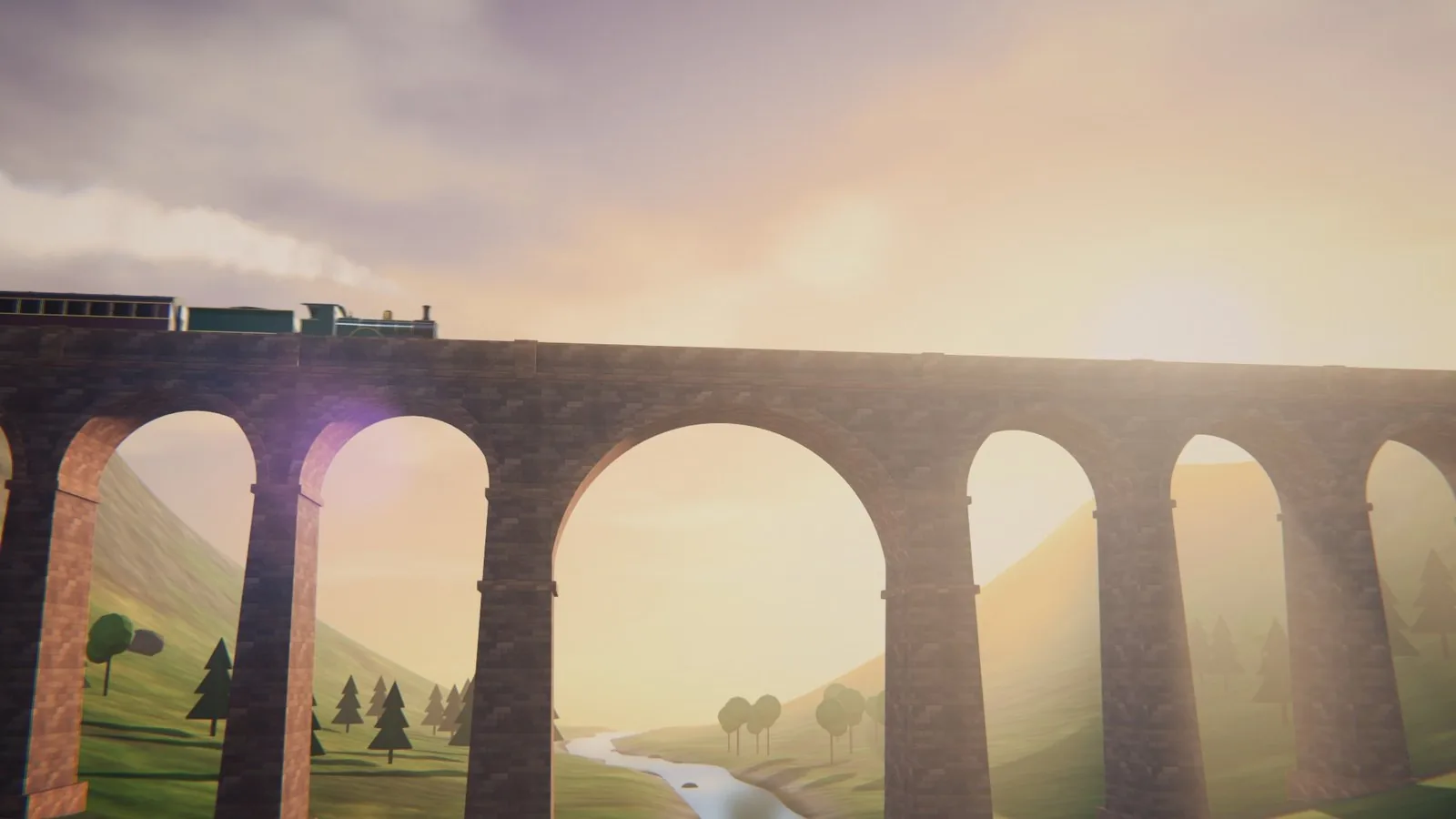
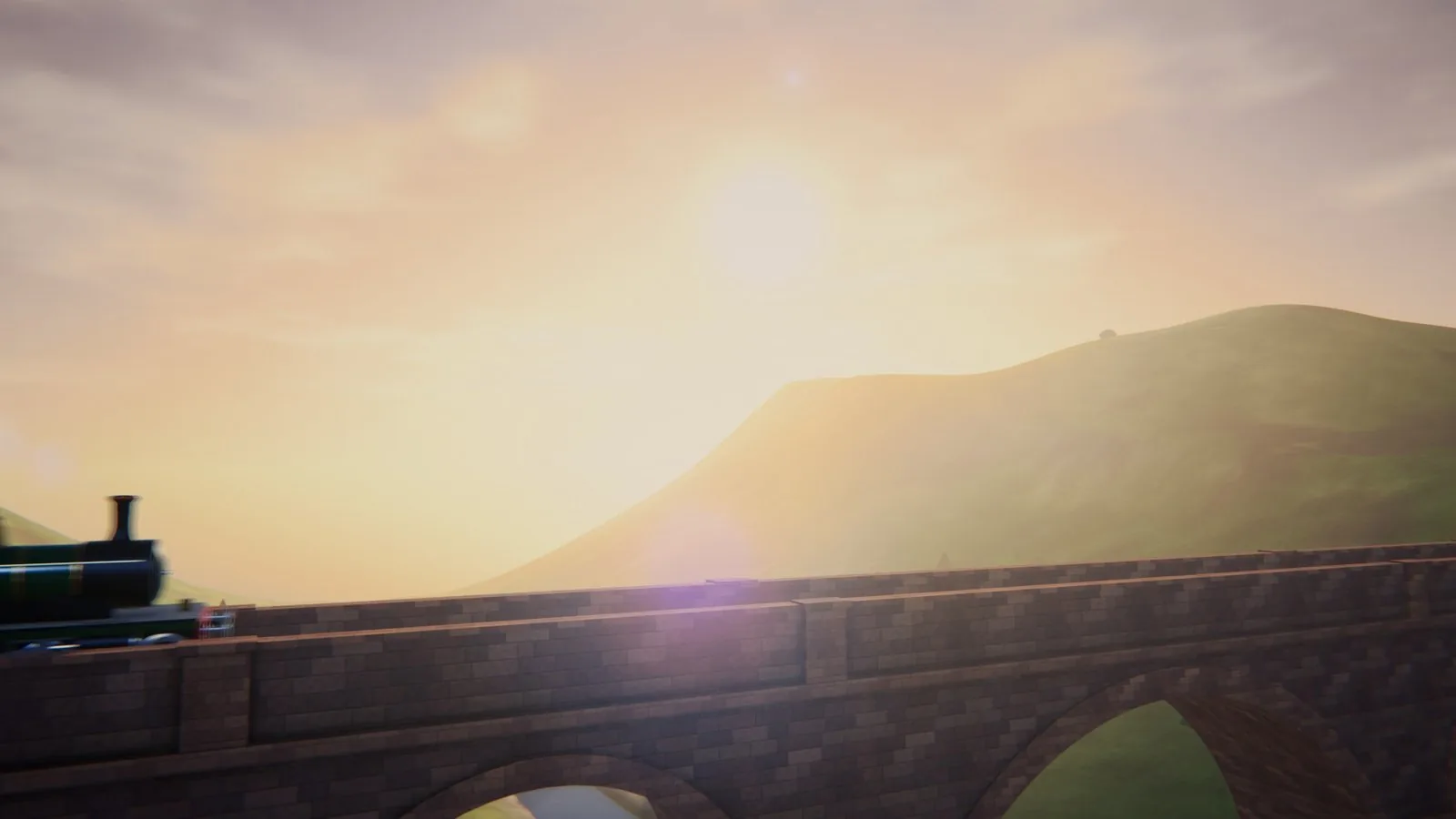
These shots show the scene from the first prompt.
Frequently Asked Questions
Can you model 3D directly in Unity without Blender?+−
Yes. UModeler X is a modeling tool that runs inside the Unity Editor. In this case study the viaduct, the bridges, the track and the train were modeled in the Unity scene with UModeler X Parametric Shapes, not imported from another modeling tool. Only the trees were later swapped for PicoBerry models, and PicoBerry shrubs were added.
What do I need to try AI agent 3D modeling in Unity with UModeler X?+−
To try AI agent 3D modeling in Unity you need UModeler X 1.3.0 or newer and one Unity MCP package in your project (Unity MCP, MCP for Unity by Coplay, or Unity-MCP by Ivan Murzak). Point an MCP client such as Claude Code or Cursor at the Editor, and UModeler X registers its modeling tools on its own.
Can an AI agent model a whole Unity scene from one prompt with UModeler X?+−
In this case study it did. The first version of the steam train scene came from one prompt: the hills, both bridges, the track, the river, the train and the scripts that run it. The finer detail and the PicoBerry trees and textures came from four follow-up prompts.
Did the AI agent make the cinematic shots of the UModeler X steam train?+−
No. The AI agent modeled the steam train scene. The sunset lighting, lens flare, fog, motion blur and sound were added by UModeler’s marketing team.
Can I edit a scene an AI agent modeled with UModeler X Parametric Shapes?+−
Yes. Select a Parametric Shape the agent made, change its parameters in the Inspector, and the mesh rebuilds in place. For vertex-level edits, use Convert to Editable Mesh first.
Which UModeler X Parametric Shapes can an AI agent build with?+−
An AI agent can build with every UModeler X Parametric Shape except 3D Text, including Box, Cylinder, Arch, Gear, NURBS Surface and Bezier Revolve, plus modifiers such as Bend, Mirror and Linear Array.
Does UModeler X AI agent modeling run through MCP or a CLI?+−
An AI agent can reach UModeler X through MCP or through a command line. Over MCP, UModeler X adds its tools to the MCP package in your project. Agents can also use the Unity Pipeline CLI, which is a Unity package. UModeler X has no CLI of its own. The prompt in this case study allowed either route.