
All Tool
The All Tool in the UV Editor selects all UVs that are currently visible in the UV Editor.
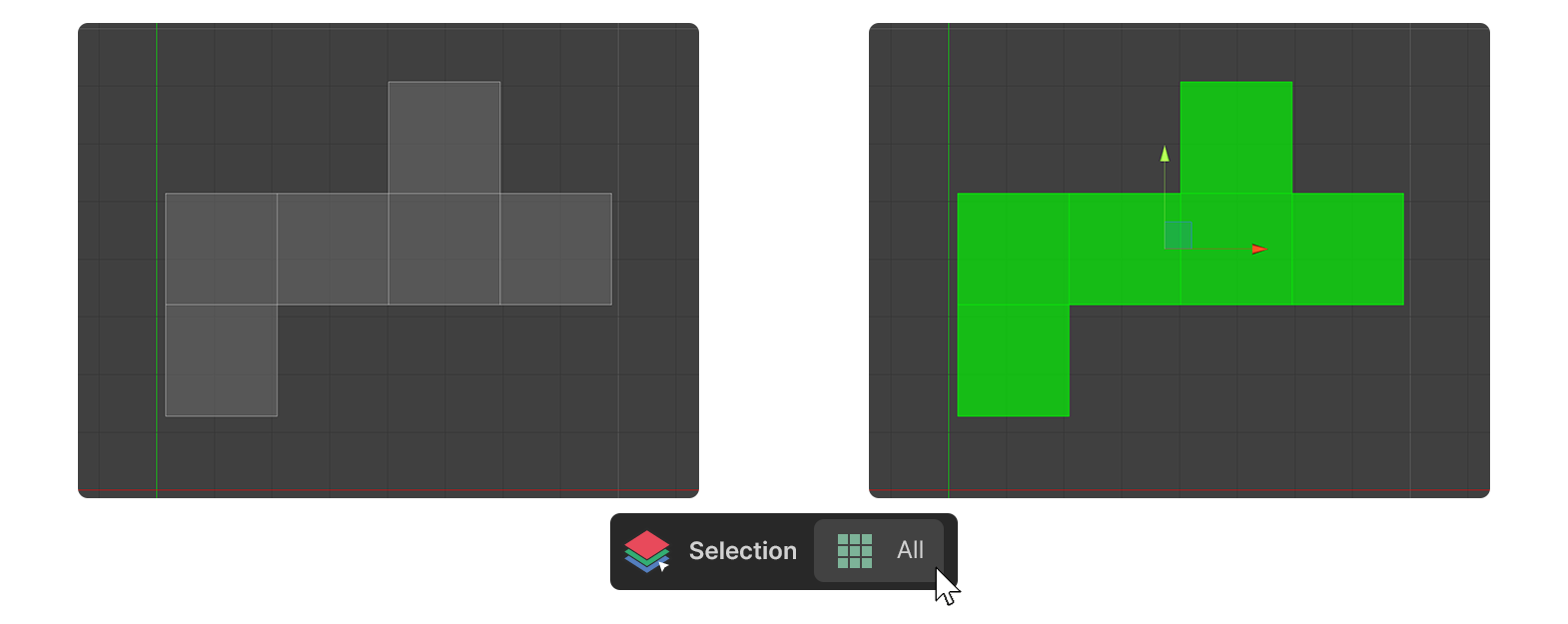
The All Tool in the UV Editor selects all UVs that are currently visible in the UV Editor.
How to Use
Vertices

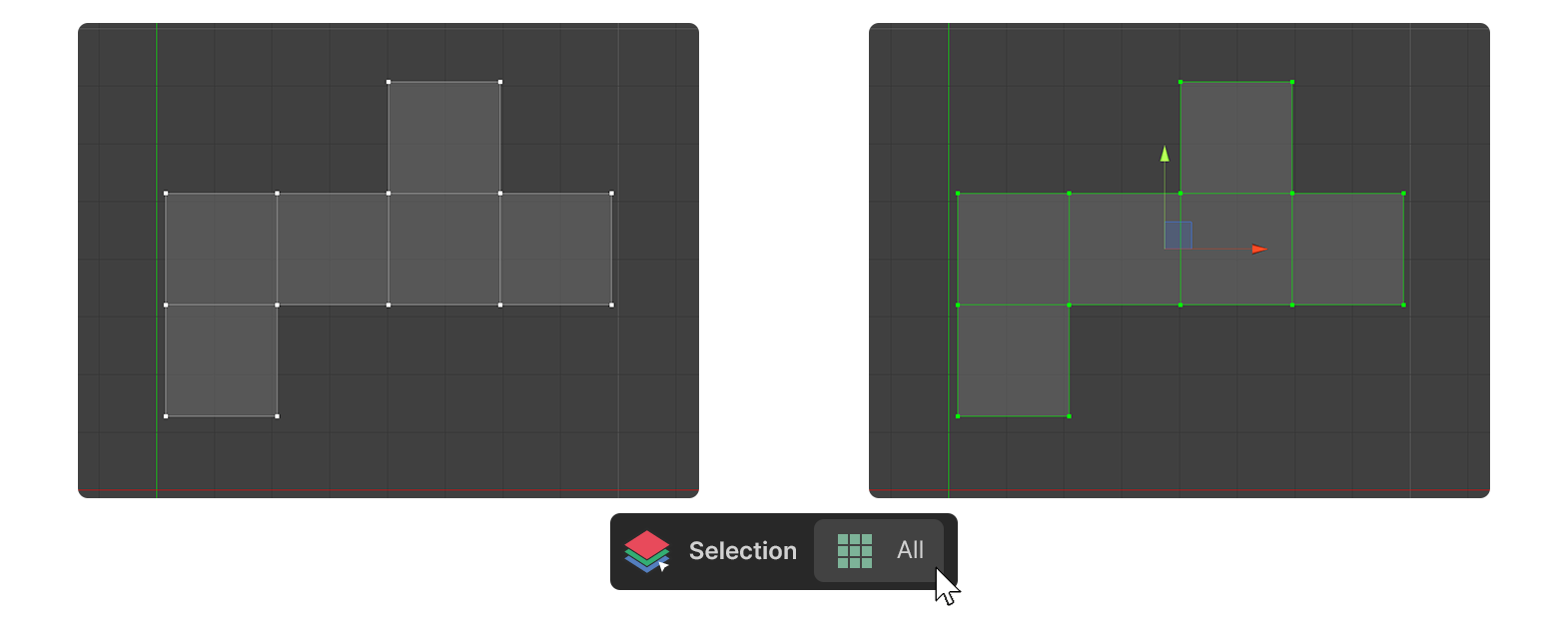
1.Select the Vertex element in the UV Editor.
2.Run the All Tool.
3.All vertices are selected.
Edges

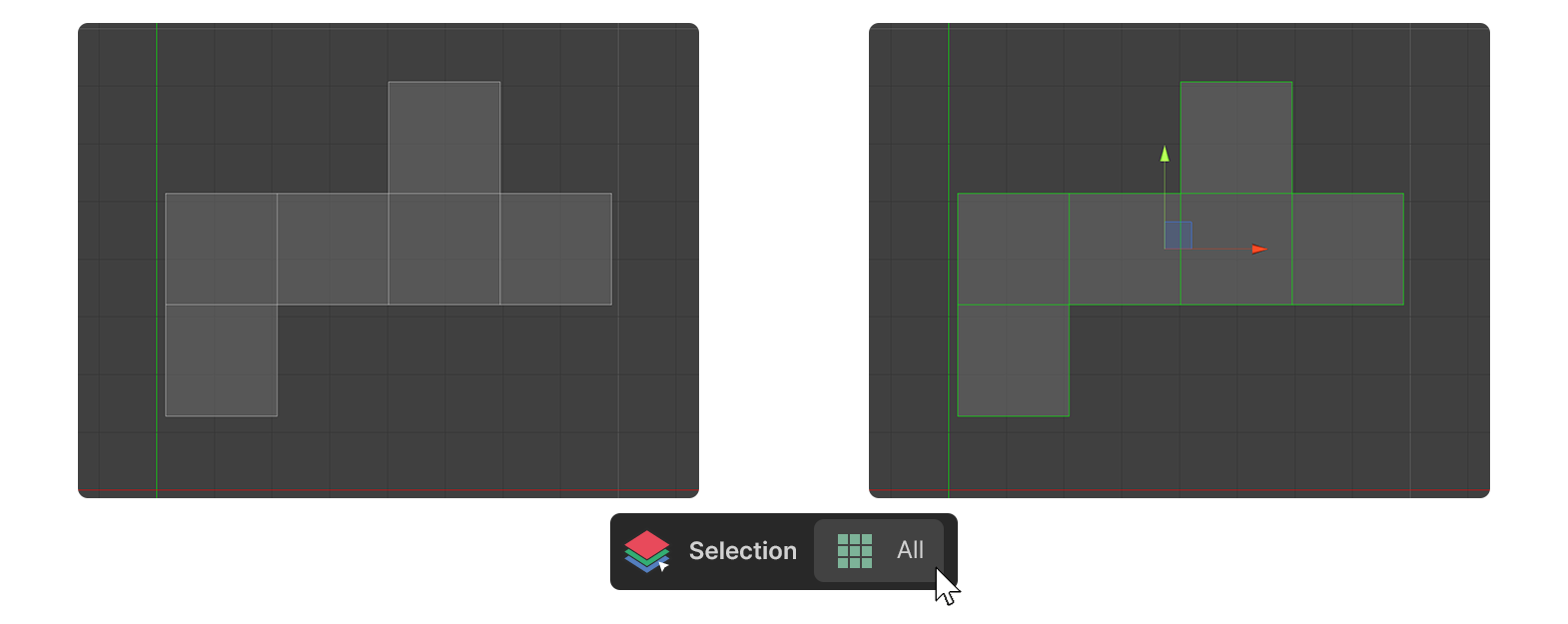
1.Select an Edge element in the UV Editor.
2.Run the All Tool.
3.All edges are selected.
Face

1.Select the Face element in the UV Editor.
2.Run the All Tool.
3.All faces are selected.