
+90 Tool
The +90 Tool in the UV Editor rotates the selected UV element clockwise by 90 degrees around its center.
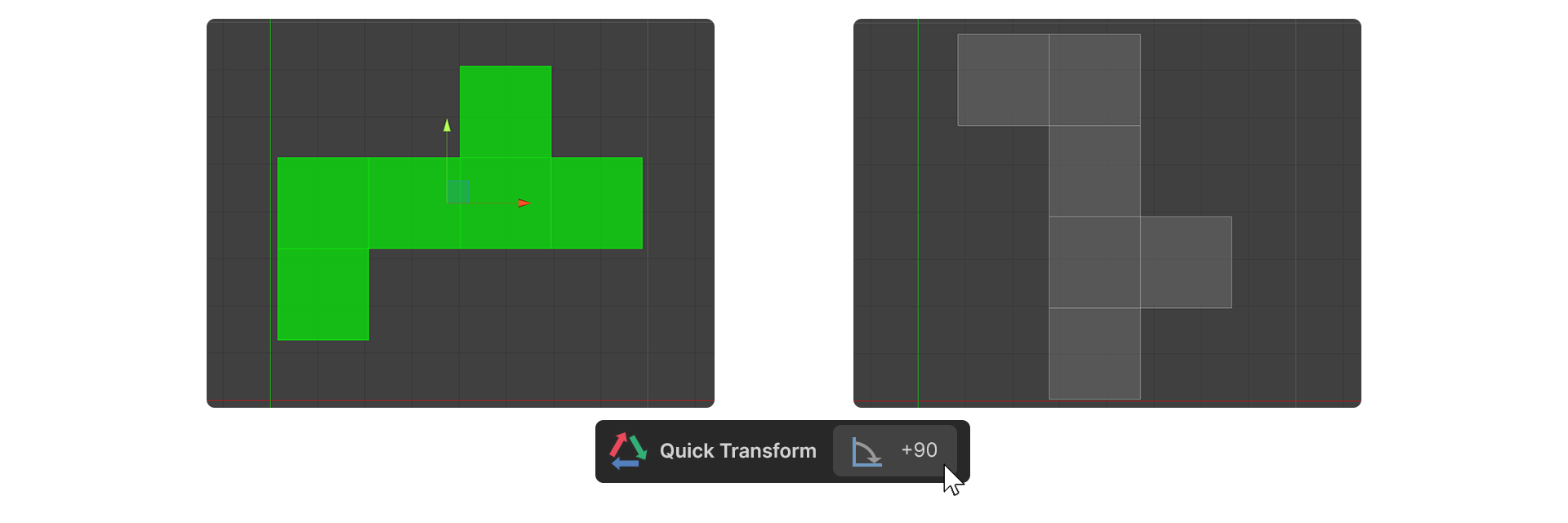
The +90 Tool in the UV Editor rotates the selected UV element clockwise by 90 degrees around its center.
If the UV Editor's cursor is active, the rotation is based on the position of the cursor.
How to Use
- select a UV element.
- Run the +90 Tool.
- The selected UV element is rotated clockwise by 90 degrees.