
Text Tool
Translation in progress — showing the English version.
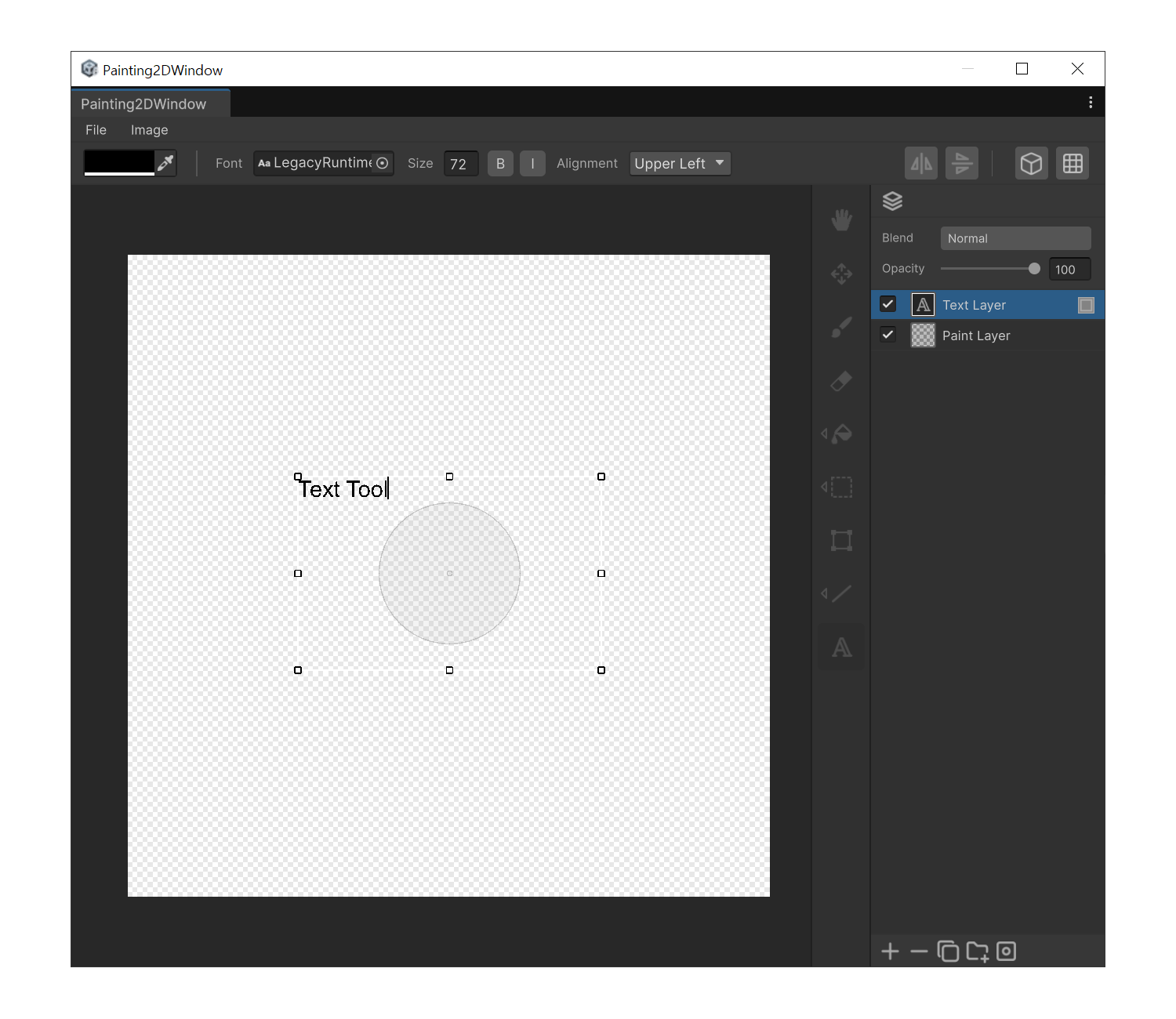
When to use
- To place labels, titles, or UI text on the canvas.
Properties
- Font : Unity Font asset to use, picked from the project.
- Font Size : Font size in pixels.
- Bold : Bold weight.
- Italic : Italic style.
- Alignment : 9-way Text Anchor.
How to use
- Press 'T'.
- Drag on the canvas to define the text box. A Text layer is created automatically.
- While the Text layer is selected, you can edit the text at any time by simply typing.
- Font / size / Bold / Italic / alignment changes in the property panel are applied immediately.
- Switching to another tool ends text editing and leaves the layer in place.