
Eraser Tool
Translation in progress — showing the English version.
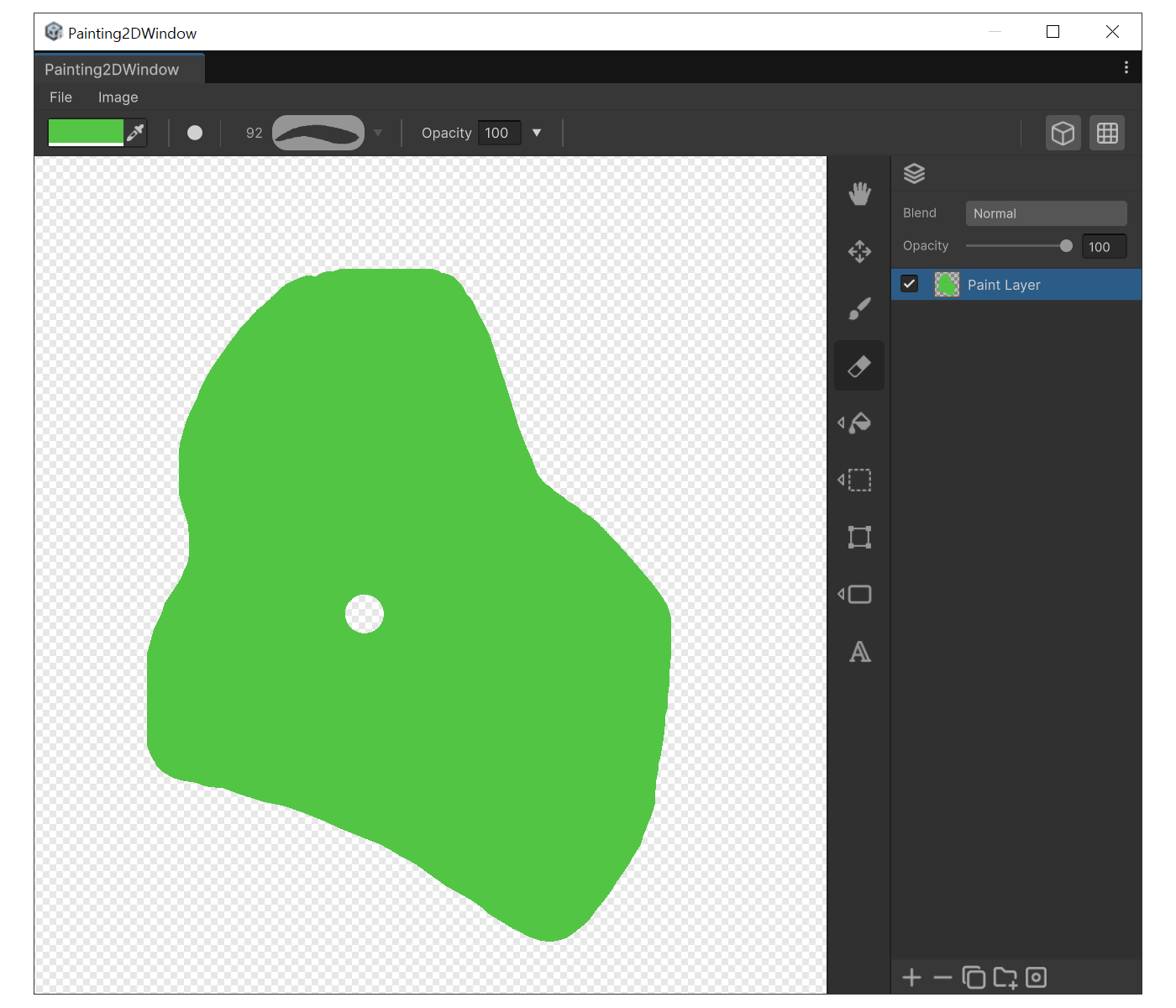
When to use
- To make painted pixels transparent again.
- To partially erase a mask layer (on mask layers it behaves like a white brush)
Properties
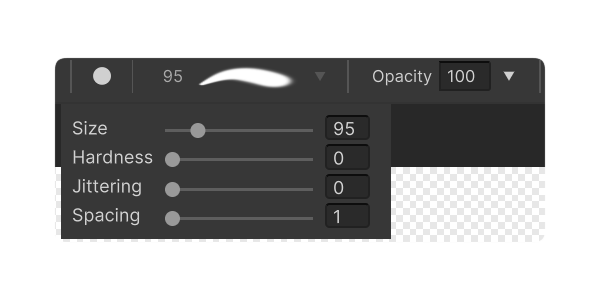
- Shares the Brush properties (Size, Hardness, Spacing, Jittering, Opacity, Shape).
How to use
- Select the target layer first.
- Press 'E', set the brush size, and drag.
- Lower Opacity only erases partially. Set Opacity to 100 for a full erase.