
Lasso Tool
Translation in progress — showing the English version.
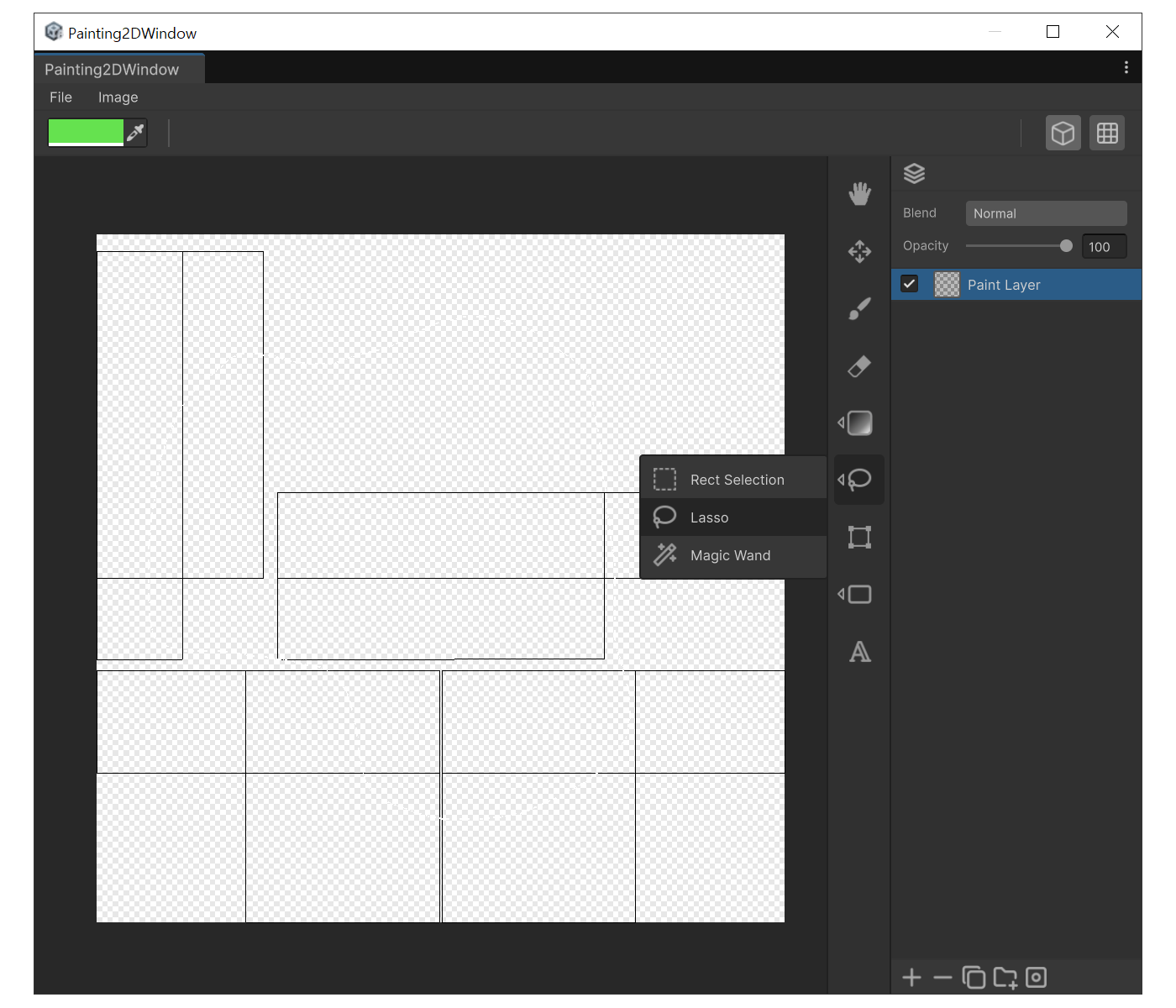
When to use
- To Select an irregular, non-rectangular shape.
How to use
- Press 'L' to switch to Lasso.
- Drag on the canvas to trace a shape. Releasing the mouse automatically closes the path back to the start.
- Refine with 'Shift' / 'Ctrl' to add, subtract.
Example
Move Selection with Arrow Keys
After making a selection you can move it with the arrow keys.
| Shortcut | Behavior |
|---|---|
| Arrow keys | Move 1px |
Shift + arrow keys | Move 10px |
| (Grid Snap ON) arrow keys | Move by grid spacing |