
Gradient Tool
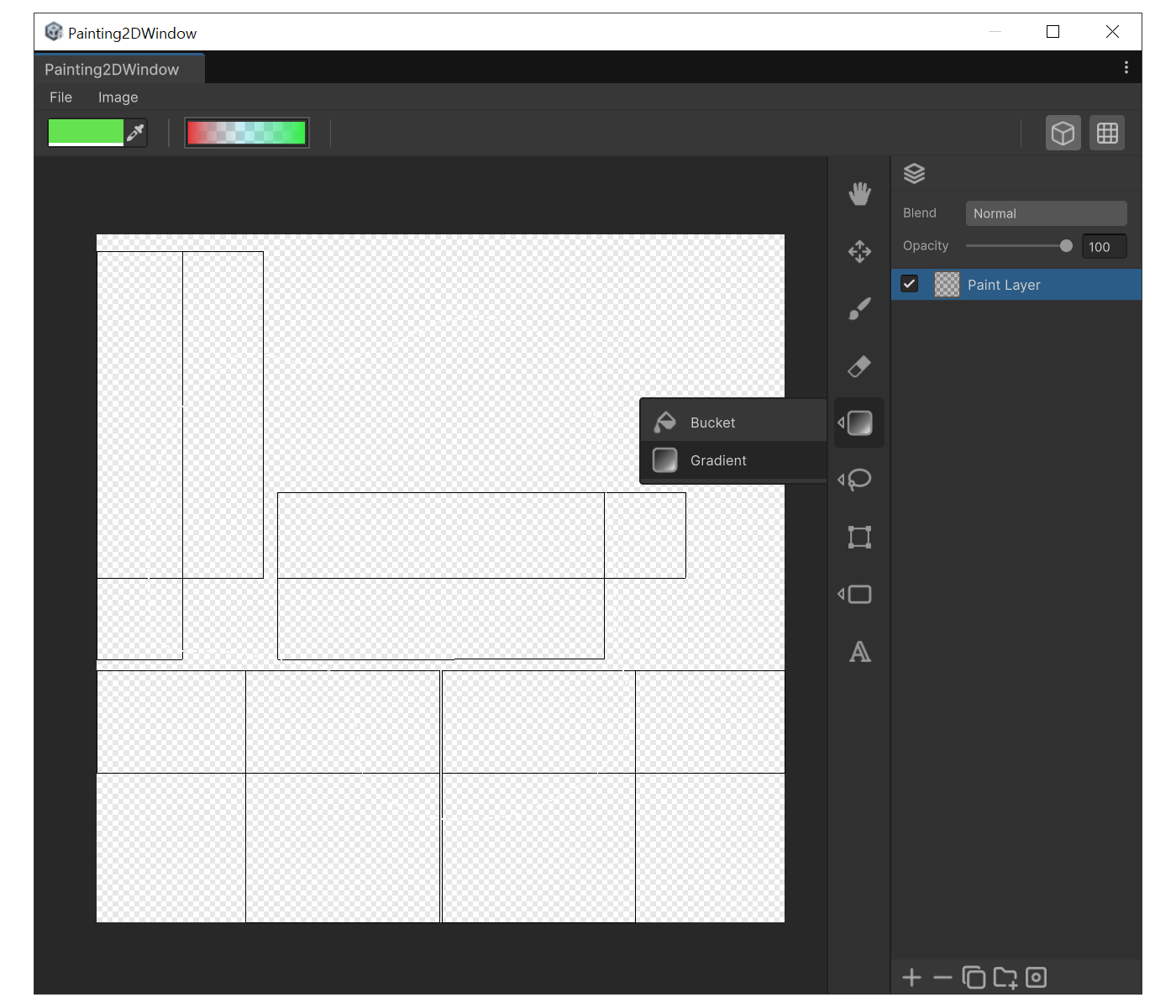
Fill a texture with a smooth color transition in the UModeler X 2D painting editor: edit start/middle/end stops in the gradient field, press G to select the tool, and drag to set direction — for backgrounds and quick light/shadow blocking.
Translation in progress — showing the English version.
When to use
- To lay down a smooth background transition.
- To quickly block in a lighting/shadow direction.
Properties
- Gradient field : Edit the start, middle, and end colors along with their stop positions. Same control as Unity's Gradient Field.
How to use
- Press 'G' to select Gradient.
- Click the top gradient field and set up the color stops you want.
- Drag across the canvas. Drag start becomes the gradient start, release point becomes the end.
- If a selection is active, the gradient is clipped to that selection.