
Brush Tool
Translation in progress — showing the English version.
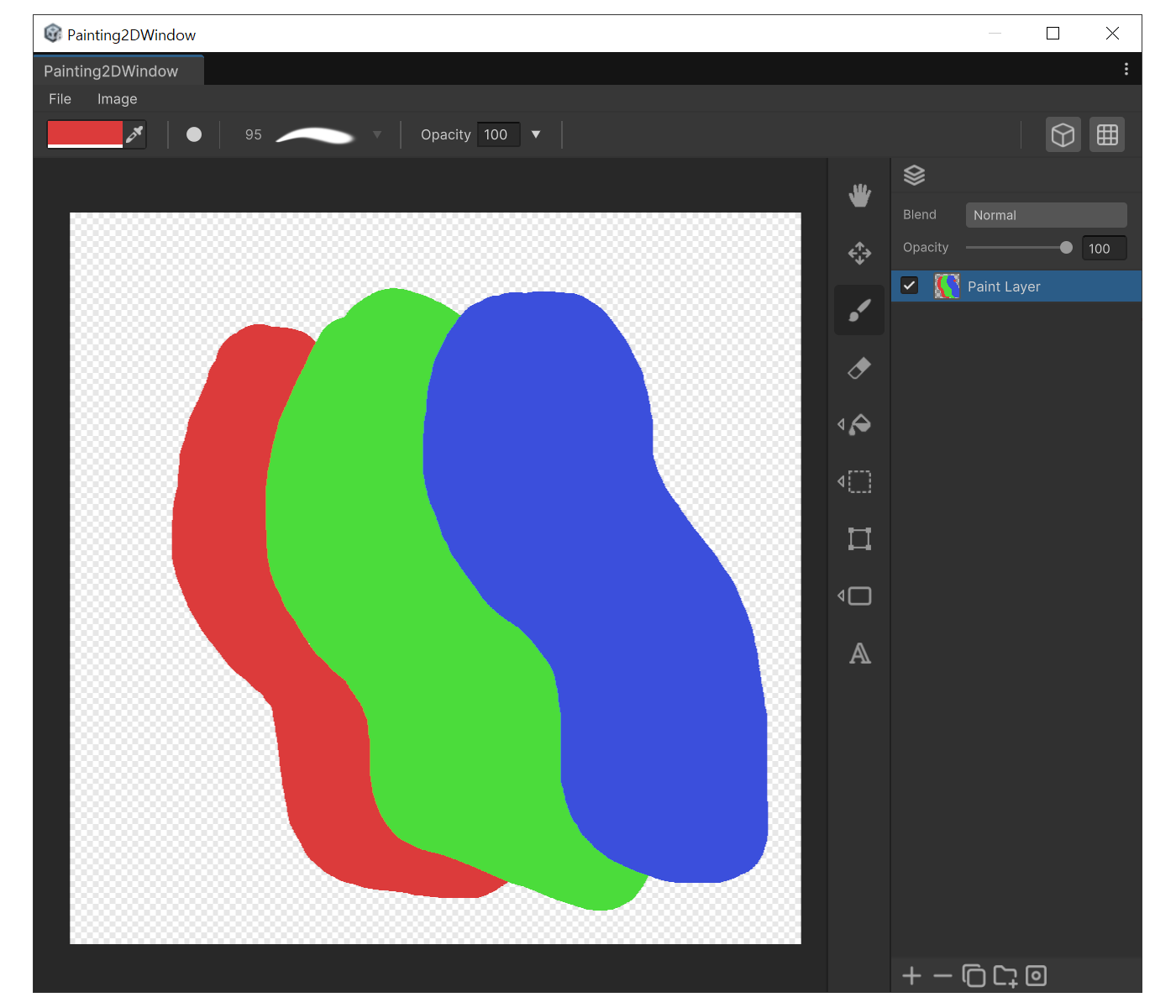
When to use
- The default painting tool for freehand strokes.
- Works best with a pen tablet - pressure can drive thickness and opacity.
Properties
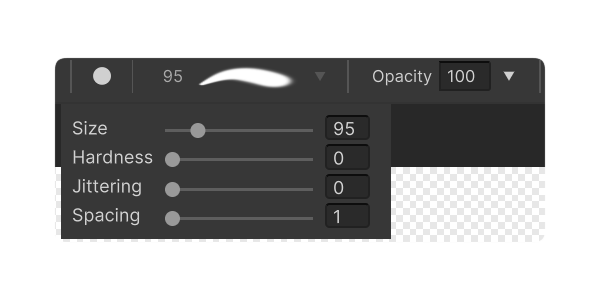
- Shape : Change brush shape between circle and square.
- Size : Brush diameter.
- Hardness : Edge hardness- lower values bleed more softly.
- Spacing : Stamp spacing - lower values pack stamps tighter.
- Jittering : Position jitter - adds a rough, textured feel.
- Opacity : Brush opacity.
How to use
- Pick a color from the color field in the top-left toolbar.
- Press 'B', then adjust size with '[' / ']'.
- Hover the canvas to see a circular preview of the current brush size.
- Left-click drag to paint.