
Detach Tool
The Detach Tool in the UV Editor detaches selected UV faces from their associated UV elements.
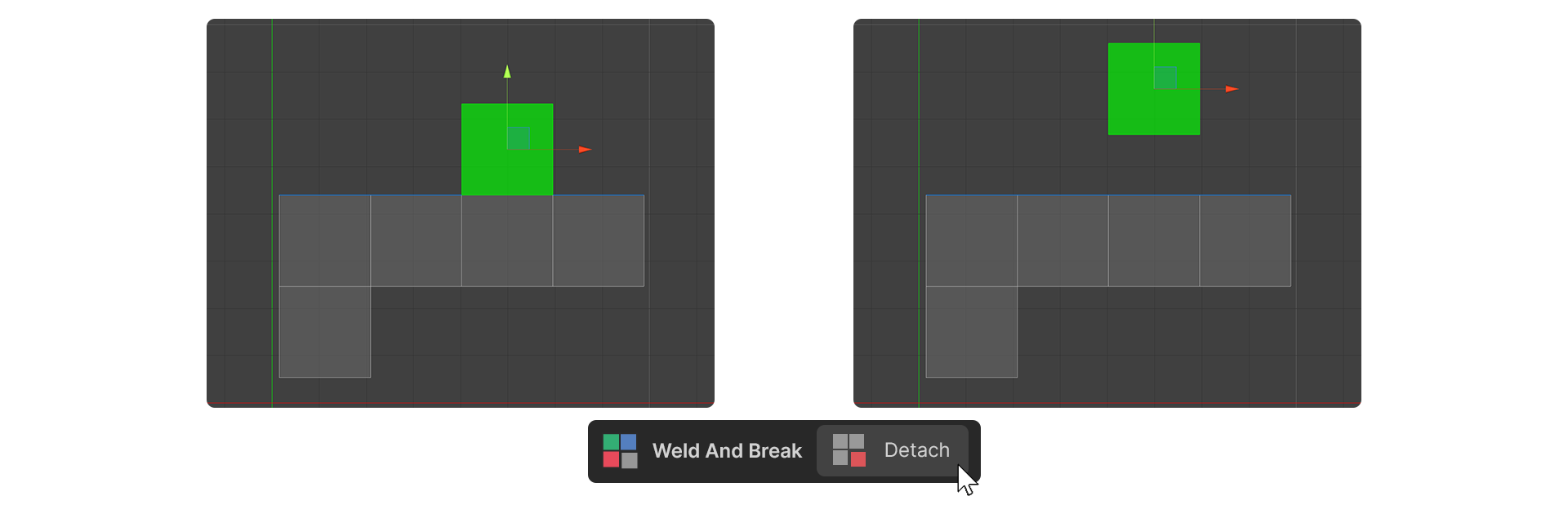
The Detach Tool in the UV Editor detaches selected UV faces from their associated UV elements.
How to Use
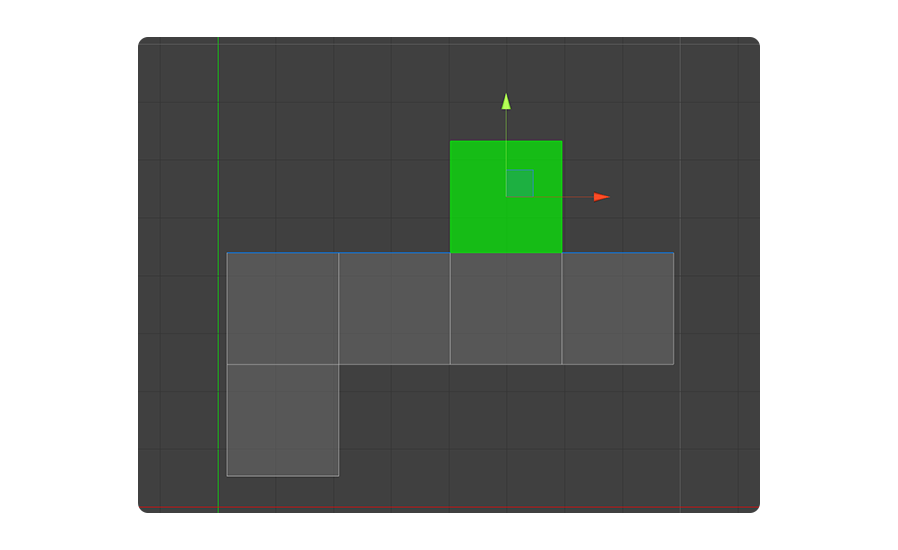
1.Select the UV Face you want to detach.
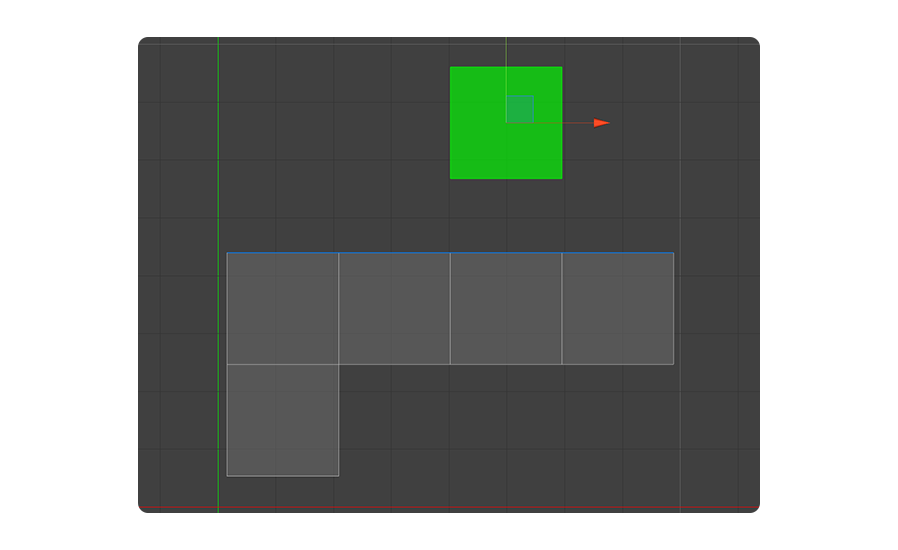
2.Run the Detach Tool.
3.The selected UV Face is detached from the UV Element.