
Export 툴
UV 에디터의 Export 툴은 UV 레이아웃을 이미지 파일로 내보내는 툴입니다.
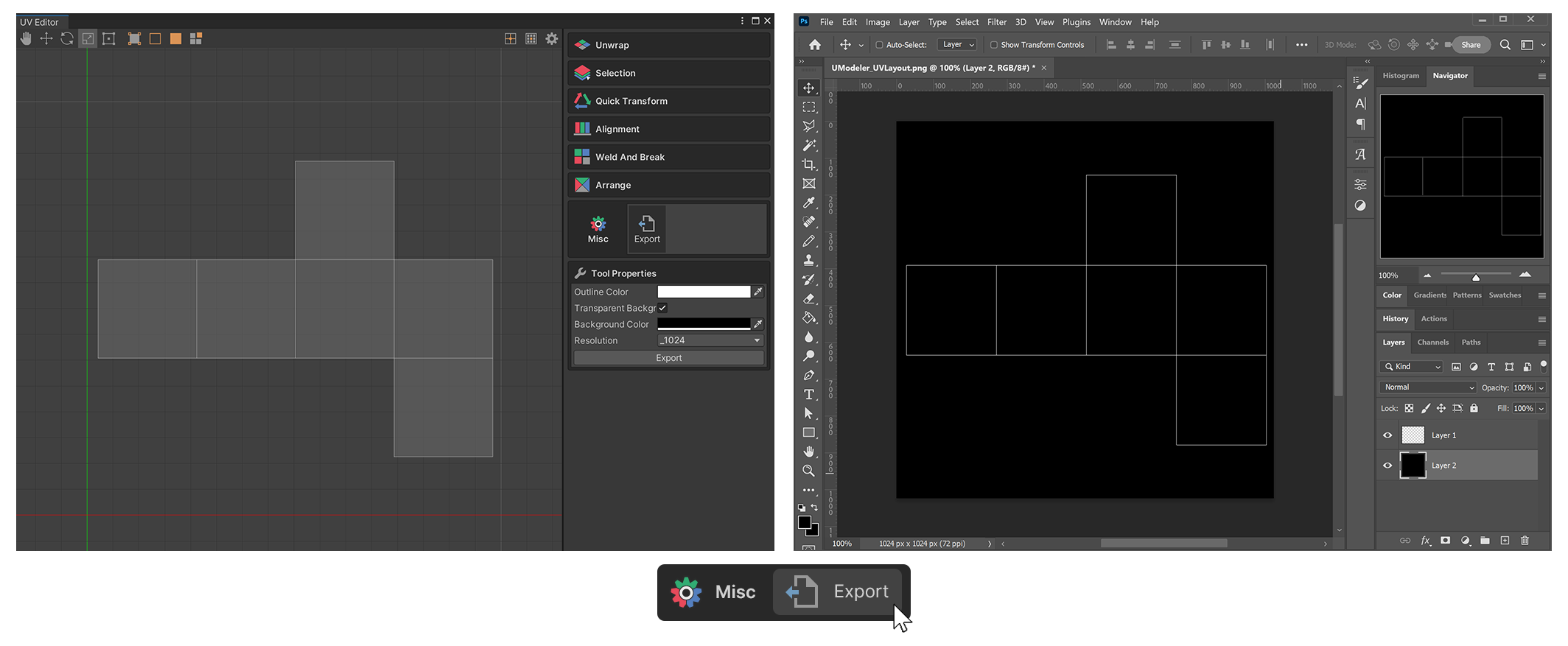
UV 에디터의 Export 툴은 UV 레이아웃을 이미지 파일로 내보내는 툴입니다.
사용 방법
-
UV 에디터의 Export 툴을 실행합니다.
-
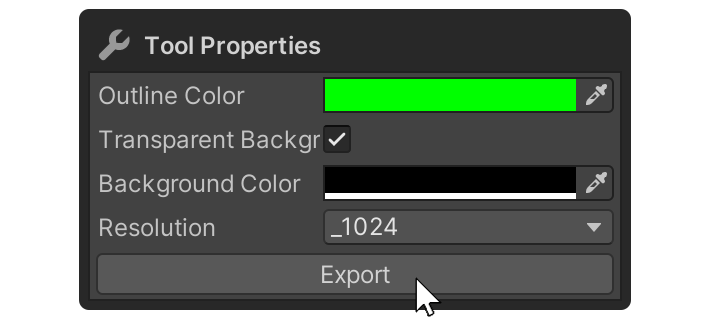
원하는 속성을 설정한 뒤 Export 버튼을 누릅니다.
-
이미지 파일을 내보낼 경로를 지정합니다.
-
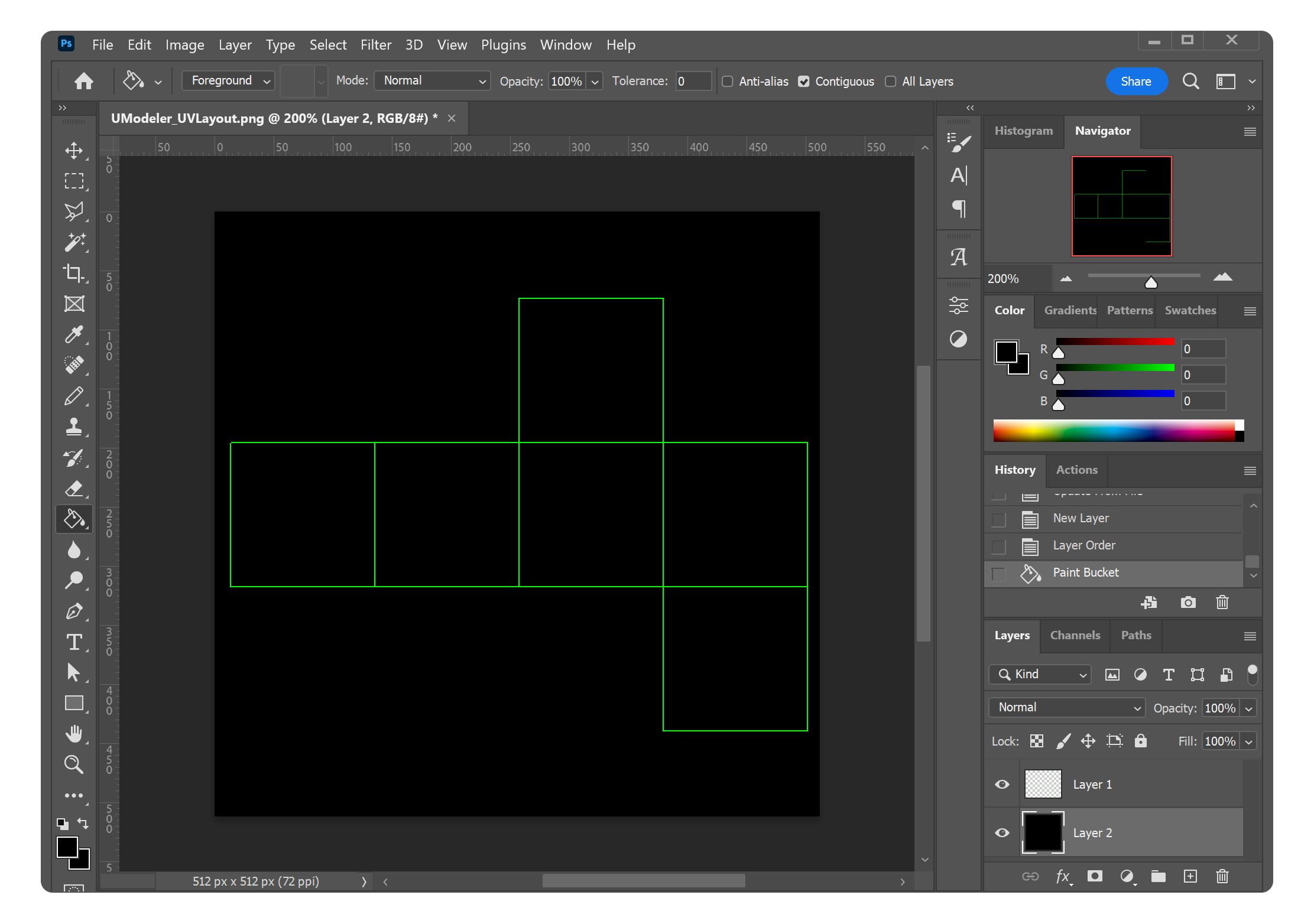
생성된 이미지 파일을 외부 프로그램에서 확인할 수 있습니다.
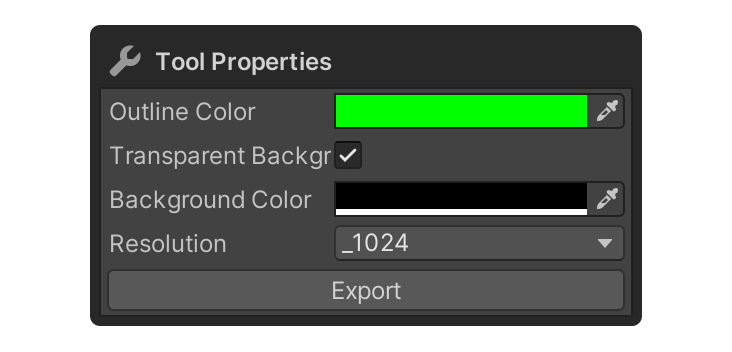
속성
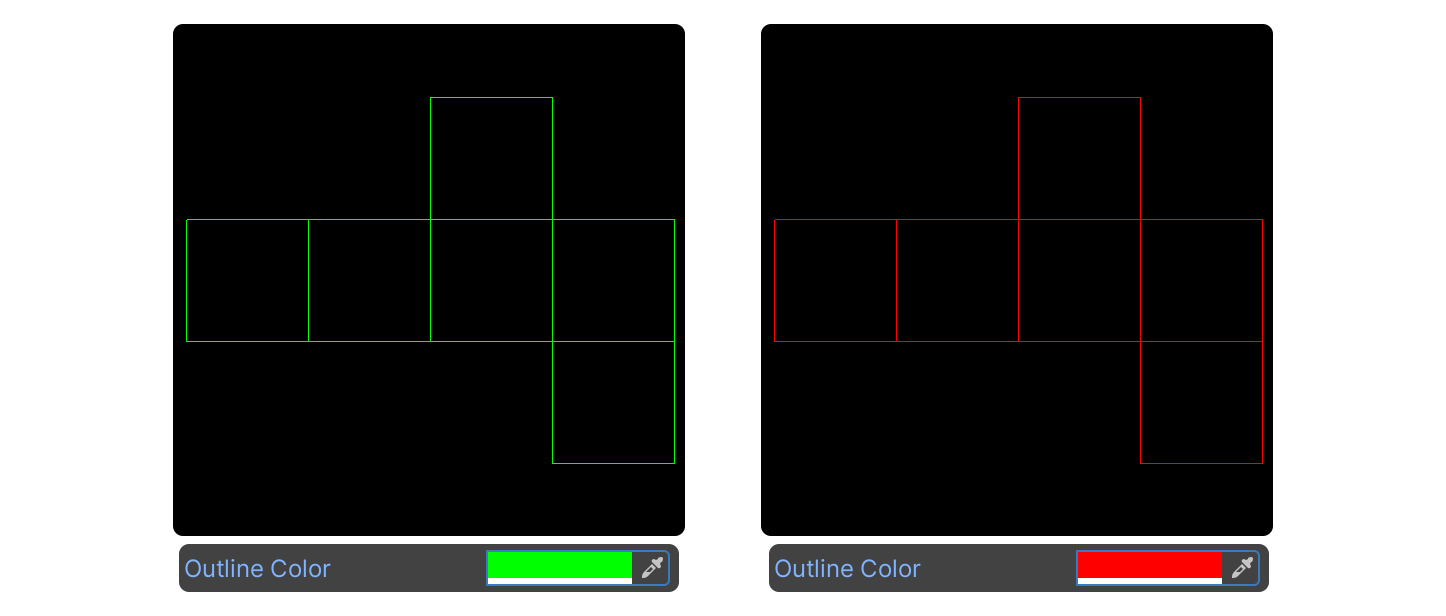
Outline Color
내보낼 이미지의 UV 레이아웃 색을 설정하는 속성입니다.
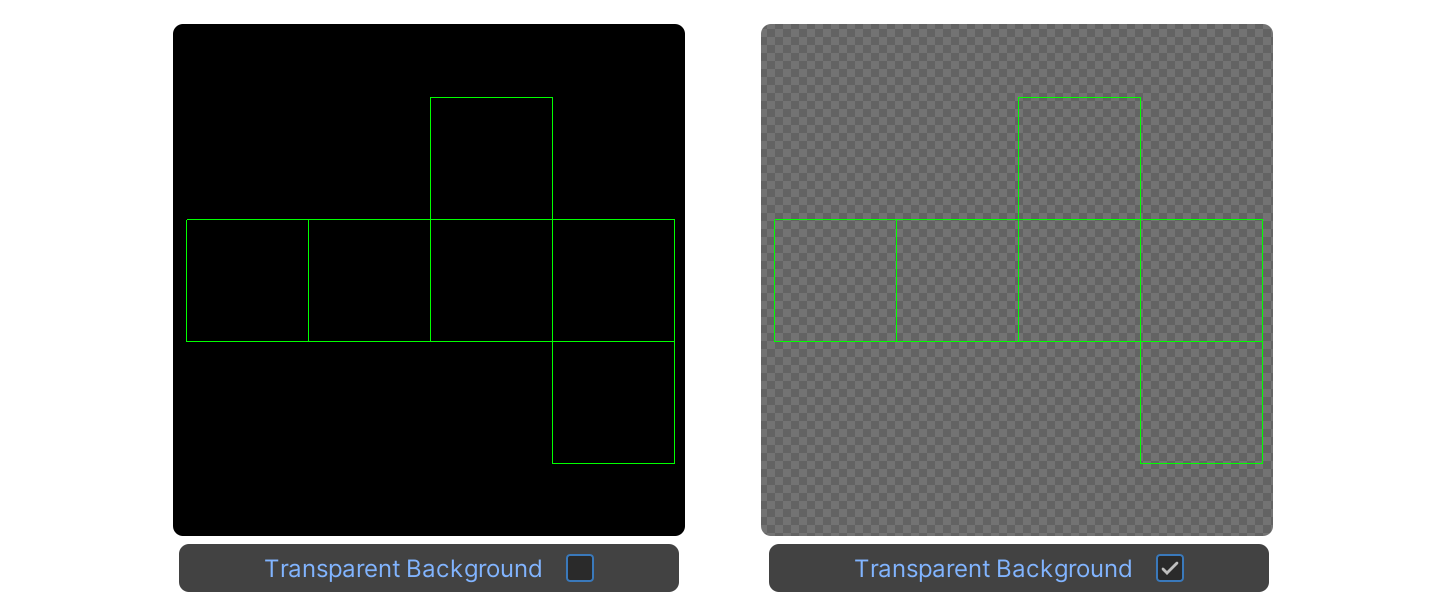
Transparent Background
내보낼 이미지의 배경을 투명하게 설정하는 속성입니다.
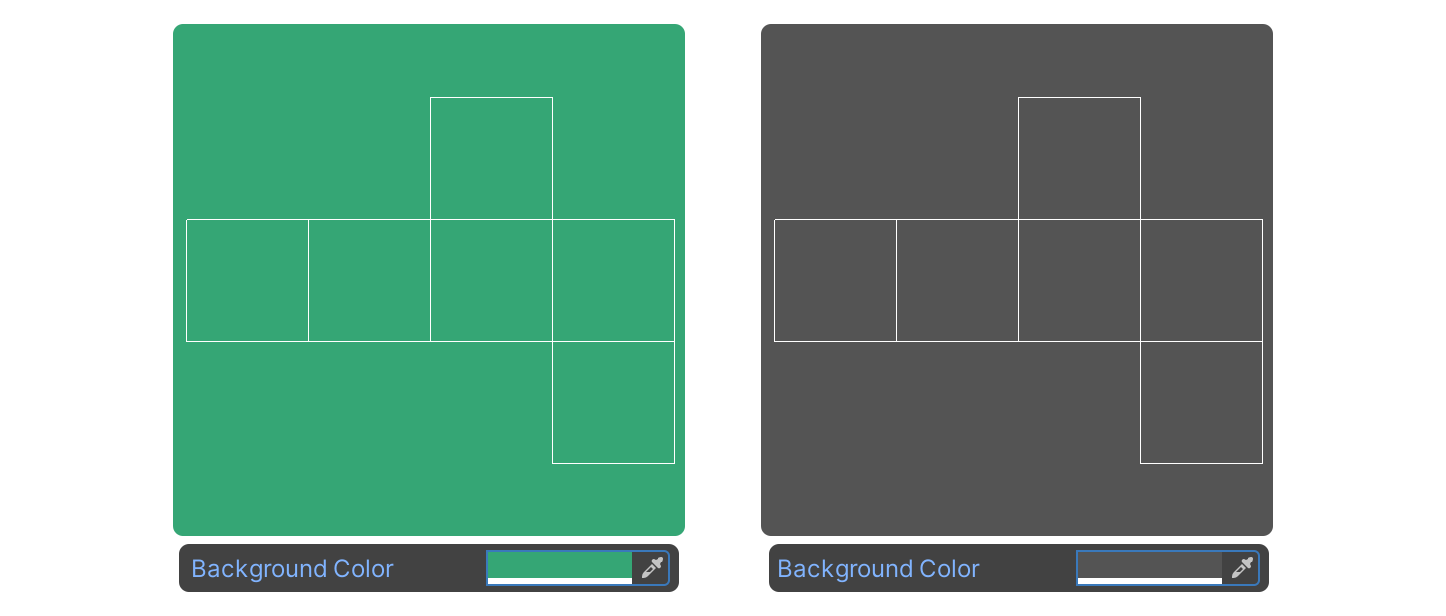
Background Color
내보낼 이미지의 배경색을 설정하는 속성입니다.
Resolution
내보낼 이미지의 해상도를 설정하는 속성입니다.
Export
최종적으로 이미지를 내보내는 버튼입니다.