
Brush Tool
The default freehand painting tool for the 3D mesh surface.
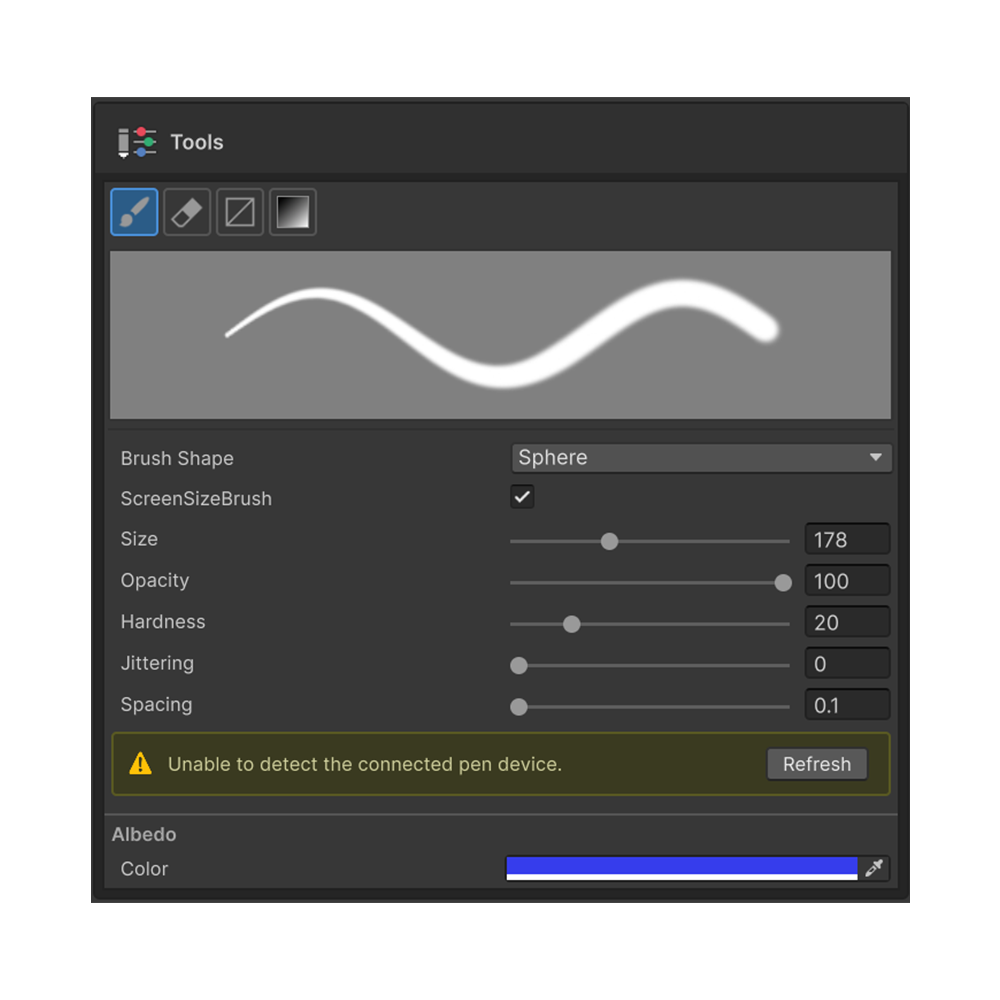
The default tool for painting freely on the 3D mesh surface. Most painting work in Painting 3D goes through this tool.
Shortcut
B — Activates the Brush Tool in the Painting 3D tool palette.
Properties
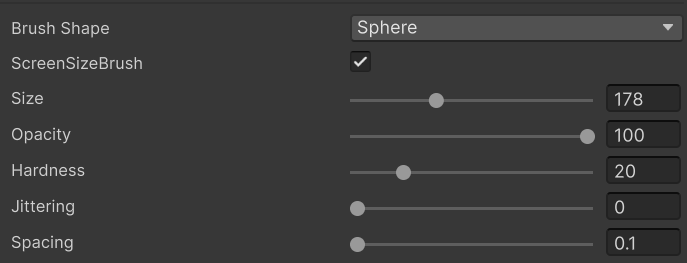
Shape
Choose the brush stamp shape.
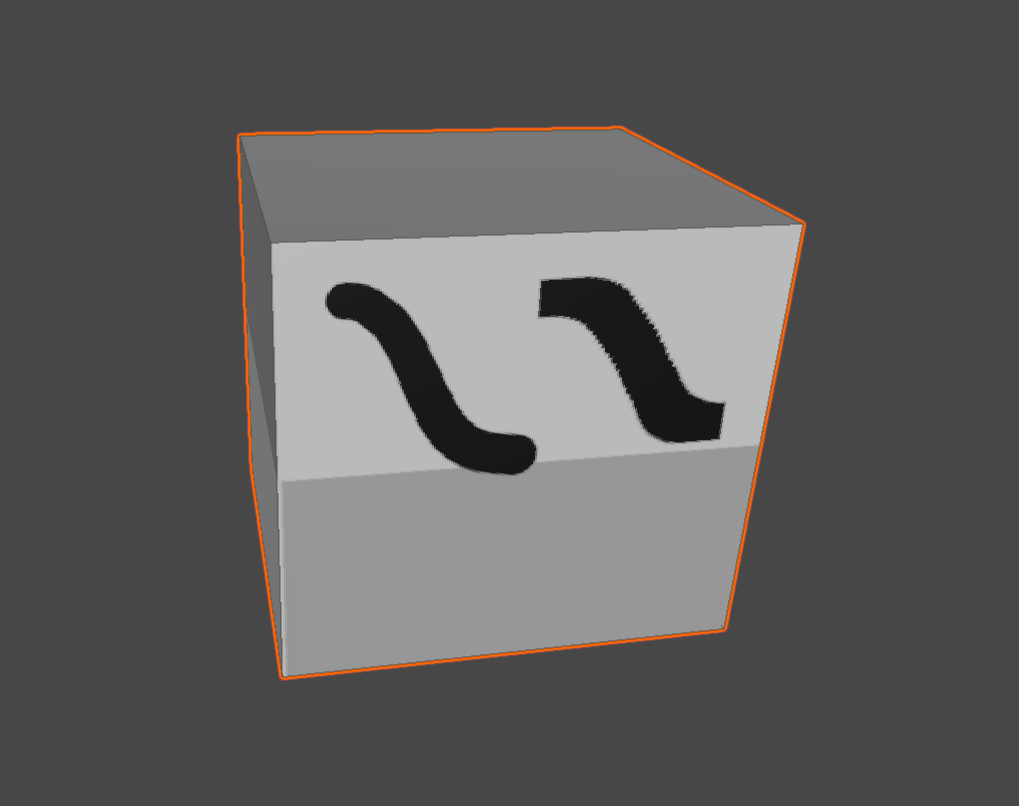
- Circle — Circular stamp (default)
- Square — Square stamp
Size
Brush size, set via the slider or numeric input (pixels).
Hardness
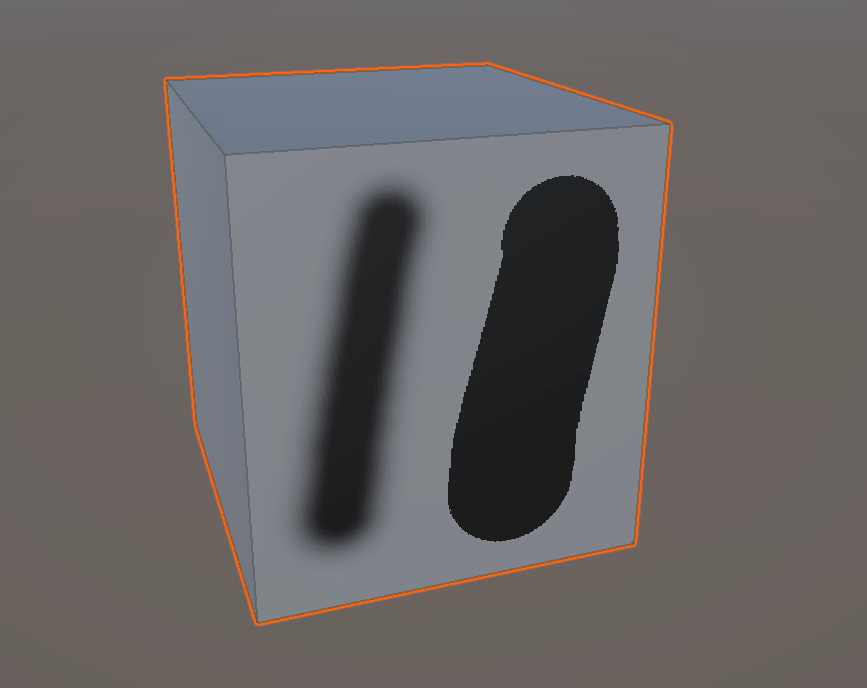
Edge hardness of the stamp. Lower values produce soft, feathered edges; higher values produce crisp boundaries.
Opacity
Per-stamp opacity. Painting the same area repeatedly accumulates the color.
Spacing
Stamp spacing. Lower values pack stamps tightly; higher values spread them out.
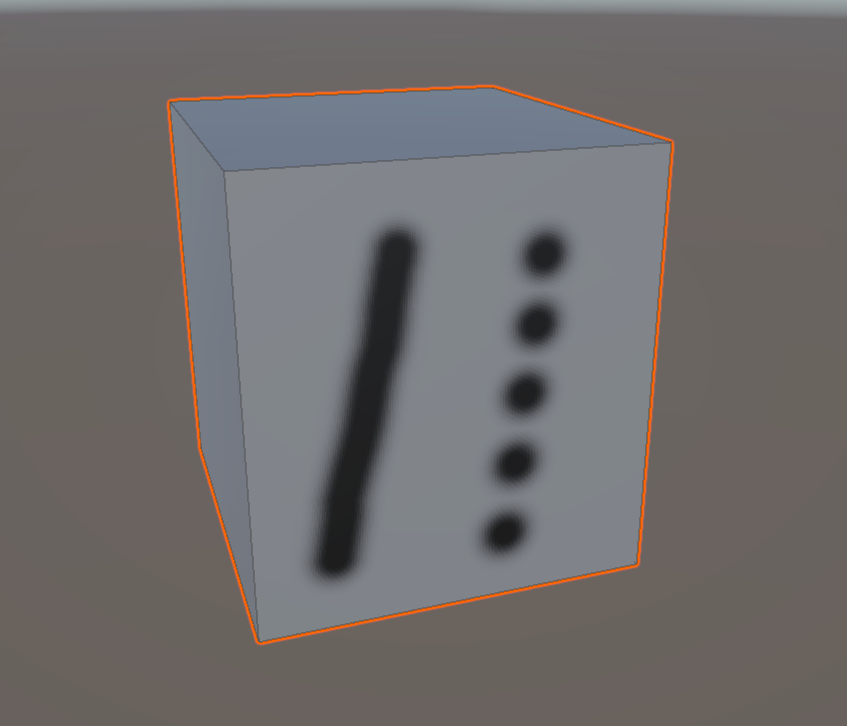
Jittering
Positional jitter for each stamp. Useful for textured or noisy effects.
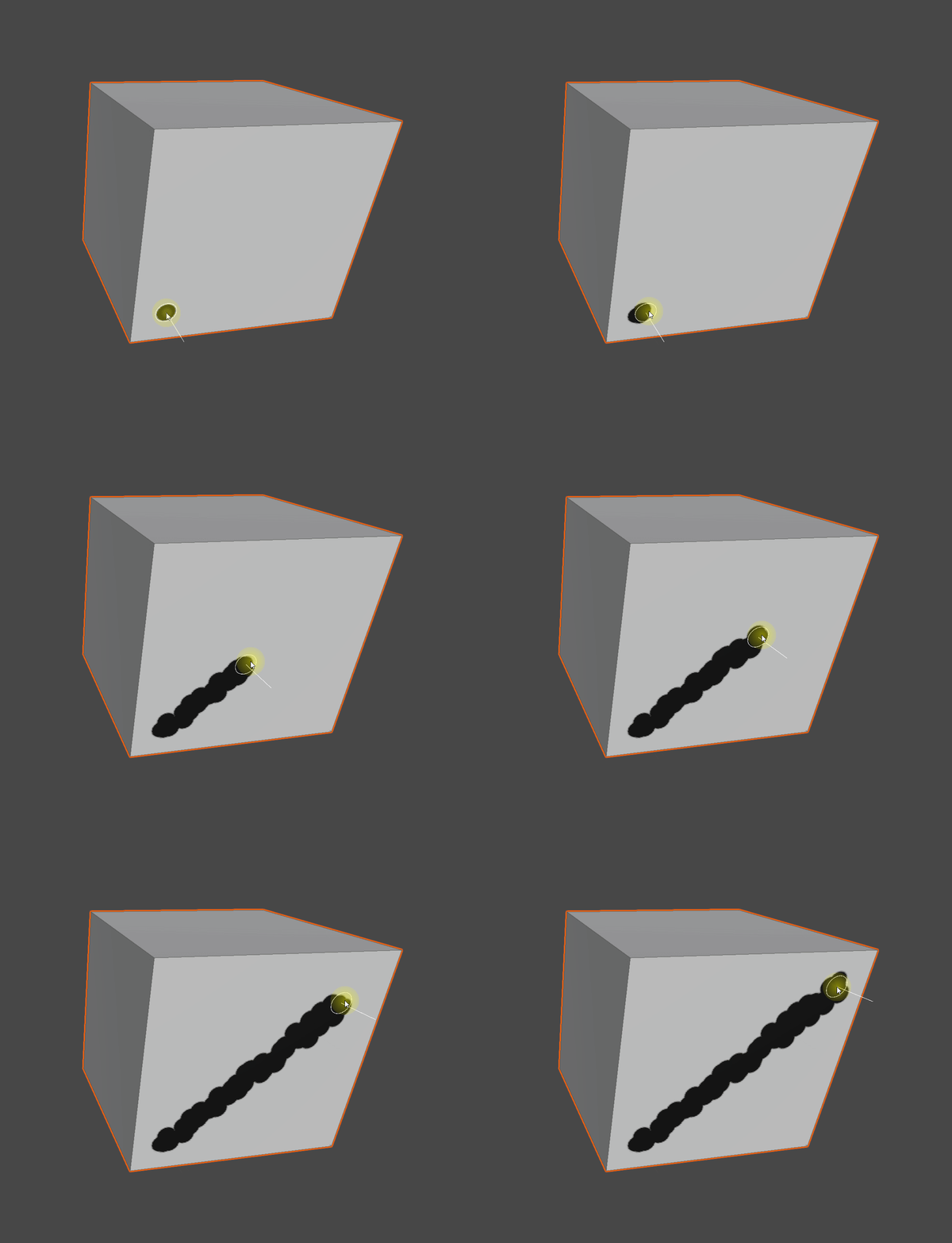
Mask Value
The value (0 – 1) the brush paints into a mask channel. Only meaningful in mask edit mode.
Pen Pressure
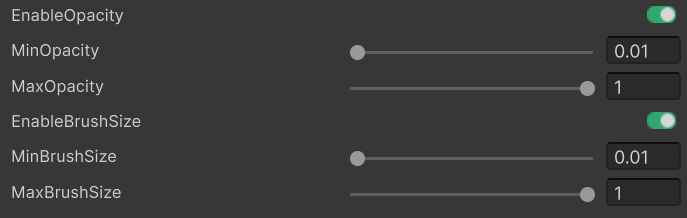
When a Wintab pen is detected, the following options appear automatically:
- Enable Size Pressure — Modulate brush size with pen pressure.
Min / Max Brush Sizeset the size range across pressure 0 – 1. - Enable Strength Pressure — Modulate opacity with pen pressure.
Min / Max Opacityset the opacity range across pressure 0 – 1.
Without a pen, the options are hidden and the pressure factor is treated as 1.0.
Brush Preview
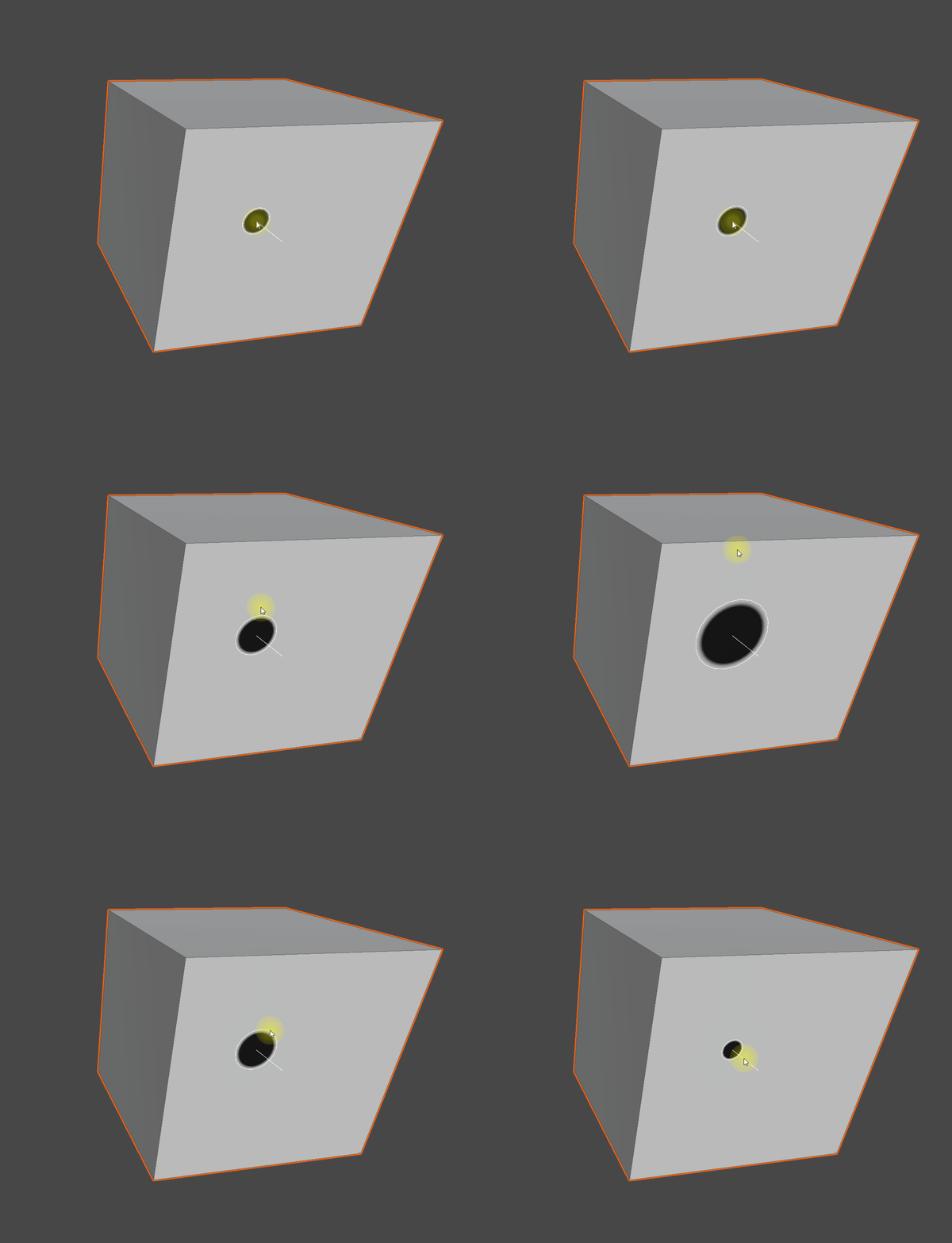
The Tools section shows a stamp preview that reflects the current settings. Whenever you change Size, Hardness, Spacing, etc., it refreshes immediately so you can preview the result before painting.
Active Channel Color
With multiple channels active, each channel paints with its own color. To swap colors quickly, press Shift + Alt + Right-click to open the Quick Color Palette HUD.
Tips
- The bread and butter of texturing and detail work.
- Also used in mask edit mode to paint or erase the mask area.
- Pen pressure adds expressive intensity control for natural strokes.