
Weight Tool
The Weight Tool is a tool that allows you to assign weights to selected vertices.
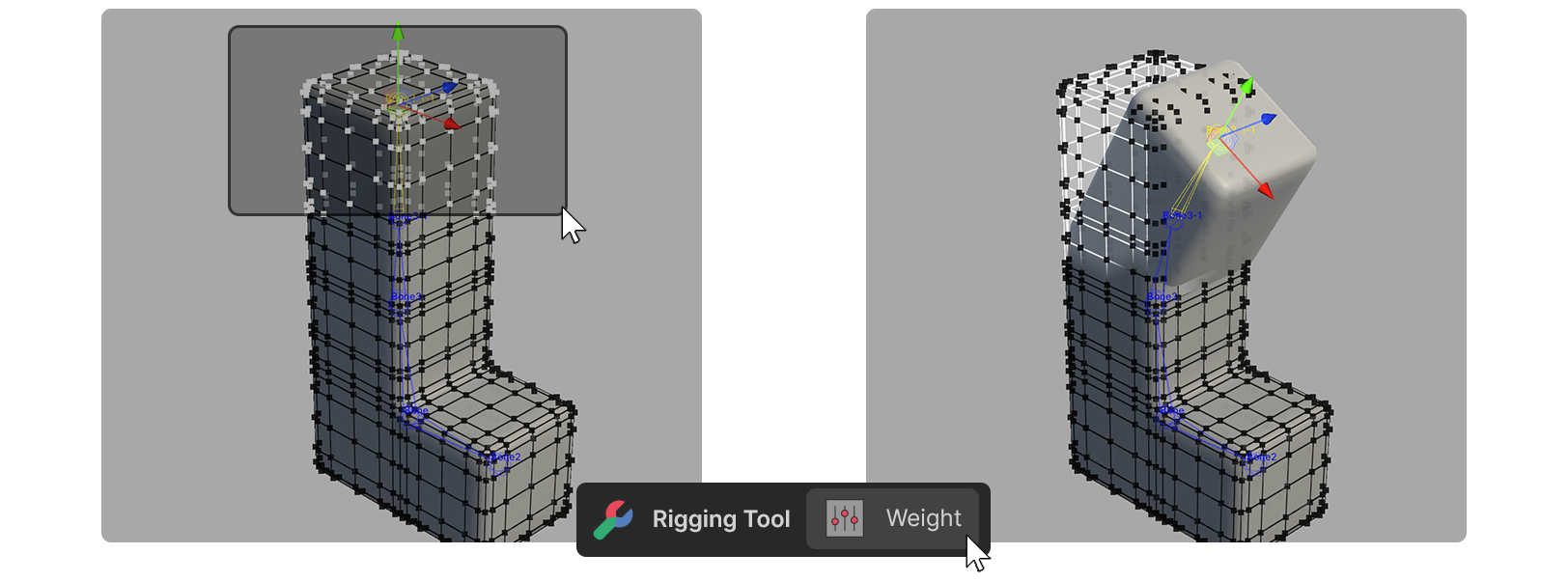
The Weight Tool is a tool that allows you to assign weights to selected vertices.
How to Use
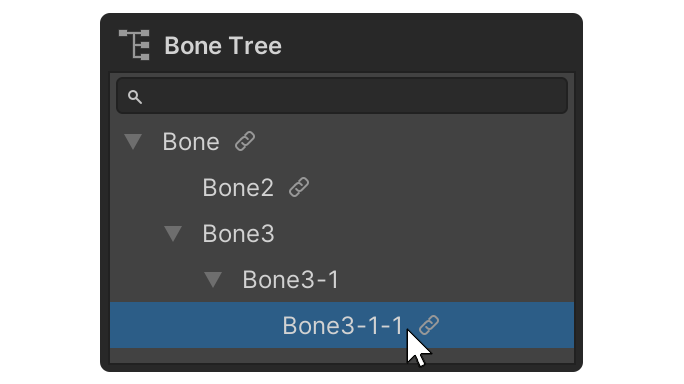
1.Select the desired bone in the Scene or Bone Tree area.
2.launch the Weight Tool.
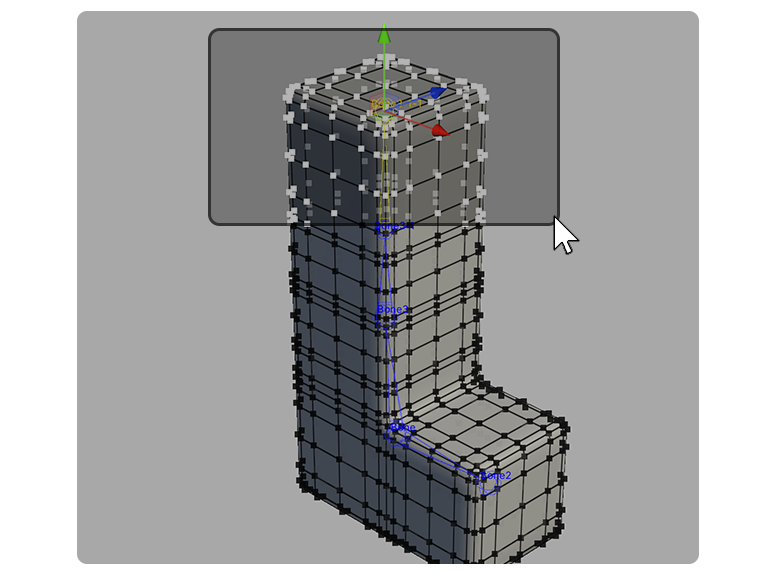
3.Select the vertices you want to associate with the selected bones.
4.With the vertex selected, either adjust the Apply Weight property or press the desired weight value button.
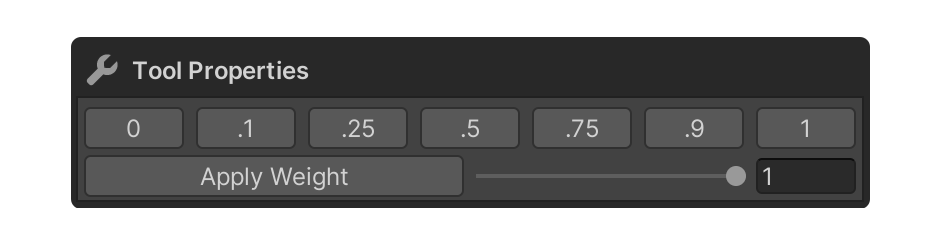
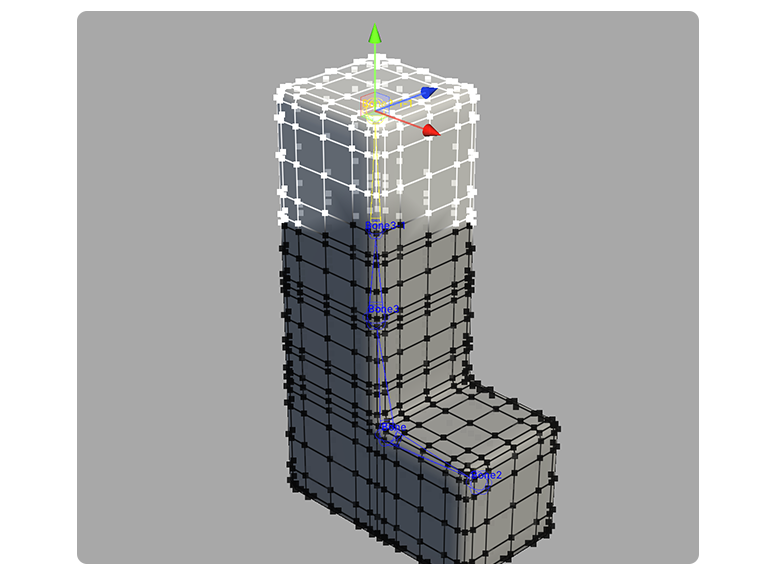
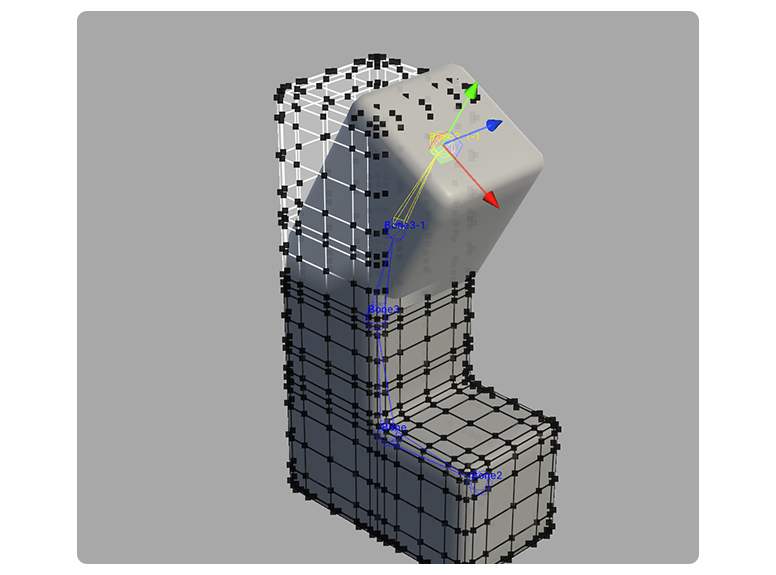
5.A weight has been applied to the vertex.
Properties
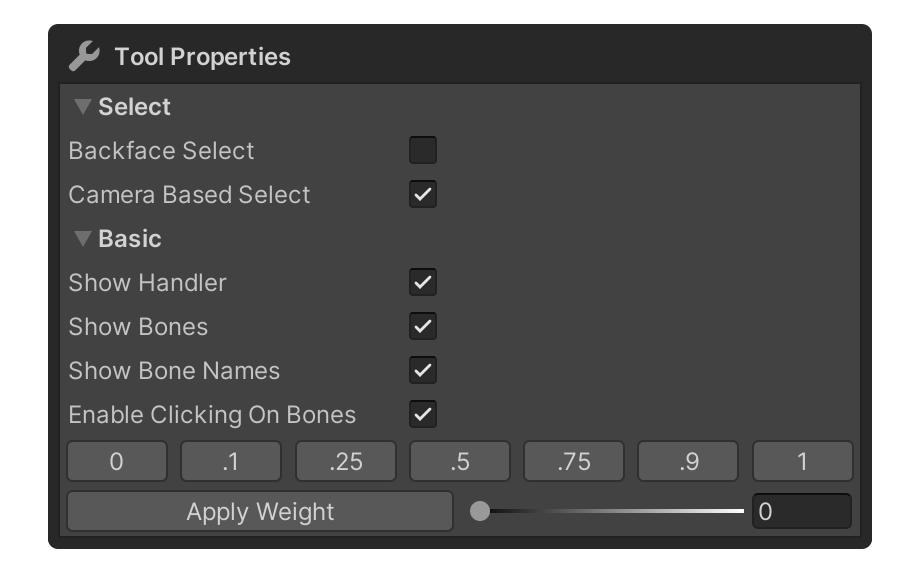
Apply Weight
Set the weight value to be assigned.
Select
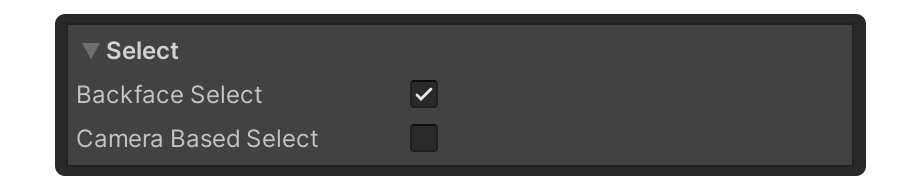
This property allows you to set how the vertices are selected.
Backface Select
Camera Based Select
Basic
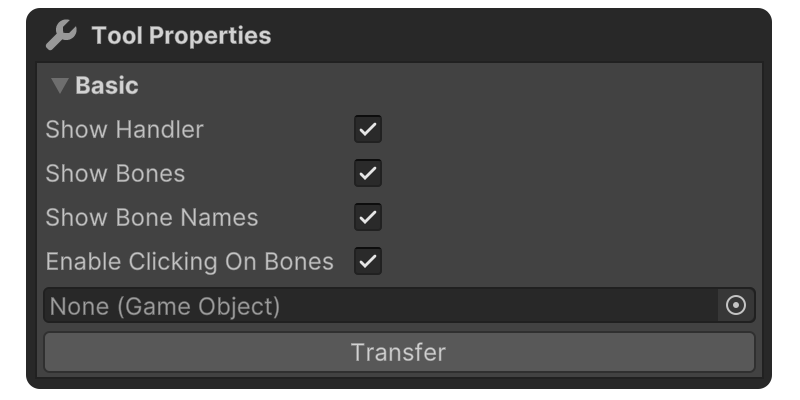
This property is for rigging convenience.
Show Handler
Shows or hides handlers for moving or rotating bones.
Show Bones
Property to show bones.
Show Bones Names
This property shows the names of the bones.
Enable Clicking On Bones
Property that allows you to set whether or not to enable selecting bones via Shift+Click
Apply Animation
Draws the overlay in the posed state, so you can check weights against the actual animation instead of the bind pose. In the Modeling and Multiple Objects editors the same option moves element editing into the posed state as well, and topology-changing tools are disabled while it is on.
The same toggle is available as the Anim button on the Scene view toolbar.
Predetermined Weight Button
Button to assign a weight to selected vertices.
Apply Weight
Allows you to set a weight value to assign or assign a weight.
Scale Weight
Allows you to multiply the weight of the selected vertices by a value, or set a value to multiply by.