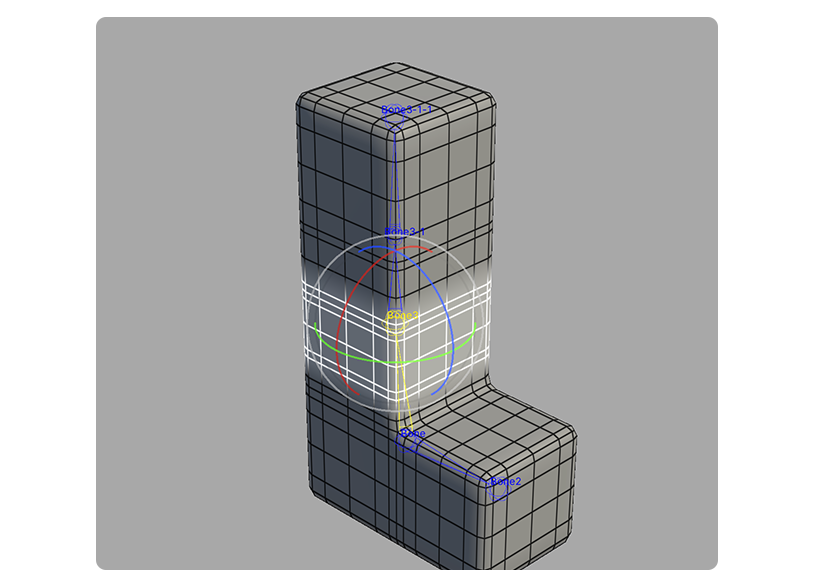
Reset Poses Tool
The Reset Poses Tool resets the position and rotation of a moved bone, returning it to its original default pose.
Translation in progress — showing the English version.
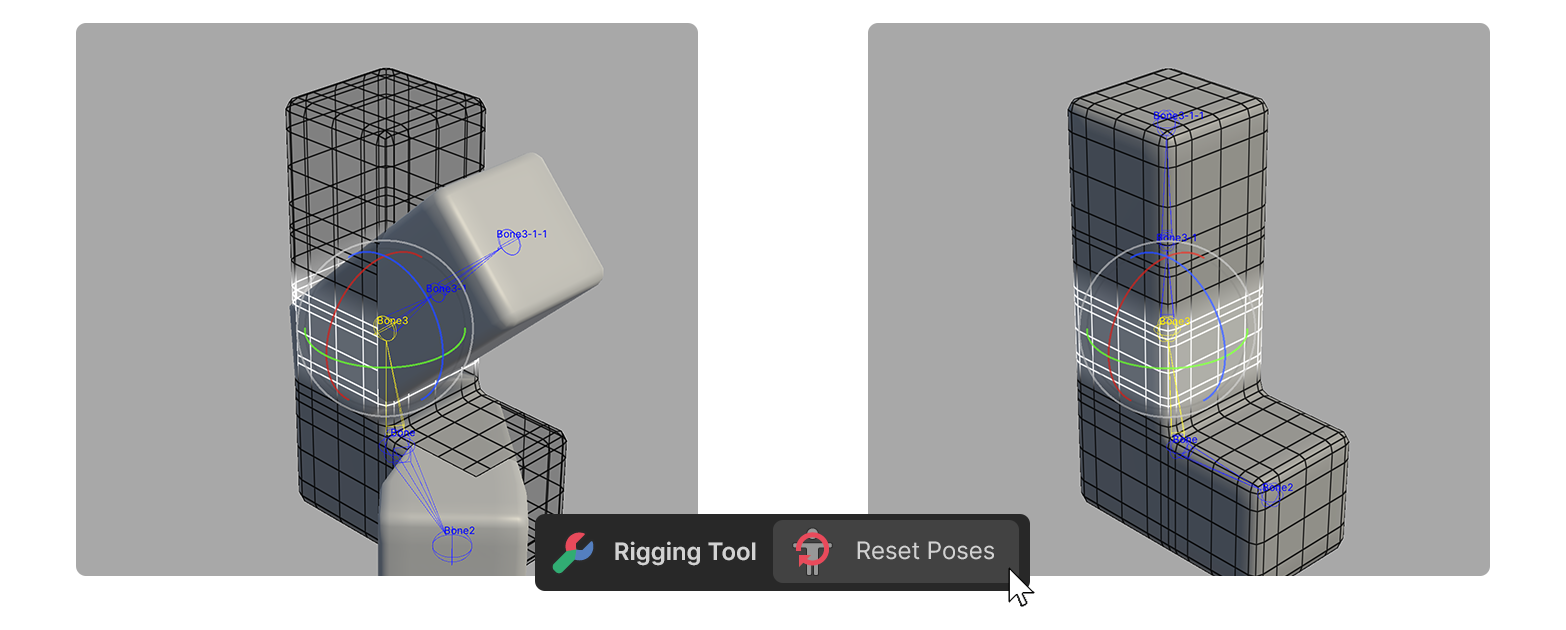
The Reset Poses Tool resets the position and rotation of a moved bone, returning it to its original default pose.
How to Use
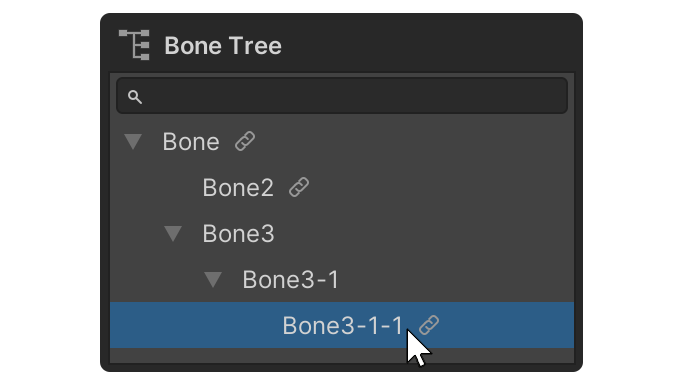
1.Select the desired bone in the Scene or Bone Tree area, Bind Bone List.
2.Use the selected bone's gizmo to move or rotate the bone.
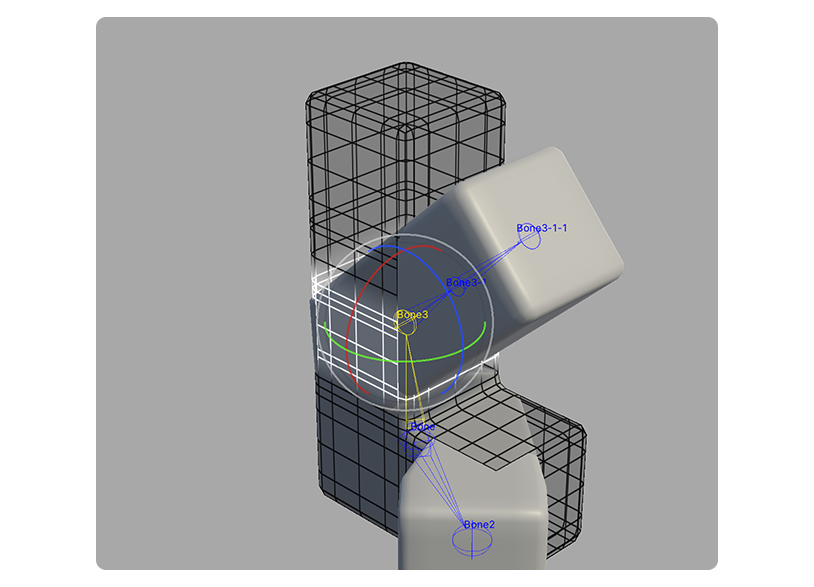
3.Run the Reset Poses Tool.
4.You will see that the positions and rotations of the bones have been reset.