
Shrink Tool
The Shrink tool is a tool that shrinks an area on selected elements. It does not work if there is no element selected
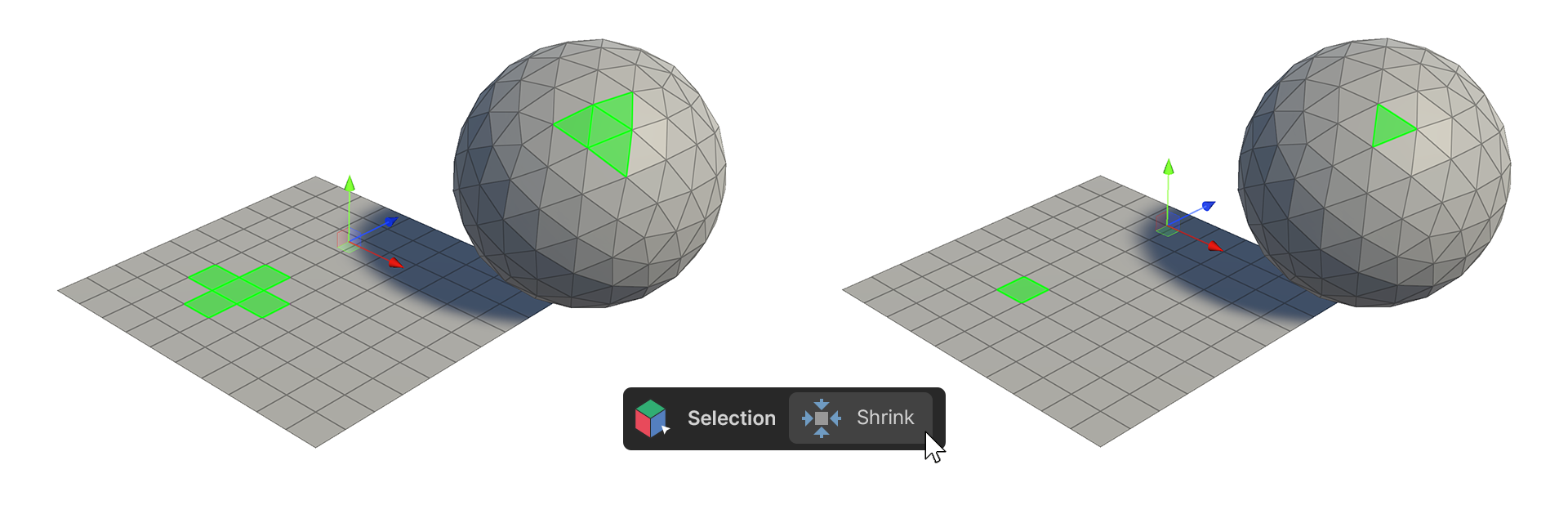
The Shrink tool is a tool that shrinks an area on selected elements. It does not work if there is no element selected
How to use it
Vertex
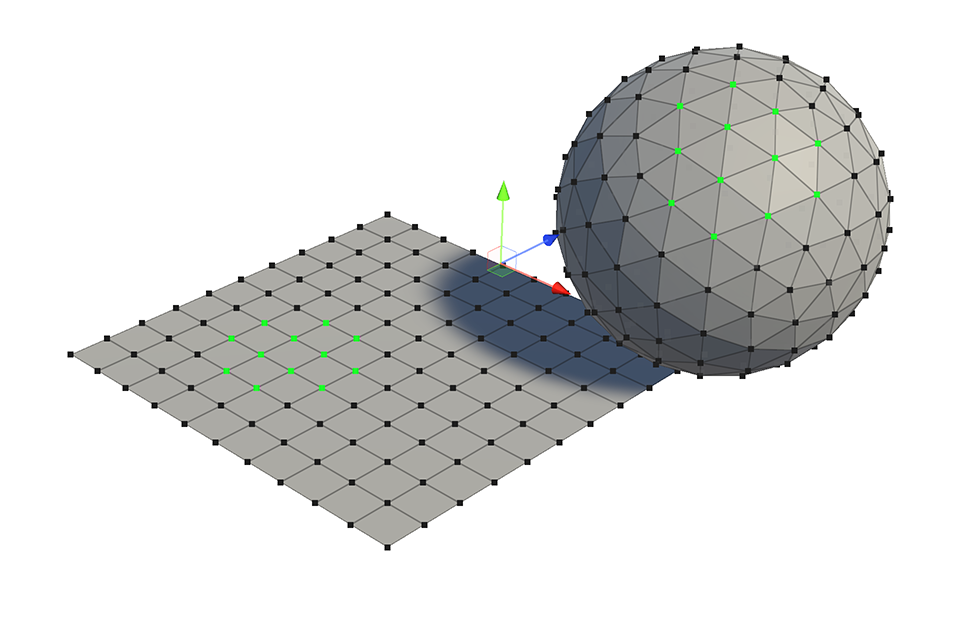
1.select one or more vertices.
2.Run the Shrink Tool.
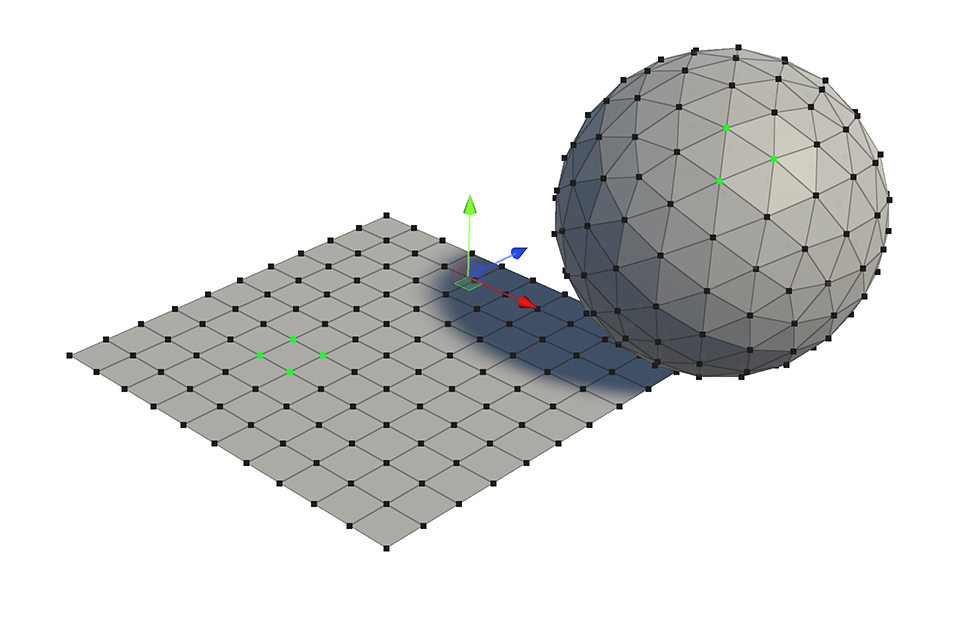
3.The selected vertex area will be shrunk and selected. If there is not enough range for the selected faces, they will be deselected.
Edge
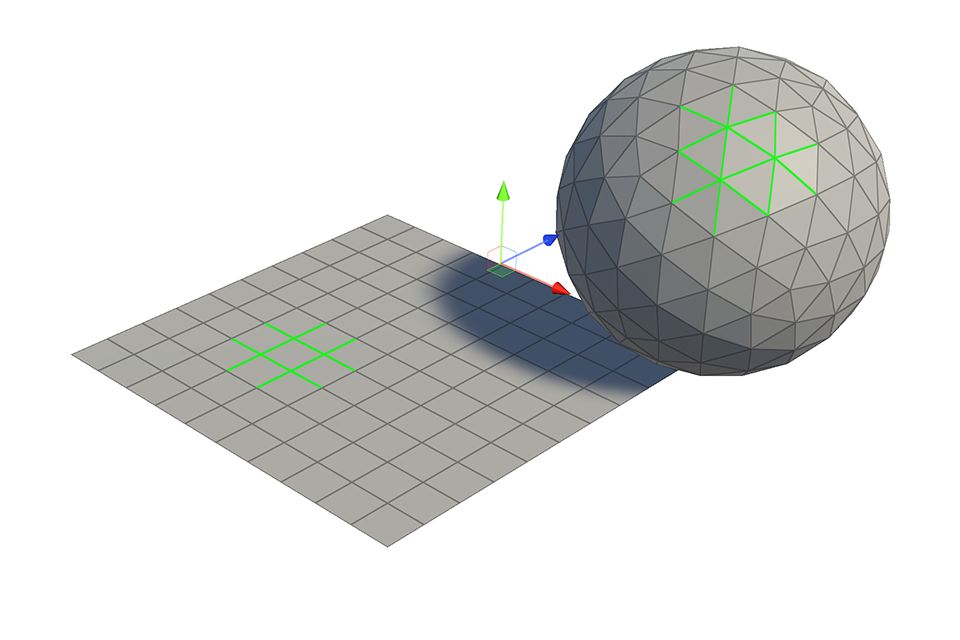
1.Select one or more edges.
2.Run the Shrink Tool.
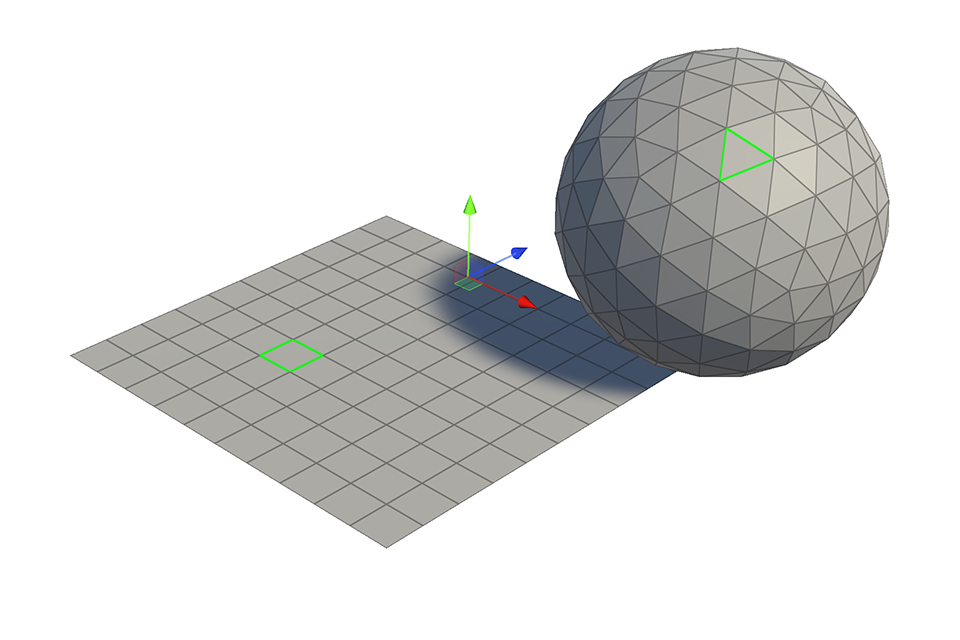
3.The selected edges will be shrunk and selected. If the selected faces do not have enough range, they will be deselected.
Face
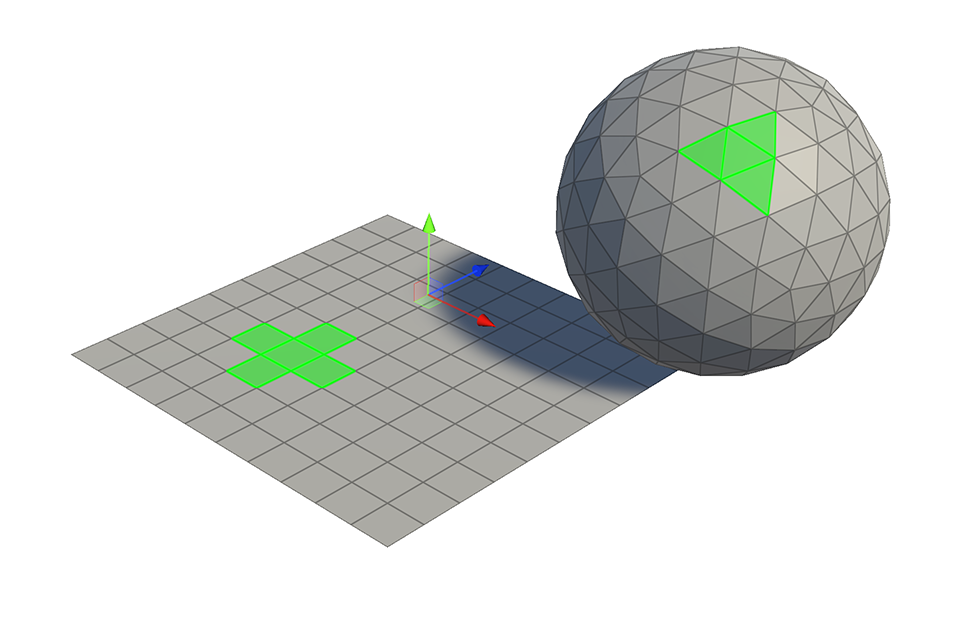
1.Select one or more faces.
2.Run the Shrink Tool.
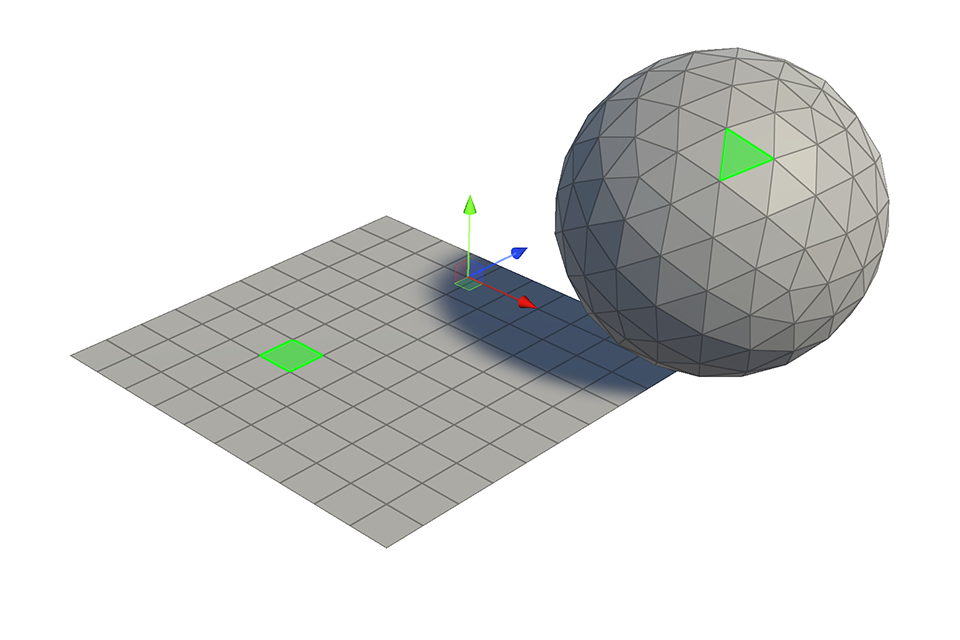
3.The selected faces will be shrunk and selected. If there is not enough range in the selected faces, they will be deselected.