
All Tool
The All tool is a tool that selects all selected elements.
Translation in progress — showing the English version.
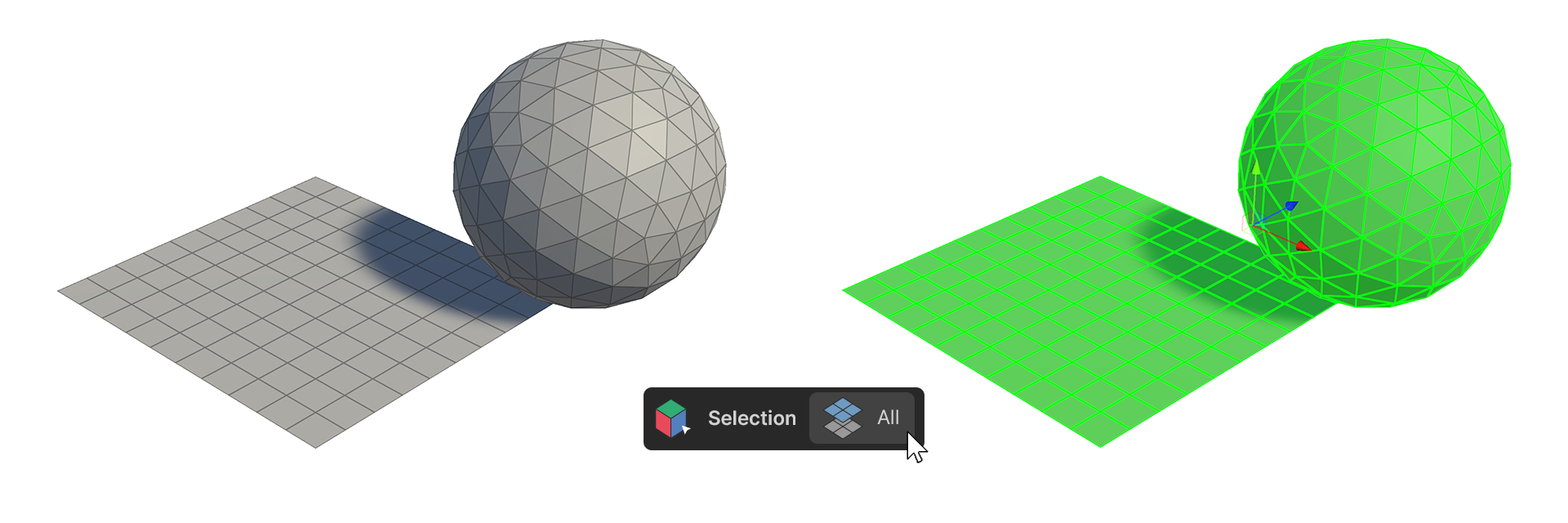
The All tool is a tool that selects all selected elements.
How to use
Vertices
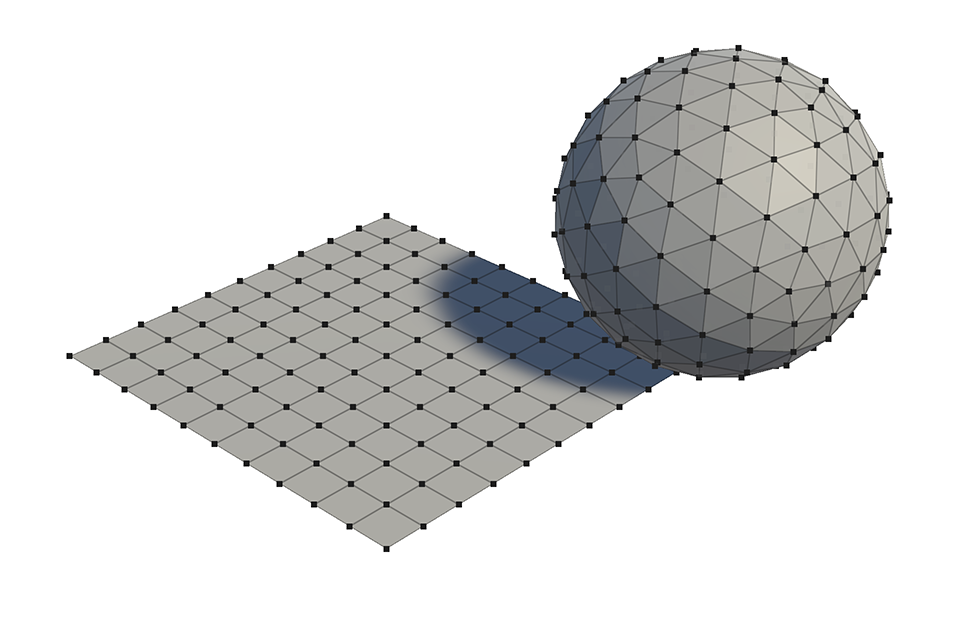

1.Select Vertices from the Select Top Elements.
2.Run the All Tool.
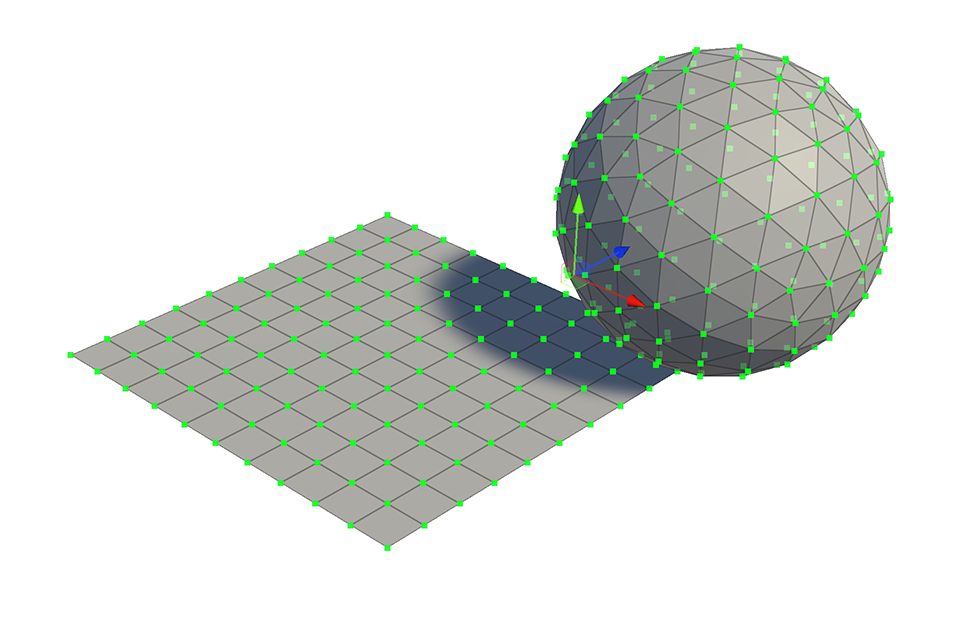
3.All vertices of the current object are selected.
Edge
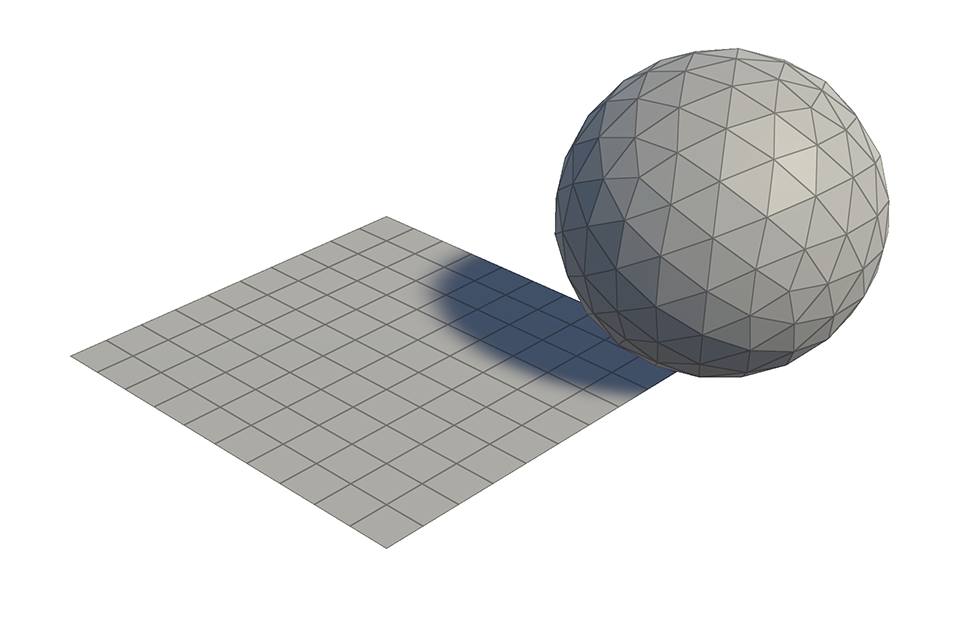

1.Select an edge from the Select Top Element.
2.Run the All Tools.
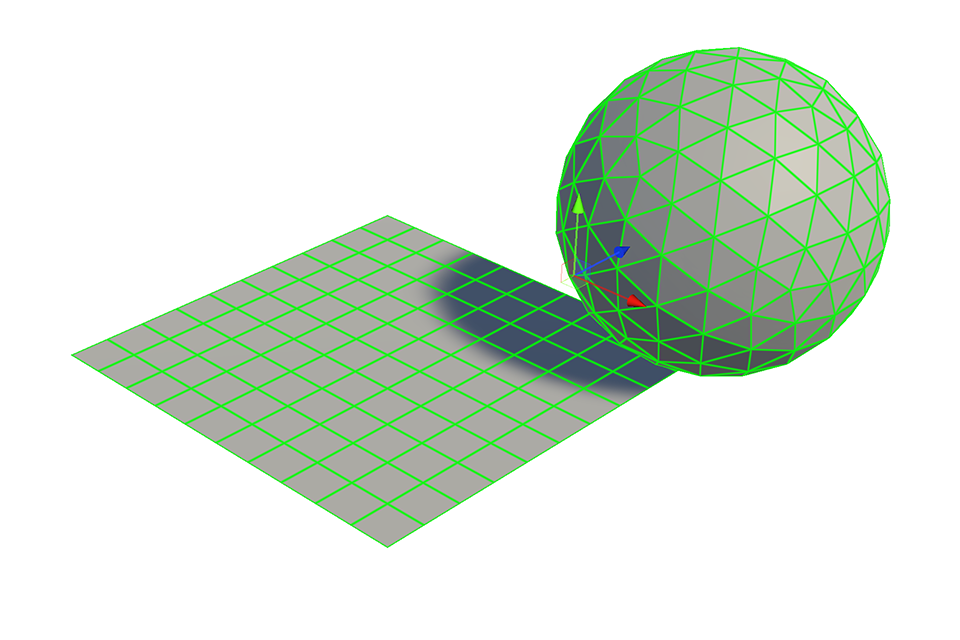
3.All edges of the current object are selected.
Face
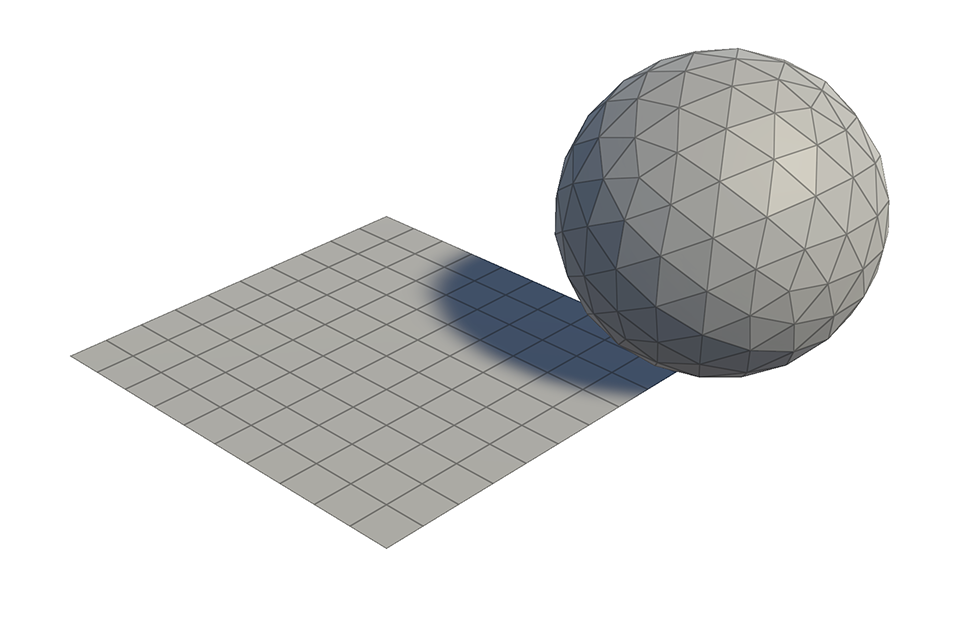

1.Select the Face from the Select Top Element.
2.Run the All Tool.
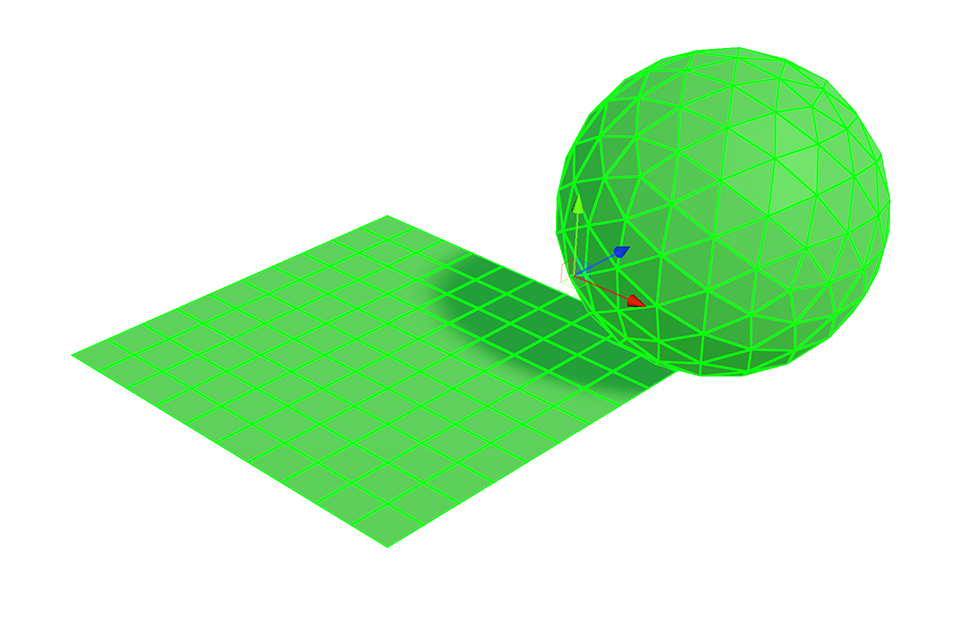
3.All faces of the current object are selected.