Loop Tool
The Loop tool is a tool that allows you to select by concatenating the selected element with elements in the aligned direction.
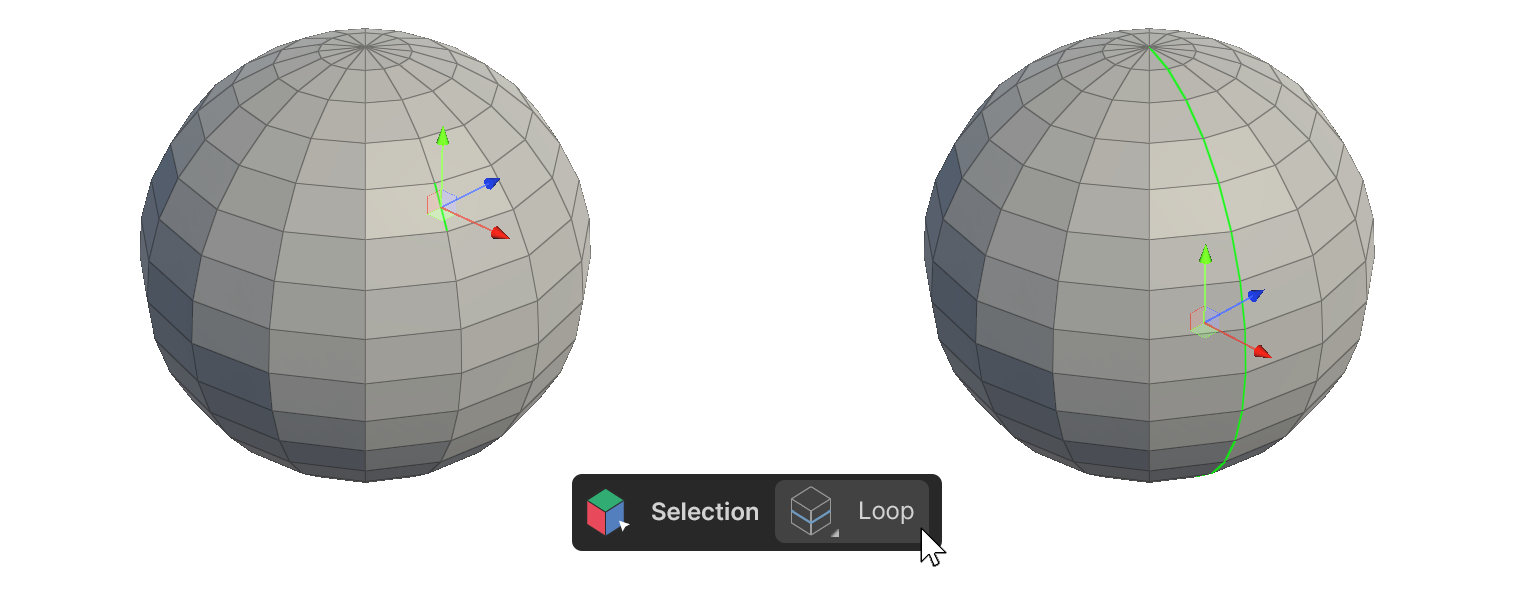
The Loop tool is a tool that allows you to select by concatenating the selected element with elements in the aligned direction.
How to use it
Edge
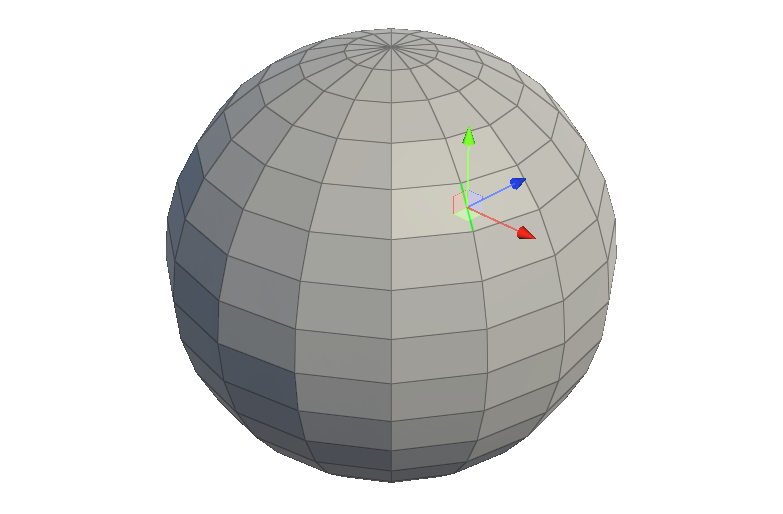
1.Select one or more edges.
2.Run the Loop tool.
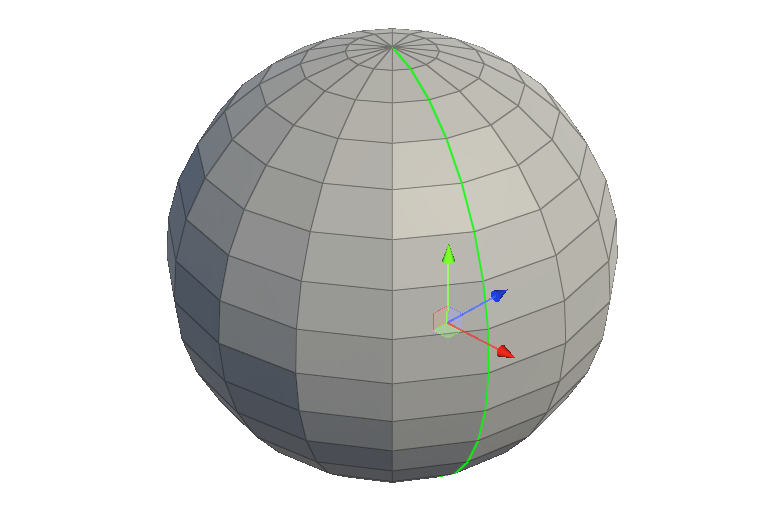
3.the edges associated with the selected edge are selected.
Face
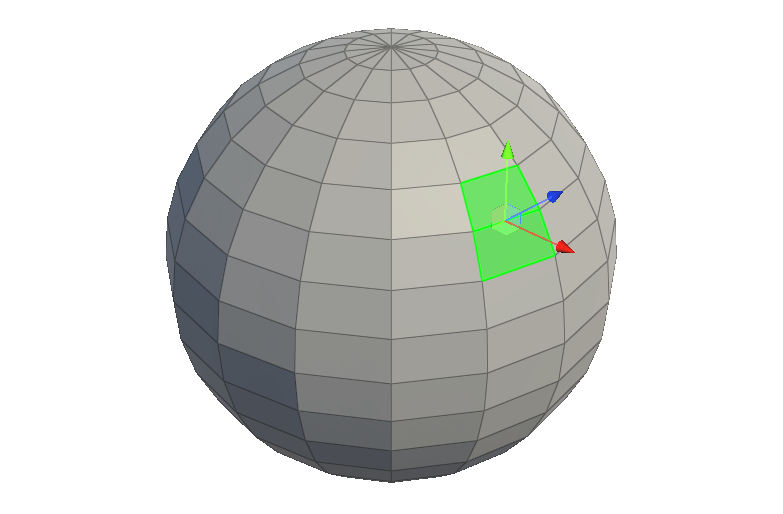
1.select 2 or more adjacent faces in the desired direction.
2.Run the Loop tool.
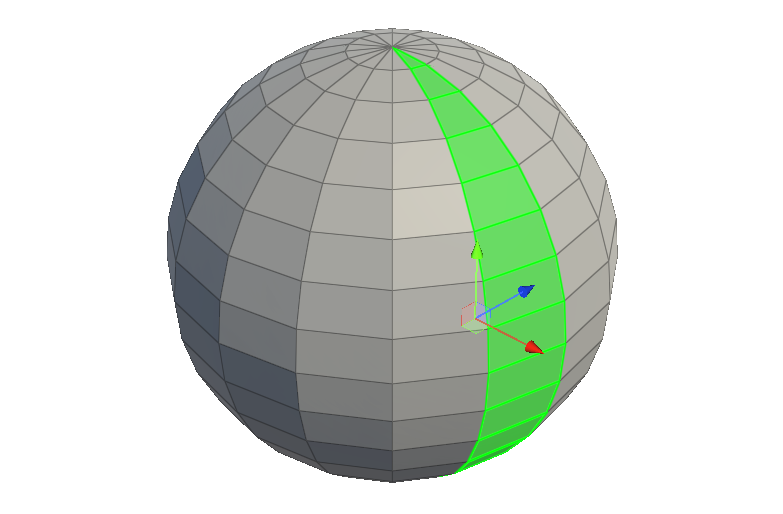
3.the faces in the direction of travel of the selected faces will be selected.
Properties
Select Type
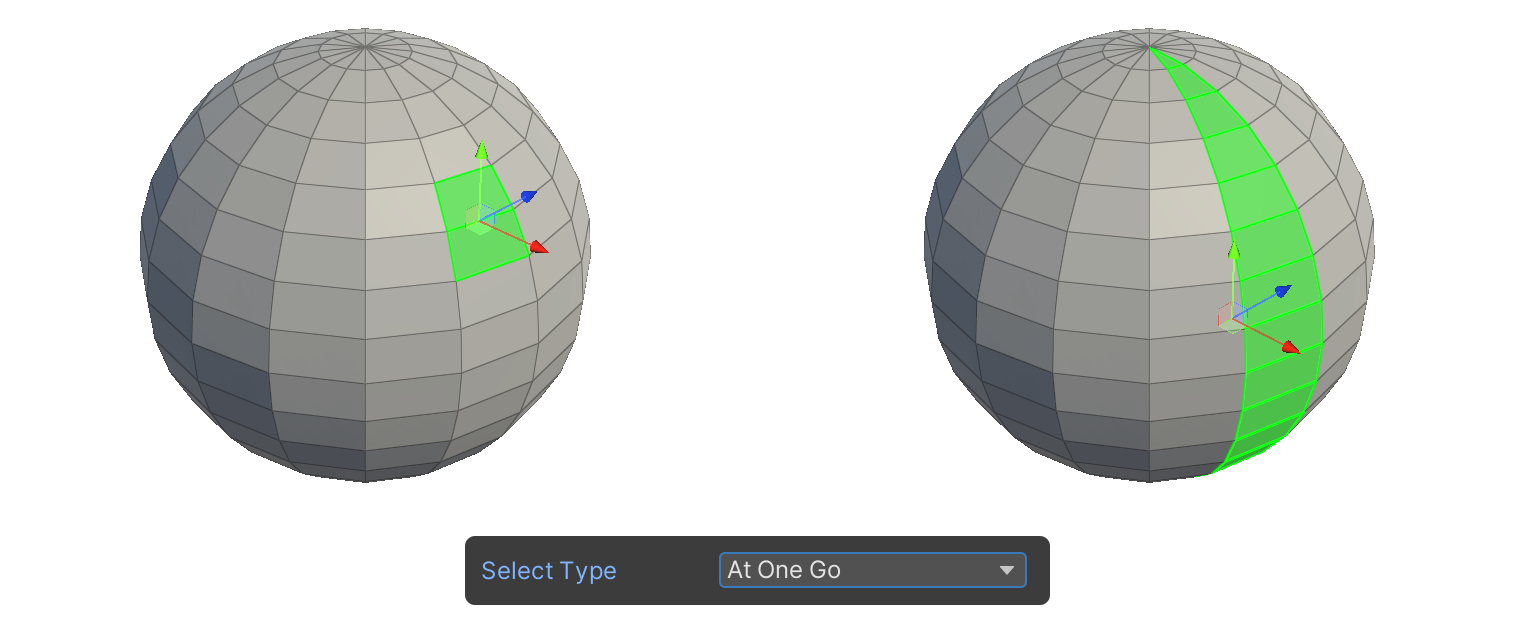
At One Go
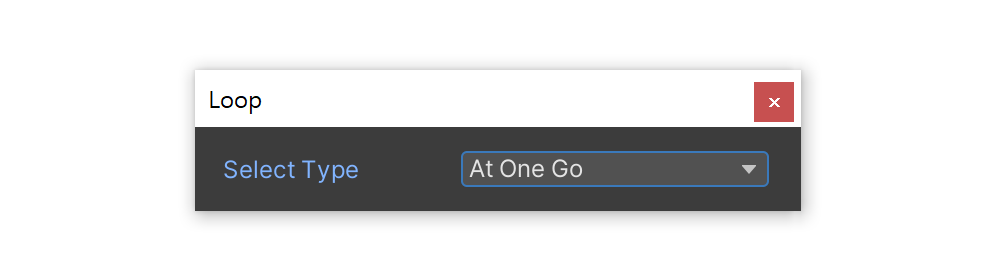
The At One Go property is a property that allows you to select all edges and faces at once based on the Loop tool selection criteria.
Edge
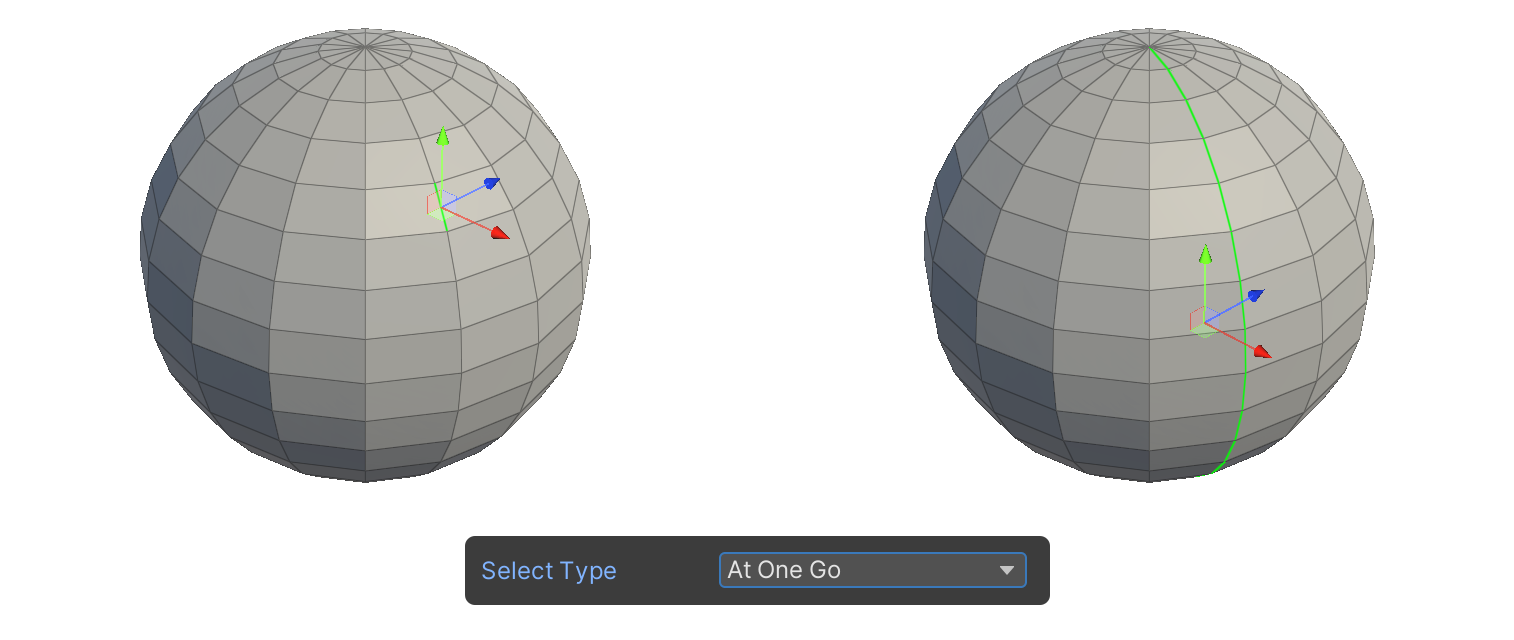
Face
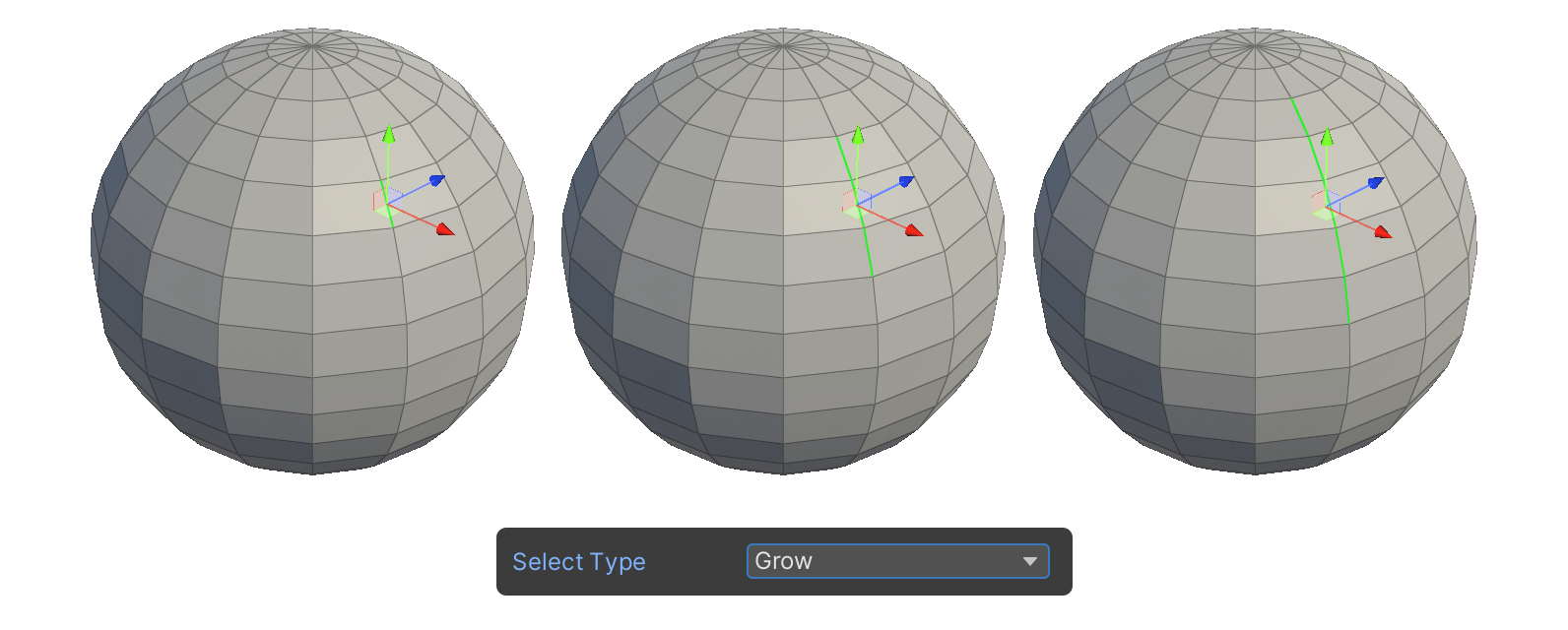
Grow
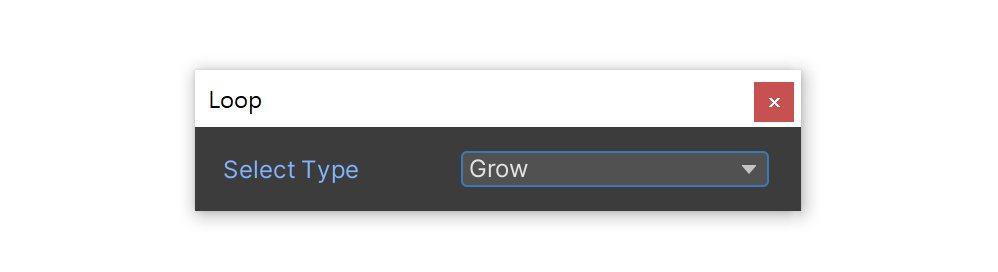
The Grow property is a property that allows selection in a way that increases the range each time the Loop tool icon is clicked.