Delete Tool
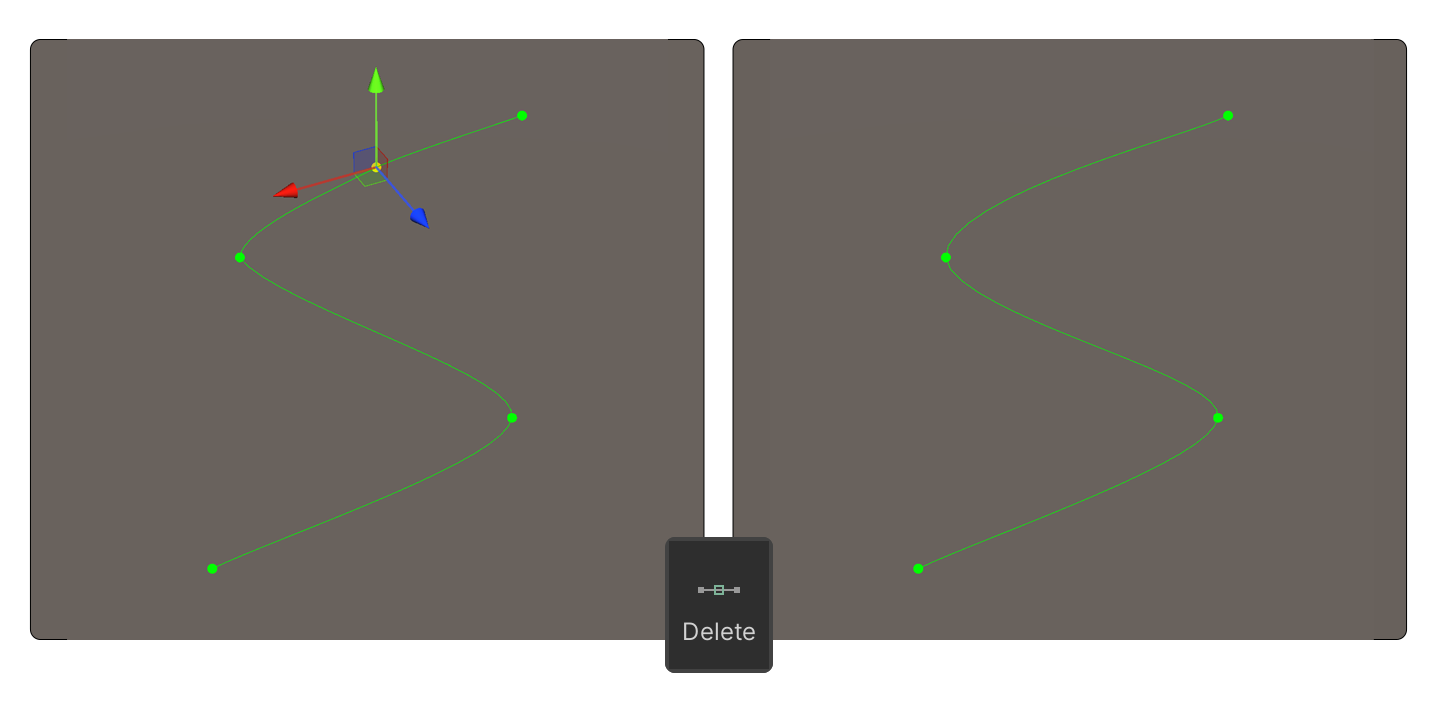
Deletes points. You can delete a point by selecting it and pressing the Delete key. Alternatively, in Edit Mode, you can delete points by holding Ctrl + Shift and clicking.
Deletes points. You can delete a point by selecting it and pressing the Delete key. Alternatively, in Edit Mode, you can delete points by holding Ctrl + Shift and clicking.