
Invert Tool
The Invert tool in the UV Editor is a selection inverting tool that excludes the currently selected UVs.
Translation in progress — showing the English version.
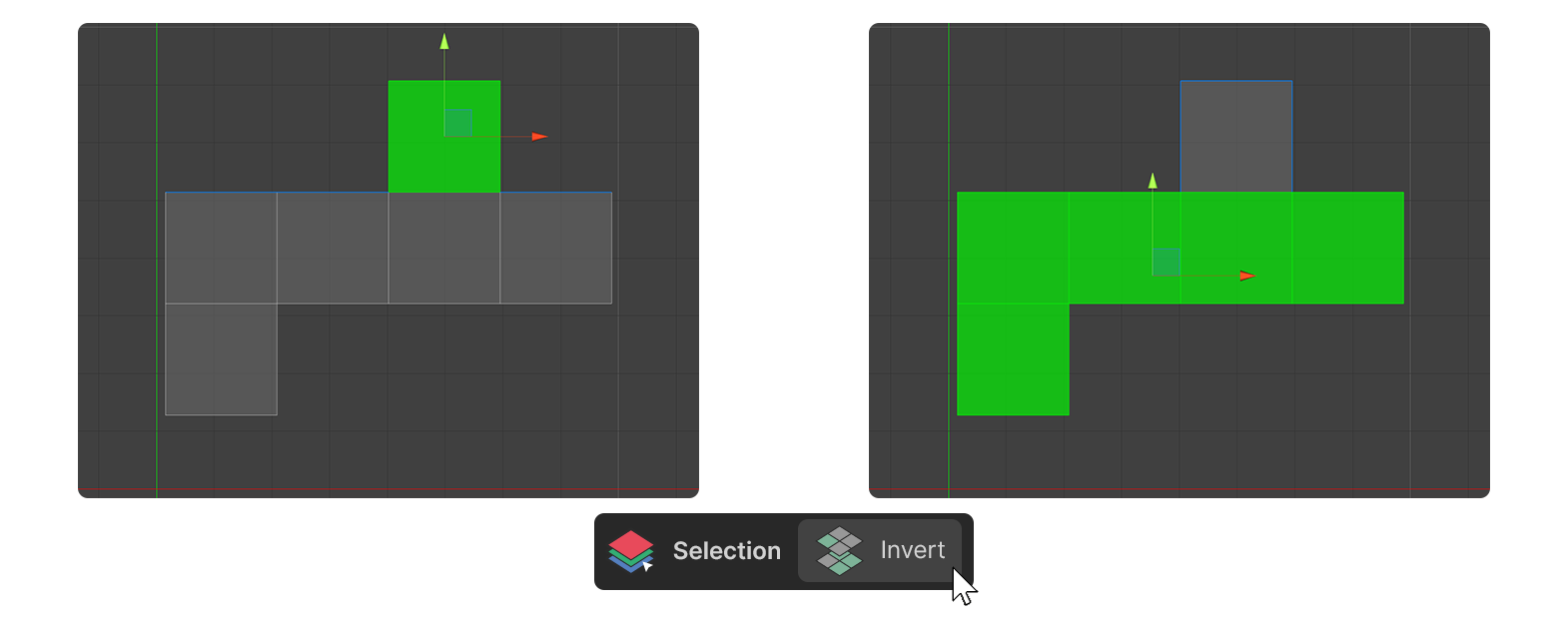
The Invert tool in the UV Editor is a selection inverting tool that excludes the currently selected UVs.
How to use
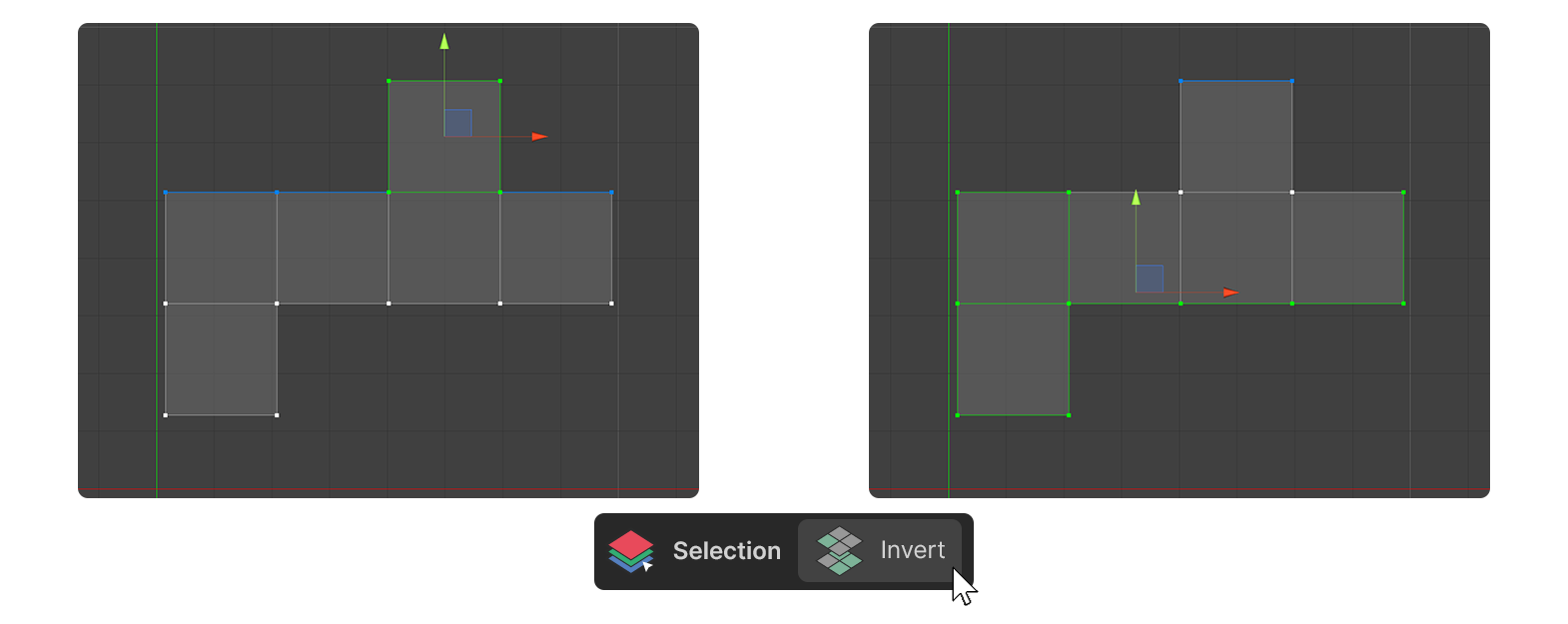
Vertices
- Select the vertices you want to exclude from the selection.
- Run the Invert tool.
- the vertices have been selected except for the selected ones.
Edges
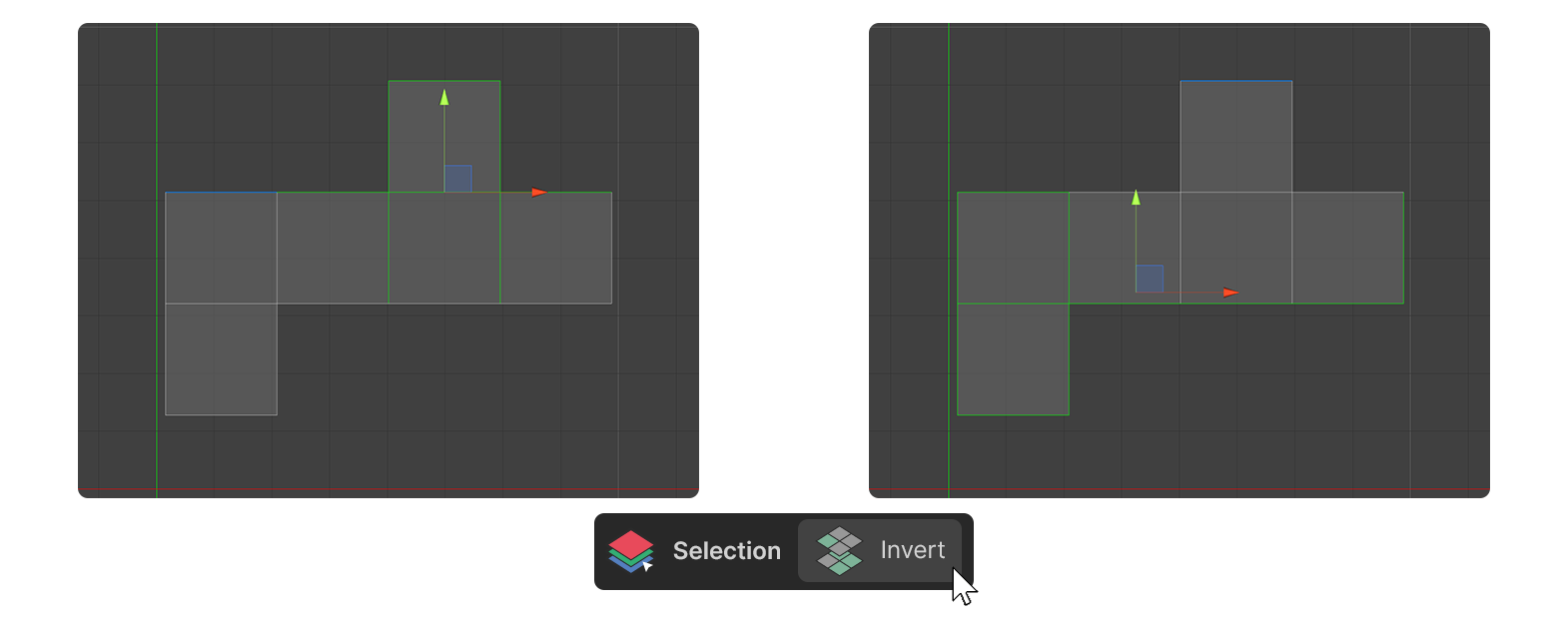
- Select the edges to exclude from the selection.
- Run the Invert tool
- the edges are selected except for the selected edge.
Faces
- Select the faces to exclude from the selection.
- Run the Invert tool
- the faces are selected except for the selected one.