Weld Tool
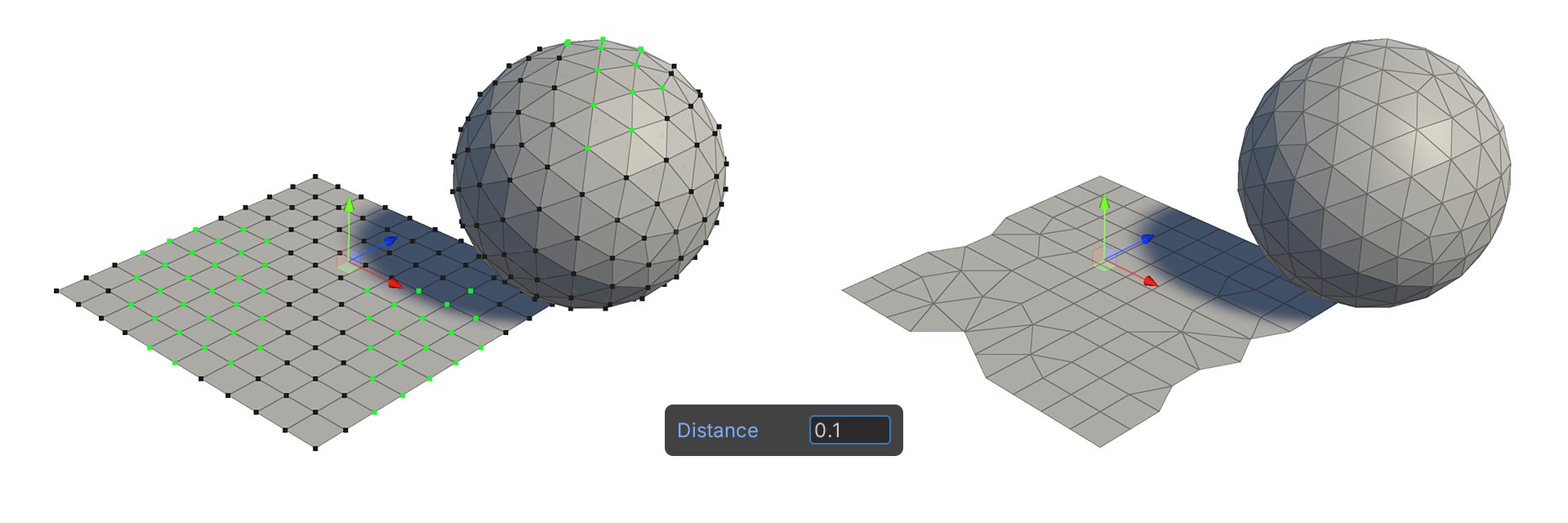
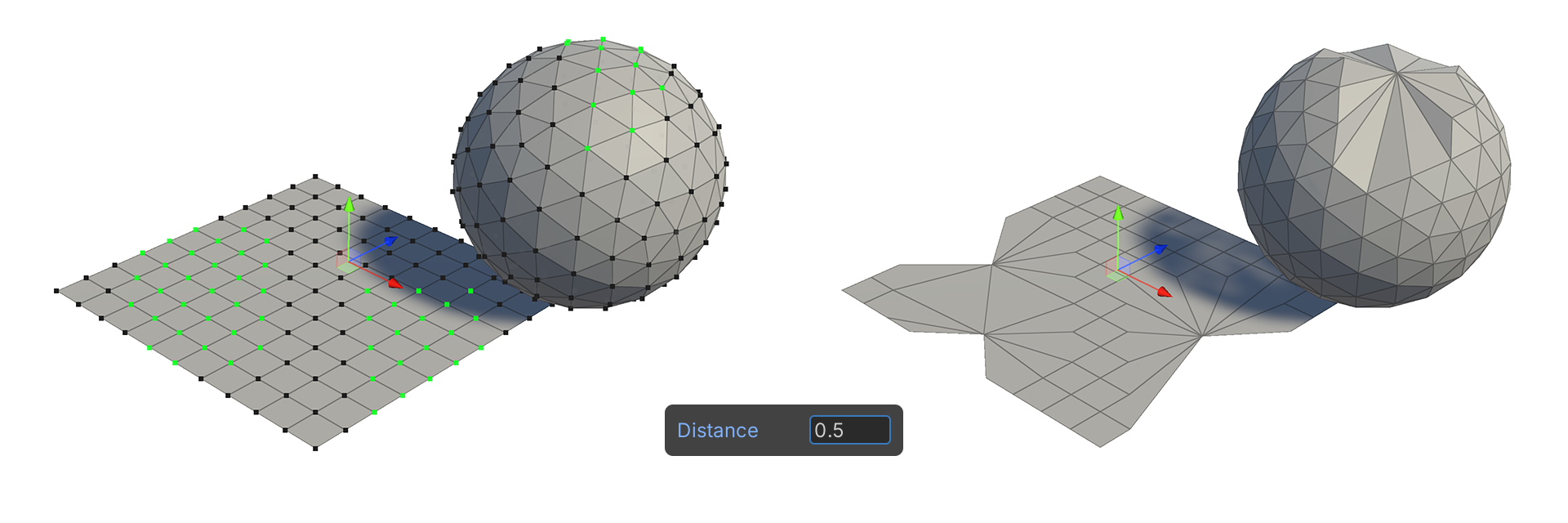
The Weld tool is a tool that joins selected vertices that are within a distance of a value set in the properties.
Translation in progress — showing the English version.
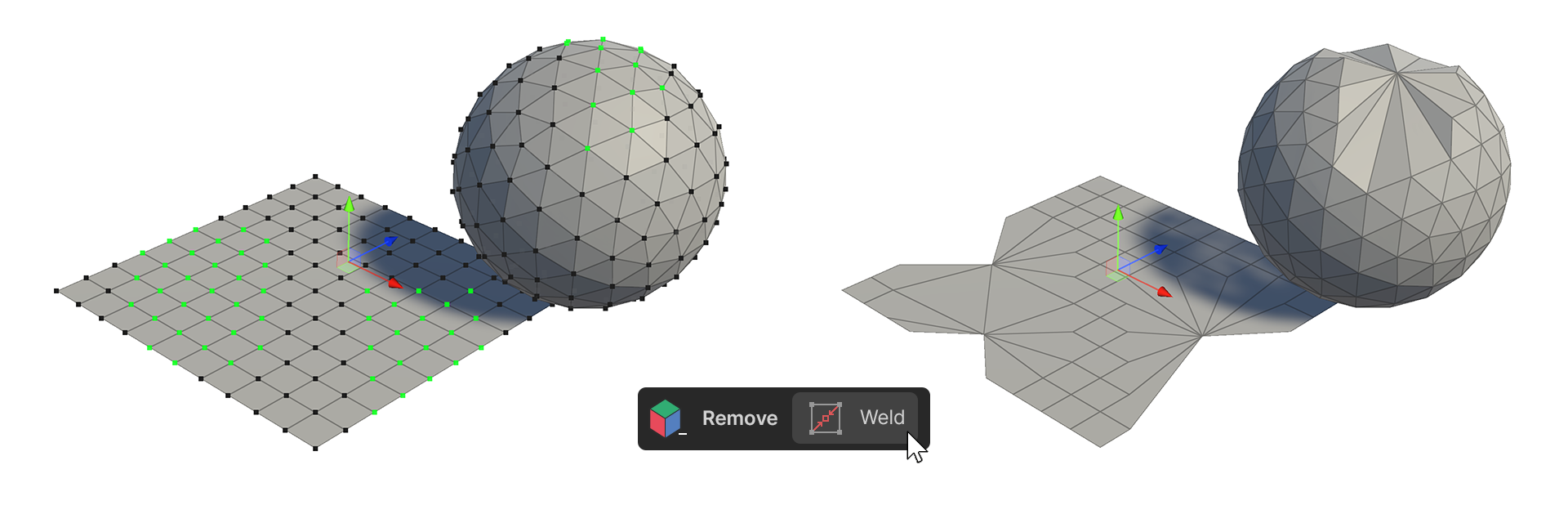
The Weld tool is a tool that joins selected vertices that are within a distance of a value set in the properties.
How to use
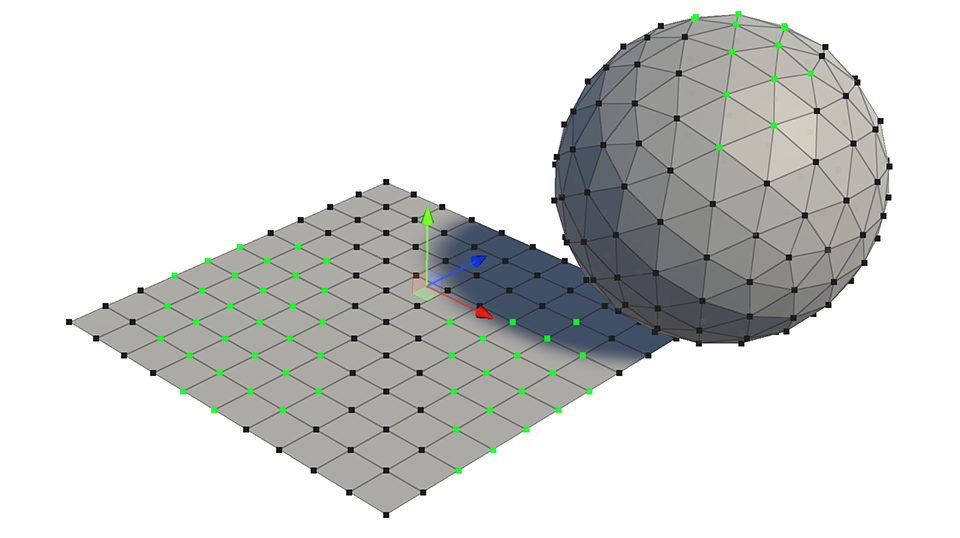
1.Select 2 or more vertices.
2.Run the Weld tool.
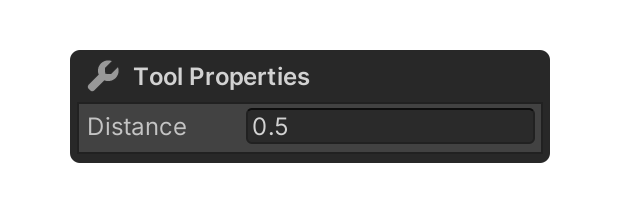
3.Enter the desired distance in the Distance property.
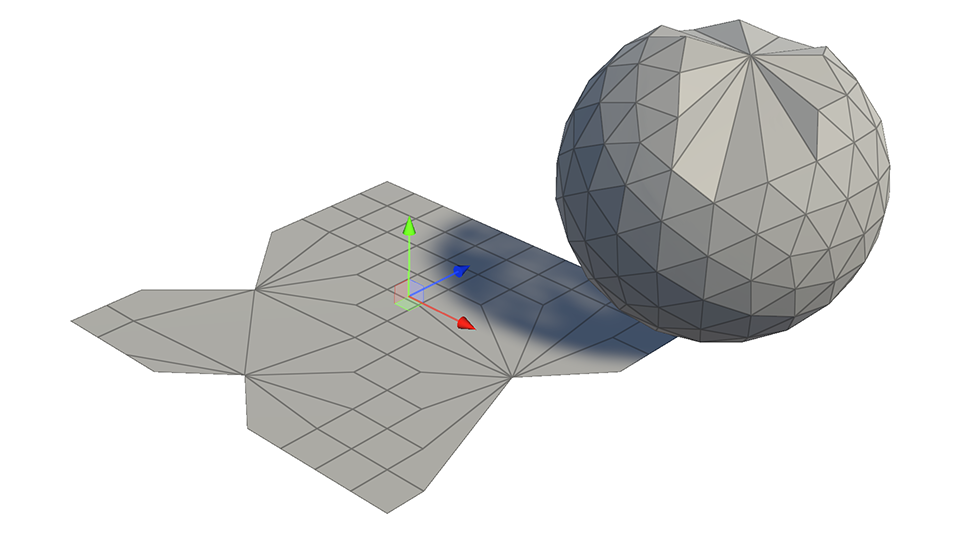
4.Vertices whose distance between them is less than or equal to the value entered in the Distance property will be joined.
5.Select the element, or use another tool to finalize.
Properties
Distance
This property allows you to set the distance between vertices to be merged.