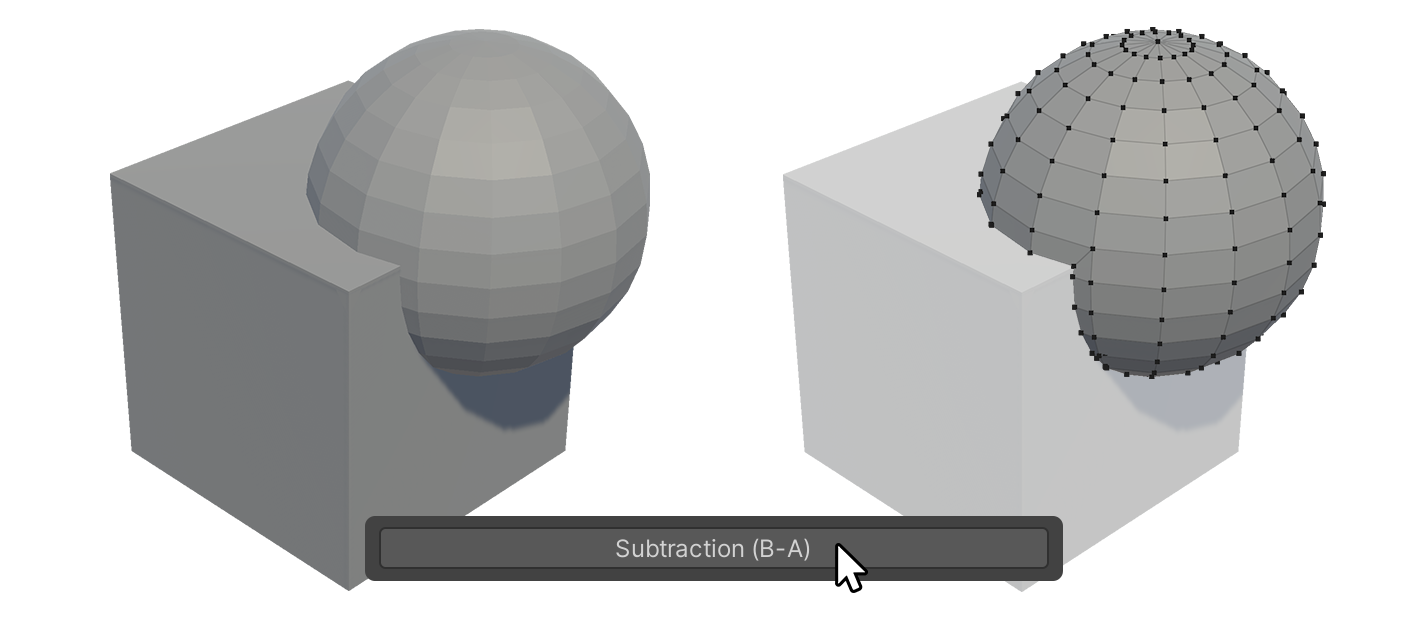
Boolean Tool
Boolean Tool is a tool that allows you to glue two objects together, extract only the overlap, or subtract one object from another for a selected two objects.

Boolean Tool is a tool that allows you to glue two objects together, extract only the overlap, or subtract one object from another for a selected two objects.
How to Use
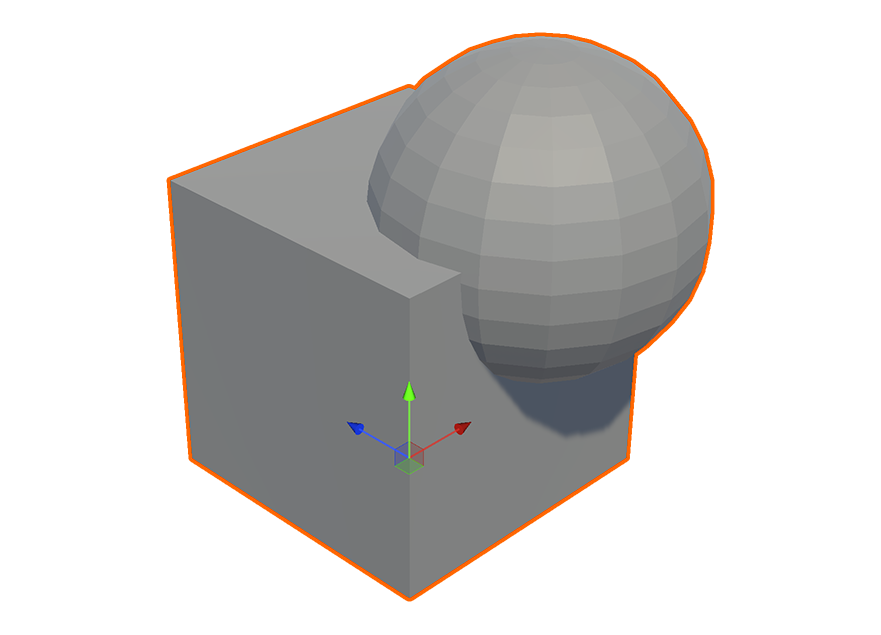
1.Select two UModeler X objects.
2.Run the Boolean tool in the Multiple Objects group.
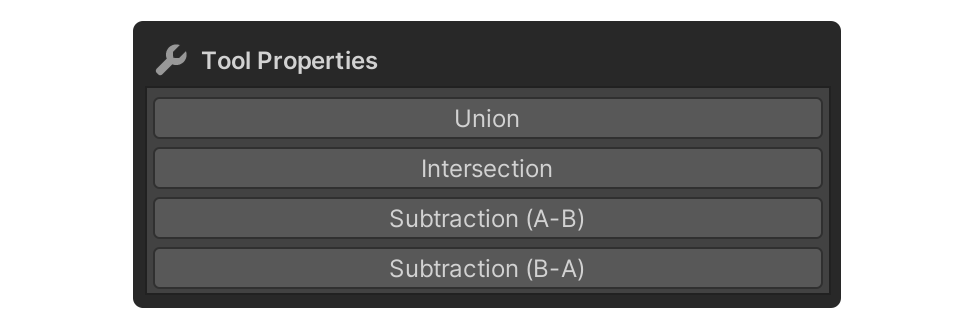
3.The first selected object is assigned as A, the next selected object is assigned as B, and the order of A and B is important when using the Subtraction button.
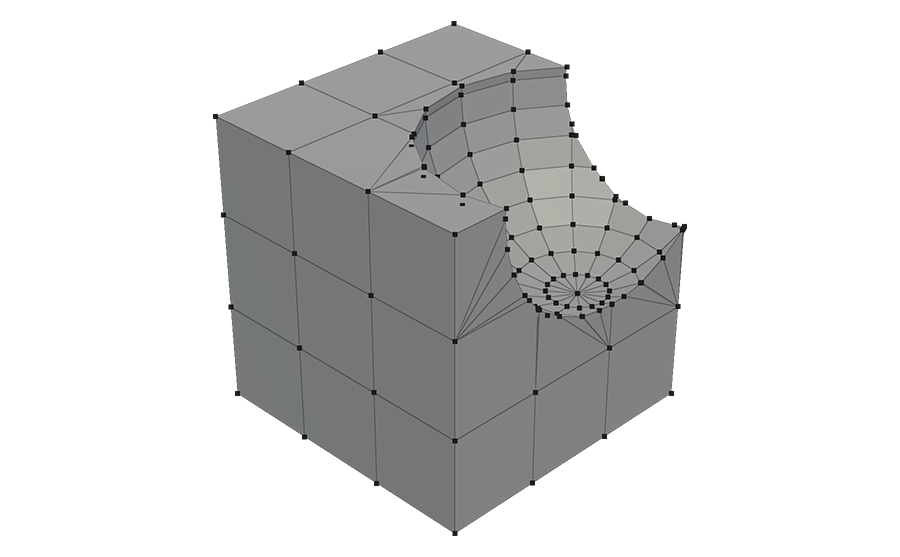
4.The result of the selection is created as a new object.
Properties
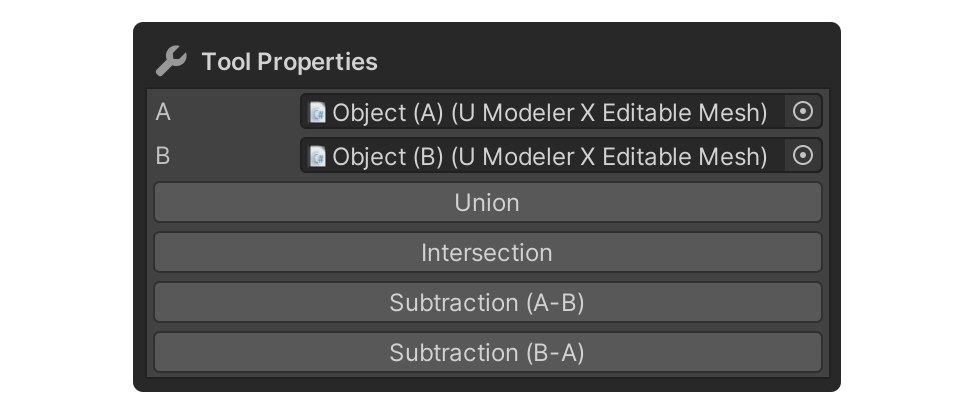
A
View the name of the object registered as Object A.
B
View the name of the object registered as Object B.
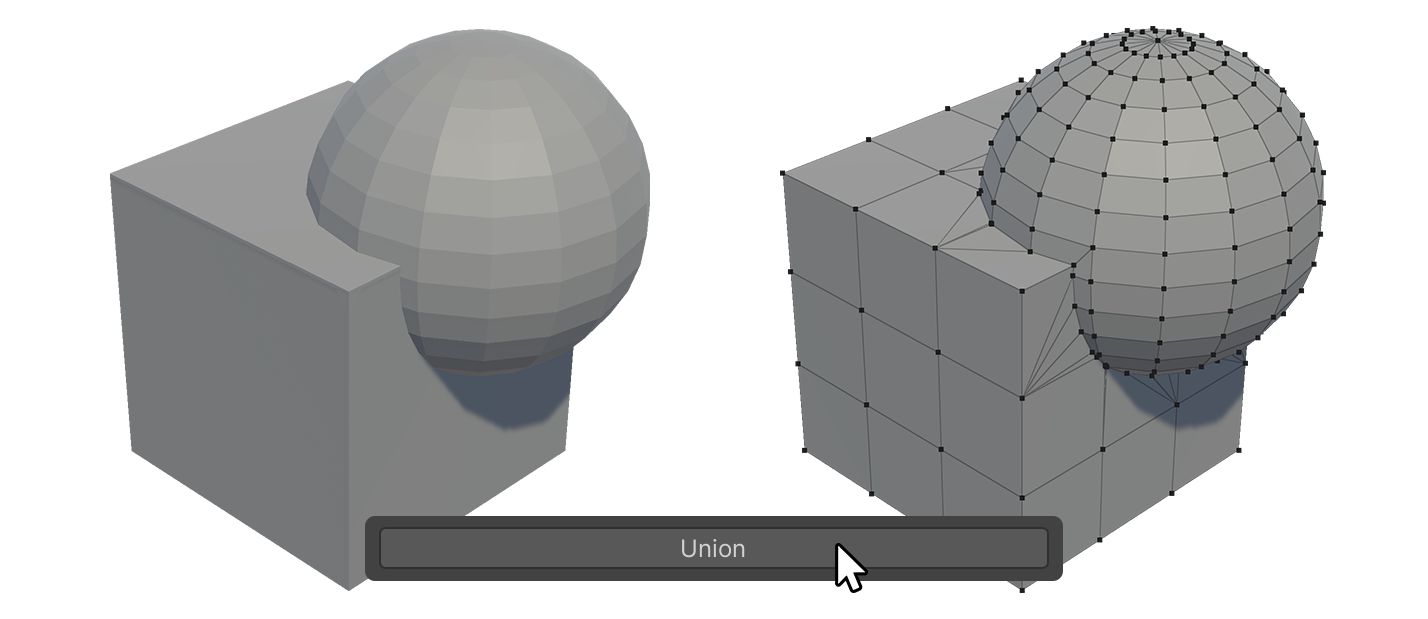
Union
Combines two objects into a single object. The overlapping mesh is removed and a new object is created.
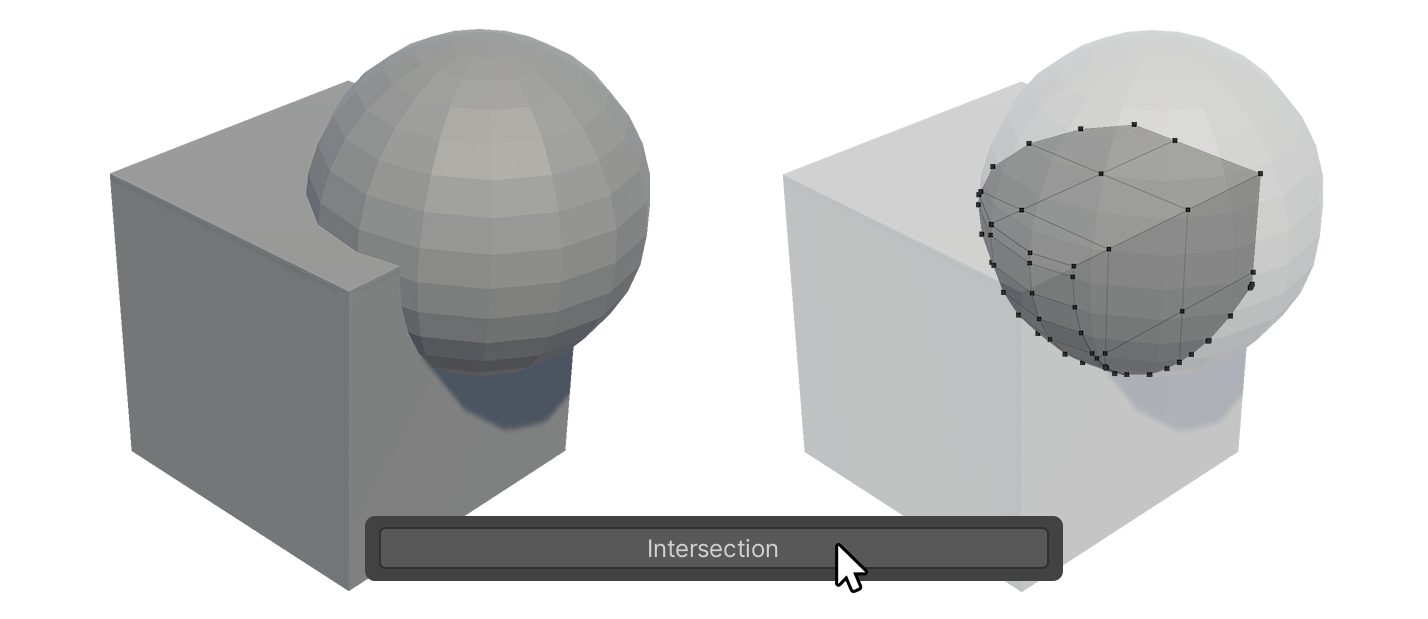
Intersection
Button to make two objects into a single object, leaving only the overlapping parts.
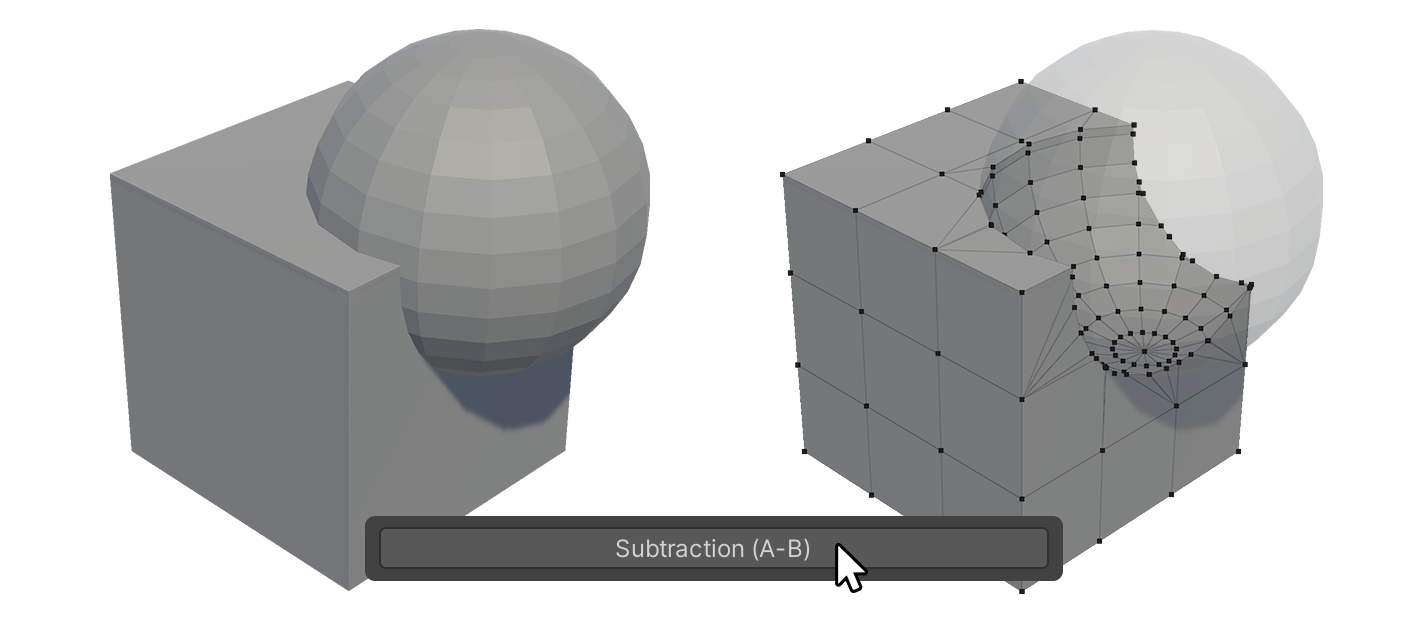
Subtraction (A-B)
Button that creates a new object by subtracting Object B from Object A.
Subtraction (B-A)
Button that creates a new object by subtracting Object A from Object B.